Description
Pricing
Features
Specification
Review
Compare
FAQs
Alternatives
 Get Free Advice
Get Quote



Brand : Autodesk


Have Questions?
Starting at
$ 55
Save Extra with 2 Offers
 Save upto 18%, Get GST Invoice on your business purchase |
Users with registered businesses can purchase goods from merchants on the platform to satisfy their business needs. Users are not permitted to utilize any products acquired through the platform for resale, advertising, business, or further distribution.
For each purchase made, users will receive a Tax Invoice (or 'GST invoice') that includes specific details such as:
the GSTIN of the user associated with their registered business, and
the specified Entity Name for their business.
It should be noted that not all products are eligible for GST Invoice. Only the products displayed by participating sellers with the 'GST-based Invoice Available' callout on the product description page would qualify.
Certain goods and services are not eligible to get a GST Invoice, including items with VAS, i.e., Value Added Services (e.g., Total Mobile Protection/Assured Buyback) and those involving an exchange offer at the time of purchase.
Users must ensure the accuracy of the GSTIN, and business entity name provided for the GST Invoice. Requests for corrections into GST Invoice would not be accommodated by Techjockey.com or any Seller, and any issues arising from user-provided information are the sole responsibility of users.
Techjockey.com is not liable for the GST Invoice or any associated input tax credit. To efficiently claim an input tax credit, users should select the registered place of business address as per the GST authority's data and follow the provisions of the GST Act and rules.
To claim an input tax credit, the delivery and billing addresses must match. Furthermore, input tax credits will not be granted if the delivery address and GSTIN on the invoice are from different states. In case of incorrect GST details provided during the order placement, the order will be canceled automatically.
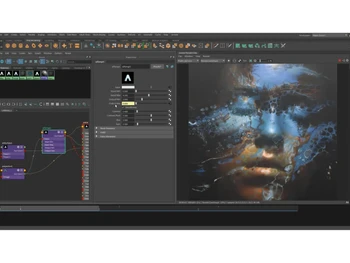
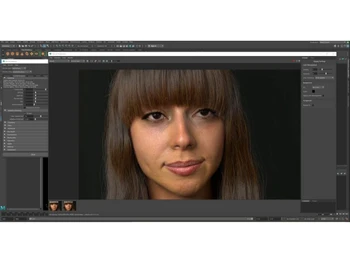
Buy Now & Pay Later, Check offer on payment page. Autodesk Arnold is a professional 3D rendering software that creates highly realistic images and animations using advanced light simulation for films, games, and visual effects. ...Read more
 Get Instant Expert
  Safe & Secure
  Assured Best Price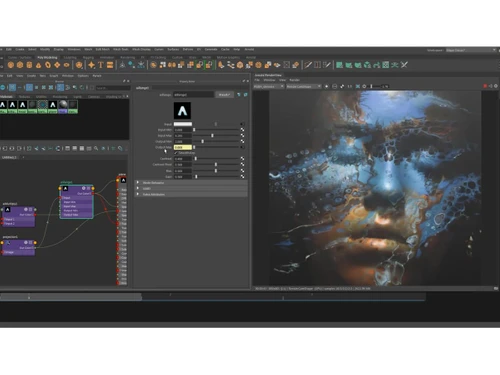
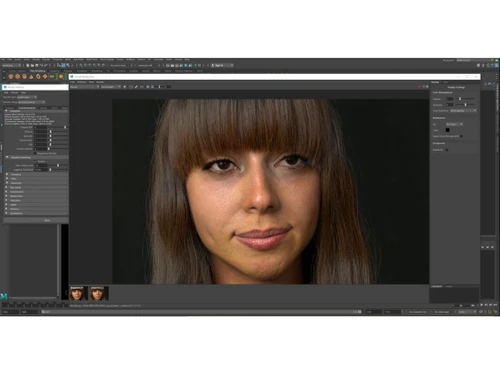
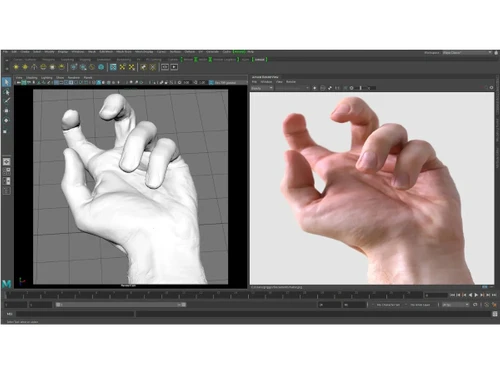
 Photorealistic Rendering Produces highly realistic images using physically based ray tracing that simulates real-world lighting, reflections, and shadows. GPU Rendering Accelerates rendering using GPU hardware, allowing artists to render complex scenes faster and improve productivity. CPU Rendering Supports powerful CPU-based rendering for stable, scalable performance across complex scenes and large production pipelines. Interactive Rendering Provides real-time render previews while adjusting lights, materials, or cameras to speed up creative workflows. Illumination Simulates natural light bouncing between surfaces, producing accurate indirect lighting and realistic scene depth. Advanced Shading System Offers flexible shader creation using node-based workflows and Open Shading Language for custom materials. Volumetric Rendering Renders realistic fog, smoke, clouds, and atmospheric effects using advanced volumetric light scattering. Motion Blur Generates natural motion blur for moving objects and cameras, improving realism in animations and dynamic scenes. Procedural Geometry Supports procedural generation of complex geometry at render time, reducing memory usage and improving performance. Scalability Efficiently handles extremely large scenes with millions of polygons without compromising rendering stability. Cross-Platform Support Works across Windows, Linux, and macOS environments, enabling flexible deployment in production pipelines. Batch Rendering Enables automated rendering of multiple frames or scenes, supporting large animation and visual effects projects. Integration with 3D Software Seamlessly integrates with tools like Maya, 3ds Max, Houdini, and Cinema 4D for smooth 3D production workflows.
 | Brand Name | Autodesk |
| Information | Autodesk makes software for people who make things. If you’ve ever driven a high-performance car, admired a towering skyscraper, used a smartphone, or watched a great film, chances are you’ve experienced what millions of Autodesk customers are doing with our software. |
| Founded Year | 1982 |
| Director/Founders | John Walker / Dan Drake |
| Company Size | 1000+ Employees |
| Other Products | Autodesk AutoCAD LT 2017 , Autodesk Mudbox, Autodesk Maya, Autodesk Revit, Autodesk AutoCAD |


 20,000+ Software Listed
 Best Price Guaranteed
 Free Expert Consultation
 2M+ Happy Customers
 USA
USA UAE
UAE
 Write a Review