linkedin

Awesome Screenshot VS Dubble

Let’s have a side-by-side comparison of Awesome Screenshot vs Dubble to find out which one is better. This software comparison between Awesome Screenshot and Dubble is based on genuine user reviews. Compare software prices, features, support, ease of use, and user reviews to make the best choice between these, and decide whether Awesome Screenshot or Dubble fits your business.

Quick View

  • Rating & Review
  • Platforms
  • Recommended
  • Not Available

  • icon_ubuntu icon_desktop icon_mac icon_linux
  • Not Available

  • Not Available

  • icon_desktop icon_mac icon_linux
  • Not Available

Pricing

img

Price Plans

$ 6.00

Basic

$ 8.00

Professional

View Details img

$ 24.00

Pro

View Details img

  • Free Trial
  • Lifetime Plan
  • img Free Trial
  • img
  • img

Best Use for

img

Business Size:

  • img Individual
  • img 2-50 Employees
  • img 51-250 Employees
  • img 250-500 Employees
  • img 500-1000 Employees
  • img More than 1000+ Employees
  • img Individual
  • img 2-50 Employees
  • img 51-250 Employees
  • img 250-500 Employees
  • img 500-1000 Employees
  • img More than 1000+ Employees

Business Type:

  • img Small Business
  • img Startups
  • img Medium Business
  • img Enterprise
  • img SMBs
  • img SMEs
  • img MSMBs
  • img MSMEs
  • img Freelancers
  • img Individual
  • img Small Business
  • img Startups
  • img Medium Business
  • img Enterprise
  • img SMBs
  • img SMEs
  • img MSMBs
  • img MSMEs
  • img Freelancers
  • img Individual

Industries:

  • imgAll Industries
  • imgAll Industries

We provide the best software solution for your business needs

img
img

Features

img

Product features

  • checked Screen Recording
  • checked Integrations
  • checked Cross-Platform Support
  • checked Team Collaboration
  • checked Screen Capture Editing
  • checked File Export
  • checked Instant Sharing
  • checked Cloud Storage
  • checked Audio Recording
  • checked Webcam Recording
  • checked Video Annotation
  • checked Image Blur
  • checked Screen Annotation
  • checked Scrolling Screenshot
  • checked Screenshot Capture
  • checked Recording Management
  • checked AI Documentation
  • checked Third Party Integrations
  • checked Cloud Storage
  • checked Workflow Documentation
  • checked Role-Based Access Control (RBAC)
  • checked Search Functionality
  • checked Document Sharing
  • checked Team Collaboration
  • checked Version control
  • checked Knowledge Base
  • checked Document Editor
  • checked Automatic Screenshot Capture
  • checked Screen Recording
  • checked Data Export

Specifications

img

Deployment

  • img Web based
  • img On Premises
  • img Web based
  • img On Premises

Device Supported

  • img Desktop
  • img Mobile
  • img iPad
  • img Tablet
  • img Desktop
  • img Mobile
  • img iPad
  • img Tablet

Supported Platforms

  • img Windows
  • img Mac OS
  • img Android
  • img iOS
  • img Linux
  • img Ubuntu
  • img Windows
  • img Mac OS
  • img Android
  • img iOS
  • img Linux
  • img Ubuntu

Languages support

  • imgEnglish
  • imgEnglish

Compliance Regulations:

  • img COPPA
  • img HIPAA
  • img CCPA
  • img CPRA
  • img ECPA
  • img COPPA
  • img HIPAA
  • img CCPA
  • img CPRA
  • img ECPA

Alternatives

img

Send this comparison to my inbox

img Get directly in your email inbox on your Whatsapp

Popular Comparisons

Awesome Screenshot vs Dubble Comparison FAQs

Software questions,
answered

While Awesome Screenshot offers customized features, Dubble has diverse modules. Select between Awesome Screenshot or Dubble as per your business needs.

Both these products offer similar features but with a different approach. While Awesome Screenshot emphasizes on user experiences, Dubble focuses on functionalities.

It all depends on the functionalities that you prefer. While Awesome Screenshot offers add-ons along with essential features, Dubble emphasizes on customization.

No, the difference between Awesome Screenshot and Dubble lies in terms of features and functionalities. While Awesome Screenshot can be customized as per the user’s needs, Dubble addresses the diverse audience.

It depends upon your business requirement. Both Awesome Screenshot and Dubble provides standard features to cater diverse industry needs.

The difference lies in terms of the user interface and functionalities. While Awesome Screenshot is customizable, Awesome Screenshot offers comprehensive modules.

A Quick Comparison Between Awesome Screenshot vs Dubble

Choosing any software for your organisation is a crucial decision. As a decision maker, you must ensure that the software you choose addresses the pain points of your teams and reaps maximum benefit for you.

  • Comparison of Awesome Screenshot vs Dubble In terms of Features
  • Comparison Between Awesome Screenshot and Dubble In terms of Deployment Type
  • Awesome Screenshot or Dubble: Which Is Ideal for Your Industry
  • Which Is Better? - Awesome Screenshot or Dubble

Comparison of Awesome Screenshot vs Dubble In terms of Features

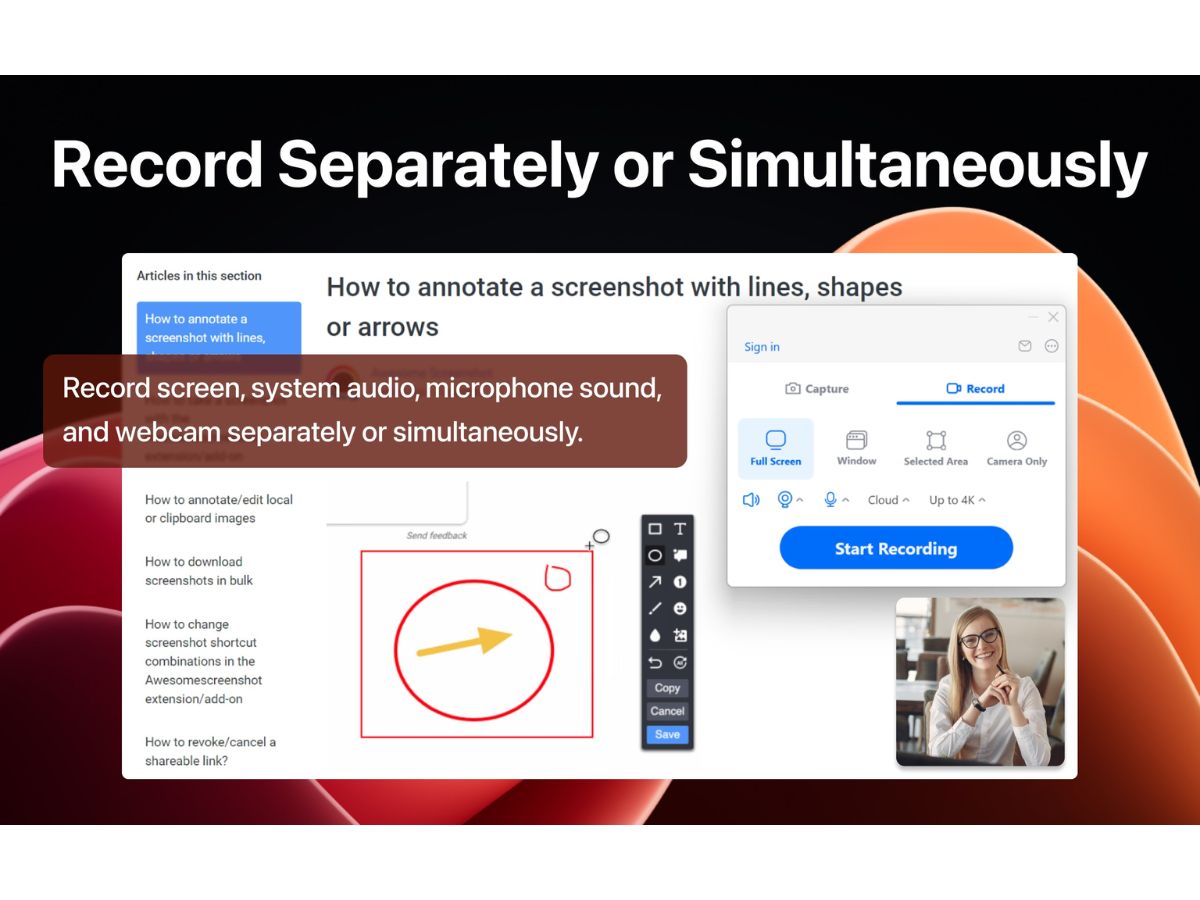
Awesome Screenshot includes features like Screen Recording, Integrations, Cross-Platform Support and Team Collaboration. Dubble is known for functionalities like AI Detection, Third Party Integrations, Cloud Storage and Material Workflow. When you compare Awesome Screenshot vs Dubble, look for scalability, customization, ease of use, customer support and other key factors. The one which suits your business needs is the best.

Comparison Between Awesome Screenshot and Dubble In terms of Deployment Type

While Awesome Screenshot supports Web Based deployment; Dubble is suitable for Web Based deployment. While selecting between Awesome Screenshot and Dubble, figure out which one of the two is compatible with your devices. This will help in reducing the hassle after implementation.

Awesome Screenshot or Dubble: Which Is Ideal for Your Industry

Awesome Screenshot is ideal for industries like All Industries. For All Industries, Dubble is a better choice. If you are confused between Awesome Screenshot or Dubble, you can also check if the software has customizable modules for your industry. Industry-specific functionalities will ensure higher efficiency and ROI. However, do check for the hidden price, is any.

Which Is Better? - Awesome Screenshot or Dubble

Awesome Screenshot and Dubble can be used for different purposes and are well-suited for teams with specific needs. If you are looking for a platform that is easy to use, has low barriers to entry, and offers a lot of customization, flexibility, and integration options, then you must compare their specifications in detail at the time of demo. Compare Awesome Screenshot and Dubble during demo to decide which one is best for your business.

Add Software to Compare

close

Recommended Products

20,000+ Software Listed 20,000+ Software Listed

Best Price Guaranteed Unbiased Comparison

Free Expert
                        Consultation Read Authentic Reviews

2M+ Happy Customers 500,000+ Monthly Users