linkedin
Affint logo
play Product Walkthrough
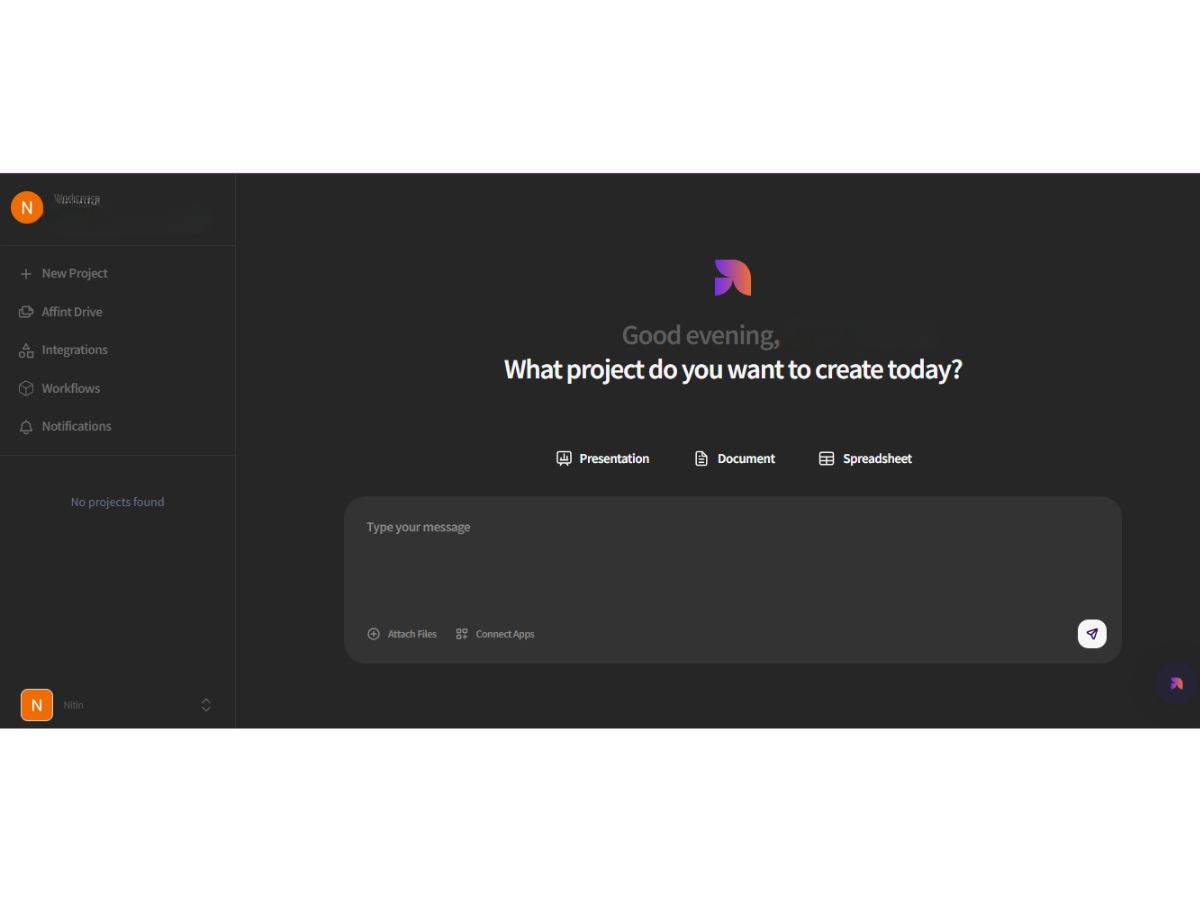
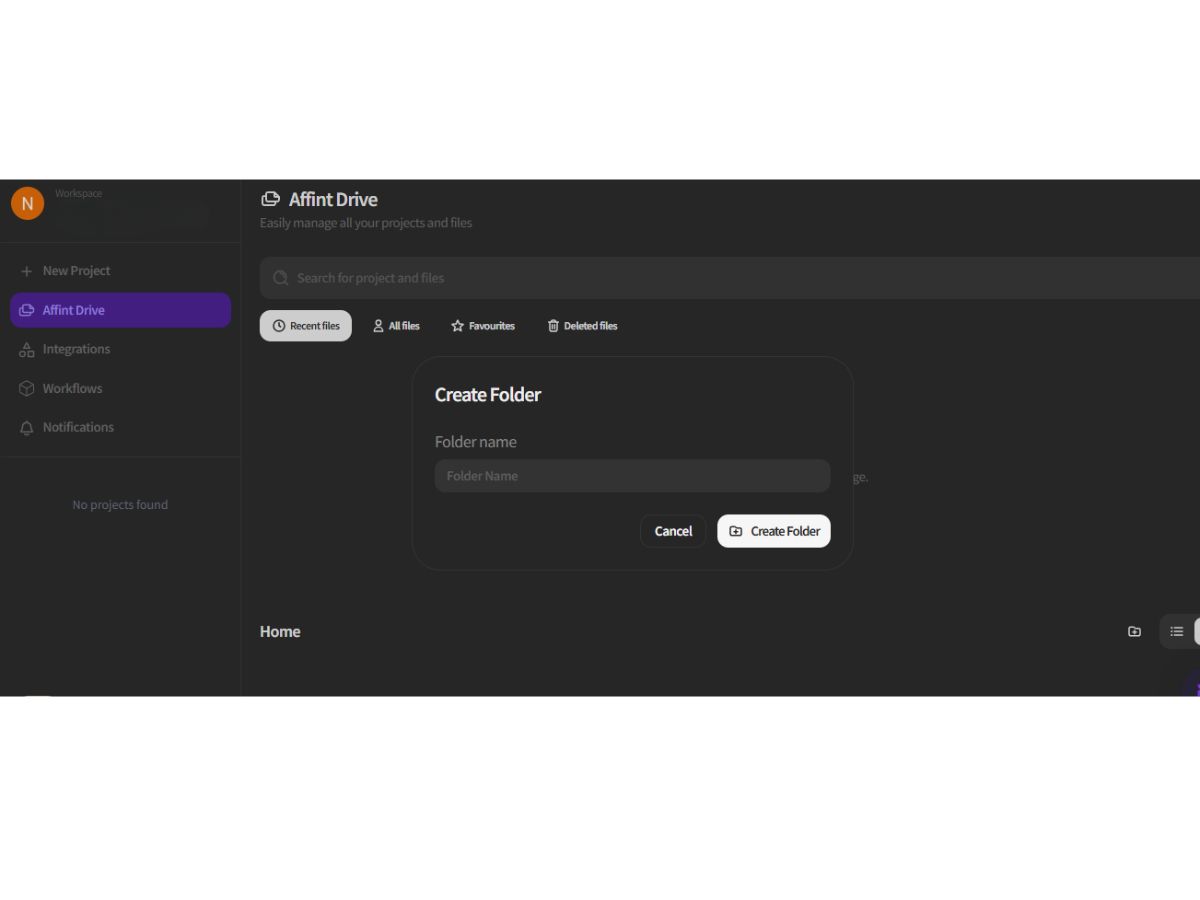
affint-dashboard
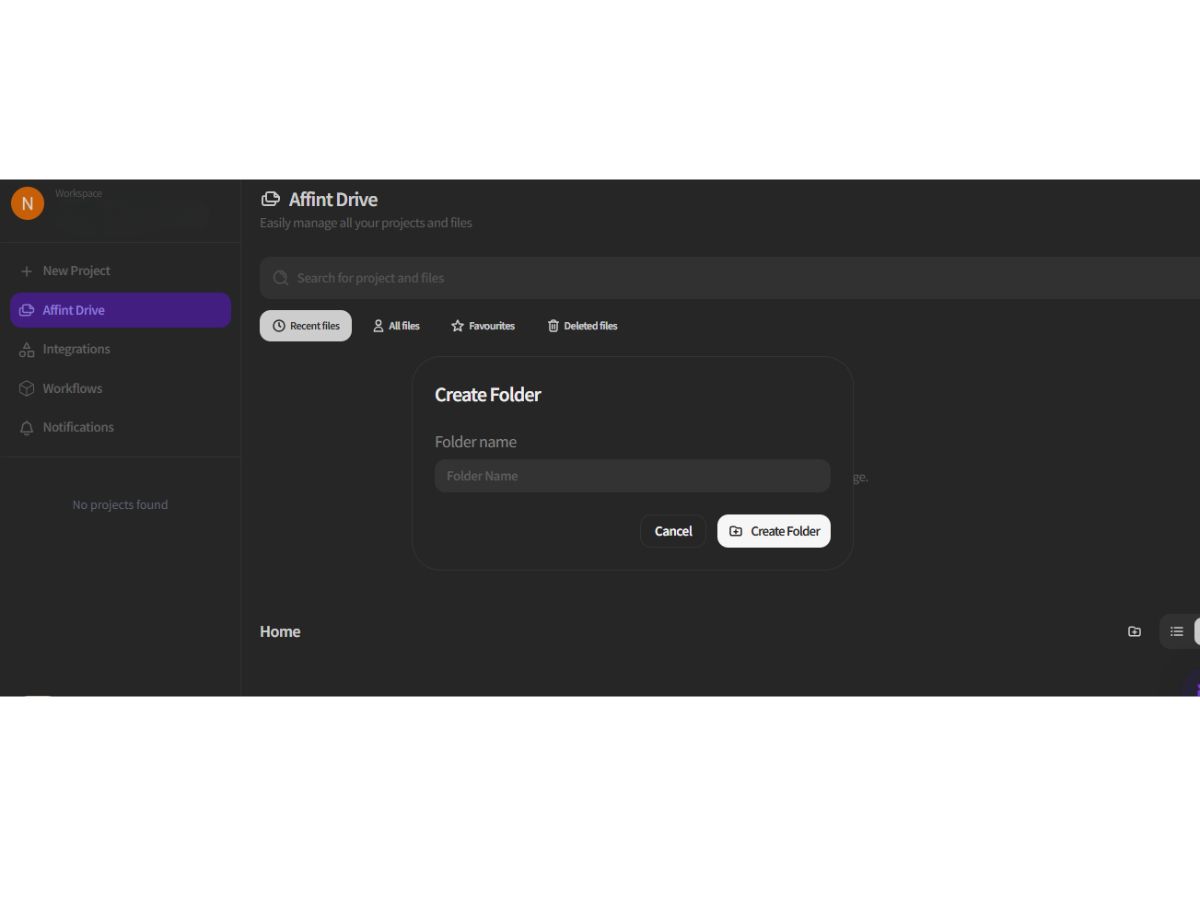
affint-folder

Affint

Brand: Slideoo Global

  • 4.4

  • 3 Ratings

Have you used Affint before?

Share your insights for better experience

Add a Review
Starting Price
$20

View plans

100% Genuine
Products
Best Price
Guaranteed
Safe & Secure
Payment
  • Description

  • Pricing

  • Features

  • Specification

  • Review

Starting at $20.00

Affint Software Overview

Slideoo Global Company Details

Founded Year:  2023

Slideoo AI is a productivity SaaS tool that allows users to create documents and presentations from text, PDFs, and website URLs in 1 minute with real-time collaboration, giving analytics about shared files, saving hundreds of hours, and increasing productivity.

Director/Founders Jasbir Singh
Company Size 1-100 Employees

Affint Pricing & Plans

Basic
Starting at $20
    • Licenses

      Licenses
      Licenses
    • Monthly

      Monthly
      Monthly

Key Features

  • Add Branding

  • 2500 Credits

  • AI Editing Mode

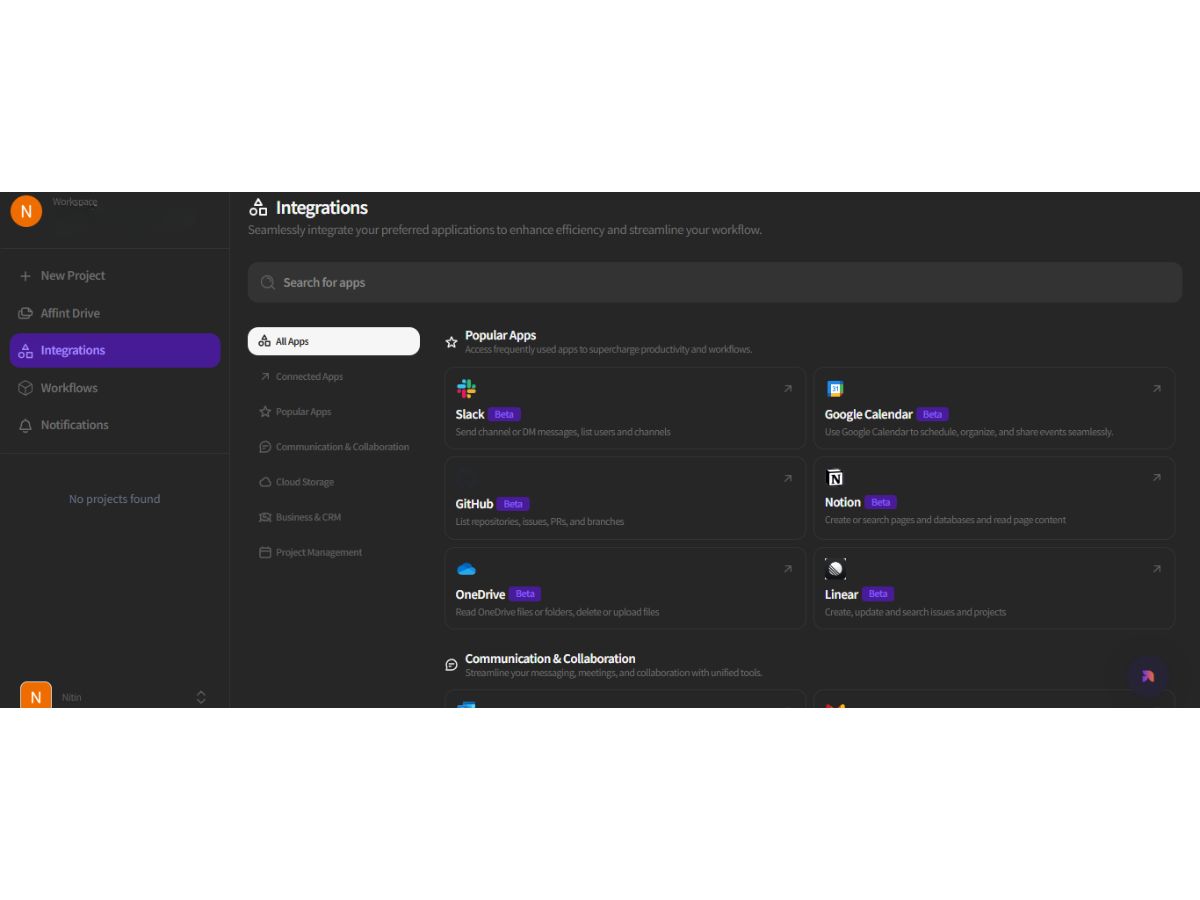
  • Connect with 50+ Integrations

  • Create up to 6 projects at a time

  • Remove Watermark

  • Workflows

  • 5 Workspaces

Pro
Starting at $200
    • Licenses

      Licenses
      Licenses
    • Monthly

      Monthly
      Monthly

Key Features

  • Add Branding

  • 25000 Credits

  • AI Editing Mode

  • Connect with 50+ Integrations

  • Create up to 12 projects at a time

  • Remove Watermark

  • Workflows

  • 10 Workspaces

Affint Features

  • icon_check Multi Agent Workflow
    Uses multiple AI agents that work together to execute complex, cross-tool tasks seamlessly.
  • icon_check Live Data Pulling
    AI agents fetch up-to-date, live data to embed into reports and presentations.
  • icon_check Content Generation
    Auto-generates documents, slides, and reports based on input prompts and data.
  • icon_check Collaboration
    Agents coordinate across different file types (docs, sheets, slides) to automate workflows
  • icon_check Context Preservation
    Maintains context across tools to ensure consistency in multi-step, multi-agent workflows.
  • icon_check Report Automation
    Generates executive reports with charts, key insights, and narratives, reducing manual effort.
  • icon_check Document Summarisation
    Summarises long documents into crisp summaries and action items via AI.
  • icon_check Templates
    Provides smart, AI-augmented templates that adapt to your content and data automatically.
  • icon_check No Code Configuration
    Non-technical users can set up workflows by instructing agents in natural language.
  • icon_check Knowledge Management
    Consolidates scattered knowledge (emails, notes, spreadsheets) into structured documents.
  • icon_check Feedback Management
    Offers real-time suggestions and auto-corrections while writing, reviewing or editing.
  • icon_check Workflow Automation
    Scales AI-driven automation across teams without siloed tools, thanks to its integrated suite.
  • icon_check Agent Orchestration
    Coordinates multiple agents to work on different subtasks in a single flow for better efficiency.
Affint Demo Video play icon

Get Affint Demo

Watch the demo video to explore key features, real workflows, and how the software fits your business needs.

Understand
Key Features
Personal
Demo Insights
Interactive
Demo Support

Affint Specifications

Supported Platforms
Ubuntu Ubuntu Windows Windows MacOS MacOS Linux Linux
Devices
Desktop Desktop
Deployment
Cloud-Based Cloud-Based
Suitable For
All Industries
Business Specific
All Businesses
Business Size
Small Business Startups Medium Business Enterprises SMBs SMEs MSMBs MSMEs
Customer Support
Email Communities
Language
English
Training Resources
Videos
AI Features
AI Integrated

Affint Review

4.4

Out of 5

img

Overall Rating

Based on
3 Verified Ratings

Rating Breakdown

  • Features 4.3
  • Value for Money 4.1
  • Ease of Use 4.8
  • Customer Support 4.5

80% Recommend this Product

Add Review

Be the First to Review

This product has no reviews yet. Be the first to leave your feedback.

Add Review

Terms and Condtions

close

Users with registered businesses can purchase goods from merchants on the platform to satisfy their business needs. Users are not permitted to utilize any products acquired through the platform for resale, advertising, business, or further distribution.

For each purchase made, users will receive a Tax Invoice (or 'GST invoice') that includes specific details such as:

  • the GSTIN of the user associated with their registered business, and

  • the specified Entity Name for their business.

It should be noted that not all products are eligible for GST Invoice. Only the products displayed by participating sellers with the 'GST-based Invoice Available' callout on the product description page would qualify.

Certain goods and services are not eligible to get a GST Invoice, including items with VAS, i.e., Value Added Services (e.g., Total Mobile Protection/Assured Buyback) and those involving an exchange offer at the time of purchase.

Users must ensure the accuracy of the GSTIN, and business entity name provided for the GST Invoice. Requests for corrections into GST Invoice would not be accommodated by Techjockey.com or any Seller, and any issues arising from user-provided information are the sole responsibility of users.

Techjockey.com is not liable for the GST Invoice or any associated input tax credit. To efficiently claim an input tax credit, users should select the registered place of business address as per the GST authority's data and follow the provisions of the GST Act and rules.

To claim an input tax credit, the delivery and billing addresses must match. Furthermore, input tax credits will not be granted if the delivery address and GSTIN on the invoice are from different states. In case of incorrect GST details provided during the order placement, the order will be canceled automatically.

21,000+ Software Listed 21,000+ Software Listed

Best Price Guaranteed Unbiased Comparison

Free Expert Consultation Read Authentic Reviews

5M+ Happy Customers 500,000+ Monthly Users