linkedin
Apache Superset logo
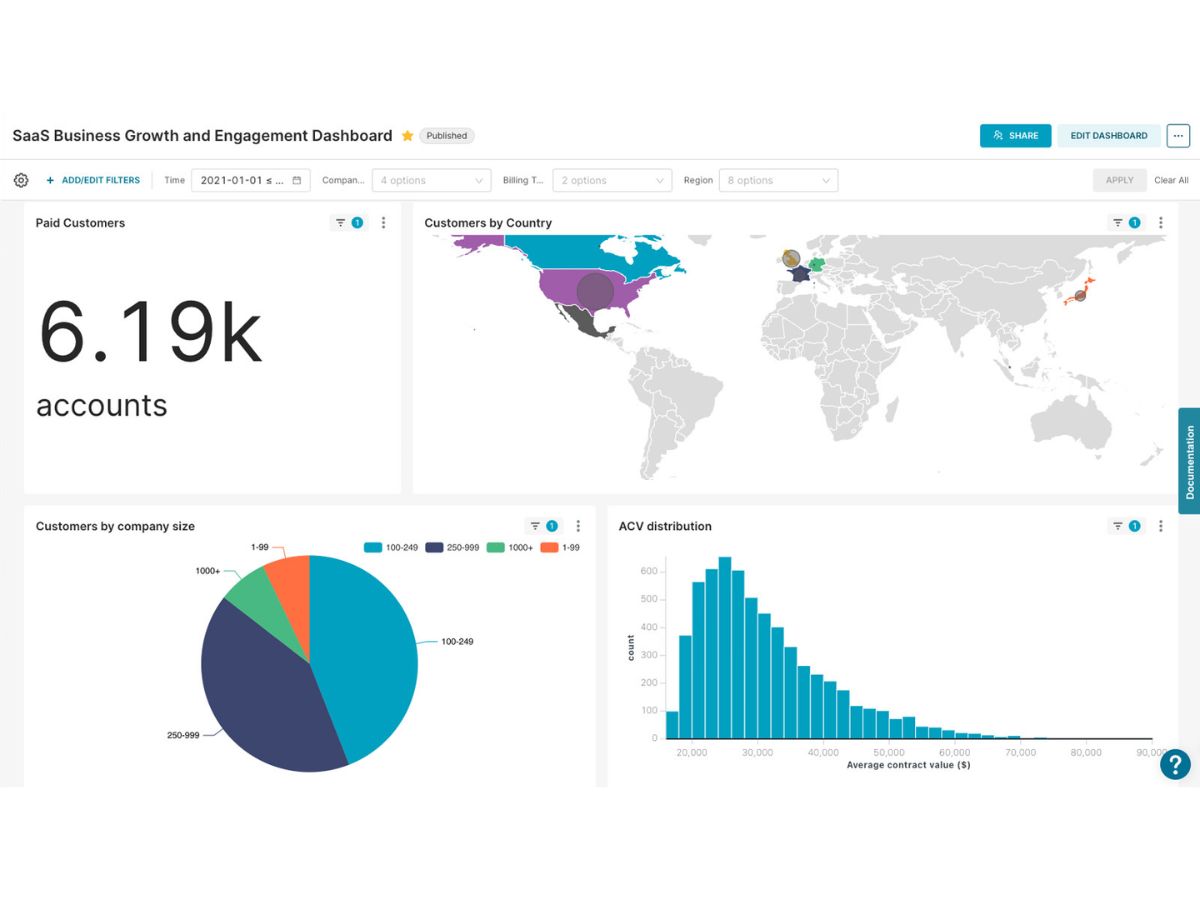
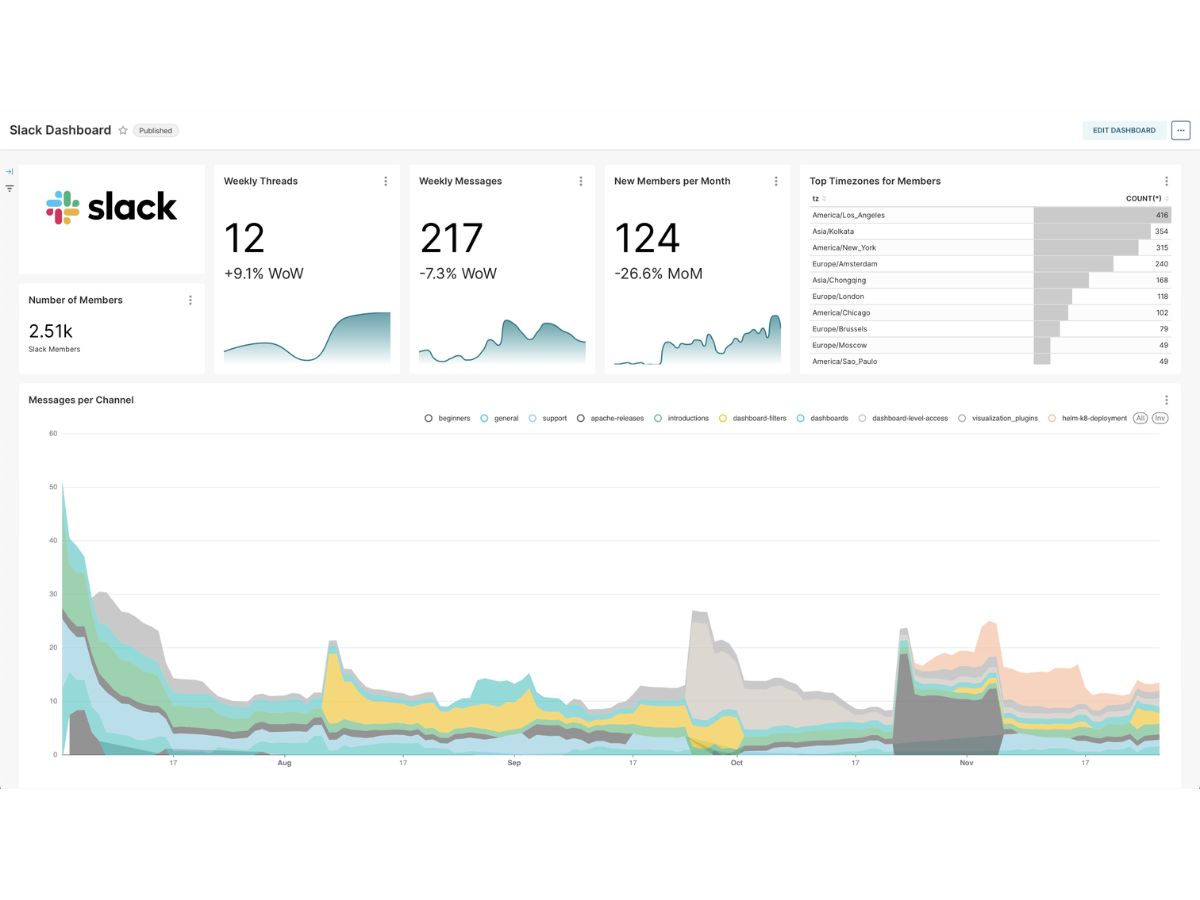
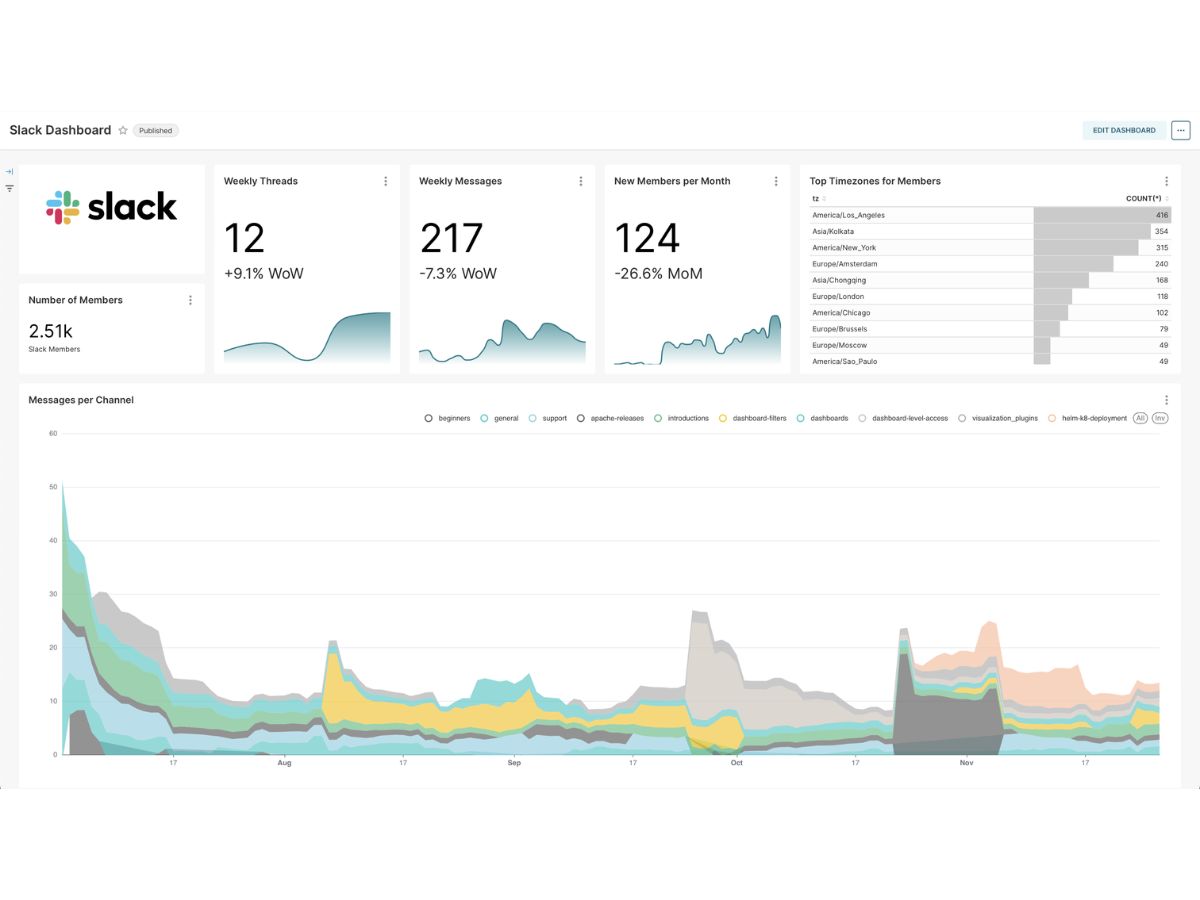
apache superset-dashboard
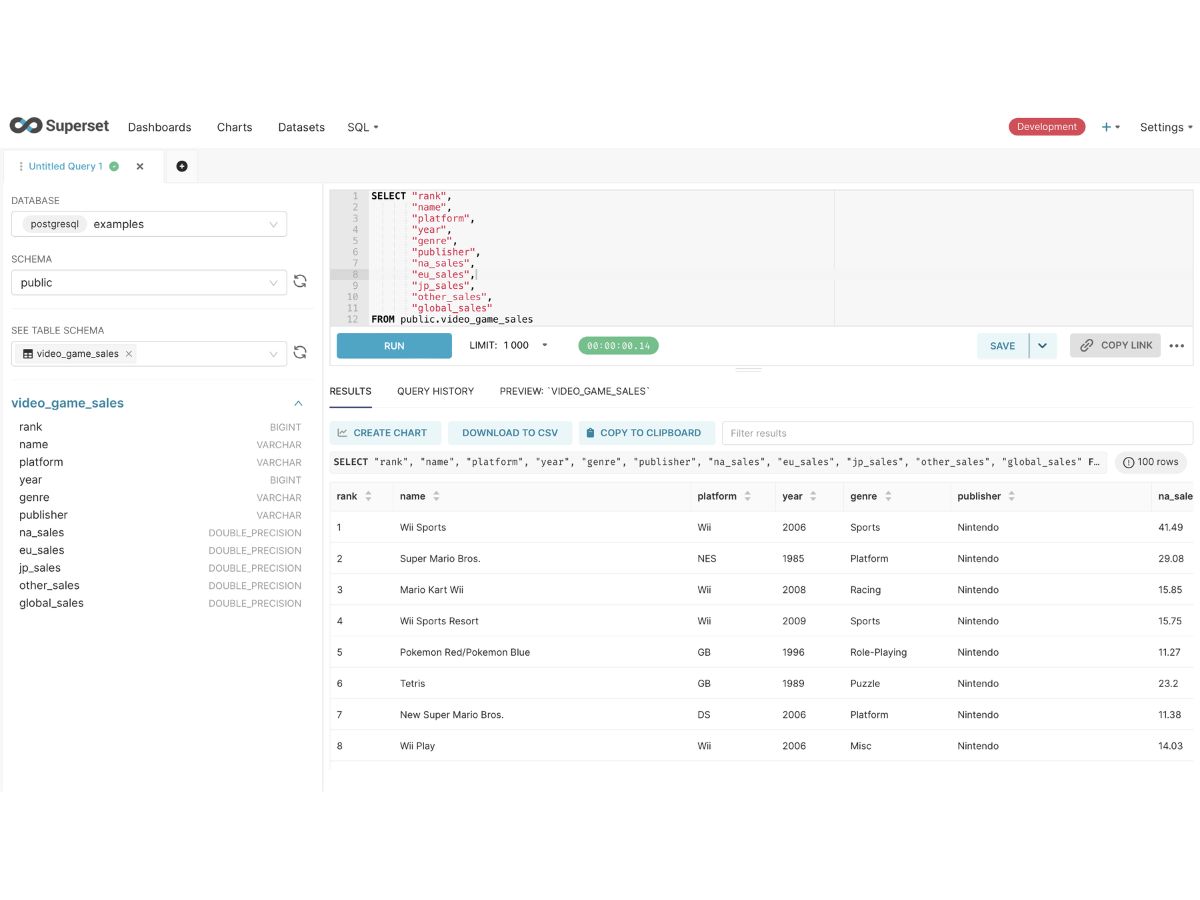
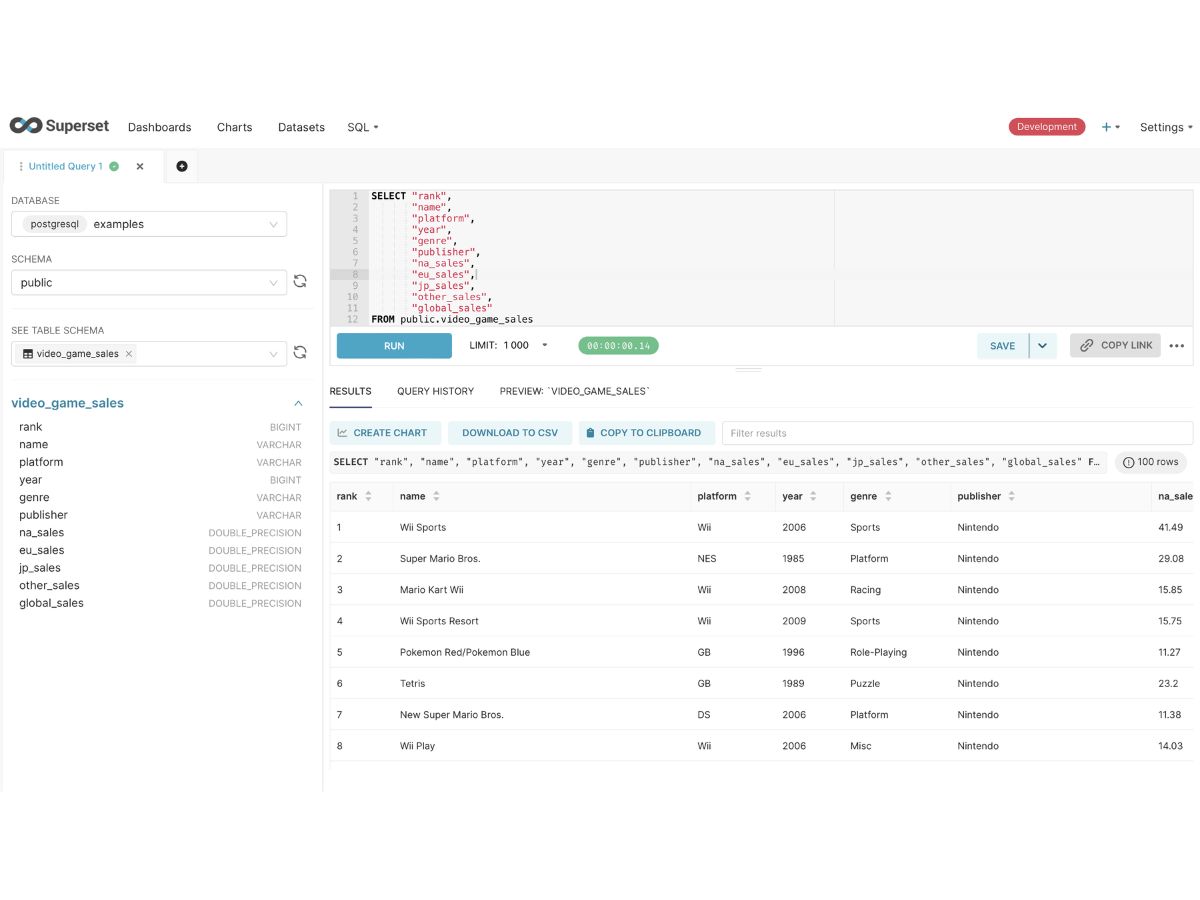
apache superset-interface
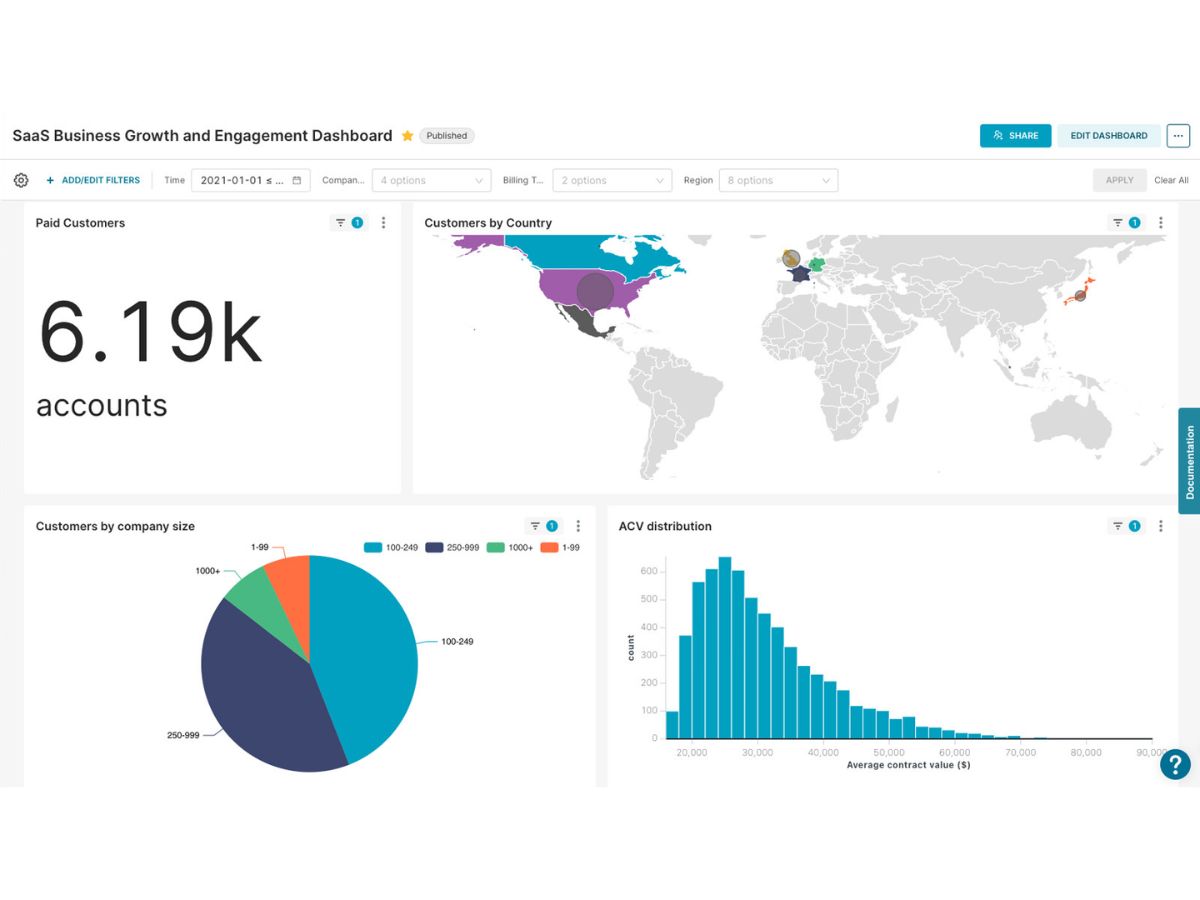
apache superset-selection

Apache Superset

Brand: The Apache Software Foundation

  • 4.2

  • 3 Ratings

Have you used Apache Superset before?

Share your insights for better experience

Add a Review

Free Forever

Get started immediately at no cost. Upgrade anytime if your business demand more.

100% Genuine
Products
Best Price
Guaranteed
Safe & Secure
Payment
  • Description

  • Pricing

  • Features

  • Specification

  • Review

Apache Superset Software Overview

The Apache Software Foundation Company Details

Founded Year:  1999

Apache Software Foundation provides organizational, legal and financial support for Apache open-source software projects.

Director/Founders Brian Behlendorf, Grant Ingersoll, Isabel Drost-Fromm, Jim Jagielski, Lars Eilebrecht, Patrick Stued
Company Size 1-100 Employees

Apache Superset Pricing & Plans

This Product is Available Free Forever.

Start instantly with no fees, no subscriptions, and no commitments.

  • Full access to basic version available
  • No credit card or sign-up required

Free Forever Plan

Get started immediately at no cost. Upgrade anytime if your business demand more.

Free Forever

Apache Superset Features

  • icon_check SQL Lab Interface
    A comprehensive web-based SQL integrated development environment designed for multi-tabbed querying and data result exploration.
  • icon_check Semantic Data Layer
    A virtual management layer used to define custom dimensions, metrics, and calculated columns without altering the database.
  • icon_check Database Connectors
    Extensible support for any SQL-speaking engine through Python DB-API drivers and specialized SQLAlchemy dialect mappings.
  • icon_check Row Level Security
    A security framework that filters data access at the row level based on specific user attributes or assigned functional roles.
  • icon_check REST API Interface
    A standardized programmatic interface allowing developers to automate dashboard creation and manage metadata via web requests.
  • icon_check Dashboard CSS Skin
    A native styling feature that permits administrators to apply custom CSS overrides for branding and layout modifications.
  • icon_check Metadata Repository
    A centralized backend database used to store all dashboard layouts, chart definitions, user permissions, and connections.
  • icon_check Role-Based Access Control (RBAC)
    A granular permission system mapping specific actions and data access rights to customizable user roles for platform security.
  • icon_check Cache Layer System
    A lightweight caching mechanism supporting Redis or Memcached to store query results and reduce the load on source databases.
  • icon_check Cross Filter Tool
    A functional dashboard component that allows users to apply filters across multiple charts by clicking on specific data points.
  • icon_check SAML Authentication
    Support for Security Assertion Markup Language to enable enterprise-grade single sign-on across the entire BI environment.
  • icon_check Virtual Data Sets
    The ability to create and save complex SQL queries as reusable virtual tables for simplified chart building by end consumers.

Apache Superset Specifications

Supported Platforms
Ubuntu Ubuntu MacOS MacOS
Devices
Desktop Desktop
Deployment
Cloud-Based Cloud-Based Perpetual Perpetual
Suitable For
All Industries
Business Specific
All Businesses
Business Size
Individual Small Business Startups Medium Business Enterprises SMBs SMEs MSMBs MSMEs Freelancers
Customer Support
Email Communities
Language
English
Integration
API Integration
Training Resources
Documentation Videos
Compliance Regulation
CCPA CPRA ECPA

Apache Superset Review

4.2

Out of 5

img

Overall Rating

Based on
3 Verified Ratings

Rating Breakdown

  • Features 4.5
  • Value for Money 4.3
  • Ease of Use 4.5
  • Customer Support 4

80% Recommend this Product

Add Review

Be the First to Review

This product has no reviews yet. Be the first to leave your feedback.

Add Review

Terms and Condtions

close

Users with registered businesses can purchase goods from merchants on the platform to satisfy their business needs. Users are not permitted to utilize any products acquired through the platform for resale, advertising, business, or further distribution.

For each purchase made, users will receive a Tax Invoice (or 'GST invoice') that includes specific details such as:

  • the GSTIN of the user associated with their registered business, and

  • the specified Entity Name for their business.

It should be noted that not all products are eligible for GST Invoice. Only the products displayed by participating sellers with the 'GST-based Invoice Available' callout on the product description page would qualify.

Certain goods and services are not eligible to get a GST Invoice, including items with VAS, i.e., Value Added Services (e.g., Total Mobile Protection/Assured Buyback) and those involving an exchange offer at the time of purchase.

Users must ensure the accuracy of the GSTIN, and business entity name provided for the GST Invoice. Requests for corrections into GST Invoice would not be accommodated by Techjockey.com or any Seller, and any issues arising from user-provided information are the sole responsibility of users.

Techjockey.com is not liable for the GST Invoice or any associated input tax credit. To efficiently claim an input tax credit, users should select the registered place of business address as per the GST authority's data and follow the provisions of the GST Act and rules.

To claim an input tax credit, the delivery and billing addresses must match. Furthermore, input tax credits will not be granted if the delivery address and GSTIN on the invoice are from different states. In case of incorrect GST details provided during the order placement, the order will be canceled automatically.

20,000+ Software Listed 20,000+ Software Listed

Best Price Guaranteed Unbiased Comparison

Free Expert Consultation Read Authentic Reviews

2M+ Happy Customers 500,000+ Monthly Users