
Description
Pricing
Features
Specification
Review
FAQs
Alternatives

 View Gallery
Brand: Audacity
Audacity is a free, open-source audio editing software perfect for recording, editing, and mixing. With multi-track editing, cross-platform compatibility, plugin support, and easy-to-use features, it’s ideal for musicians, podcasters, and anyone working with audio. ...Read more

Get Free Expert Consultation
Let us know your business needs clearly

Verified & Trusted
Vendors

Safe & Secure
Payment

Personalized
Experts Support
FREE
Features
 Audio Recording Import & Export Data Audio Editing Effects Accessibility support
 See all 
We make it happen! Get your hands on the best solution based on your needs.


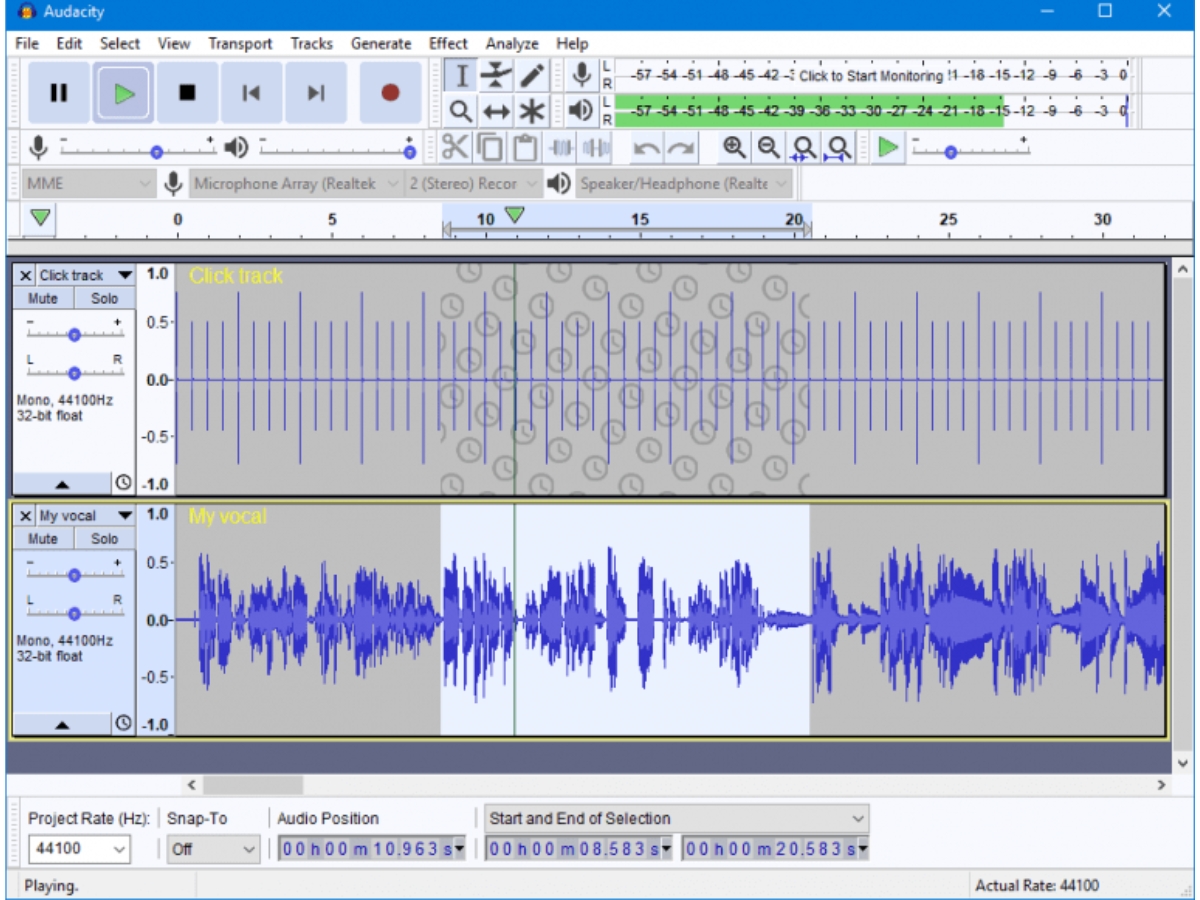
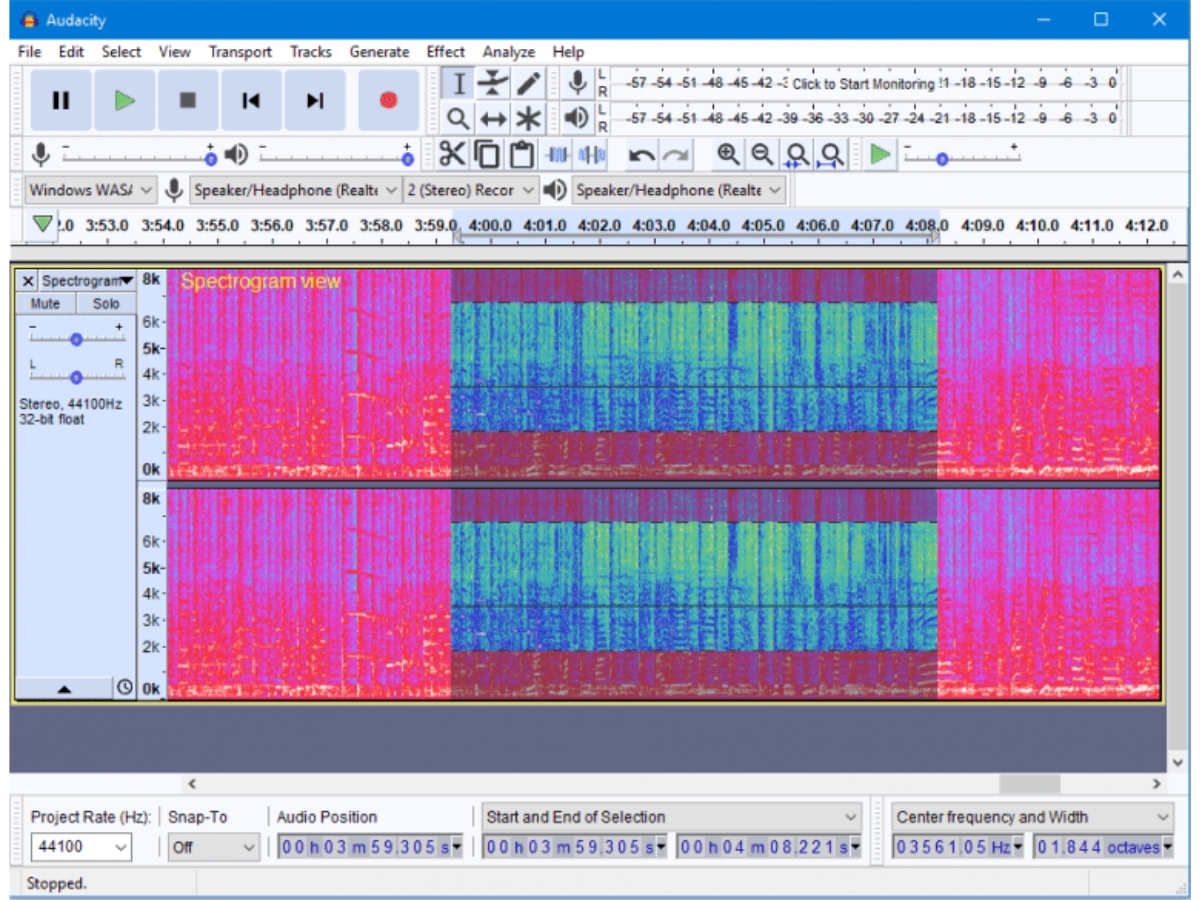
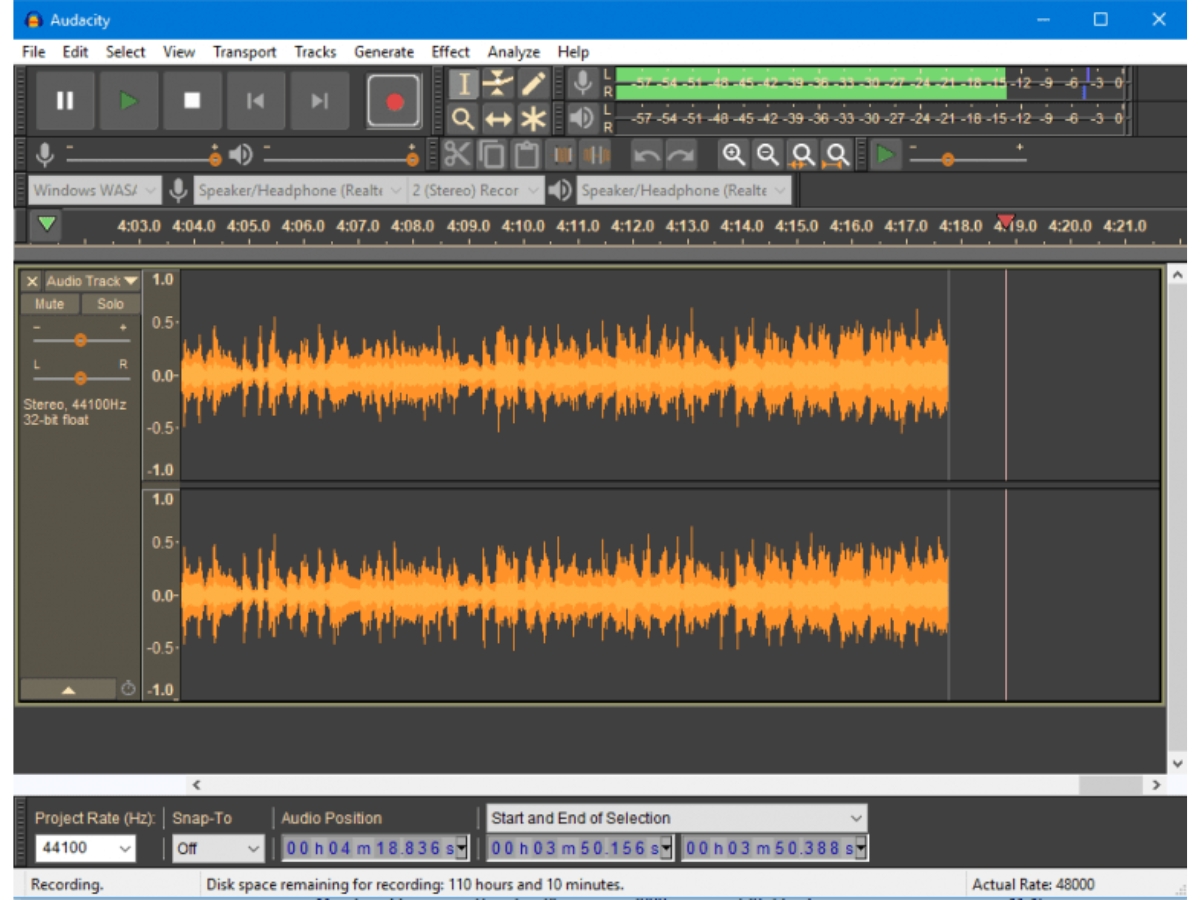
 Audio Recording The software can record live audio through a mixer or a microphone. You can also digitize recordings from other media. Import & Export Data You can edit, import and combine sound files and also export the recordings in different file formats. Audio Editing Audacity provides you with easy editing options to let you perform Cut, Copy, Paste and Delete operations. The software also Effects Users get a real-time preview of LADSPA, VST, LV2 and Audio Unit plug-in effects by using this software. These plug-in effects Accessibility support Selections and tracks are manipulated using the keyboard. Audacity also comes with a range of keyboard shortcuts. Analysis The software has a spectrogram view mode for the selection and visualization of frequencies. It also supports Vamp plug-ins. Sound Quality The software supports 16, 24 and 32 bit systems. You can convert formats and sample rates using high-quality dithering and Multitrack Editing Edit and arrange multiple audio clips and tracks together to build complete music, podcast, or sound projects. Audio Trimming Trim unwanted portions of recordings to keep only the required audio sections for cleaner and more focused tracks. Noise Reduction Reduce steady background noise such as hiss, hum, fan noise, and other unwanted sounds from recordings. Equalization Adjust frequency levels across the audio spectrum to balance bass, mids, treble, and overall sound characteristics. Import & Export Import, export, and convert audio across popular formats including MP3, WAV, FLAC, Ogg, M4A, and AIFF. Plugin Support Extend audio processing with third-party plugins, including supported VST3, Nyquist, and other plugin formats.
Have recommended this product
Overall Score
Review this product
Your valuable feedback helps others like you make a better decision.
“Audacity PROS and CONS - Producer's HONEST Take on Audacity”
4.8
Review by: Joe at Claricast
| Brand Name | Audacity |
| Information | The world's most popular audio editing software |
| Founded Year | 1999 |
| Director/Founders | Dominic Mazzoni, Roger Dannenberg |
| Company Size | 1-100 Employees |

 20,000+ Software Listed
 Unbiased Comparison
 Read Authentic Reviews
 500,000+ Monthly Users
 USA
USA India
India