
linkedin
Bark logo
play What Is Bark? The Parental Control Tool, Explained
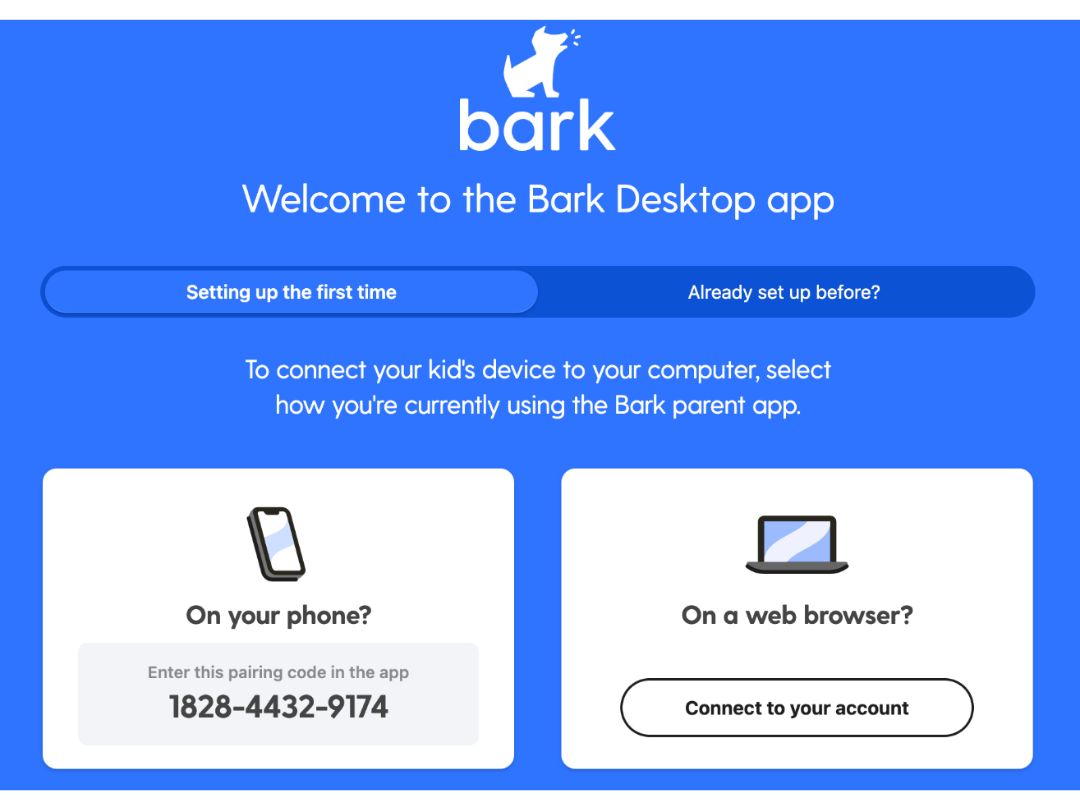
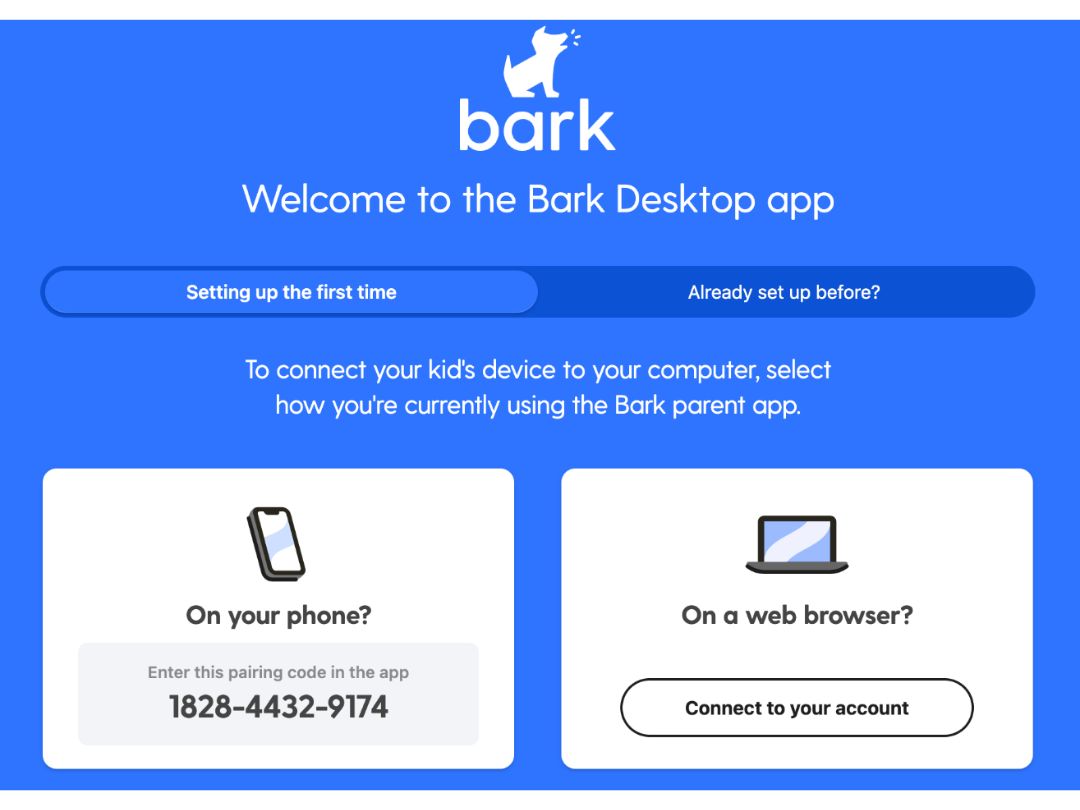
bark desktop-app
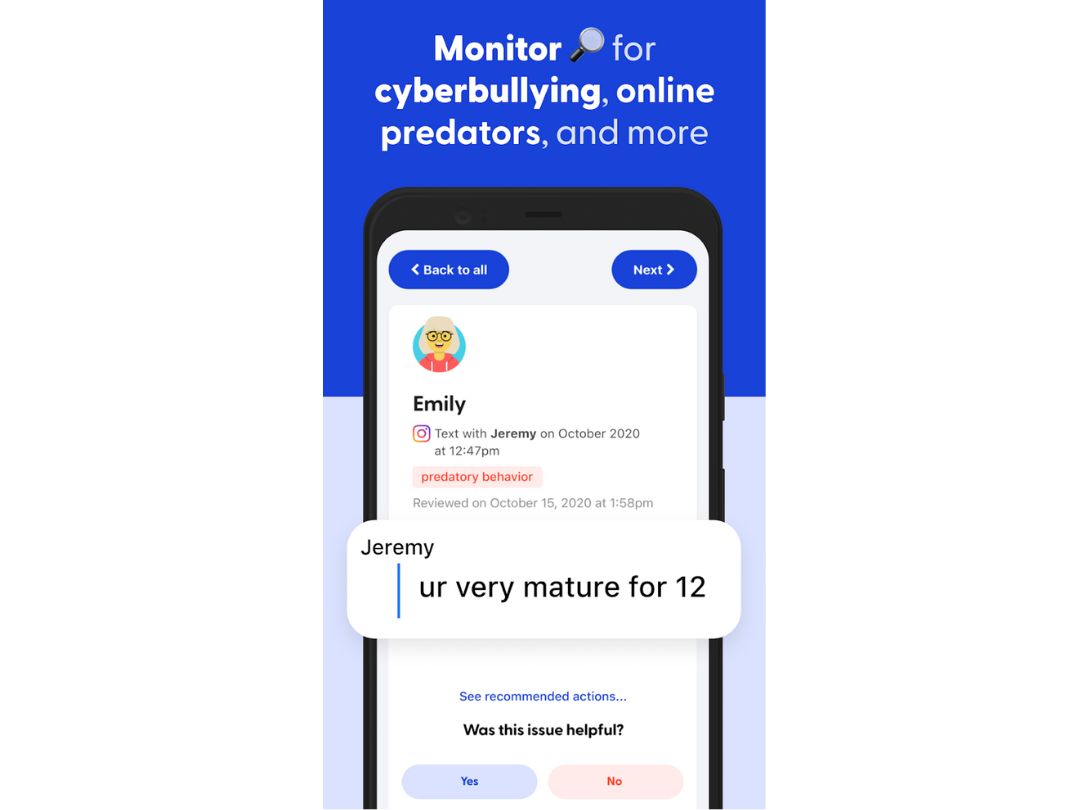
bark-cyberbulling

Bark

Brand: Bark

  • 4.0

  • 5 Ratings

Bark monitors kids online activity and alerts parents to potential dangers like cyberbullying and inappropriate content.

See More

Have you used Bark before?

Share your insights for better experience

Add a Review
Starting Price
$5

View plans

100% Genuine
Products
Best Price
Guaranteed
Safe & Secure
Payment
  • Description

  • Pricing

  • Features

  • Specification

  • Review

  • FAQ

Starting at $5.00

Bark Software Overview

What is Bark?

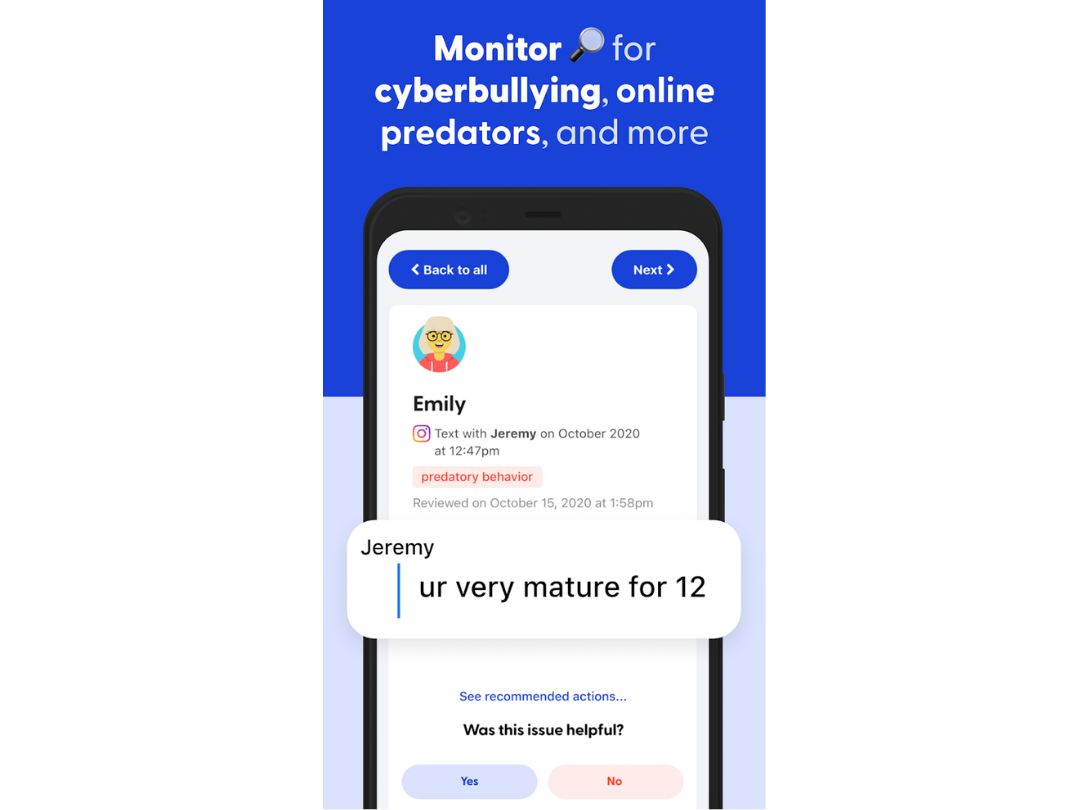
Bark is a parental control software that helps keep kids safe online. It uses AI to monitor texts, emails, social media, and browsing for signs of issues like cyberbullying, self-harm, or inappropriate content.

Parents receive alerts with expert-recommended actions. Bark offers two plans Bark Jr. for basic controls and Bark Premium for full monitoring. It also provides devices like the Bark Phone and Bark Home for extended protection.

Why Choose Bark Software?

  • AI-Powered Monitoring: Detects cyberbullying, predators, and explicit content using advanced AI.
  • Covers 30+ Platforms: Monitors apps like Instagram, Snapchat, TikTok, YouTube, and more.
  • Real-Time Alerts: Sends instant notifications for potential threats or risky behavior.
  • Parental Peace of Mind: Keeps parents informed without needing constant device checks.
  • Customizable Sensitivity Levels: Lets parents adjust monitoring based on age and maturity.
  • Screen Time Management: Allows setting limits and schedules for healthy device use.
  • Content Filtering: Blocks harmful websites and apps to ensure safe internet use.
  • Location Tracking: Tracks child's real-time location through GPS.
  • Check-Ins Feature: Kids can check in with one tap to confirm safety.
  • Supports Multiple Devices: Works on phones, tablets, and computers.

Benefits of Bark Software

  • Comprehensive Reports: Gives insights into digital behavior trends.
  • Affordable Plans: Offers flexible, budget-friendly subscription options.
  • Bark Phone Integration: Includes a kid-safe phone with built-in controls.
  • Bark Home Device: Manages internet safety across home Wi-Fi networks.
  • Bark Watch Compatibility: Supports a safety-focused smartwatch for kids.
  • Privacy-Respectful Monitoring: Alerts only on issues, keeping other content private.
  • Expert Guidance: Provides tips to address each type of risk or issue.
  • Helps Build Trust: Promotes healthy communication between parents and kids.
  • Used by Schools: Adopted by schools for monitoring student devices.
  • Award-Winning Service: Recognized for innovation in digital child safety.

Bark Pricing

Bark price starts at $5 at techjockey.

The pricing model is based on different parameters, including extra features, deployment type, and the total number of users. For further queries related to the product, you can contact our product team and learn more about the pricing and offers.

Read more

Bark Company Details

Founded Year:  2015

At Bark, we’re on a mission to keep children safe online and in real life—at home and at school. We use cutting-edge machine-learning technology to detect issues like cyberbullying, sexting, grooming, and signs of depression and suicidal thoughts.

Director/Founders Brian Bason
Company Size 101-500 Employees

Bark Pricing & Plans

Bark Jr
Starting at $5
    • Licenses

      Licenses
      Licenses
    • Monthly

      Monthly
      Monthly

Key Features

  • Keep up with kids with location alerts & check-i

  • Manage screen time schedules

  • Filter & block websites and apps

  • Add parental controls to unlimited devices & accou

Bark Premium
Starting at $14
    • Licenses

      Licenses
      Licenses
    • Monthly

      Monthly
      Monthly

Key Features

  • Keep up with kids with location alerts & check-i

  • Manage screen time schedules

  • Filter & block websites and apps

  • Add parental controls to unlimited devices & accou

  • Monitor texts, email, YouTube, and 30+ apps

  • Get alerts for issues like cyberbullying etc.

Bark Features

  • icon_check Text and SMS Monitoring
    Scans messages for concerning content, sending alerts when potential issues are detected in SMS or iMessage.
  • icon_check Social Media Monitoring
    Connects social accounts to detect issues like cyberbullying, predators, and self-harm in posts and DMs.
  • icon_check Email Monitoring
    Scans youth email accounts for warning signs and notifies parents of potential risks or inappropriate content.
  • icon_check Web and Browser Monitoring
    Tracks browser activity (Chrome, Edge, Safari) to flag worrisome searches or site visits.
  • icon_check App and Website Blocking
    Blocks selected websites and apps via VPN or Bark Home device to enforce healthy screen use.
  • icon_check Screen Time Control
    Enables custom schedules for device use—school, bedtime, weekends—with automatic routine enforcement.
  • icon_check Media Monitoring
    Scans images and videos saved or sent for inappropriate content or concerning visuals.
  • icon_check Weekly Activity Reports
    Sends email summaries of blocked apps, alerts, screen time use, and general device activity.
Bark Demo Video play icon

Get Bark Demo

Watch the demo video to explore key features, real workflows, and how the software fits your business needs.

Understand
Key Features
Personal
Demo Insights
Interactive
Demo Support

Bark Specifications

Supported Platforms
Windows Windows iOS iOS Android Android MacOS MacOS
Devices
Desktop Desktop Mobile Mobile Tablet Tablet iPad iPad
Deployment
Cloud-Based Cloud-Based
Suitable For
All Industries
Business Specific
All Businesses
Business Size
Small Business Startups Medium Business Enterprises
Customer Support
Email Communities
Language
English
Training Resources
Videos

Bark Review

4.0

Out of 5

img

Overall Rating

Based on
5 Verified Ratings

Rating Breakdown

  • Features 4
  • Value for Money 4
  • Ease of Use 4
  • Customer Support 4.3

80% Recommend this Product

Add Review

Be the First to Review

This product has no reviews yet. Be the first to leave your feedback.

Add Review

How much does Bark Software cost?

Bark pricing starts at $5 on techjockey.

Is there a mobile app available for Bark Software?

Yes, Bark offers an Android and iOS mobile app for both parents and kids.

Which operating systems are compatible with Bark Software?

Bark is compatible with Android, iOS, Windows, and macOS.

Does Bark Software offer a free trial?

Yes, Bark provides a 7-day free trial for new users.

How does Bark Software function?

Bark uses AI to monitor digital activity and send alerts for potential risks.

Who uses Bark Software?

Bark is used by parents, guardians, and schools to ensure online child safety.

Is a free demo available for Bark Software?

Yes, Bark offers a free demo upon request on its official website.

Is Bark Software available for free?

No, Bark is a paid service, though it offers a free trial.

Terms and Condtions

close

Users with registered businesses can purchase goods from merchants on the platform to satisfy their business needs. Users are not permitted to utilize any products acquired through the platform for resale, advertising, business, or further distribution.

For each purchase made, users will receive a Tax Invoice (or 'GST invoice') that includes specific details such as:

  • the GSTIN of the user associated with their registered business, and

  • the specified Entity Name for their business.

It should be noted that not all products are eligible for GST Invoice. Only the products displayed by participating sellers with the 'GST-based Invoice Available' callout on the product description page would qualify.

Certain goods and services are not eligible to get a GST Invoice, including items with VAS, i.e., Value Added Services (e.g., Total Mobile Protection/Assured Buyback) and those involving an exchange offer at the time of purchase.

Users must ensure the accuracy of the GSTIN, and business entity name provided for the GST Invoice. Requests for corrections into GST Invoice would not be accommodated by Techjockey.com or any Seller, and any issues arising from user-provided information are the sole responsibility of users.

Techjockey.com is not liable for the GST Invoice or any associated input tax credit. To efficiently claim an input tax credit, users should select the registered place of business address as per the GST authority's data and follow the provisions of the GST Act and rules.

To claim an input tax credit, the delivery and billing addresses must match. Furthermore, input tax credits will not be granted if the delivery address and GSTIN on the invoice are from different states. In case of incorrect GST details provided during the order placement, the order will be canceled automatically.

20,000+ Software Listed 20,000+ Software Listed

Best Price Guaranteed Unbiased Comparison

Free Expert Consultation Read Authentic Reviews

2M+ Happy Customers 500,000+ Monthly Users