linkedin
BlipCut logo
play Best Free AI Video Translator:Translate Videos To 130+ Languages At Once | AI Clipping | BlipCut
blipcut-editing
blipcut-video

BlipCut

Brand: BlipCut

  • 4.0

  • 3 Ratings

Have you used BlipCut before?

Share your insights for better experience

Add a Review
Starting Price 26% OFF
$39.99 $54.00

View plans

100% Genuine
Products
Best Price
Guaranteed
Safe & Secure
Payment
  • Pricing

  • Features

  • Specification

  • Review

Starting at $39.99

BlipCut Pricing & Plans

Monthly Plan
Key Features
  • Credit Plan-100 Credits/Month
  • Watermark Removal
  • Video Translation Languages-140+
  • Audio Translation Languages-140+
  • Voice Clone Languages-70+
  • Normal Voices-100+
  • Premium Voices-300+
  • Voice Clone
Starting at $39.99 $54 SAVE UPTO 26% OFF
    • Licenses

      Licenses
      Licenses
    • Monthly

      Monthly
      Monthly

Key Features

  • Credit Plan-100 Credits/Month

  • Watermark Removal

  • Video Translation Languages-140+

  • Audio Translation Languages-140+

  • Voice Clone Languages-70+

  • Normal Voices-100+

  • Premium Voices-300+

  • Voice Clone

BlipCut Features

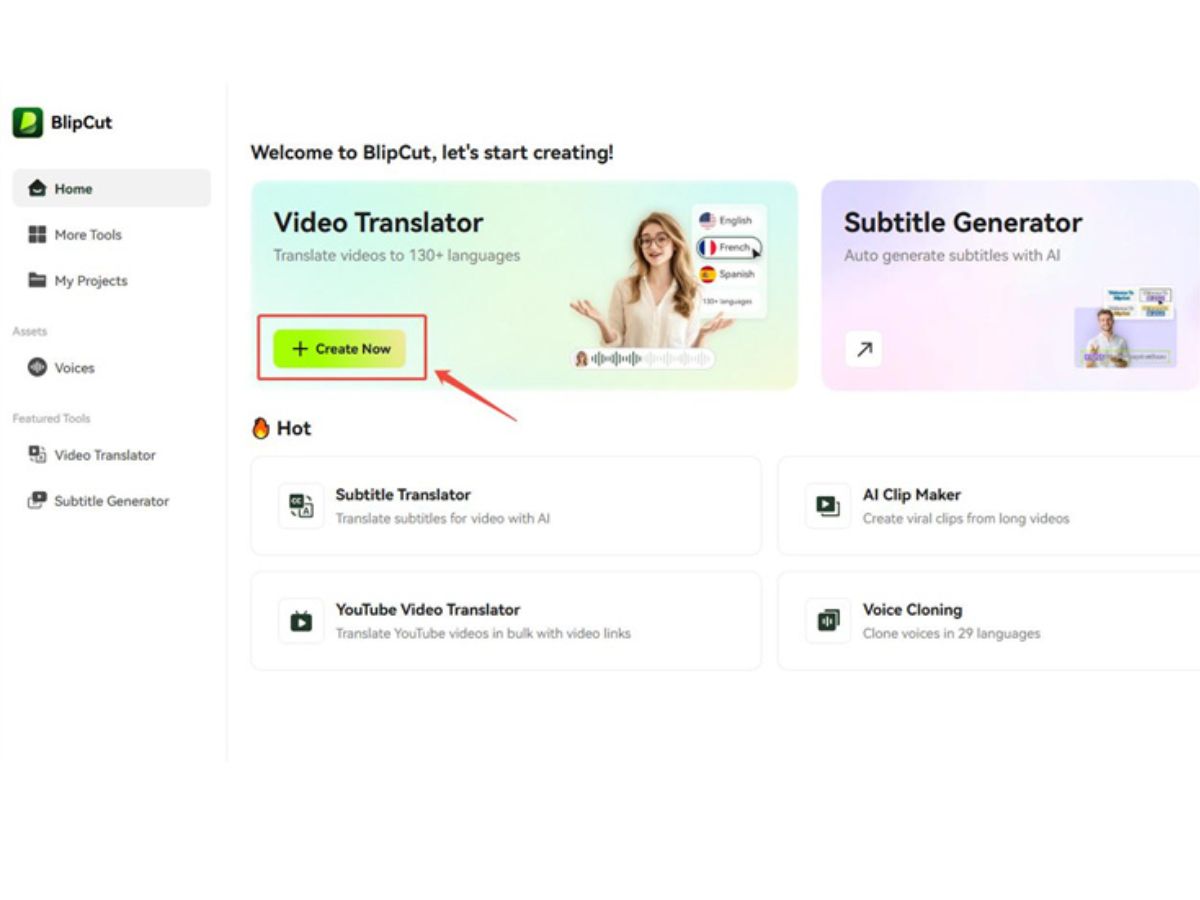
  • icon_check AI Video Translation
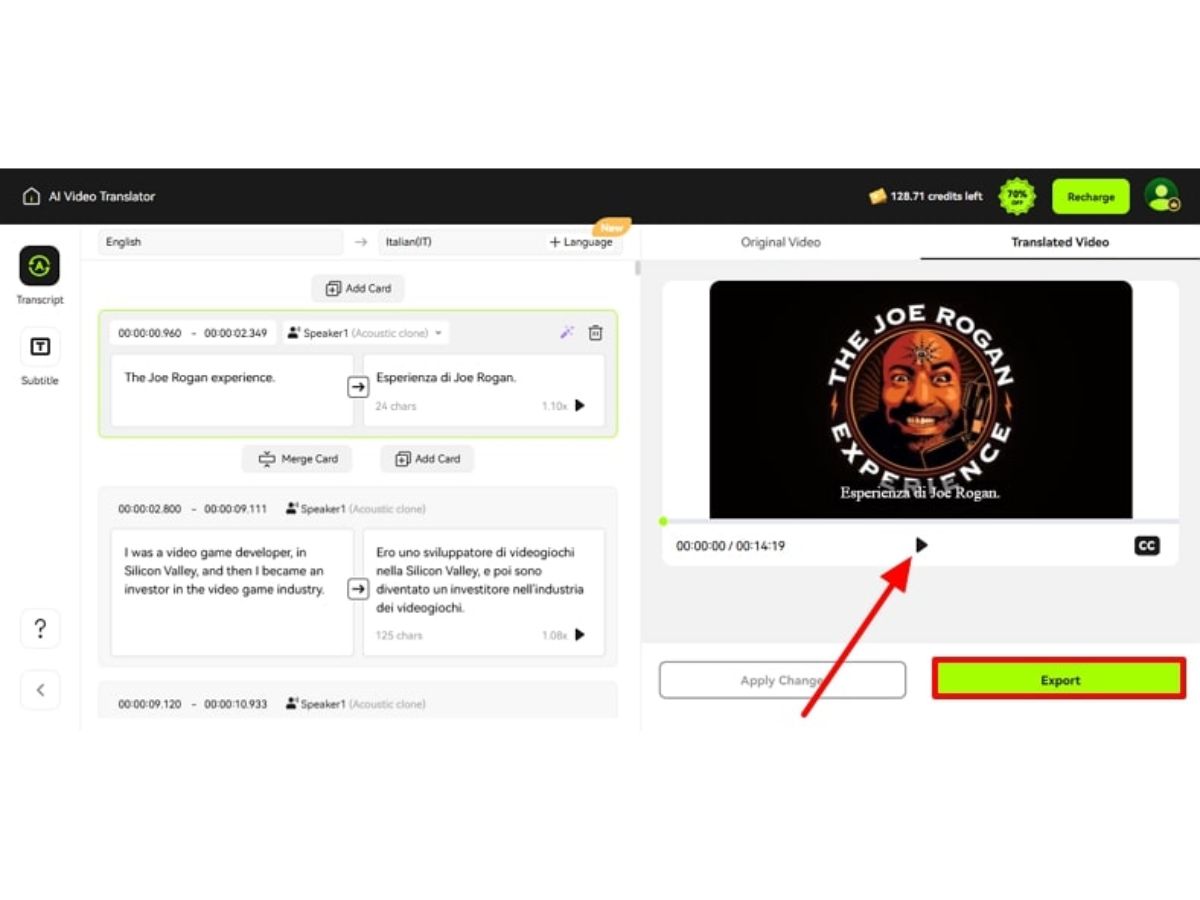
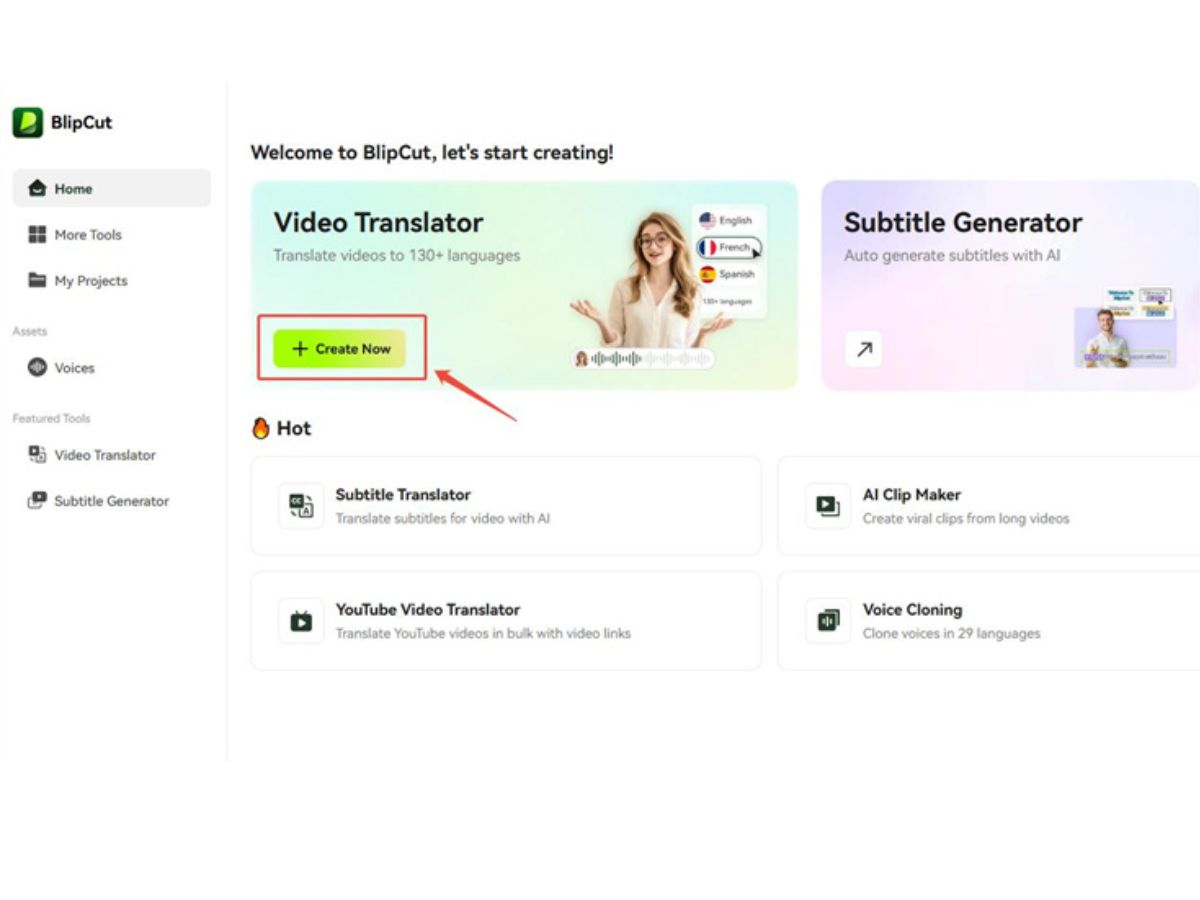
    Automatically translate video content into over 140 different languages while maintaining high linguistic accuracy.
  • icon_check AI Lip Syncing
    Seamlessly synchronize the speaker's lip movements to match the translated audio for a natural and professional look.
  • icon_check AI Voice Cloning
    Replicate the original speaker's unique vocal characteristics and tone to produce a consistent multilingual output.
  • icon_check Subtitle Generation
    Use advanced speech recognition technology to automatically transcribe audio and generate precise on-screen subtitles.
  • icon_check Speaker Identification
    Identify and distinguish between multiple voices in a single video to apply individual voice cloning or dubbing.
  • icon_check Batch Processing
    Translate and process multiple video or audio files simultaneously to increase workflow efficiency and save time.
  • icon_check AI Video Dubbing
    Replace the original audio track with high-quality AI voices that sound human-like across various target languages.
  • icon_check YouTube Link Translation
    Import videos directly from YouTube by pasting the URL to generate transcripts and translated versions instantly.
  • icon_check AI Video Clip Maker
    Automatically identify engaging moments in long videos to create shorter, viral clips optimized for social media.
  • icon_check Customization
    Modify the font style, color, size, and screen position of generated subtitles to match specific branding requirements.
  • icon_check Preview Functionality
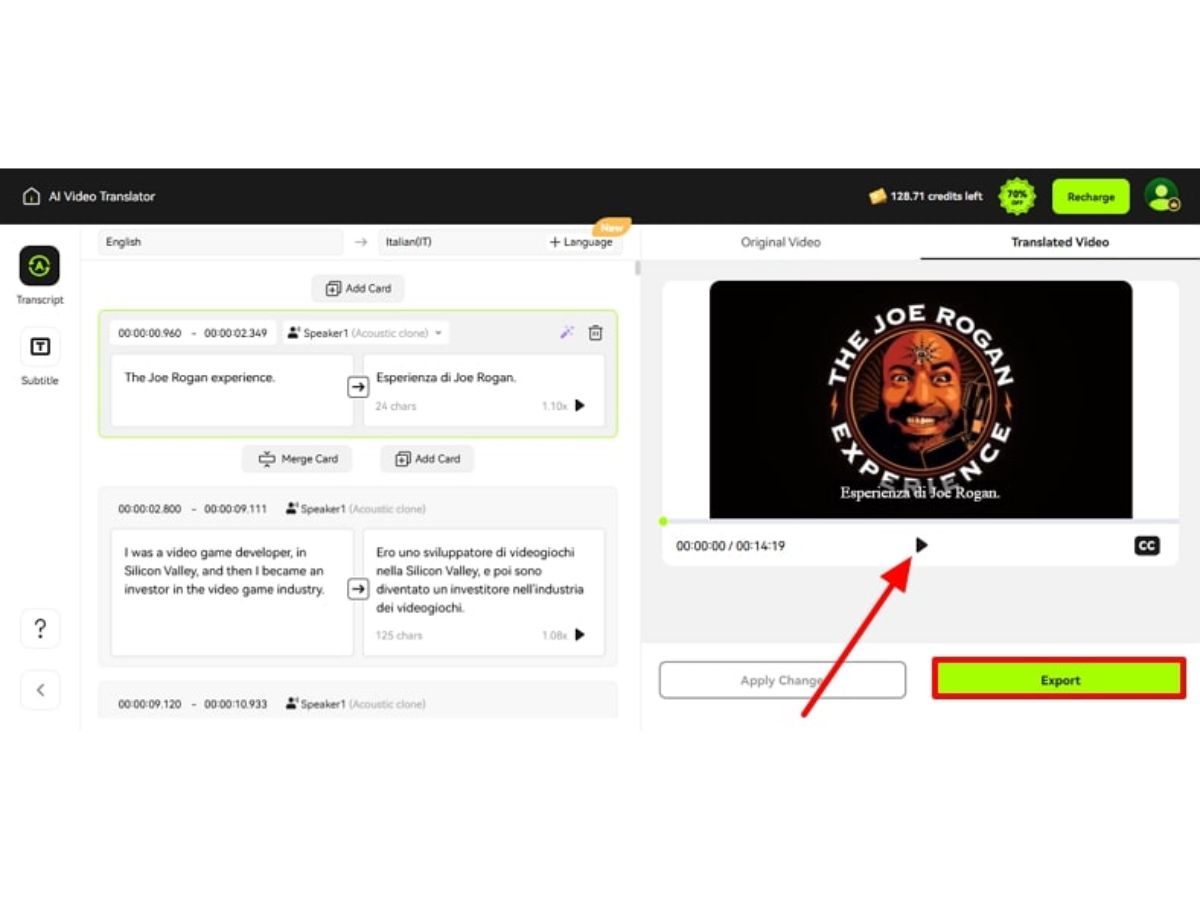
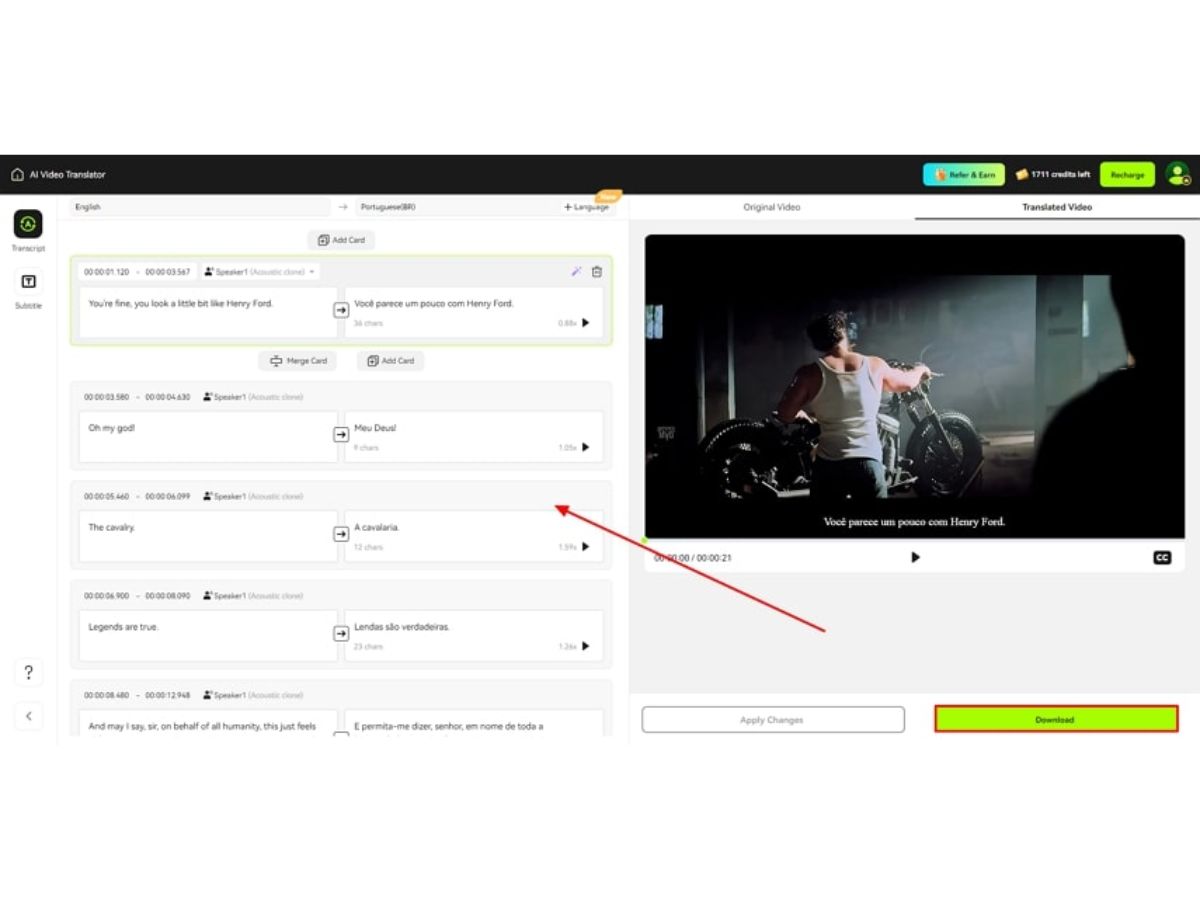
    Review the translated audio and visual segments in real-time before finalizing the export of the completed project.
  • icon_check Source Language Detection
    Automatically identify the spoken language in any uploaded video or audio file without requiring manual user input.
  • icon_check Speech Speed Adjustment
    Control the playback speed of the translated AI voice to ensure it perfectly aligns with the original video duration.
  • icon_check Data Import/Export
    Download generated captions in various standard formats like SRT or VTT for use in external video players or editors.
  • icon_check Transcript Editor
    Manually edit and fine-tune the automatically generated transcripts to correct technical terms or specific brand names.
  • icon_check Drag and Drop Functionality
    Easily adjust the position of video clips and audio segments using a flexible and intuitive web-based editing timeline.
BlipCut Demo Video play icon

Get BlipCut Demo

Watch the demo video to explore key features, real workflows, and how the software fits your business needs.

Understand
Key Features
Personal
Demo Insights
Interactive
Demo Support

BlipCut Specifications

Supported Platforms
Ubuntu Ubuntu Windows Windows MacOS MacOS Linux Linux
Devices
Desktop Desktop
Deployment
Cloud-Based Cloud-Based
Suitable For
All Industries
Business Specific
All Businesses
Business Size
Individual Small Business Freelancers
Customer Support
Email Communities
Language
English Português Español
Training Resources
Videos
AI Features
AI Integrated
Compliance Regulation
CCPA CPRA

BlipCut Review

4.0

Out of 5

img

Overall Rating

Based on
3 Verified Ratings

Rating Breakdown

  • Features 4.1
  • Value for Money 4.1
  • Ease of Use 4.3
  • Customer Support 3.8

80% Recommend this Product

Add Review

Techjockey Trusted Reviews from Verified Users

No reviews are currently available for BlipCut. Discover similar Generative AI Tools reviews

  • Monica AI

    4.4

    Whats great - Excellent task management, reliable scheduling, smart reminders, integrates with other apps, helpful travel assistance read more

  • Sider

    4.2

    Whats great - Summarizes emails and reports, translates documents, saves me time, helps me understand key information quickly, improves my ... read more

  • Zocket

    3.9

    Whats great - Zocket pricing is very competitive. You are not charged any spend commission and subscription plans are affordable. read more

Terms and Condtions

close

Users with registered businesses can purchase goods from merchants on the platform to satisfy their business needs. Users are not permitted to utilize any products acquired through the platform for resale, advertising, business, or further distribution.

For each purchase made, users will receive a Tax Invoice (or 'GST invoice') that includes specific details such as:

  • the GSTIN of the user associated with their registered business, and

  • the specified Entity Name for their business.

It should be noted that not all products are eligible for GST Invoice. Only the products displayed by participating sellers with the 'GST-based Invoice Available' callout on the product description page would qualify.

Certain goods and services are not eligible to get a GST Invoice, including items with VAS, i.e., Value Added Services (e.g., Total Mobile Protection/Assured Buyback) and those involving an exchange offer at the time of purchase.

Users must ensure the accuracy of the GSTIN, and business entity name provided for the GST Invoice. Requests for corrections into GST Invoice would not be accommodated by Techjockey.com or any Seller, and any issues arising from user-provided information are the sole responsibility of users.

Techjockey.com is not liable for the GST Invoice or any associated input tax credit. To efficiently claim an input tax credit, users should select the registered place of business address as per the GST authority's data and follow the provisions of the GST Act and rules.

To claim an input tax credit, the delivery and billing addresses must match. Furthermore, input tax credits will not be granted if the delivery address and GSTIN on the invoice are from different states. In case of incorrect GST details provided during the order placement, the order will be canceled automatically.

20,000+ Software Listed 20,000+ Software Listed

Best Price Guaranteed Unbiased Comparison

Free Expert Consultation Read Authentic Reviews

2M+ Happy Customers 500,000+ Monthly Users