linkedin
Clockwise logo
play Clockwise | The AI Calendar Assistant
Clockwise-planning
Clockwise-schedular

Clockwise

Brand: Clockwise Inc

  • 4.4

  • 5 Ratings

Have you used Clockwise before?

Share your insights for better experience

Add a Review
Starting Price
$8

View plans

100% Genuine
Products
Best Price
Guaranteed
Safe & Secure
Payment
  • Description

  • Pricing

  • Features

  • Specification

  • Review

Starting at $7.75

Clockwise Software Overview

Clockwise Inc Company Details

Founded Year:  2016

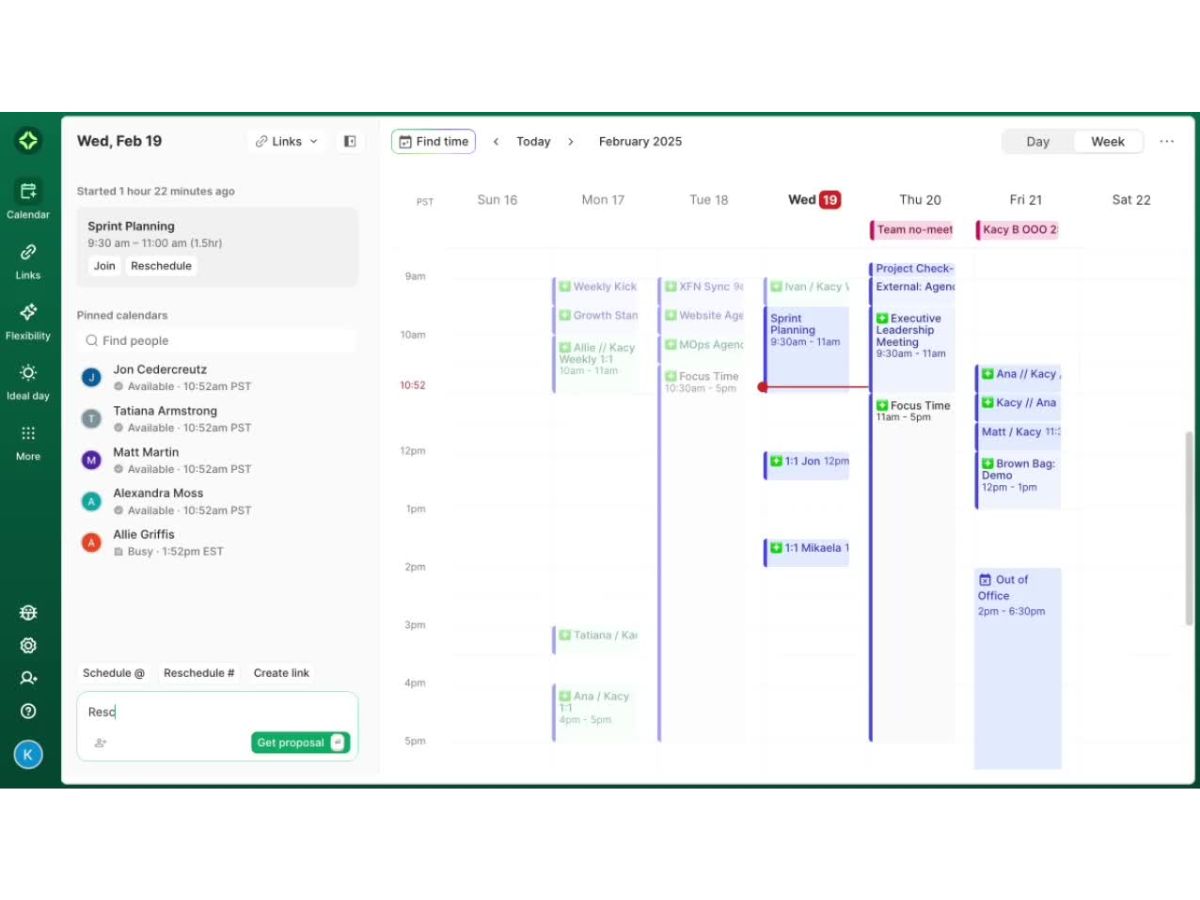
Clockwise is an intelligent calendar system that frees up your time so you can work on what matters.

Director/Founders Gary Lerhaupt, Matt Martin, Mike Grinolds
Company Size 1-100 Employees

Clockwise Pricing & Plans

Teams
Starting at $7.75
    • Users

      Users
      Users
    • Monthly

      Monthly
      Monthly

Key Features

  • Smart scheduling

  • Flexible holds

  • Personal-to-work calendar sync

  • Travel time holds

  • Smart meeting breaks

  • Automatic event color-coding

Business
Starting at $138
    • Users

      Users
      Users
    • Monthly

      Monthly
      Monthly

Key Features

  • Smart scheduling

  • Flexible holds

  • Personal-to-work calendar sync

  • Travel time holds

  • Smart meeting breaks

  • Automatic event color-coding

Clockwise Features

  • icon_check Smart Scheduling
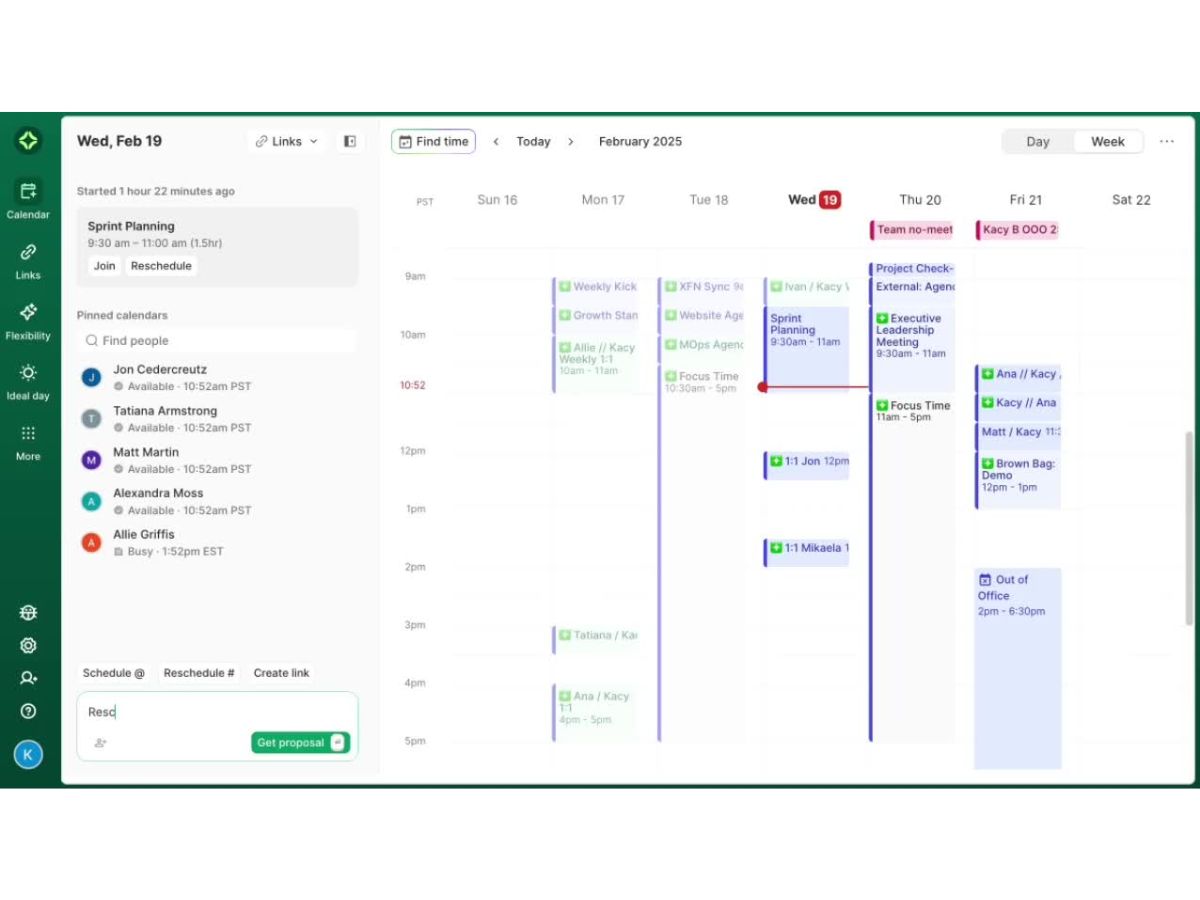
    Automatically optimizes your calendar by moving flexible meetings to create more uninterrupted time for focus.
  • icon_check Focus Time Protection
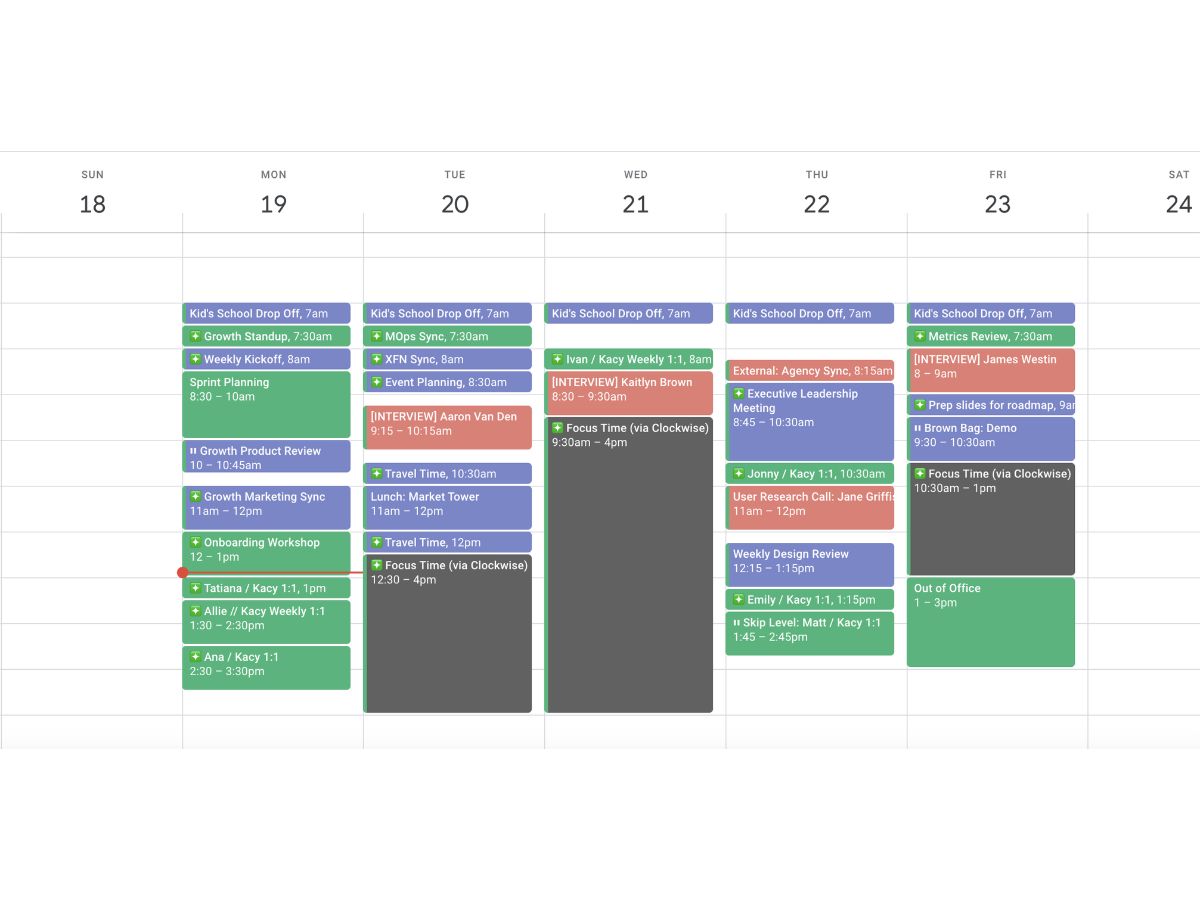
    Blocks uninterrupted time for deep work by rearranging meetings and minimizing schedule conflicts.
  • icon_check Flexible Meetings
    Reschedules marked meetings intelligently to reduce fragmentation and free up more productive work hours.
  • icon_check Scheduling Links
    Share personalized availability links that adapt to your preferences, making it easy for others to book time.
  • icon_check Group Scheduling
    Finds the best meeting times for multiple participants across different calendars without endless back-and-forth.
  • icon_check Slack Integration
    Integrates with Slack to manage scheduling, auto-update statuses, and silence notifications during focus time.
  • icon_check Flexible Holds
    Protects personal routines like lunch, breaks, or errands with movable holds that adapt to daily priorities.
  • icon_check Travel Time Management
    Adds travel buffers around in-person meetings so you can arrive on time and avoid overlapping commitments.
  • icon_check AI Assistant
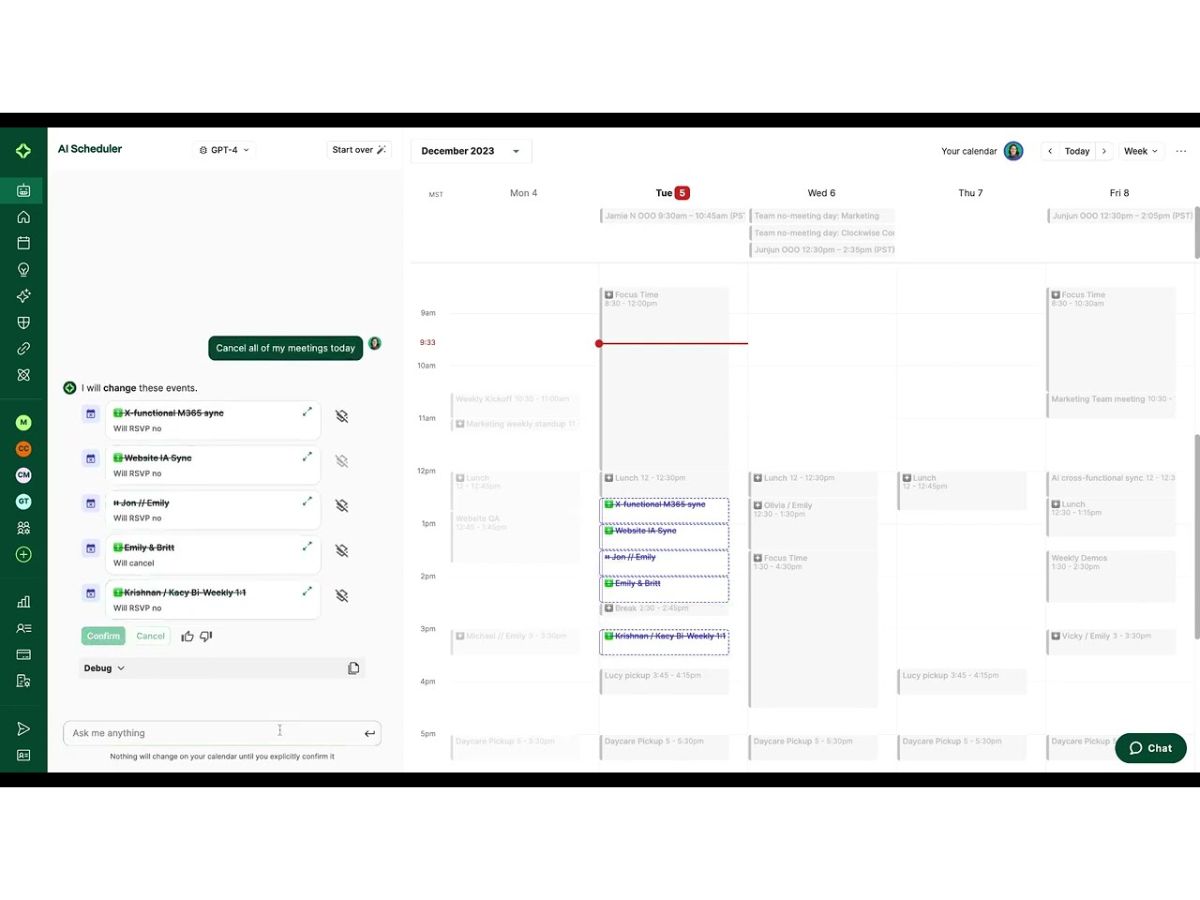
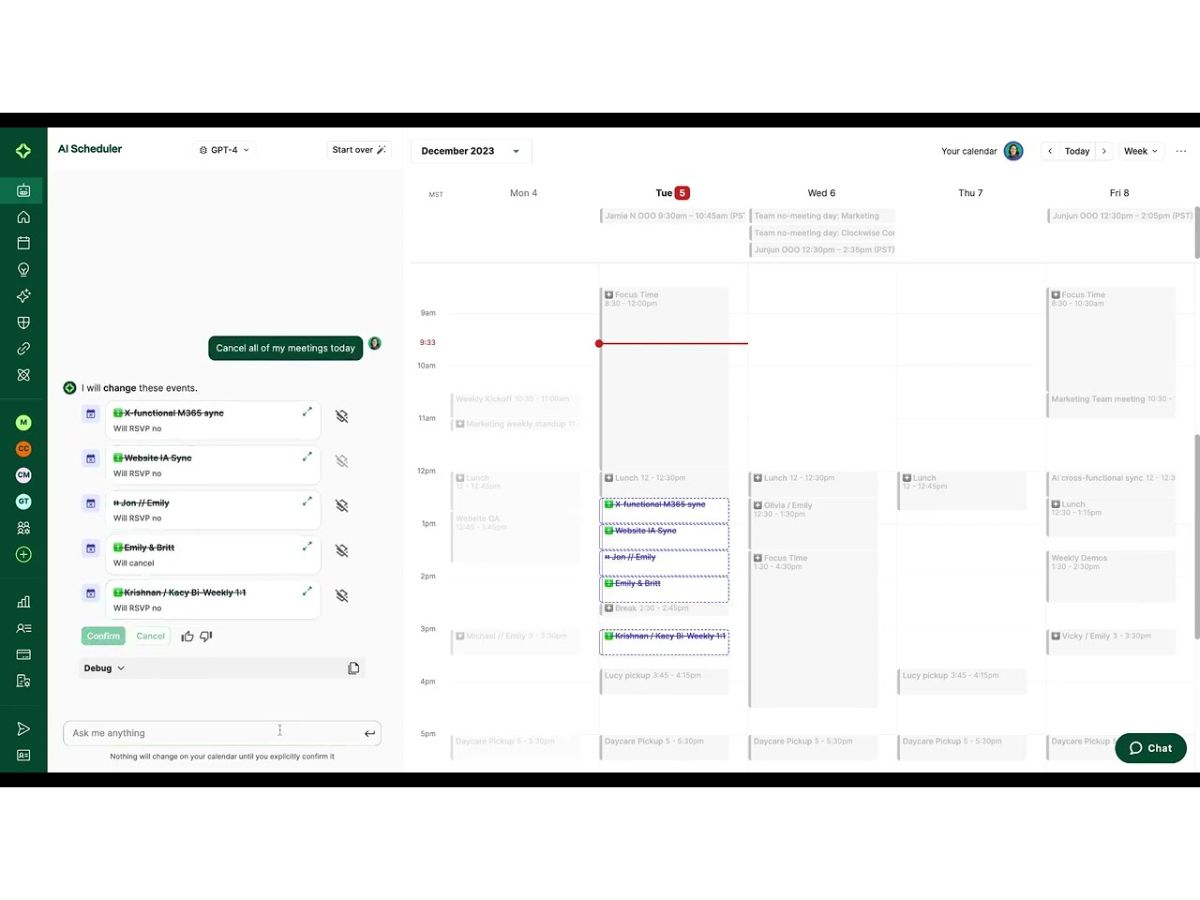
    Uses natural language to schedule, reschedule, or clear events, acting like a chat-based AI calendar assistant.
Clockwise Demo Video play icon

Get Clockwise Demo

Watch the demo video to explore key features, real workflows, and how the software fits your business needs.

Understand
Key Features
Personal
Demo Insights
Interactive
Demo Support

Clockwise Specifications

Supported Platforms
Ubuntu Ubuntu Windows Windows MacOS MacOS Linux Linux
Devices
Desktop Desktop
Deployment
Cloud-Based Cloud-Based
Suitable For
All Industries
Business Specific
All Businesses
Business Size
Small Business Startups Medium Business Enterprises
Customer Support
Email Communities
Language
English
Training Resources
Videos
AI Features
AI Integrated

Clockwise Review

4.4

Out of 5

img

Overall Rating

Based on
5 Verified Ratings

Rating Breakdown

  • Features 4.3
  • Value for Money 4.8
  • Ease of Use 4.1
  • Customer Support 4.4

80% Recommend this Product

Add Review

Be the First to Review

This product has no reviews yet. Be the first to leave your feedback.

Add Review

Terms and Condtions

close

Users with registered businesses can purchase goods from merchants on the platform to satisfy their business needs. Users are not permitted to utilize any products acquired through the platform for resale, advertising, business, or further distribution.

For each purchase made, users will receive a Tax Invoice (or 'GST invoice') that includes specific details such as:

  • the GSTIN of the user associated with their registered business, and

  • the specified Entity Name for their business.

It should be noted that not all products are eligible for GST Invoice. Only the products displayed by participating sellers with the 'GST-based Invoice Available' callout on the product description page would qualify.

Certain goods and services are not eligible to get a GST Invoice, including items with VAS, i.e., Value Added Services (e.g., Total Mobile Protection/Assured Buyback) and those involving an exchange offer at the time of purchase.

Users must ensure the accuracy of the GSTIN, and business entity name provided for the GST Invoice. Requests for corrections into GST Invoice would not be accommodated by Techjockey.com or any Seller, and any issues arising from user-provided information are the sole responsibility of users.

Techjockey.com is not liable for the GST Invoice or any associated input tax credit. To efficiently claim an input tax credit, users should select the registered place of business address as per the GST authority's data and follow the provisions of the GST Act and rules.

To claim an input tax credit, the delivery and billing addresses must match. Furthermore, input tax credits will not be granted if the delivery address and GSTIN on the invoice are from different states. In case of incorrect GST details provided during the order placement, the order will be canceled automatically.

21,000+ Software Listed 21,000+ Software Listed

Best Price Guaranteed Unbiased Comparison

Free Expert Consultation Read Authentic Reviews

5M+ Happy Customers 500,000+ Monthly Users