 USA
 India

NoBrokerHood
Whats great - We’ve been using NoBrokerHood in our society for a while, and it offers a mix of useful features and noticeable gaps. On the ... read more

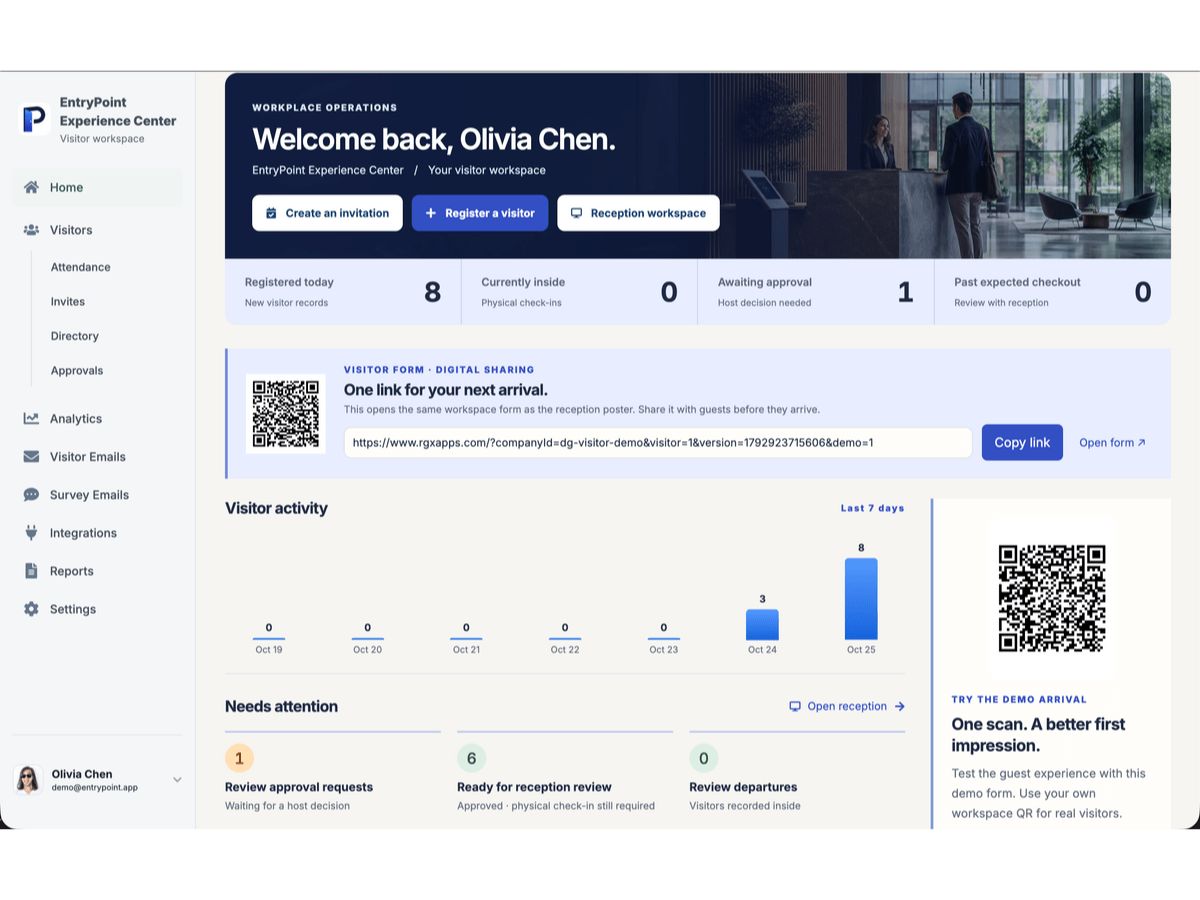
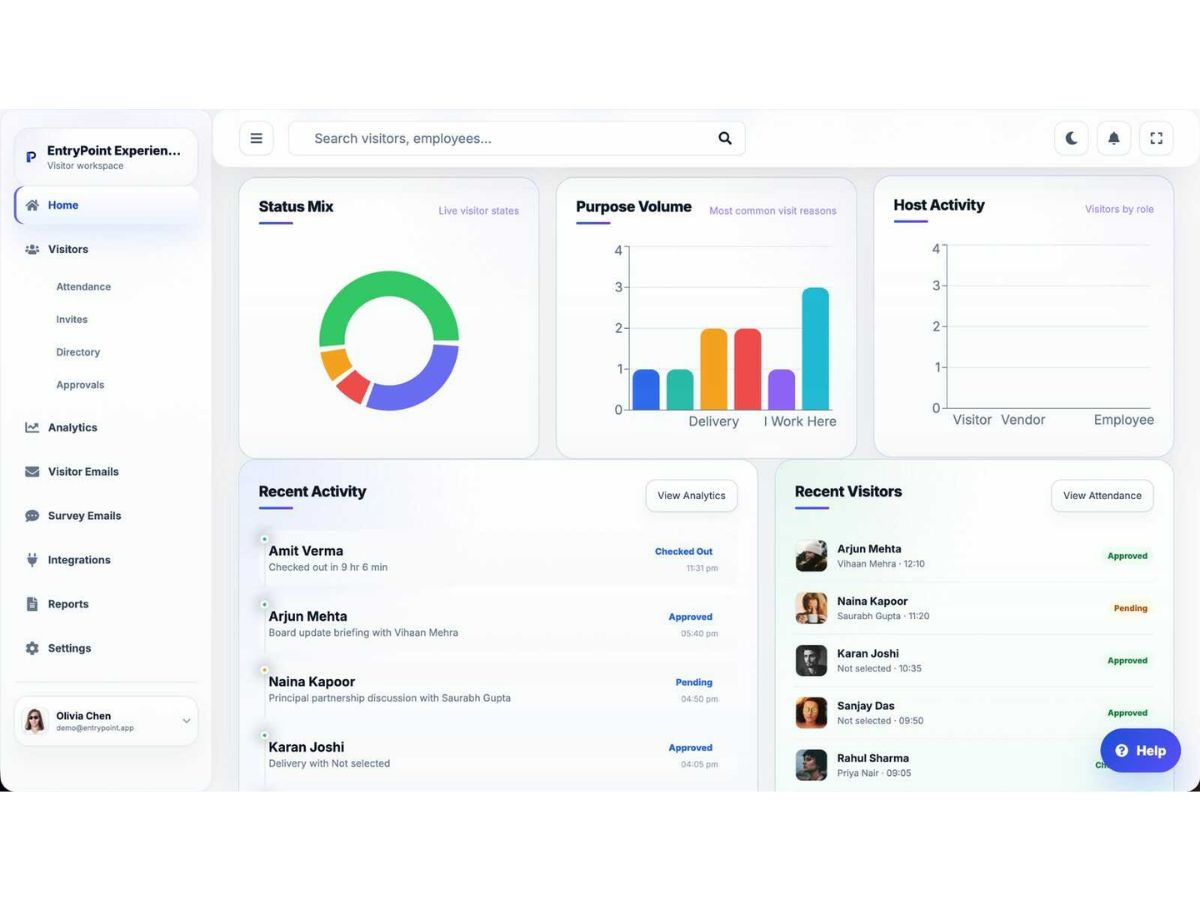
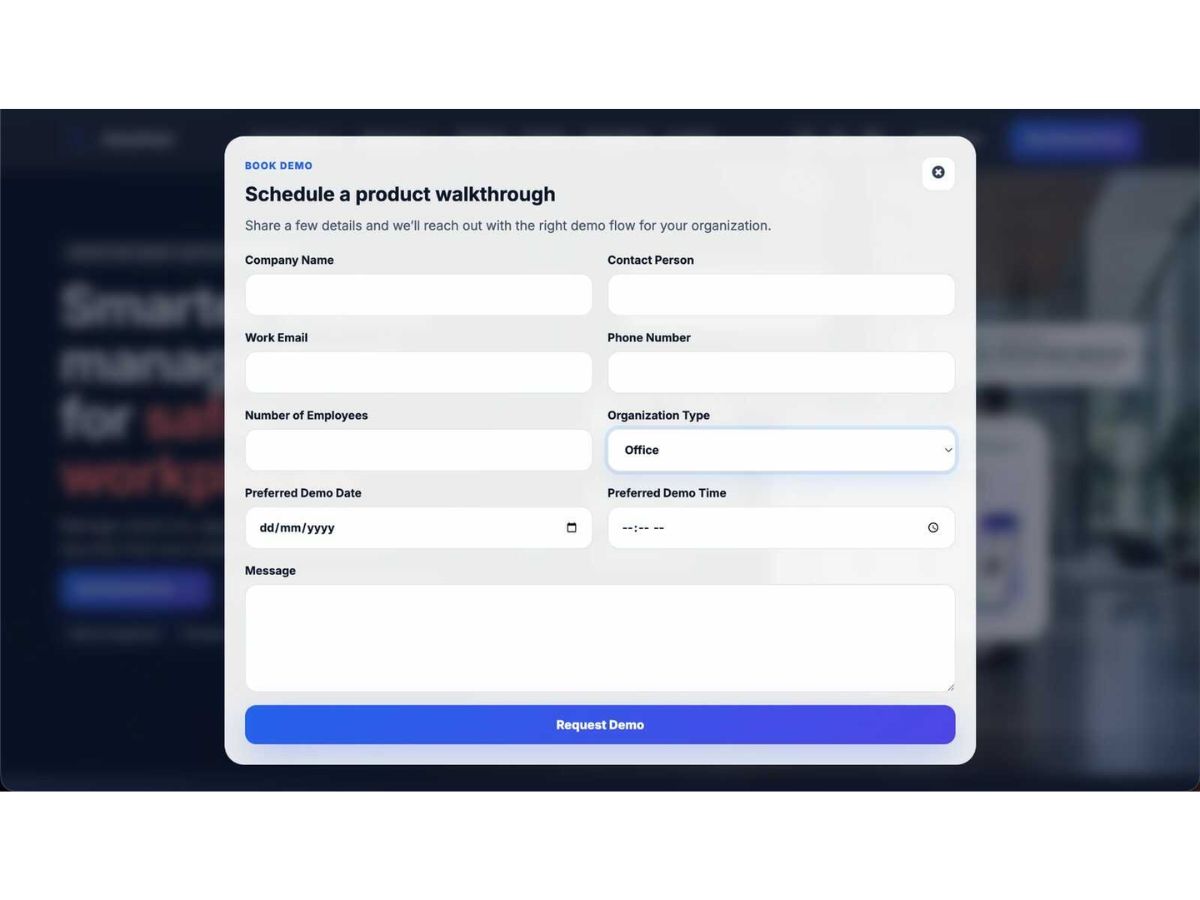
Brand: RGX Apps
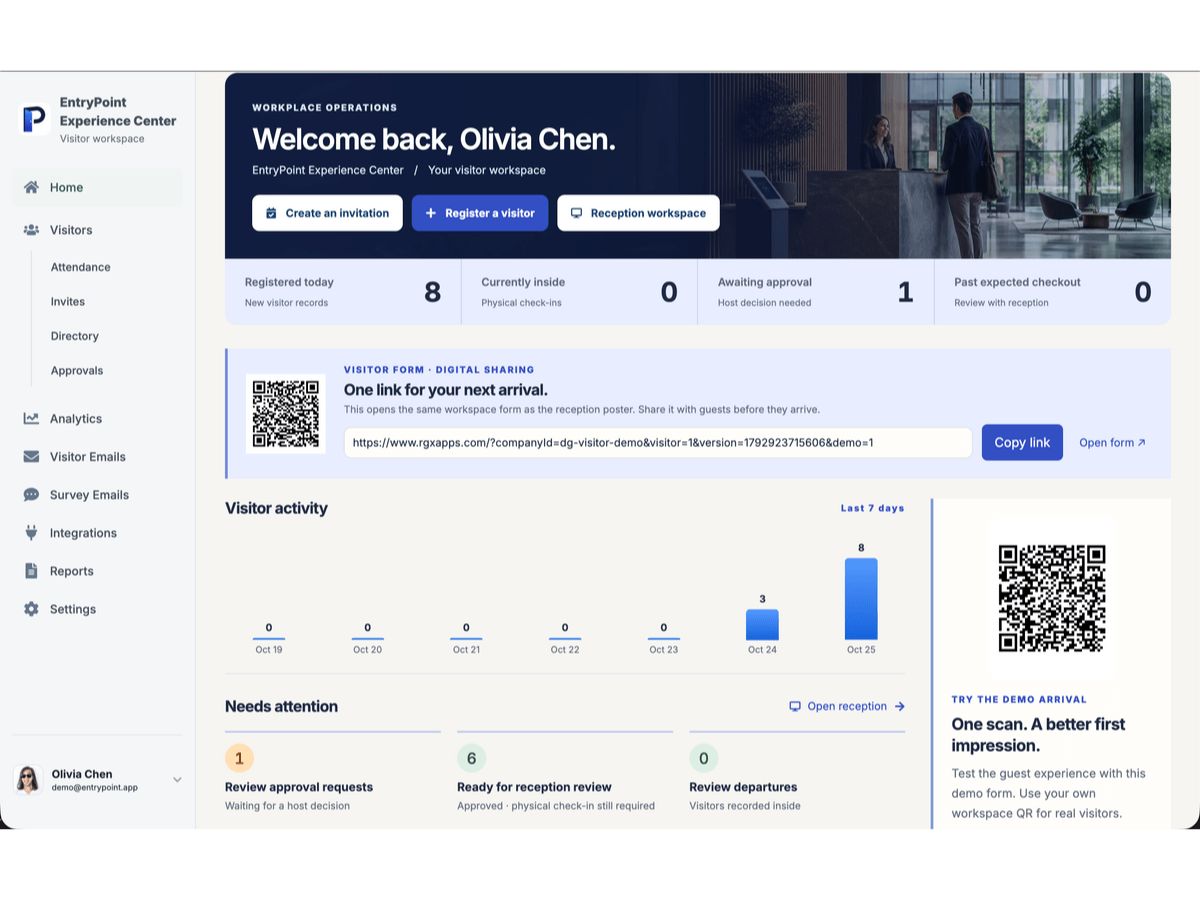
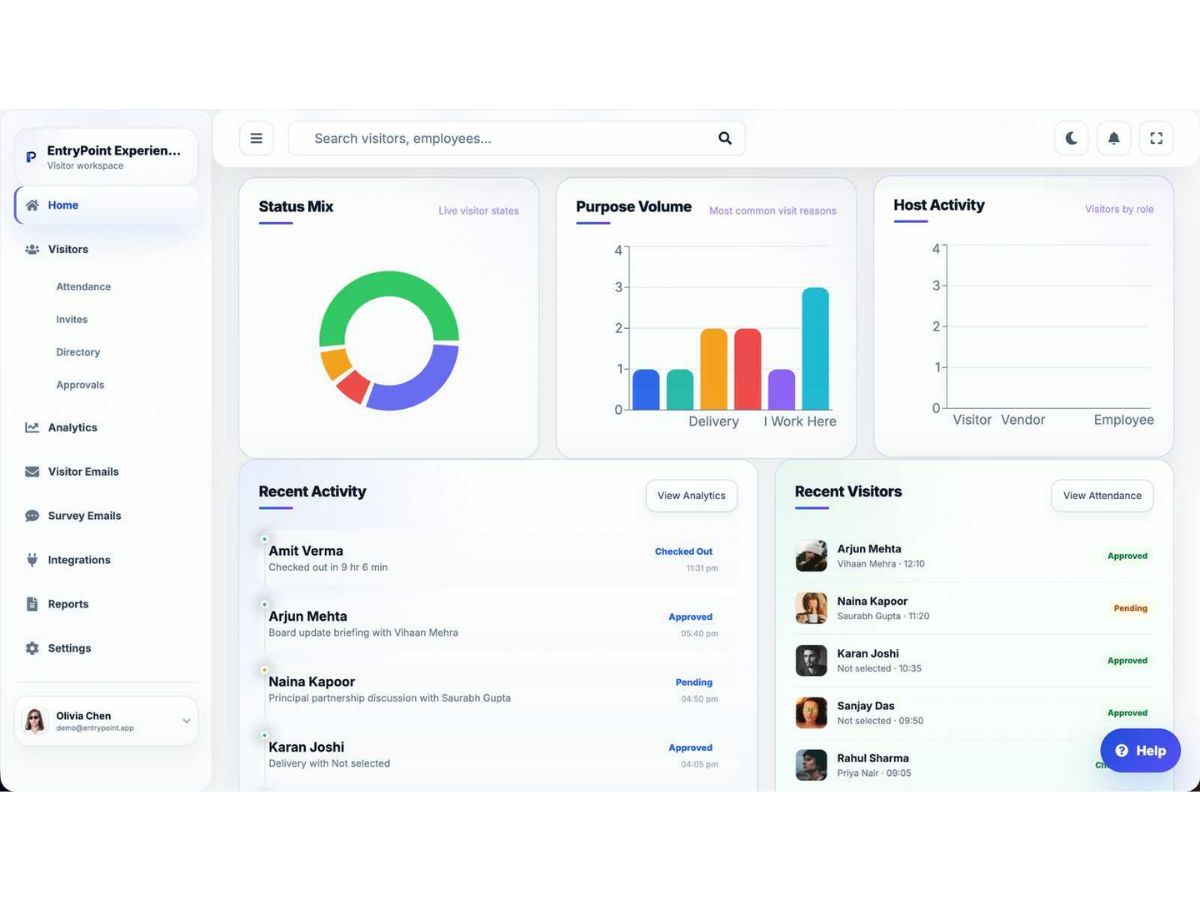
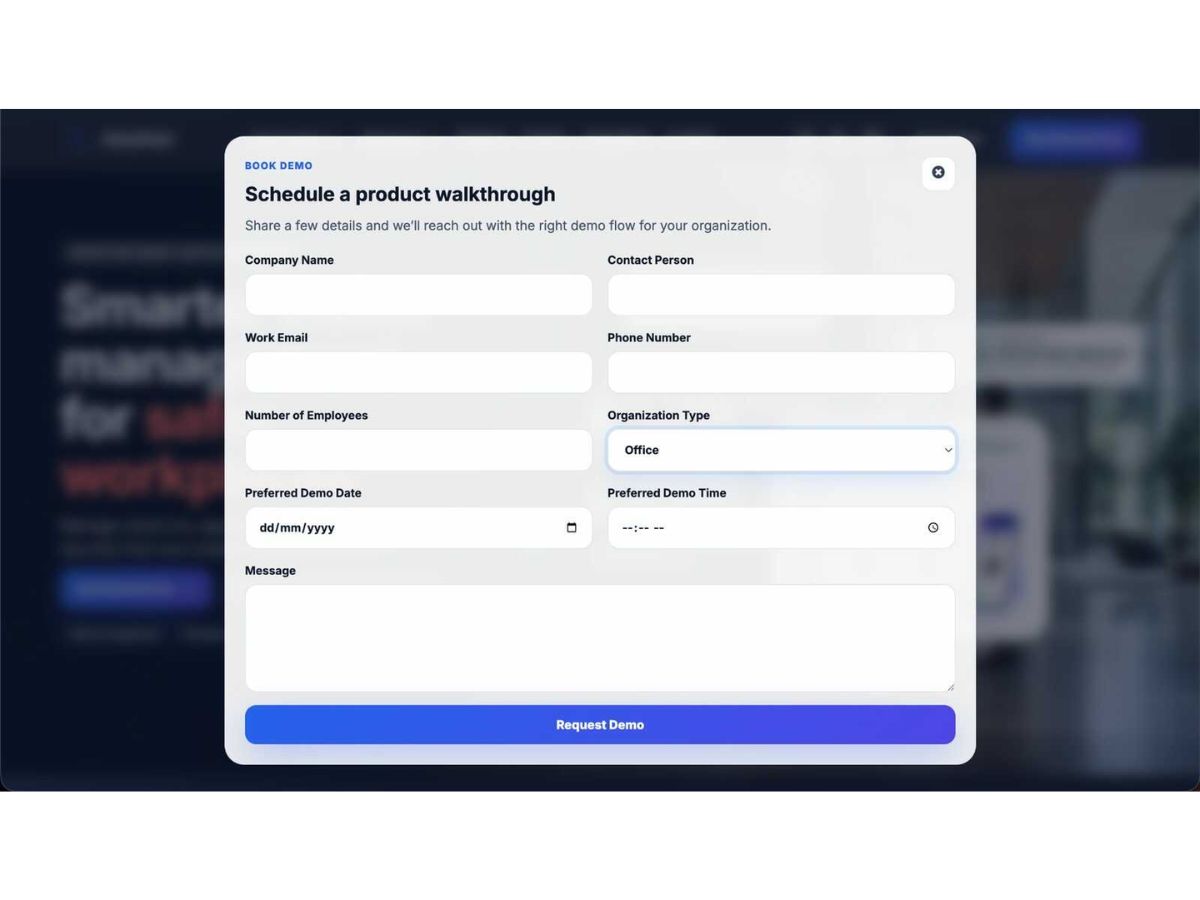
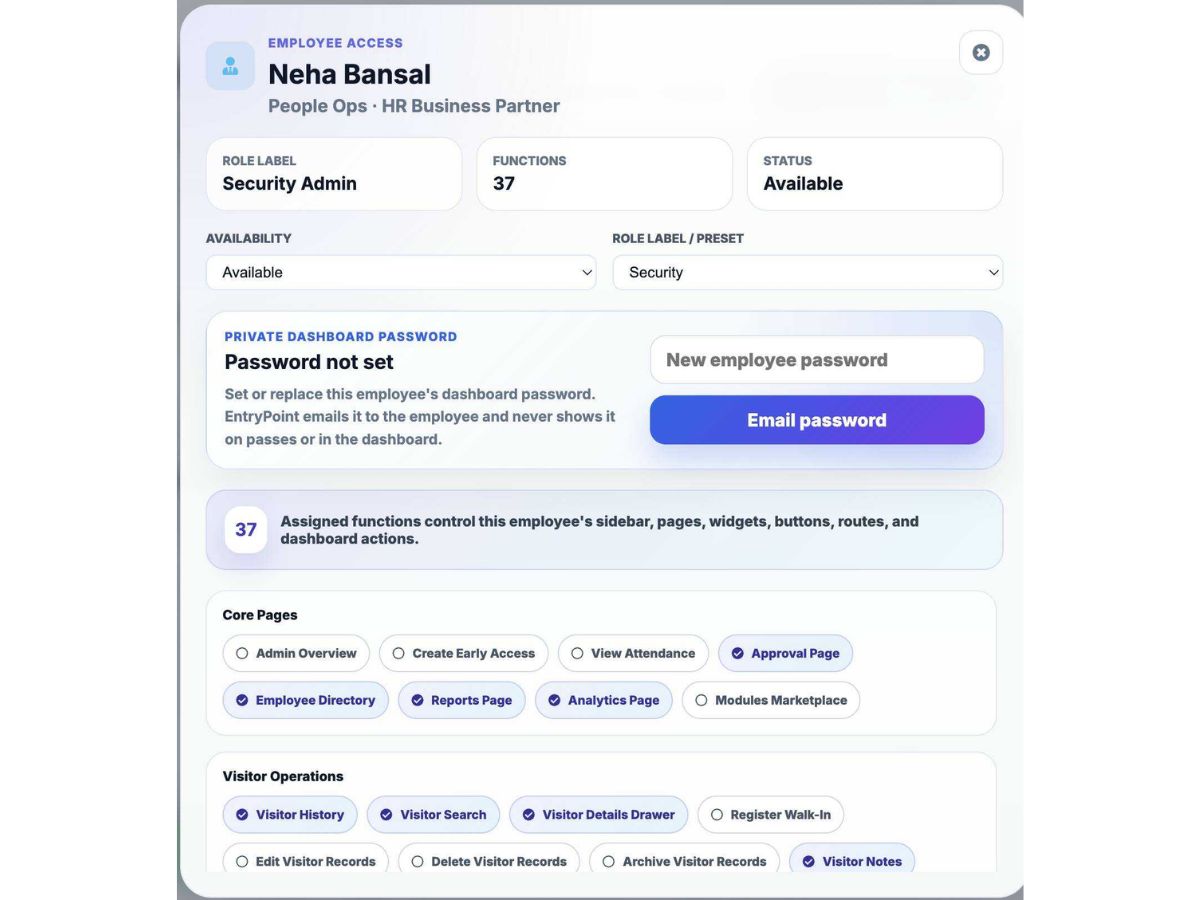
EntryPoint is designed around isolated company workspaces, controlled server access, configurable collection, and transparent operational records. EntryPoint is a workplace visitor management app that brings registration, host approvals, reception operations, secure passes, deliveries, and reporting...
See MoreHave you used EntryPoint before?
Share your insights for better experience
Brand: RGX Apps
Founded Year: 2006
RGX Apps develops modern business software. EntryPoint is our visitor management and workplace reception platform for organisations that want clearer arrivals, safer records, and simpler operations.
Looking for The Right Pricing?
Share your requirements and get a plan built around your business.
Price Available on Request
Get personalised EntryPoint pricing that fits your needs. Our team will connect with you.
 Visitor Registration QR Code Check-in Host Approval Management Invitation Management Digital Visitor Pass Badge Management Alerts & Notifications Custom Visitor Forms Visitor Record Management Reception Management Security Management Advanced Reporting Data Export Visitor Analytics Alerts & Reminders
 Ubuntu
 Windows
 iOS
 Android MacOS
 Linux
 Desktop
 Mobile
 Tablet
 iPad
 Cloud-Based
Techjockey Trusted Reviews from Verified Users
No reviews are currently available for EntryPoint. Discover similar Visitor Management Software reviews
NoBrokerHood
Whats great - We’ve been using NoBrokerHood in our society for a while, and it offers a mix of useful features and noticeable gaps. On the ... read more

Greetly
Whats great - It is easy to use. It allows us to have something at the front desk without needing an actual receptionist. read more

Entry2Exit
Whats great - Very customizable and easy to use. read more
Phoenix Entrypoint EDI Electronic Data Interchange EDI Software is compatible with Windows operating systems.
Phoenix Entrypoint EDI Electronic Data Interchange EDI Software app is not available.
Phoenix Entrypoint EDI Electronic Data Interchange EDI Software supports Web-Based and Perpetual.
Phoenix Entrypoint EDI Electronic Data Interchange EDI Software is typically used in All Industries.
Phoenix Entrypoint EDI demo is available for free with Techjockey.com. Please request a call back.
Phoenix Entrypoint EDI Electronic Data Interchange EDI Software offers a free trial. However, the premium plan with advanced features available at Techjockey.com.
For Phoenix Entrypoint EDI installation, insert the given CD/USB flash storage in your system and open the Setup Wizard to get started. The web-based version can be accessed directly through Phoenix Entrypoint EDI portal.
Phoenix Entrypoint EDI Electronic Data Interchange EDI Software helps with Cloud Based,Comprehensive field checking,Remote data entry and Data Export. It's a complete solution for Batch revision,Batch revision,Data Verification and Audit Trail.
Phoenix Entrypoint EDI regular updates are available free of cost. There are no hidden software update charges.
Phoenix Entrypoint EDI Electronic Data Interchange EDI Software used for Cloud Based,Comprehensive field checking,Remote data entry and Data Export.
You can directly visit Phoenix Entrypoint EDI portal and get in touch with Phoenix Entrypoint EDI customer support for any software-related query.
Please contact our product experts to get Phoenix Entrypoint EDI lifetime deal with exclusive offers.
Terms and Condtions

Users with registered businesses can purchase goods from merchants on the platform to satisfy their business needs. Users are not permitted to utilize any products acquired through the platform for resale, advertising, business, or further distribution.
For each purchase made, users will receive a Tax Invoice (or 'GST invoice') that includes specific details such as:
the GSTIN of the user associated with their registered business, and
the specified Entity Name for their business.
It should be noted that not all products are eligible for GST Invoice. Only the products displayed by participating sellers with the 'GST-based Invoice Available' callout on the product description page would qualify.
Certain goods and services are not eligible to get a GST Invoice, including items with VAS, i.e., Value Added Services (e.g., Total Mobile Protection/Assured Buyback) and those involving an exchange offer at the time of purchase.
Users must ensure the accuracy of the GSTIN, and business entity name provided for the GST Invoice. Requests for corrections into GST Invoice would not be accommodated by Techjockey.com or any Seller, and any issues arising from user-provided information are the sole responsibility of users.
Techjockey.com is not liable for the GST Invoice or any associated input tax credit. To efficiently claim an input tax credit, users should select the registered place of business address as per the GST authority's data and follow the provisions of the GST Act and rules.
To claim an input tax credit, the delivery and billing addresses must match. Furthermore, input tax credits will not be granted if the delivery address and GSTIN on the invoice are from different states. In case of incorrect GST details provided during the order placement, the order will be canceled automatically.
 20,000+ Software Listed
 Unbiased Comparison
 Read Authentic Reviews
 500,000+ Monthly Users