linkedin
FlexTrade logo
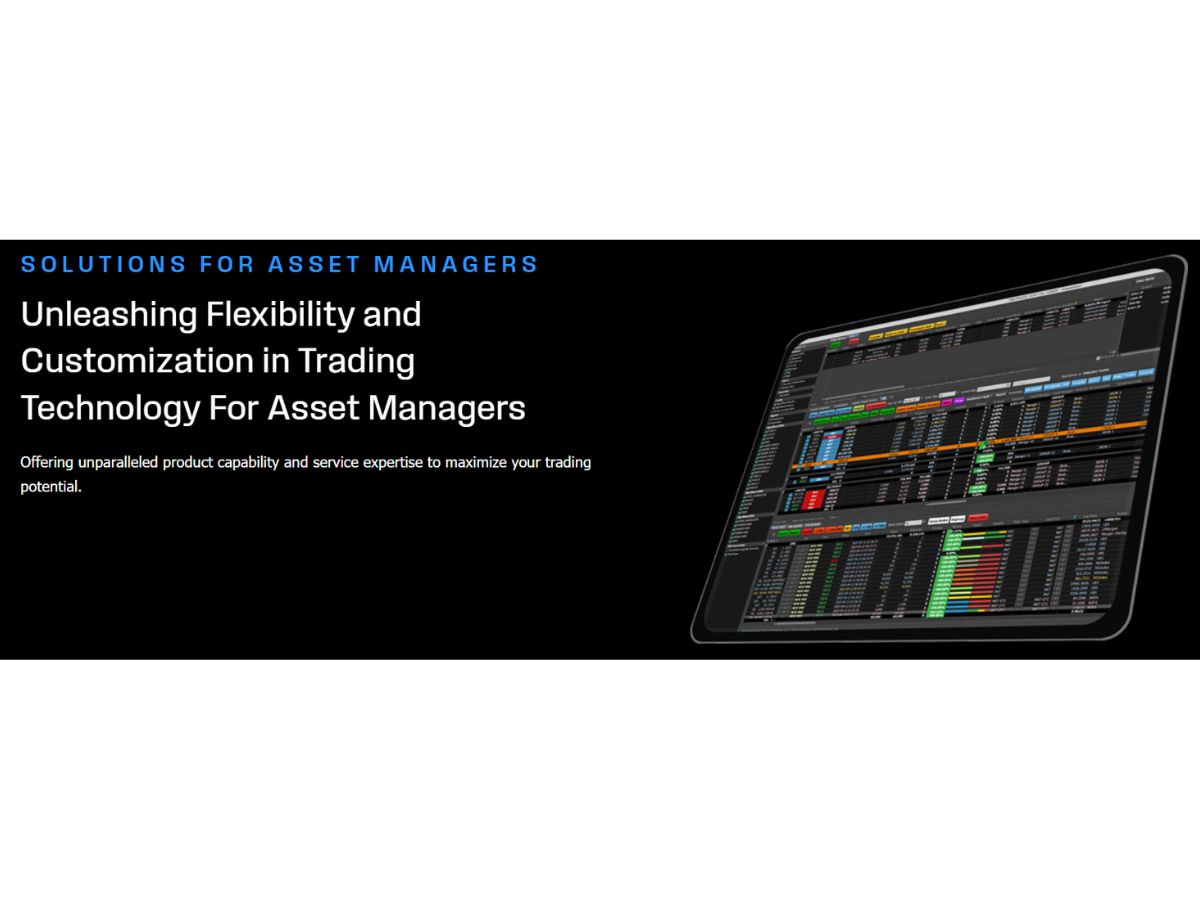
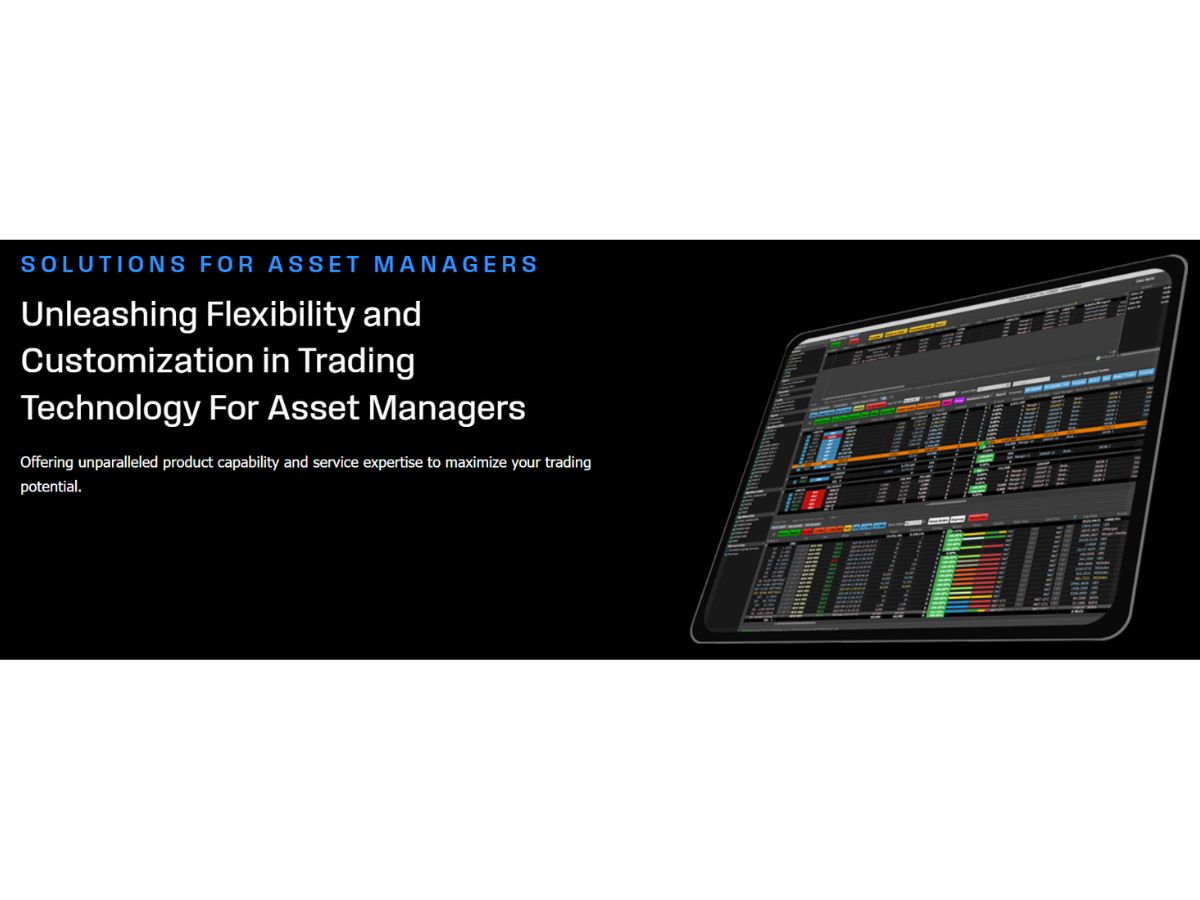
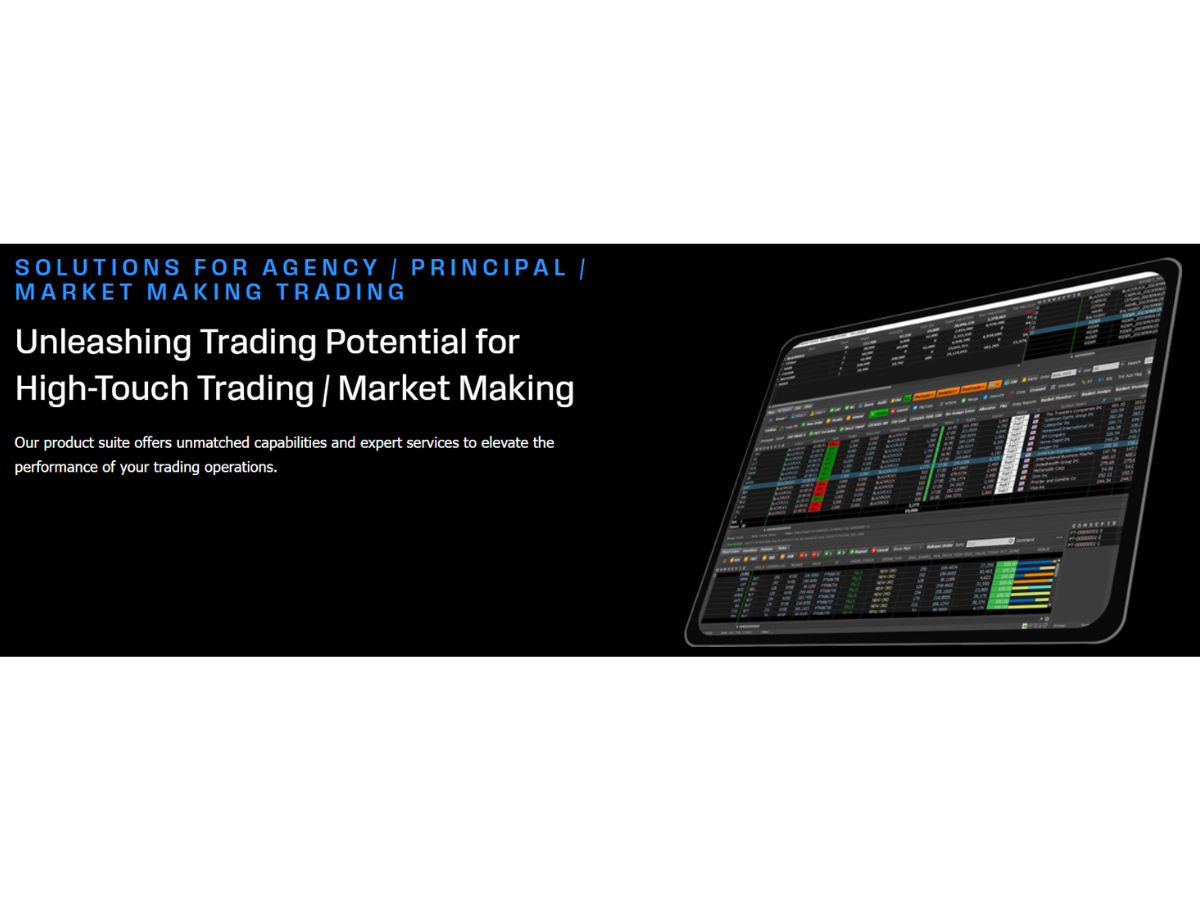
FlexTrade-asset manager
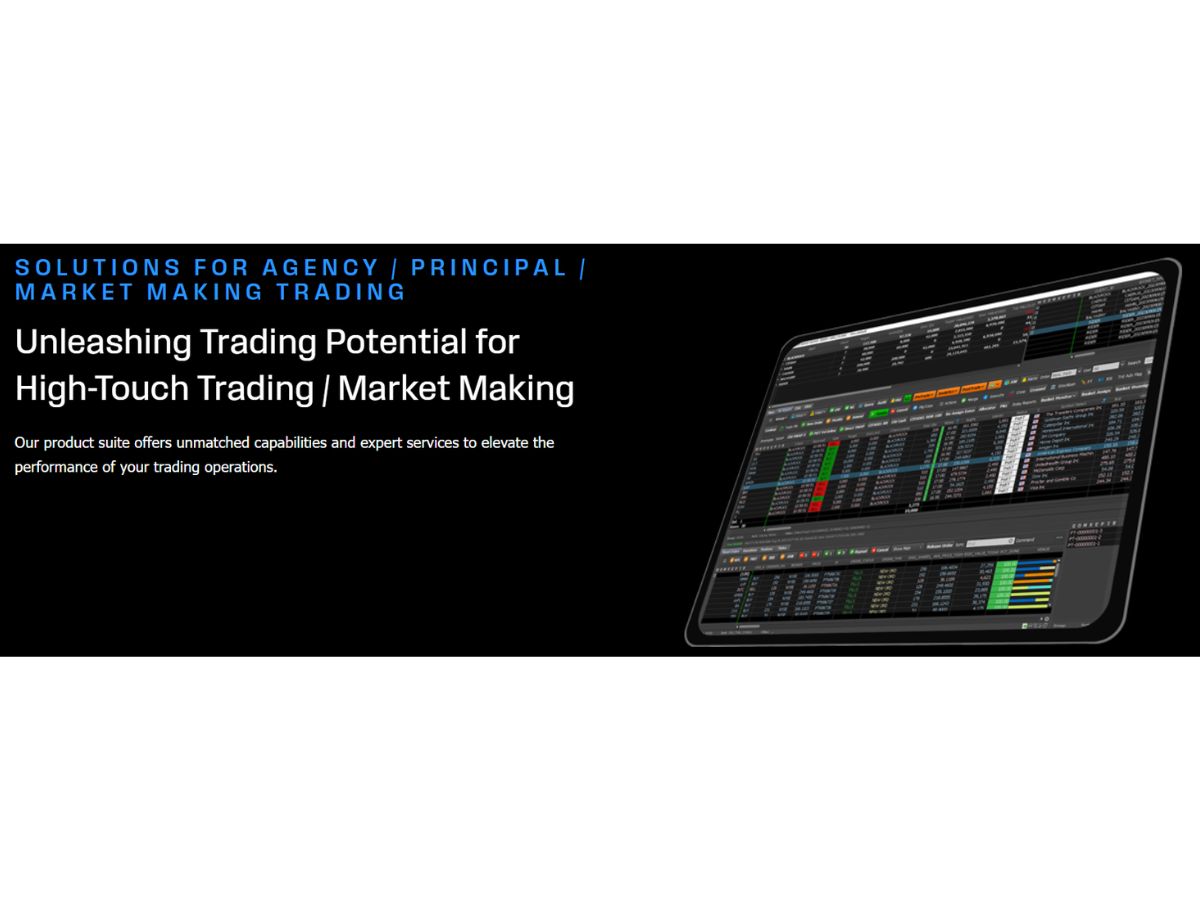
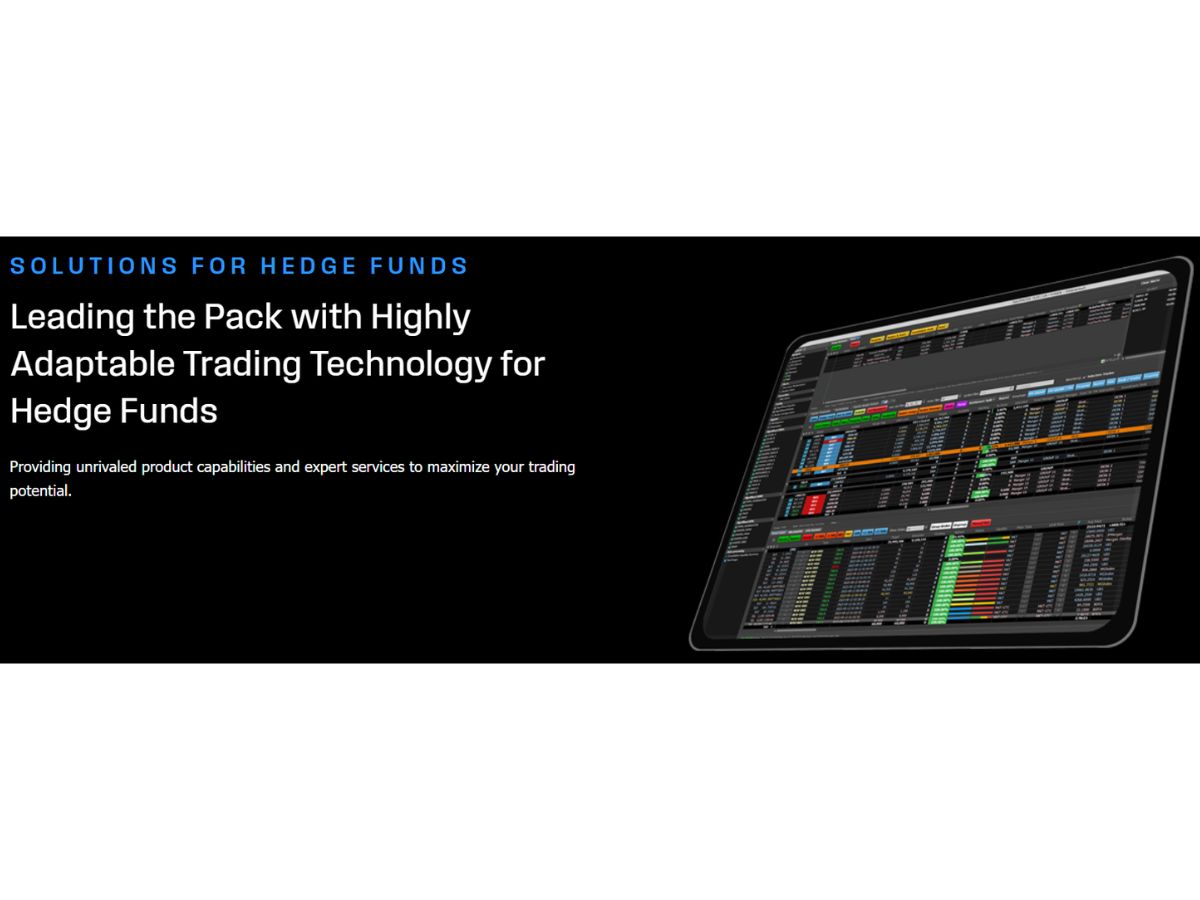
FlexTrade-market making
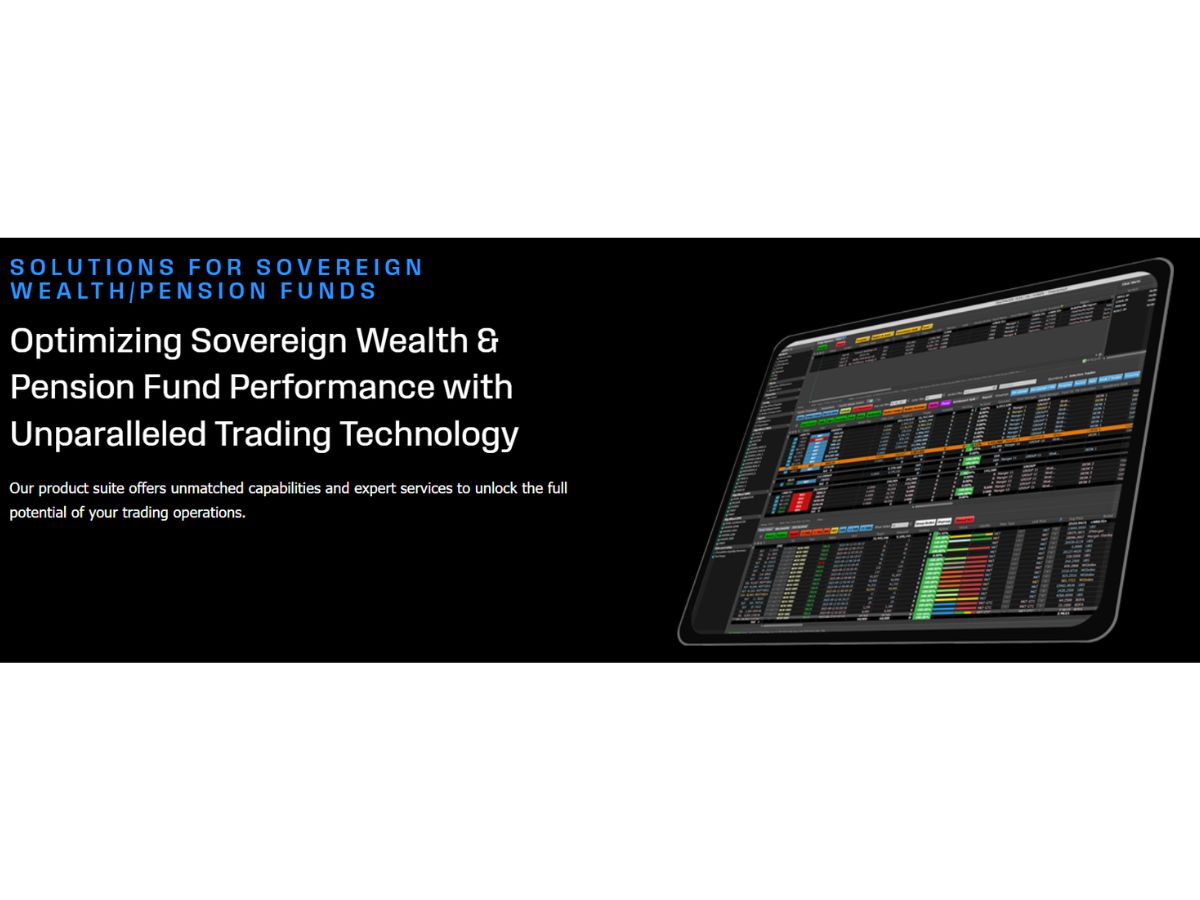
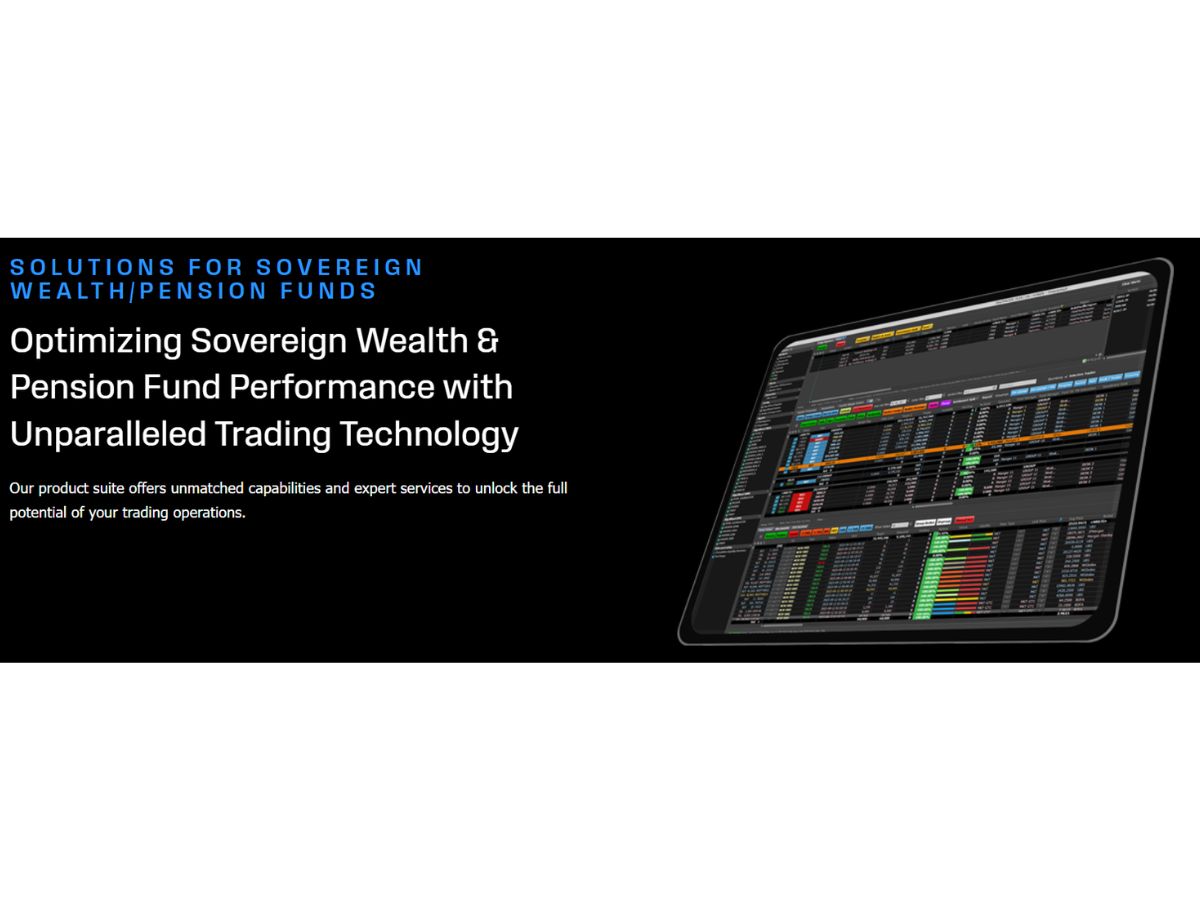
FlexTrade-optimizing sovereign

FlexTrade

Brand: FlexTrade Systems

  • No Ratings & Reviews

Have you used FlexTrade before?

Share your insights for better experience

Add a Review

Price Available on Request

Questions about pricing or customization? We’re here to help, just a click away.

100% Genuine
Products
Best Price
Guaranteed
Safe & Secure
Payment
  • Description

  • Pricing

  • Features

  • Specification

  • Review

FlexTrade Software Overview

FlexTrade Systems Company Details

Founded Year:  1996

FlexTrade Systems, Inc. provides algorithmic trading platforms and execution systems for equities, foreign exchange, and listed.

Director/Founders Rajiv Kedia
Company Size 1-100 Employees

FlexTrade Pricing & Plans

Looking for The Right Pricing?

Share your requirements and get a plan built around your business.

  • Define your business needs
  • Get customised pricing
  • Choose features that fit your workflow

Price Available on Request

Get personalised FlexTrade pricing that fits your needs. Our team will connect with you.

FlexTrade Features

Core Features

  • icon_check Portfolio Management
    Advanced multi-asset portfolio tracking with real-time exposure, risk metrics, and allocation tools.
  • icon_check Market Data
    Access to global real-time and historical market data feeds across multiple asset classes.
  • icon_check Watchlist
    Custom watchlists track instruments with real-time updates and quick trading access.
  • icon_check Charting Tools
    Advanced charting with indicators, overlays, and multi-asset visualization.
  • icon_check Order Control
    Full control over order lifecycle including routing, modification, and cancellation.
  • icon_check Order Execution
    High-speed execution with smart routing to global liquidity venues.

Order Execution

  • icon_check Limit Order
    Supports limit orders for precise price-controlled trade execution.
  • icon_check Market Order
    Enables instant order execution at best available market prices.
  • icon_check Stop (Loss) Order
    Supports stop-loss orders to minimize losses and manage trading risks.
  • icon_check Stop Limit Orders
    Combines stop trigger with limit price for controlled execution.
  • icon_check Trailing Stop Order
    Dynamic stop orders adjust automatically based on market price movement.

Research and Analysis

  • icon_check Technical Analysis
    Offers charting indicators and tools for analyzing price movements and trading signals.
  • icon_check Fundamental Analysis
    Limited built-in support; typically integrated via external research/data providers.
  • icon_check Pattern Recognition
    Limited native tools; advanced pattern detection via integrations or custom algos.
  • icon_check Scanning Tools
    Market scanning tools identify trading opportunities based on defined criteria.
  • icon_check Backtesting and Optimization
    Strategy backtesting and optimization using historical data and analytics tools.
  • icon_check Smart drawing tools
    Basic drawing tools available; not as extensive as retail charting platforms.

Trading Options

  • icon_check Intraday Trading
    Supports high-frequency and intraday trading with ultra-low latency execution.
  • icon_check Algorithm Trading
    Fully supports algorithmic trading with customizable and pre-built strategies.
  • icon_check Options Trading
    Supports trading in options with advanced execution and analytics tools.
  • icon_check Futures Trading
    Enables futures trading across global derivatives markets.
  • icon_check Forex Trading
    Supports FX trading with access to liquidity providers and execution venues.
  • icon_check Crypto Trading
    Limited support via integrations; not a core offering in most deployments.
  • icon_check Automatic Trading
    Fully automated trading through algorithmic strategies and execution rules.
  • icon_check Margin Trading (MTF)
    Supports leveraged trading with margin controls and risk management tools.
  • icon_check Mutual Funds
    Invest in professionally managed portfolios for diversified exposure.
  • icon_check Paper Trading
    Simulate trading without real money to test strategies.

Reporting & Analytics

  • icon_check Dashboards
    Customizable dashboards provide real-time trading insights, analytics, and performance monitoring.
  • icon_check Automated Reports
    Generates automated trade reports, compliance summaries, and performance analytics.
  • icon_check Report Customization
    Highly customizable reporting formats tailored to institutional requirements.
  • icon_check P&L Report
    Real-time and historical profit and loss reporting with detailed breakdowns.
  • icon_check Contract Note
    Generates trade confirmations and contract notes for executed transactions.
  • icon_check Financial Transaction Report (CashLedger)
    Provides detailed transaction logs and cash ledger reporting for compliance.

Account Management

  • icon_check Multi-Factor Authentication (MFA)
    Enterprise-grade MFA ensures secure access control and protection of sensitive trading systems.
  • icon_check Platform Migration
    Supports migration and integration with existing trading infrastructures.
  • icon_check Customizable User Interface
    Highly flexible UI tailored to trader workflows and institutional needs.
  • icon_check Demat Account Creation
    Facilitate the opening of electronic securities accounts.

Integrations

  • icon_check API Integration
    Open architecture APIs enable seamless integration with brokers, exchanges, and third-party systems.
  • icon_check Financial Tools Integration
    Integrates with analytics, risk systems, OMS, and third-party financial tools.

Alerts & Notification

  • icon_check Price Alert
    Real-time alerts based on price thresholds, triggers, and trading conditions.
  • icon_check Real Time Market Updates
    Streams live market updates with ultra-low latency data feeds.
  • icon_check News Alerts
    Integrated news feeds and alerts from financial data providers.
  • icon_check Volume Alerts
    Alerts triggered based on unusual trading volume or predefined thresholds.

FlexTrade Specifications

Supported Platforms
Windows Windows MacOS MacOS
Devices
Desktop Desktop
Deployment
Cloud-Based Cloud-Based Perpetual Perpetual
Suitable For
Stock Market
Business Specific
Traders Stock Market Trading
Business Size
Enterprises
Customer Support
Phone Email Live Chat
Language
English
Integration
API Integration
Training Resources
In Person Live Online Webinars Documentation Videos
AI Features
AI Integrated
Technology
Next Generation

FlexTrade Review

Techjockey Trusted Reviews from Verified Users

No reviews are currently available for FlexTrade. Discover similar Trading Platforms reviews

  • Robinhood

    4.4

    Whats great - Robinhood offers commission-free trades and a sleek mobile app. read more

  • Wealthfront

    4.5

    Whats great - Wealthfront is widely regarded as one of the best robo-advisors: low fees, strong value, good automation. read more

  • Fidelity

    4.4

    Whats great - Fidelity offers a comprehensive range of investment tools.? read more

Terms and Condtions

close

Users with registered businesses can purchase goods from merchants on the platform to satisfy their business needs. Users are not permitted to utilize any products acquired through the platform for resale, advertising, business, or further distribution.

For each purchase made, users will receive a Tax Invoice (or 'GST invoice') that includes specific details such as:

  • the GSTIN of the user associated with their registered business, and

  • the specified Entity Name for their business.

It should be noted that not all products are eligible for GST Invoice. Only the products displayed by participating sellers with the 'GST-based Invoice Available' callout on the product description page would qualify.

Certain goods and services are not eligible to get a GST Invoice, including items with VAS, i.e., Value Added Services (e.g., Total Mobile Protection/Assured Buyback) and those involving an exchange offer at the time of purchase.

Users must ensure the accuracy of the GSTIN, and business entity name provided for the GST Invoice. Requests for corrections into GST Invoice would not be accommodated by Techjockey.com or any Seller, and any issues arising from user-provided information are the sole responsibility of users.

Techjockey.com is not liable for the GST Invoice or any associated input tax credit. To efficiently claim an input tax credit, users should select the registered place of business address as per the GST authority's data and follow the provisions of the GST Act and rules.

To claim an input tax credit, the delivery and billing addresses must match. Furthermore, input tax credits will not be granted if the delivery address and GSTIN on the invoice are from different states. In case of incorrect GST details provided during the order placement, the order will be canceled automatically.

20,000+ Software Listed 20,000+ Software Listed

Best Price Guaranteed Unbiased Comparison

Free Expert Consultation Read Authentic Reviews

2M+ Happy Customers 500,000+ Monthly Users