linkedin
Frill logo
frill-content
frill-polls
frill-roadmap

Frill

Brand: Frill

  • No Ratings & Reviews

Have you used Frill before?

Share your insights for better experience

Add a Review
Starting Price
$25

View plans

100% Genuine
Products
Best Price
Guaranteed
Safe & Secure
Payment
  • Description

  • Pricing

  • Features

  • Specification

  • Review

Starting at $25.00

Frill Software Overview

Frill Company Details

Founded Year:  2019

Customer feedback tool for the best SaaS businesses.

Director/Founders Elliott Risby, Mike Hill, Thomas Garrood
Company Size 1-100 Employees

Frill Pricing & Plans

Startup
Starting at $25
    • Licenses

      Licenses
      Licenses
    • Monthly

      Monthly
      Monthly

Key Features

  • 50 Ideas

  • 1 Survey

  • Active Ideas-50

  • Webhooks

  • Developer API

  • Custom Domain

  • Automatic Emails

Business
Starting at $49
    • Licenses

      Licenses
      Licenses
    • Monthly

      Monthly
      Monthly

Key Features

  • Unlimited Ideas

  • 3 Surveys

  • Everything in Startup, plus

  • Active Ideas-Unlimited

  • Webhooks

  • Developer API

  • Custom Domain

  • Automatic Emails

Growth
Starting at $149
    • Licenses

      Licenses
      Licenses
    • Monthly

      Monthly
      Monthly

Key Features

  • Unlimited Ideas

  • Privacy

  • Everything in Business, plus

  • Active Ideas-Unlimited

  • Webhooks

  • Developer API

  • Custom Domain

  • Automatic Emails

Enterprise
Starting at $349
    • Licenses

      Licenses
      Licenses
    • Monthly

      Monthly
      Monthly

Key Features

  • Dedicated Support

  • SOC2 compliance

  • Active Ideas-Unlimited

  • Webhooks

  • Developer API

  • Custom Domain

  • Automatic Emails

Frill Features

  • icon_check Idea Board
    Provide a centralized digital space where customers can submit, browse, and organize various product suggestions and requests.
  • icon_check Feature Voting
    Enable users to cast votes on submitted ideas to identify high-demand requests and help product teams prioritize new updates.
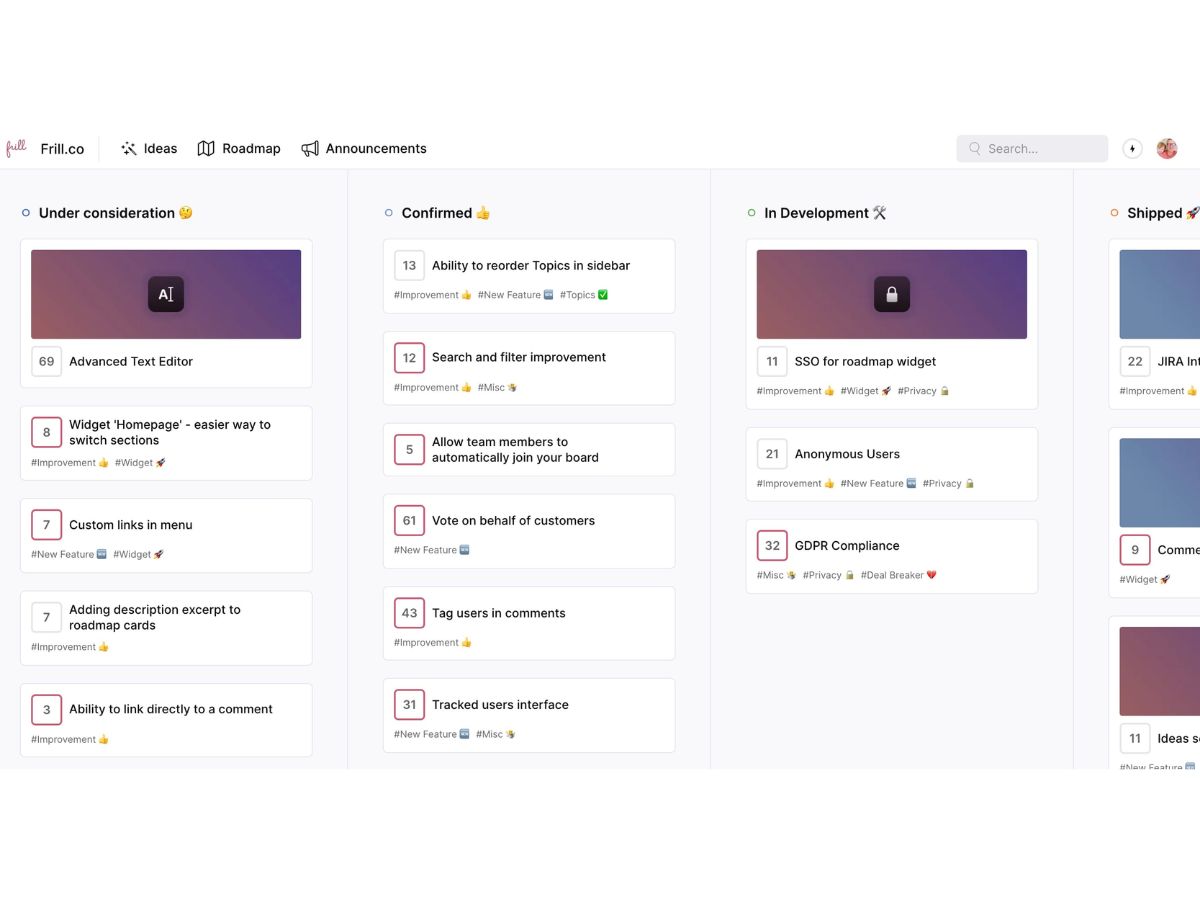
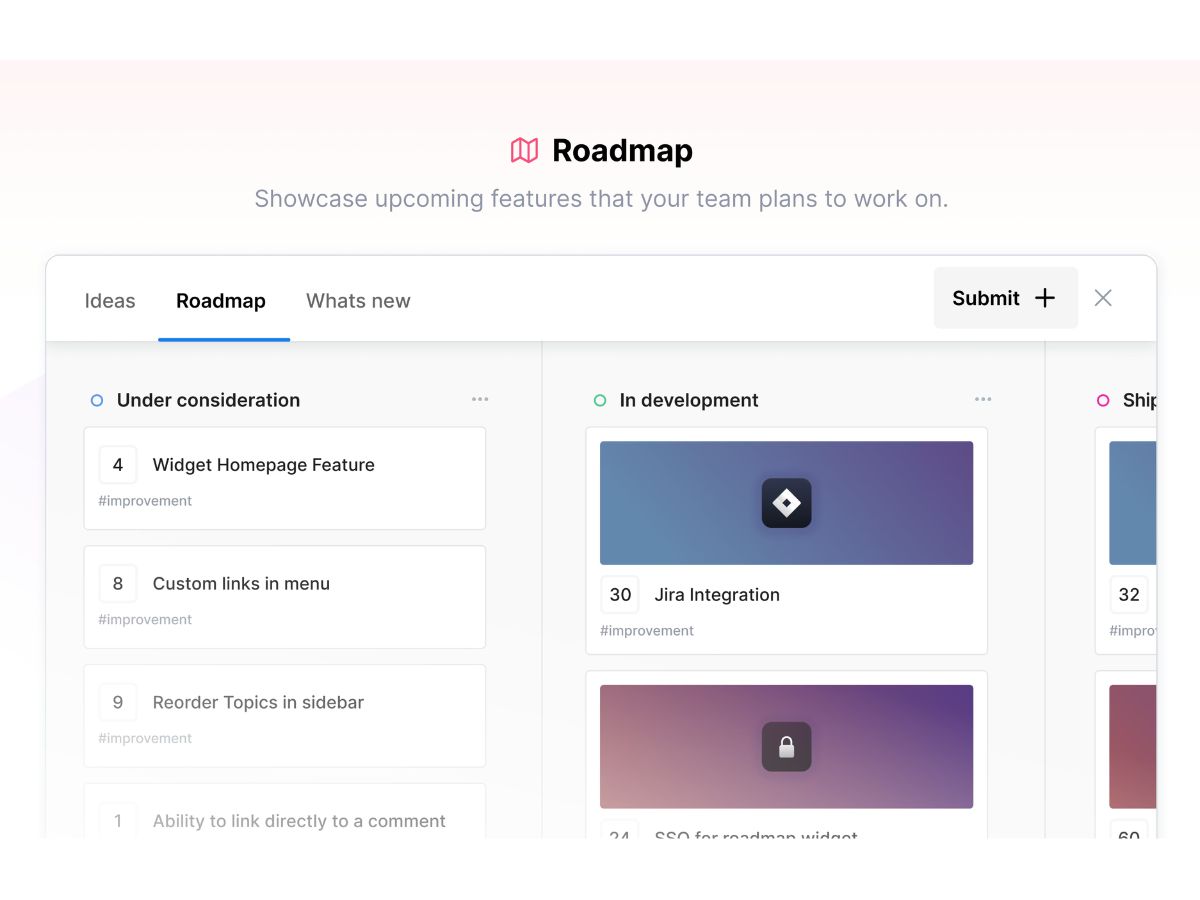
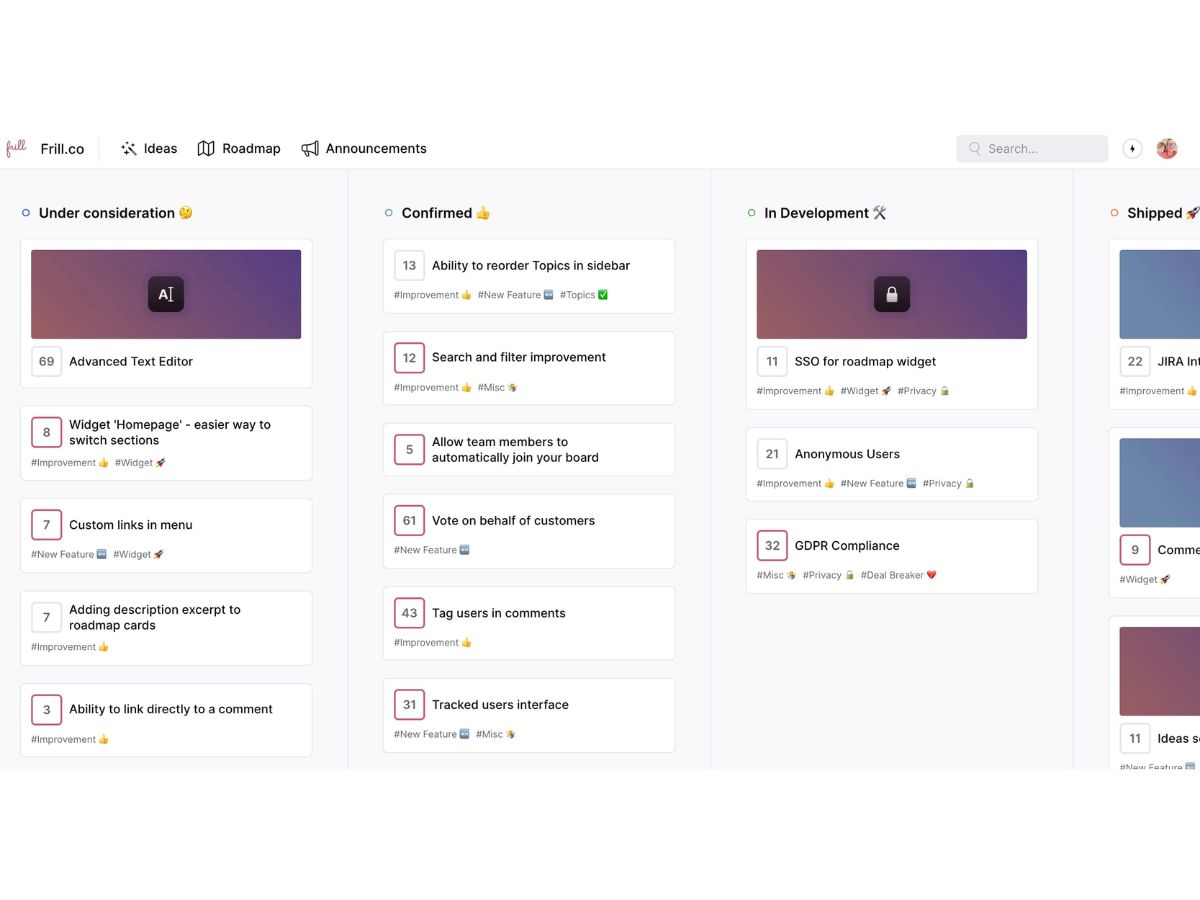
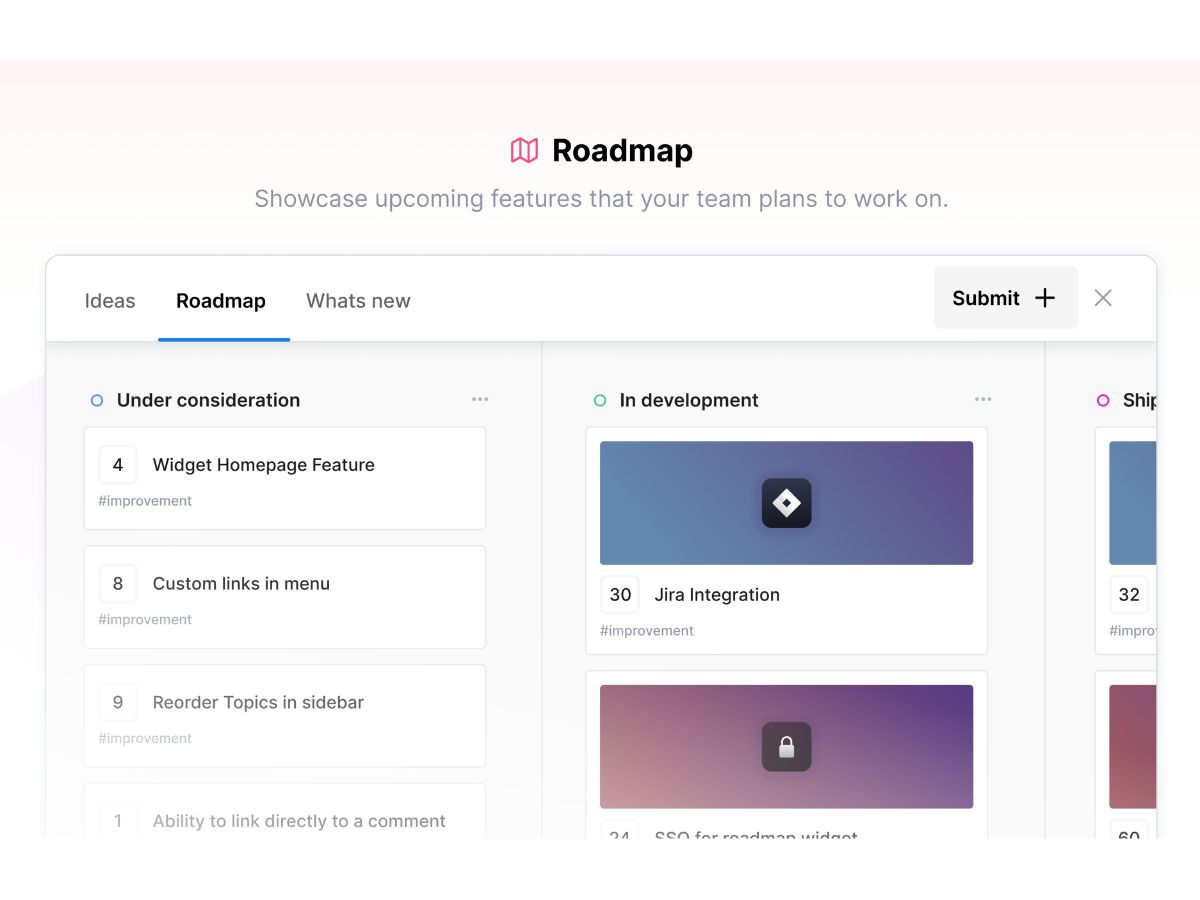
  • icon_check Public Roadmap
    Display planned, in-progress, and completed product developments to keep customers informed about the overall product vision.
  • icon_check Changelog Tool
    Publish chronological updates and release notes to notify the user base about recently deployed features and bug fixes live.
  • icon_check SSO Authentication
    Integrate Single Sign-On protocols to allow existing users to log in and provide feedback without creating new credentials.
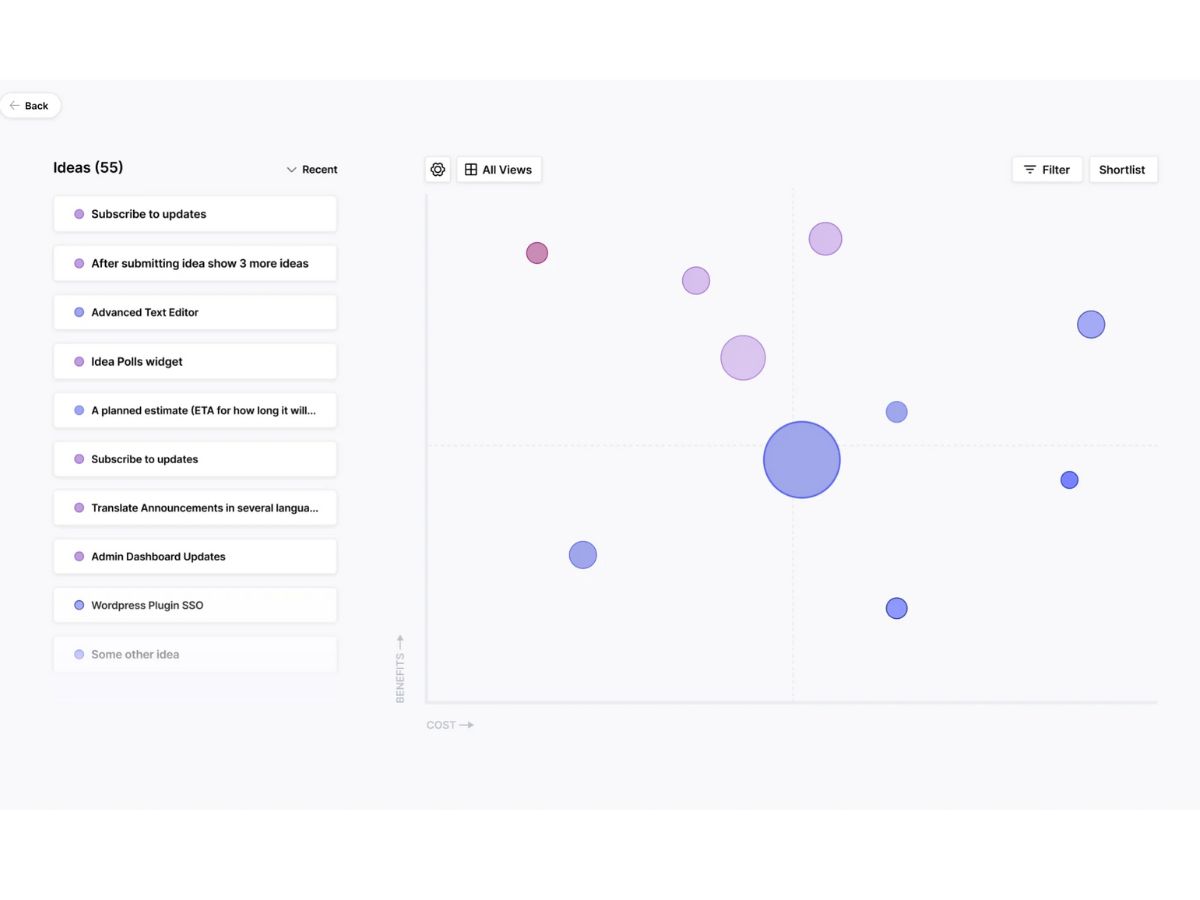
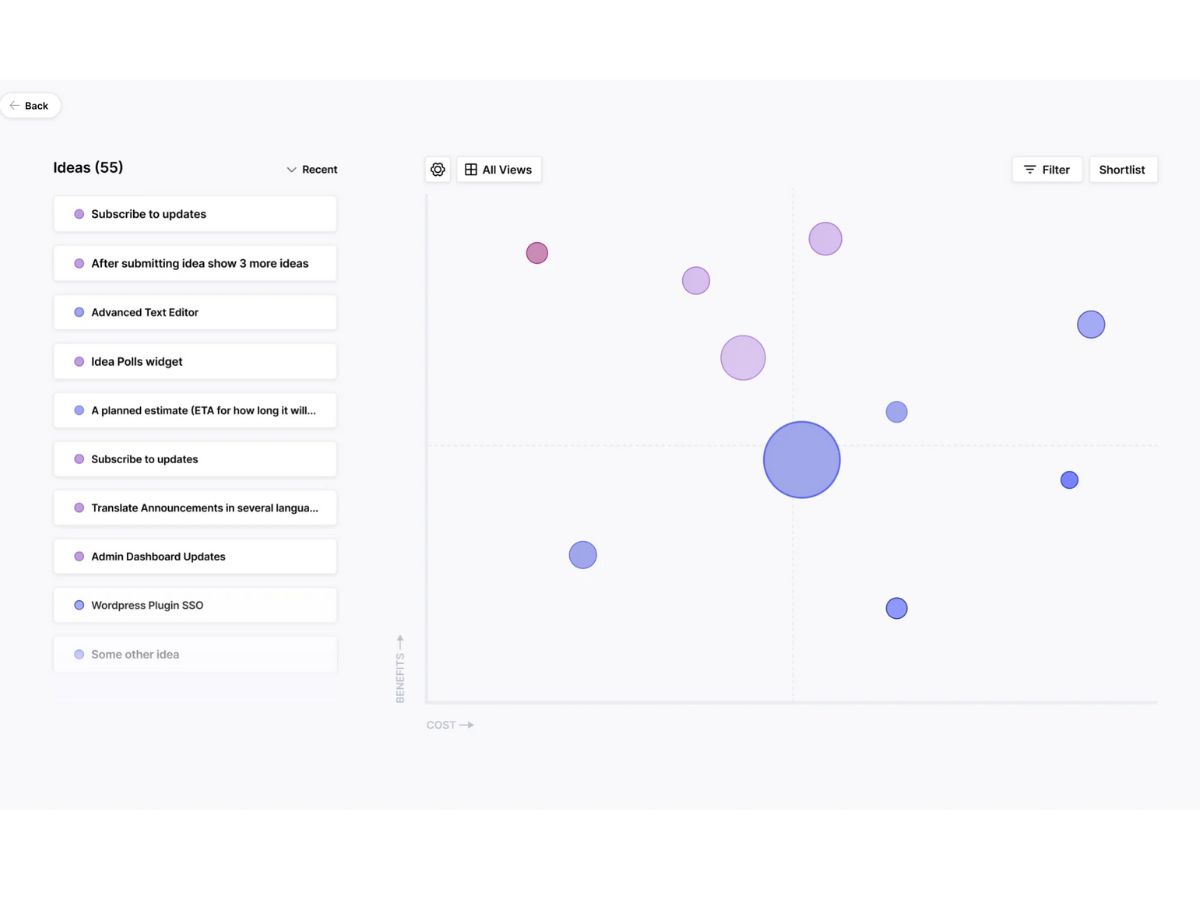
  • icon_check Idea Prioritization
    Utilize weighted scoring models to evaluate the business value and effort for each suggestion to determine development order.
  • icon_check Automatic Updates
    Send automated email alerts to users when a feature they previously voted for undergoes a status change or a technical update.
  • icon_check Custom Branding
    Modify the interface colors, logos, and design elements to ensure the feedback portal matches the company identity and style.
  • icon_check User Segmentation
    Categorize the user base into specific groups to analyze feedback patterns and target announcements to certain demographics.
  • icon_check Status Customization
    Create and define bespoke workflow stages for ideas to accurately reflect the internal development lifecycle of the product.
  • icon_check Idea Moderation
    Review and approve submitted suggestions before they become visible to the public to prevent spam or duplicate feature posts.
  • icon_check Multilingual Support
    Translate the entire front-facing user interface into multiple languages to support a diverse and global customer background.
  • icon_check Duplicate Detection
    Implement an automated system that suggests existing ideas to users as they type to prevent the creation of redundant entries.
  • icon_check White labeling
    Remove all original platform branding and host the feedback portal on a custom domain for a fully integrated user experience.

Frill Specifications

Supported Platforms
Ubuntu Ubuntu Windows Windows MacOS MacOS Linux Linux
Devices
Desktop Desktop
Deployment
Cloud-Based Cloud-Based
Suitable For
All Industries
Business Specific
All Businesses
Business Size
Small Business Startups Medium Business Enterprises SMBs SMEs MSMBs MSMEs
Customer Support
Email Communities
Language
English
Integration
API Integration
Training Resources
Videos

Frill Review

Be the First to Review

This product has no reviews yet. Be the first to leave your feedback.

Add Review

Terms and Condtions

close

Users with registered businesses can purchase goods from merchants on the platform to satisfy their business needs. Users are not permitted to utilize any products acquired through the platform for resale, advertising, business, or further distribution.

For each purchase made, users will receive a Tax Invoice (or 'GST invoice') that includes specific details such as:

  • the GSTIN of the user associated with their registered business, and

  • the specified Entity Name for their business.

It should be noted that not all products are eligible for GST Invoice. Only the products displayed by participating sellers with the 'GST-based Invoice Available' callout on the product description page would qualify.

Certain goods and services are not eligible to get a GST Invoice, including items with VAS, i.e., Value Added Services (e.g., Total Mobile Protection/Assured Buyback) and those involving an exchange offer at the time of purchase.

Users must ensure the accuracy of the GSTIN, and business entity name provided for the GST Invoice. Requests for corrections into GST Invoice would not be accommodated by Techjockey.com or any Seller, and any issues arising from user-provided information are the sole responsibility of users.

Techjockey.com is not liable for the GST Invoice or any associated input tax credit. To efficiently claim an input tax credit, users should select the registered place of business address as per the GST authority's data and follow the provisions of the GST Act and rules.

To claim an input tax credit, the delivery and billing addresses must match. Furthermore, input tax credits will not be granted if the delivery address and GSTIN on the invoice are from different states. In case of incorrect GST details provided during the order placement, the order will be canceled automatically.

21,000+ Software Listed 21,000+ Software Listed

Best Price Guaranteed Unbiased Comparison

Free Expert Consultation Read Authentic Reviews

5M+ Happy Customers 500,000+ Monthly Users