
Description
Pricing
Features
Specification
Review
Compare
FAQs
Alternatives

 View Gallery
Brand: Apple Inc
GarageBand is a free software and it is easy to use for Mac users. It offers a vast set of features/ benefits including sound library, virtual drummers, customizable amps, and strong synths. ...Read more

Get Free Expert Consultation
Let us know your business needs clearly

Verified & Trusted
Vendors

Safe & Secure
Payment

Personalized
Experts Support
Price On Request
Features
 Audio Recording Audio Editing Effects Analysis Sound Quality
 See all 
We make it happen! Get your hands on the best solution based on your needs.

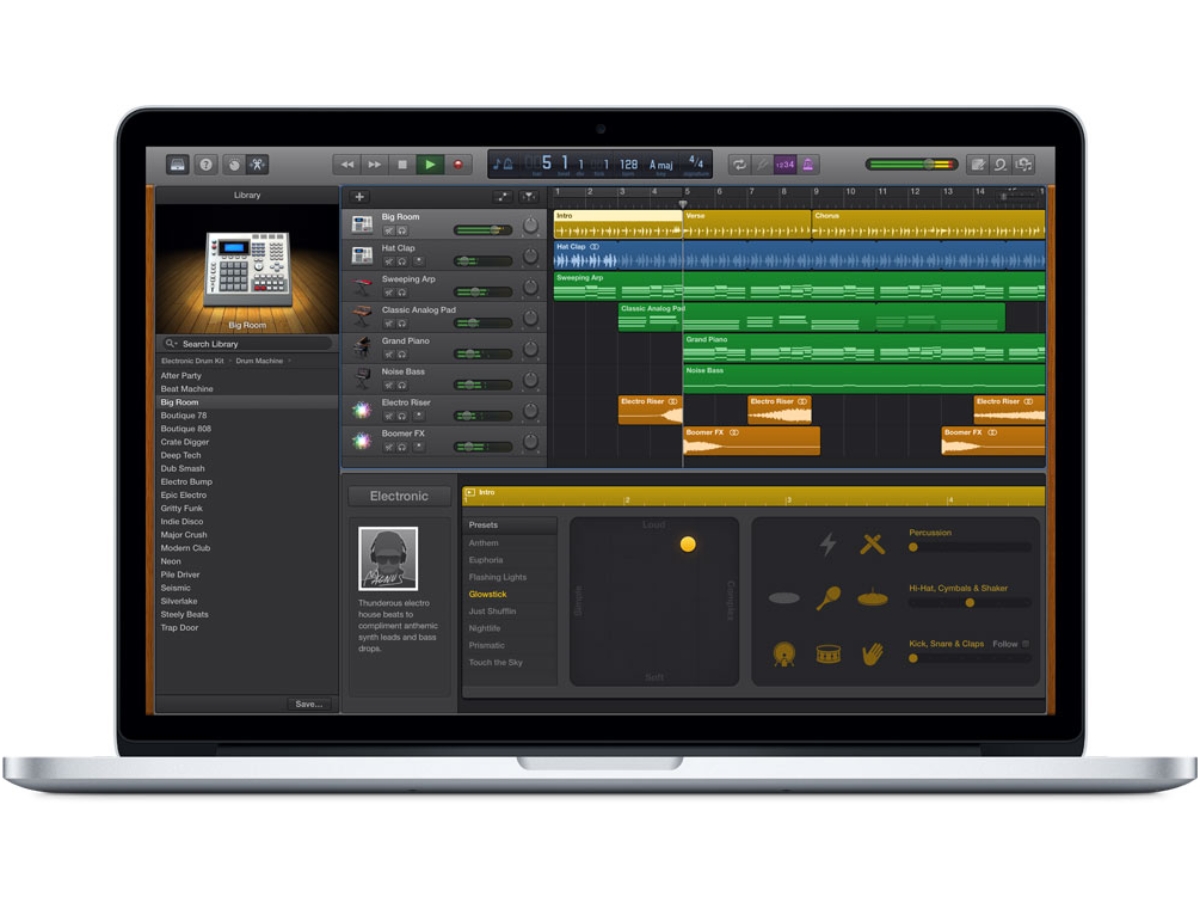
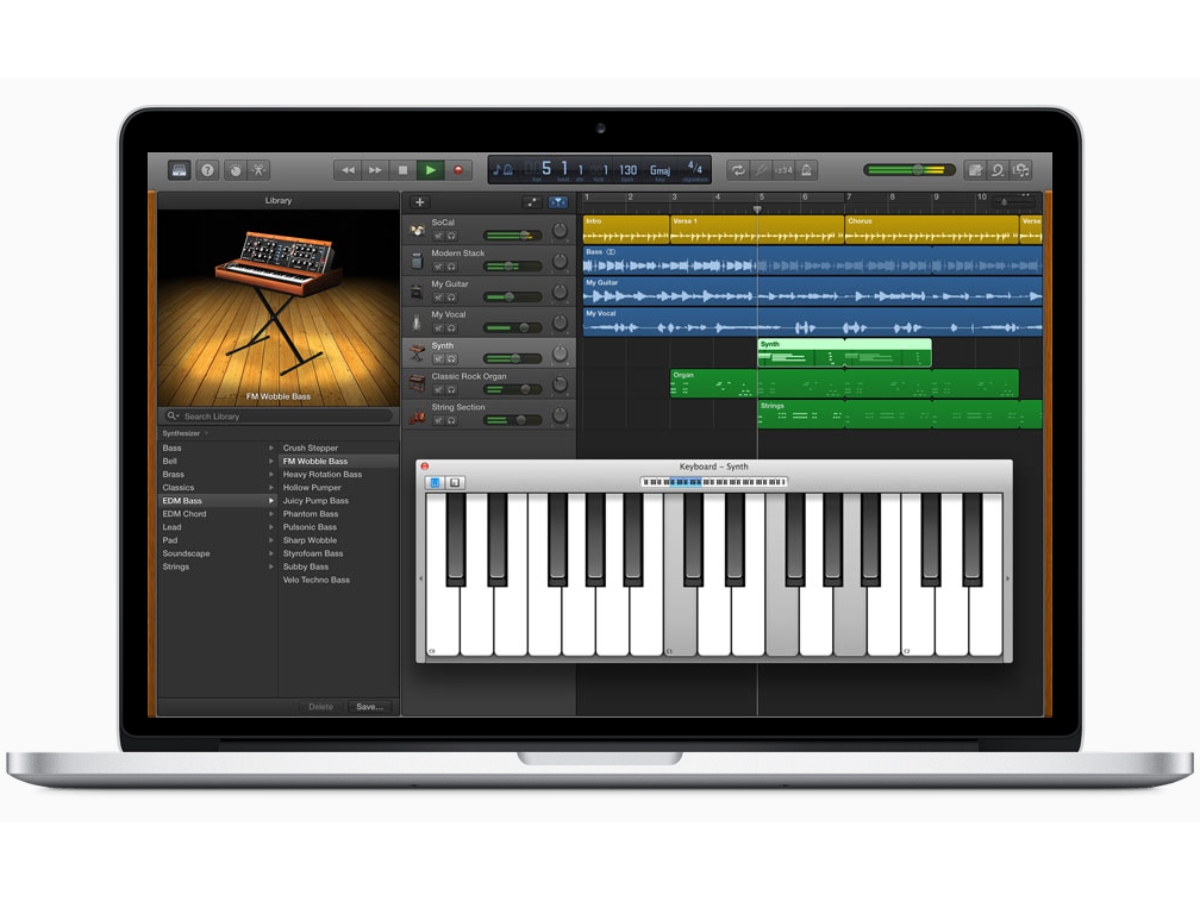
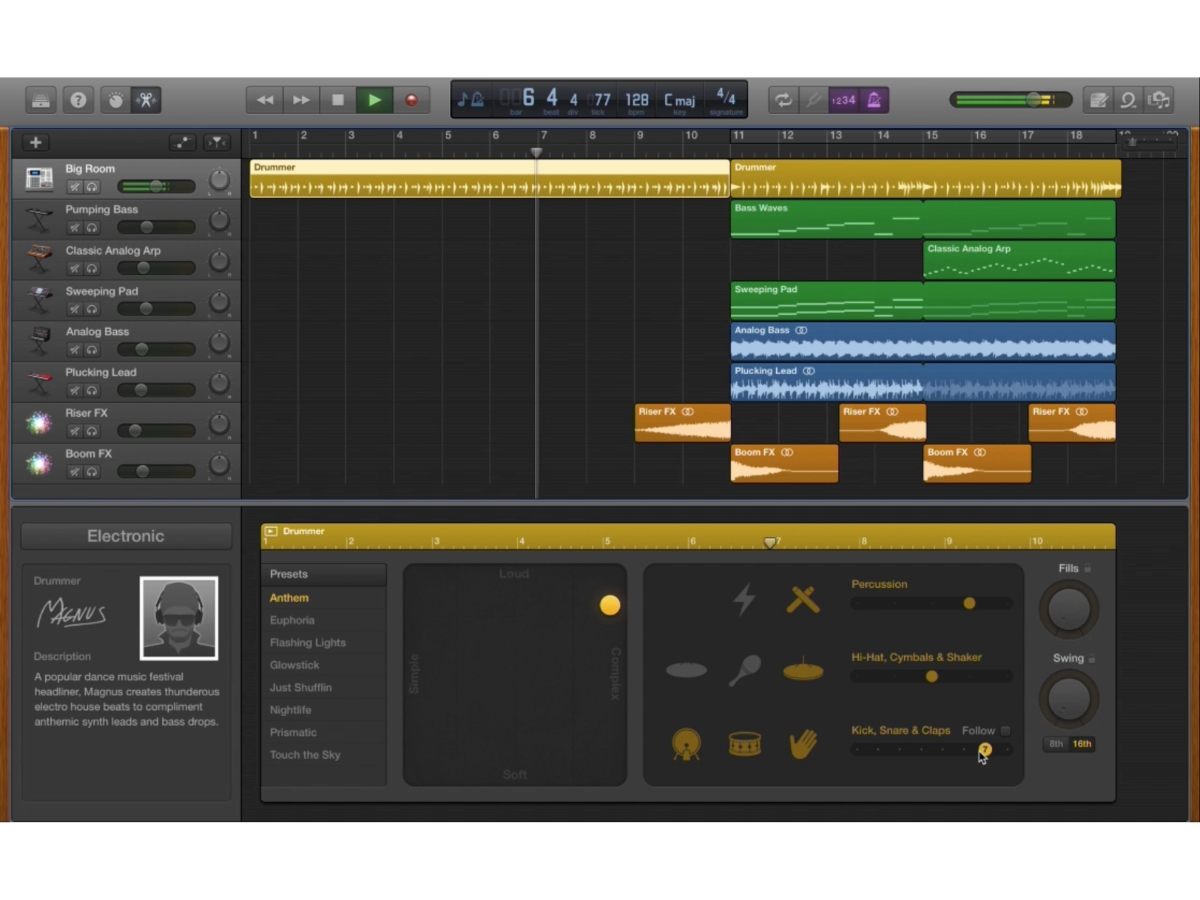
 Audio Recording The software has a multi-take recording feature with which users can record any song sections with up to 32 tracks. Audio Editing Users can easily edit their music with the inbuilt tools provided by the software. You can also fix any rhythm issues within a Effects GarageBand allows its users to add various effects in their music. Users can add DJ- Style effects, Stomp Box effects and Analysis By using this software, users get to record their music efficiently. They can also analyse their music and enhance it to Sound Quality The software enables users to create studio-quality music by using its multi-touch gesture. Users can play guitars, keyboards and Mobile App The software has a dedicated mobile app that helps you to create music on your iPhones on the go. Social Sharing GarageBand allows users to sync and share their creations across all devices with its iCloud feature. Users can also share their Multitrack Recording and Mixing Create projects with multiple audio and software instrument tracks for layered recording, arranging, and production. Sound Library Access a collection of instruments, presets, loops, and sounds covering genres including EDM, Hip Hop, Rock, and Pop. Export & Sharing Export finished songs and share tracks through email, social networks, Music app, or custom ringtone creation. Synthesizers Create electronic sounds using built-in synthesizers with adjustable controls for shaping and transforming patches. Multi-Take Recording Record several performances of the same section and select the best take for your final song arrangement.
 | Brand Name | Apple Inc |
| Information | Apple is a multinational corporation that designs, manufactures, and markets consumer electronics, personal computers, and software. |
| Founded Year | 1976 |
| Director/Founders | Ron Wayne, Steve Jobs, Steve Wozniak |
| Company Size | 1000+ Employees |
| Other Products | Final Cut Pro, Apple Notes, iMovie, Apple Remote Desktop, iCloud |

 20,000+ Software Listed
 Unbiased Comparison
 Read Authentic Reviews
 500,000+ Monthly Users
 USA
USA India
India
 Write a Review
