 USA
 India

Greenbox
Whats great - It is so good for reviewing, approving, assigning, tracking, approving controlled documents. read more

Brand: Grooper
Have you used Grooper before?
Share your insights for better experience
Brand: Grooper
Founded Year: 2015
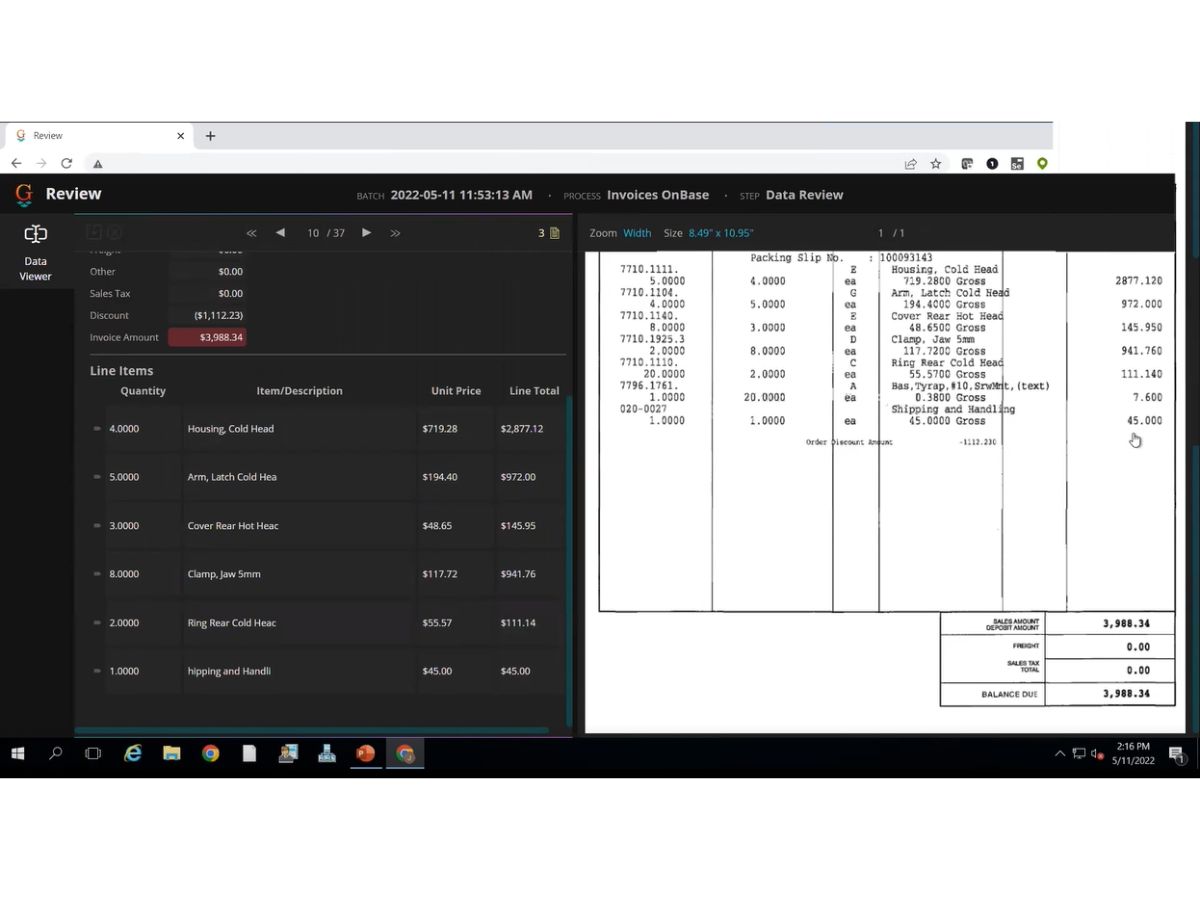
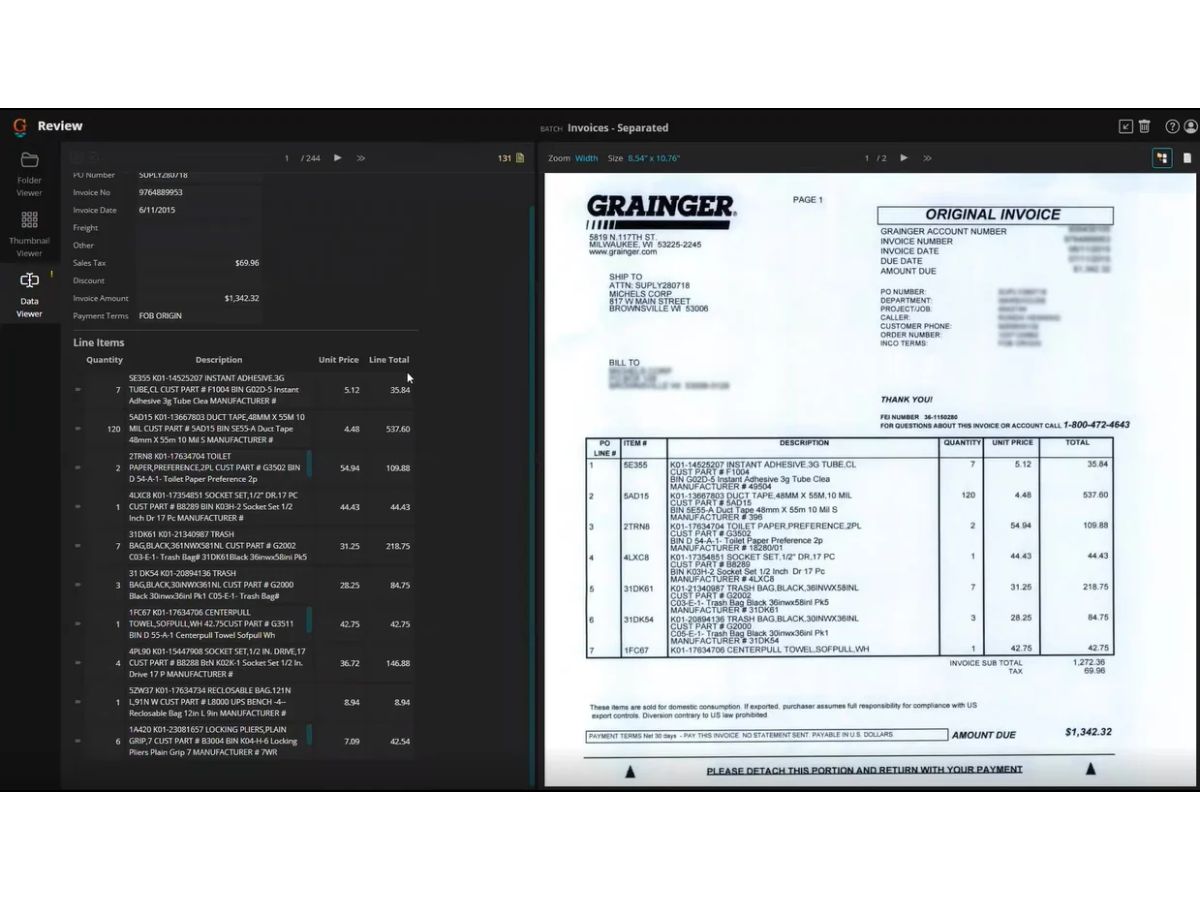
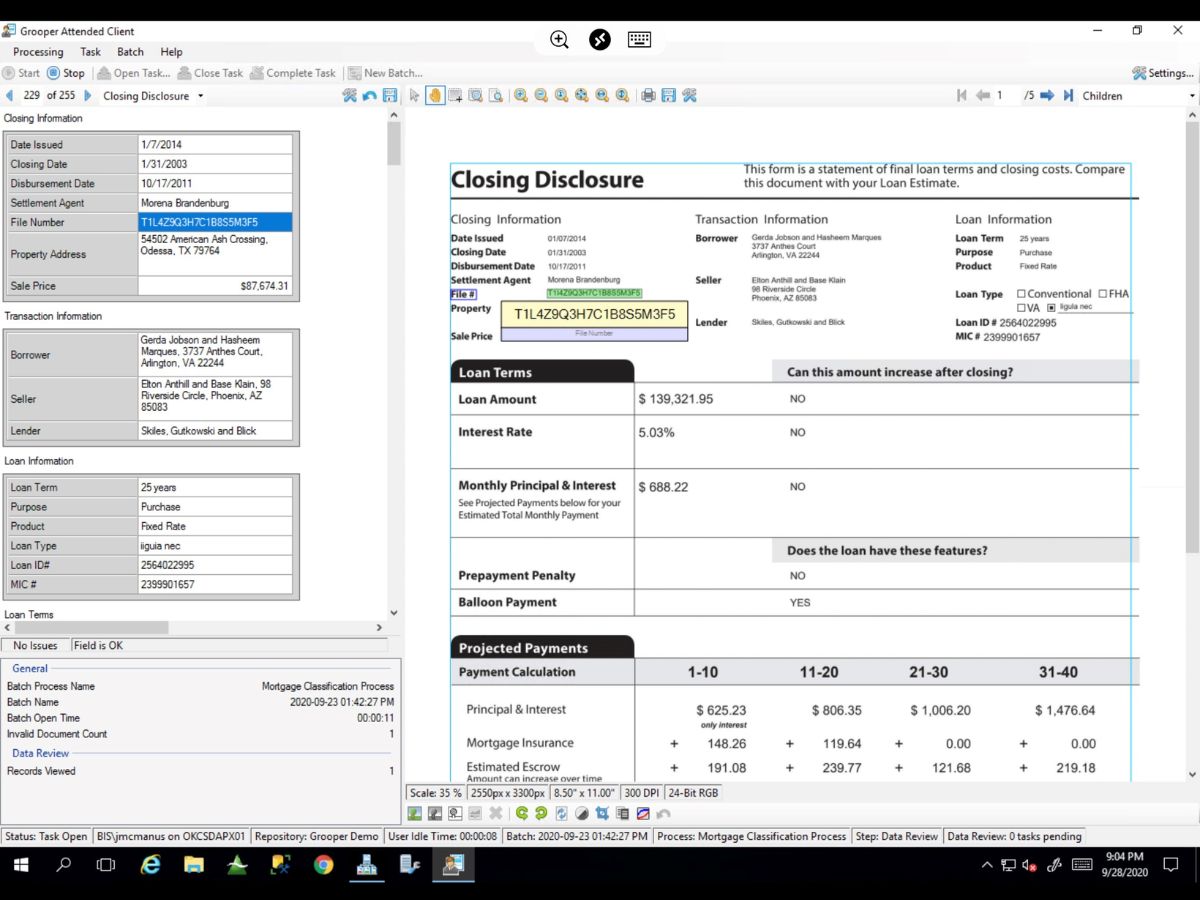
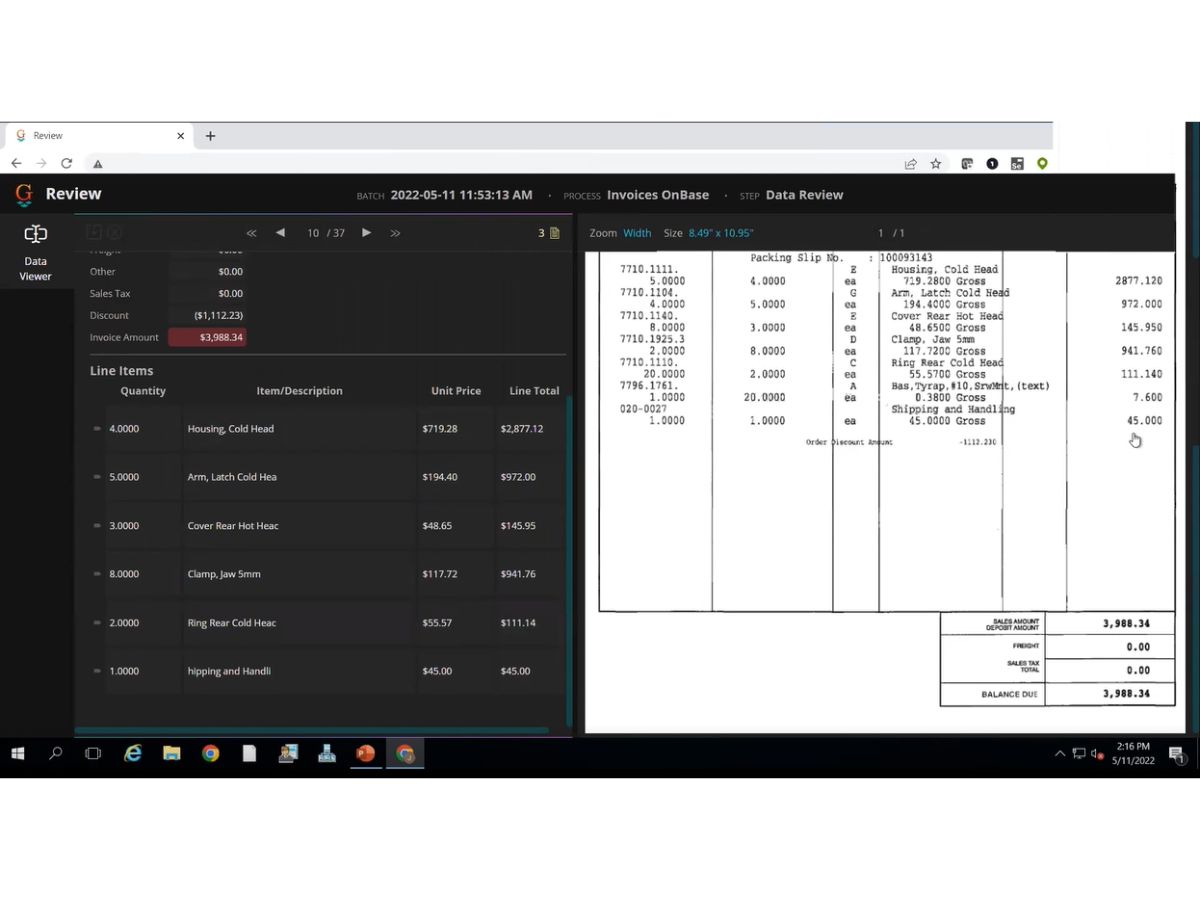
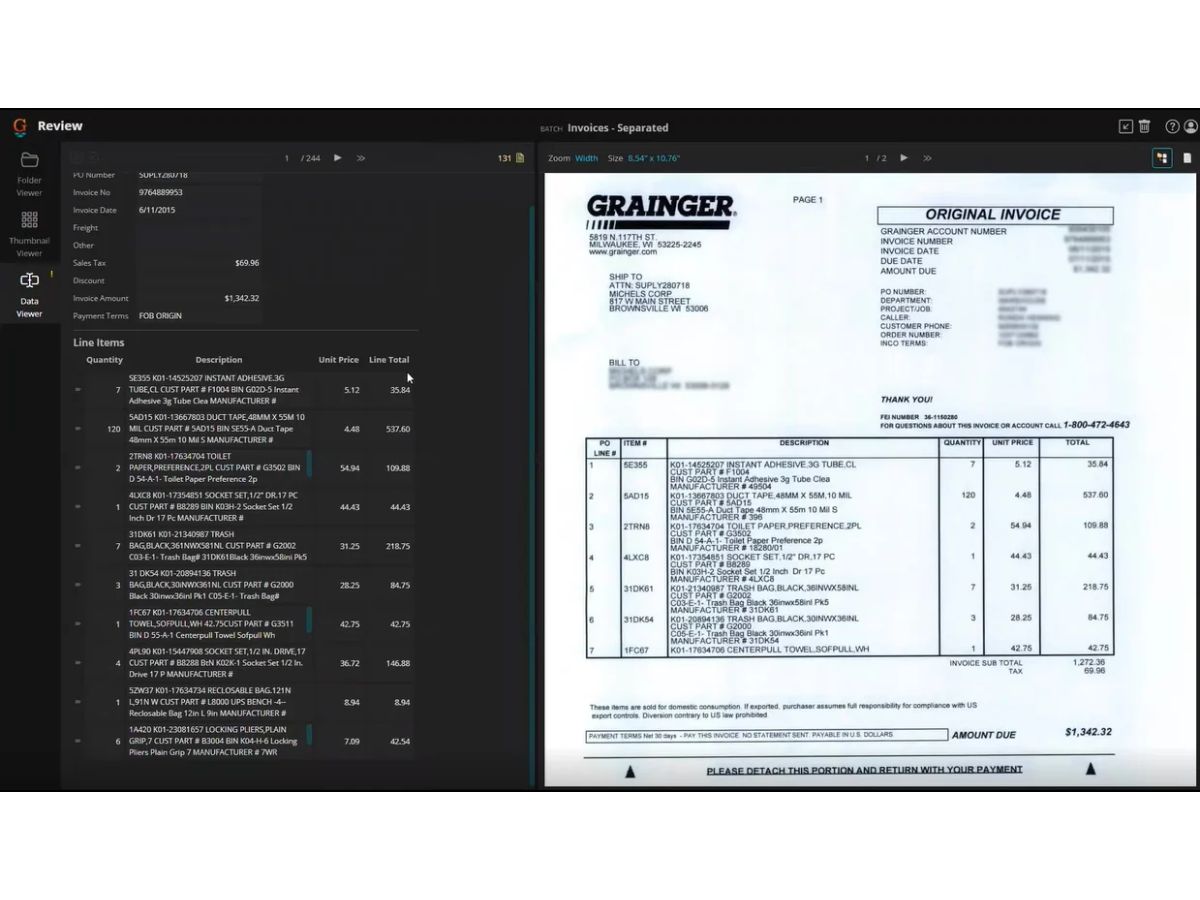
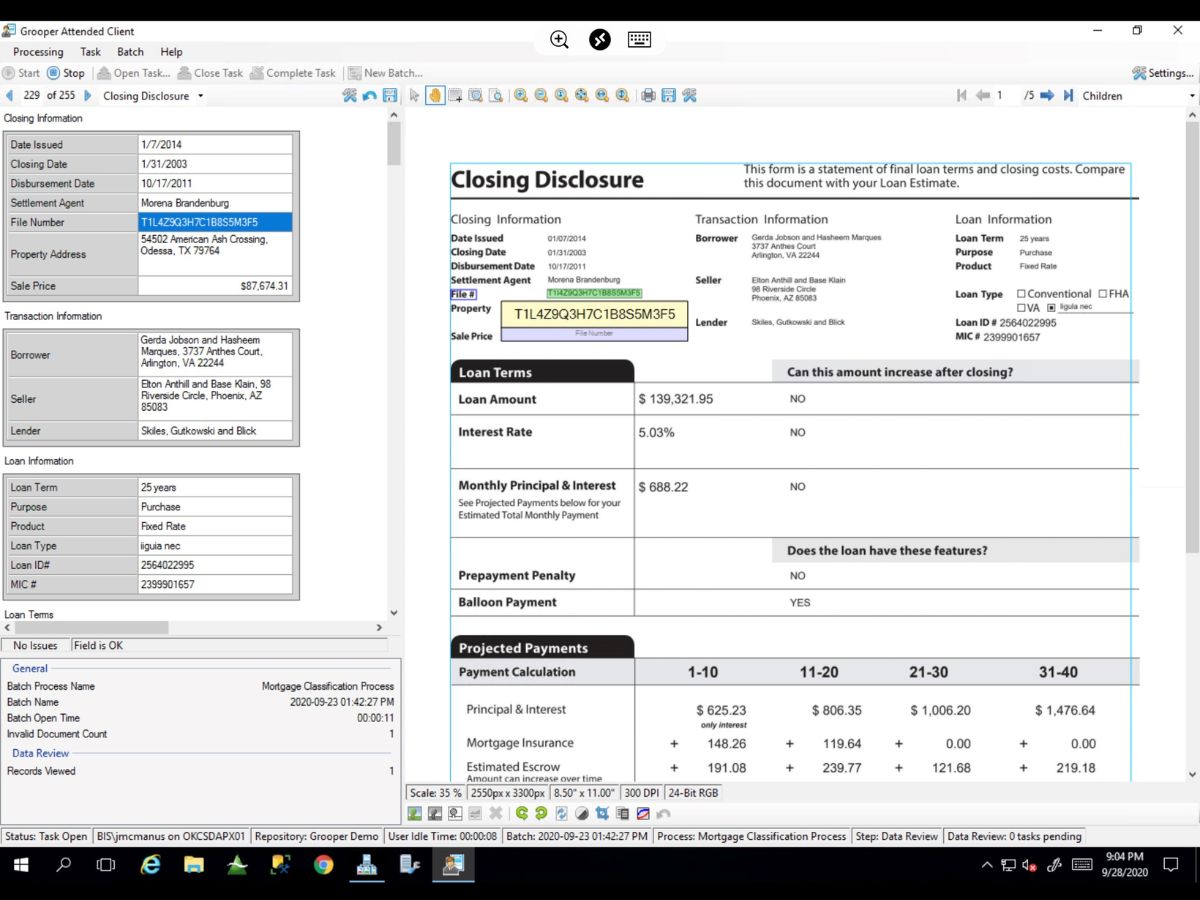
Grooper offers AI-powered document processing software that extracts, classifies, and integrates data into enterprise systems.
Looking for The Right Pricing?
Share your requirements and get a plan built around your business.
Price Available on Request
Get personalised Grooper pricing that fits your needs. Our team will connect with you.
 Intelligent Document Capture OCR Data Extraction Document Classification Image Processing Tools Handwriting Recognition Templates Natural Language Processing Data Cleansing & Normalization Workflow Automation Data Integrations Batch Document Processing Multi-Source Data Ingestion Low-Code AI Models
 Windows
 MacOS
 Linux
 Desktop
 Cloud-Based
Techjockey Trusted Reviews from Verified Users
No reviews are currently available for Grooper. Discover similar Document Management Software reviews
Greenbox
Whats great - It is so good for reviewing, approving, assigning, tracking, approving controlled documents. read more

i-doc
Whats great - Store a lot of substance crosswise over different document types Force request on information dependent on hierarchical m... read more

MSB Docs
Whats great - Three of the five recommended vendors were viable read more
Terms and Condtions

Users with registered businesses can purchase goods from merchants on the platform to satisfy their business needs. Users are not permitted to utilize any products acquired through the platform for resale, advertising, business, or further distribution.
For each purchase made, users will receive a Tax Invoice (or 'GST invoice') that includes specific details such as:
the GSTIN of the user associated with their registered business, and
the specified Entity Name for their business.
It should be noted that not all products are eligible for GST Invoice. Only the products displayed by participating sellers with the 'GST-based Invoice Available' callout on the product description page would qualify.
Certain goods and services are not eligible to get a GST Invoice, including items with VAS, i.e., Value Added Services (e.g., Total Mobile Protection/Assured Buyback) and those involving an exchange offer at the time of purchase.
Users must ensure the accuracy of the GSTIN, and business entity name provided for the GST Invoice. Requests for corrections into GST Invoice would not be accommodated by Techjockey.com or any Seller, and any issues arising from user-provided information are the sole responsibility of users.
Techjockey.com is not liable for the GST Invoice or any associated input tax credit. To efficiently claim an input tax credit, users should select the registered place of business address as per the GST authority's data and follow the provisions of the GST Act and rules.
To claim an input tax credit, the delivery and billing addresses must match. Furthermore, input tax credits will not be granted if the delivery address and GSTIN on the invoice are from different states. In case of incorrect GST details provided during the order placement, the order will be canceled automatically.
 20,000+ Software Listed
 Unbiased Comparison
 Read Authentic Reviews
 500,000+ Monthly Users