Description
Pricing
Features
Specification
Review
Alternatives

 View Gallery
Brand: Handy Backup

Get Free Expert Consultation
Let us know your business needs clearly

Verified & Trusted
Vendors

Safe & Secure
Payment

Personalized
Experts Support
$ 39.00 /License
Features
 File Backup Automatic Backup Backup Scheduling Email Notifications File Filtering
 See all 
We make it happen! Get your hands on the best solution based on your needs.
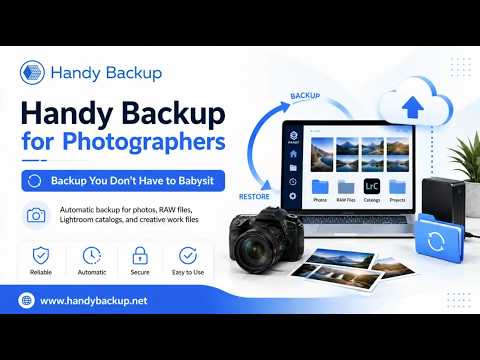

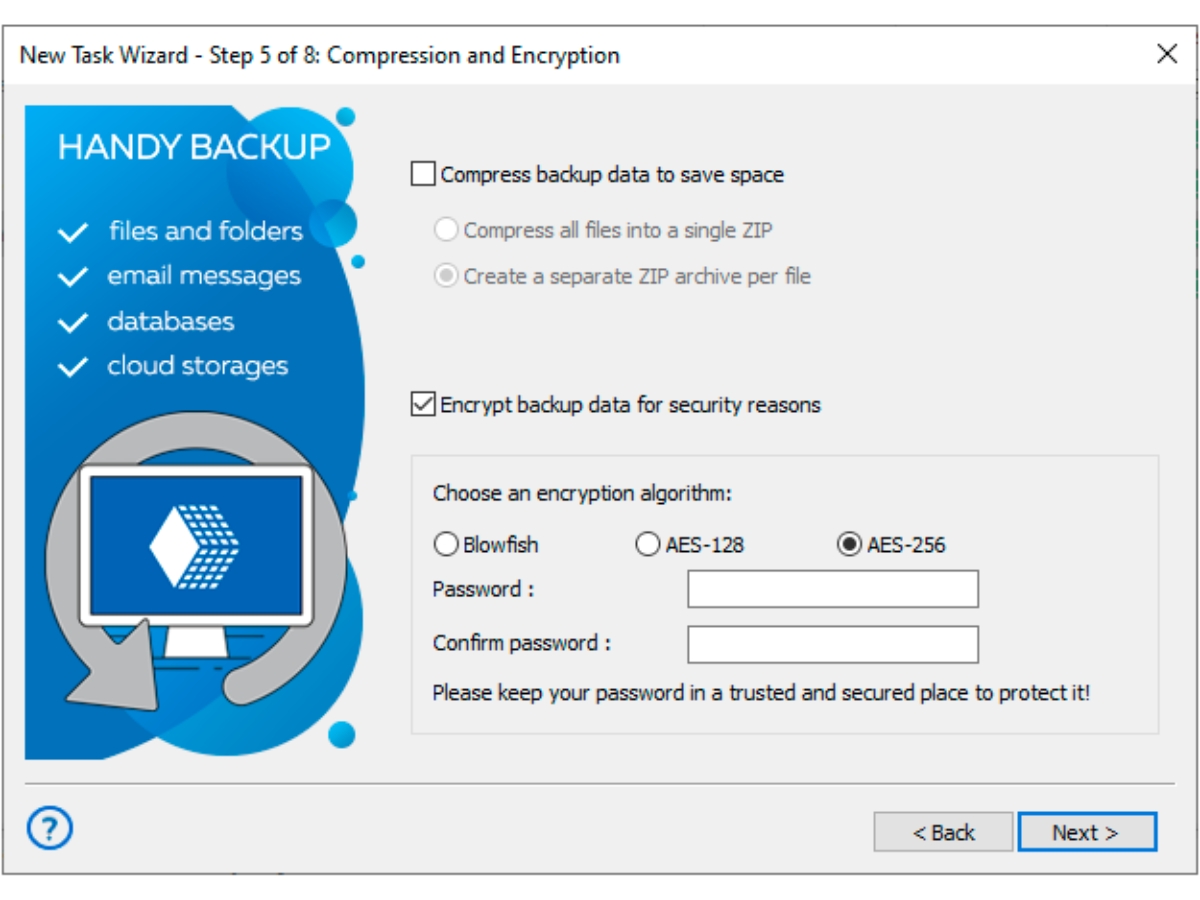
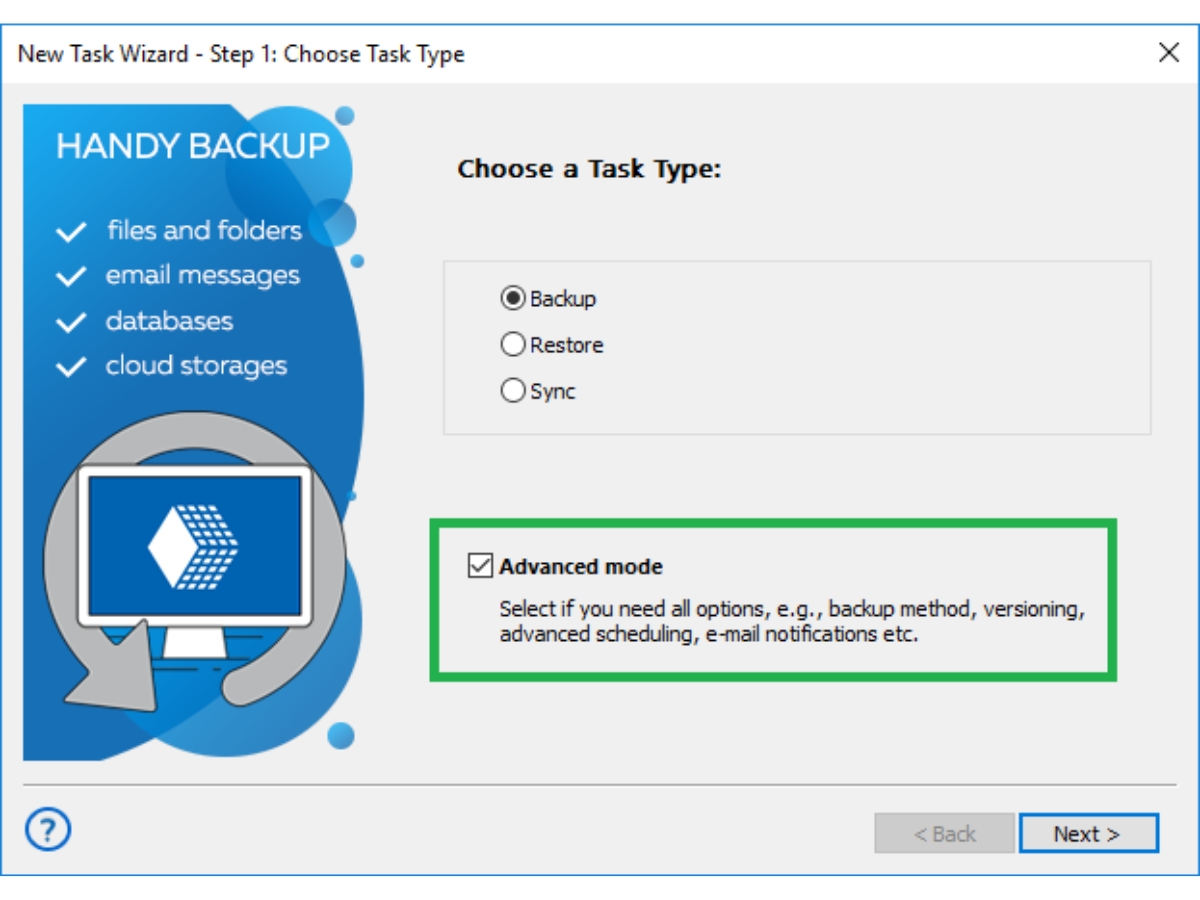
 File Backup Back up individual files and folders to local drives, external storage, network locations, or supported cloud services. Automatic Backup Automate recurring backup tasks to protect important data without requiring users to perform each backup manually. Backup Scheduling Schedule backup jobs at defined intervals or trigger them through supported system events for consistent data protection. Email Notifications Receive email notifications about backup task results and errors to help monitor operations and identify issues promptly. File Filtering Select files for backup using supported inclusion and exclusion rules to focus on relevant data and avoid unnecessary copies. Data Cloning Copy backed-up data to another location or supported drive to simplify replication and deployment of consistent data sets. File Synchronization Synchronize files between supported local, network, and remote locations using configured one-way or two-way operations. Data Restoration Restore backed-up files and supported data sets when information is lost, damaged, deleted, or needs to be recovered. Data Compression Compress backup data into ZIP archives to reduce storage requirements and make backup sets easier to transfer. Data Encryption Encrypt backup data using supported algorithms and password protection to help safeguard sensitive information at rest. Email Backup Back up supported email data to help preserve important messages and other selected email information for future recovery. Disk Image Backup Create images of supported disks or partitions to preserve system data, applications, and files for recovery.
 | Brand Name | Handy Backup |
| Information | Handy Backup is a developer of products that back up computer data and other hardware. |
| Founded Year | 1992 |
| Director/Founders | Vladimir Vaschenko |
| Company Size | 1-100 Employees |
 20,000+ Software Listed
 Unbiased Comparison
 Read Authentic Reviews
 500,000+ Monthly Users
 USA
USA India
India