Description
Pricing
Features
Specification
Review
Compare
FAQs
Alternatives

 View Gallery
Brand: QaamGo Media
The ultimate photo editing software, Img2go allows you to compress, convert, resize, and enhance your images with ease. ...Read more

Get Free Expert Consultation
Let us know your business needs clearly

Verified & Trusted
Vendors

Safe & Secure
Payment

Personalized
Experts Support
$ 8.00 /Month
Features
 Photo Editor Compress Images Convert to JPG Background Remover Effects & Filters
 See all 
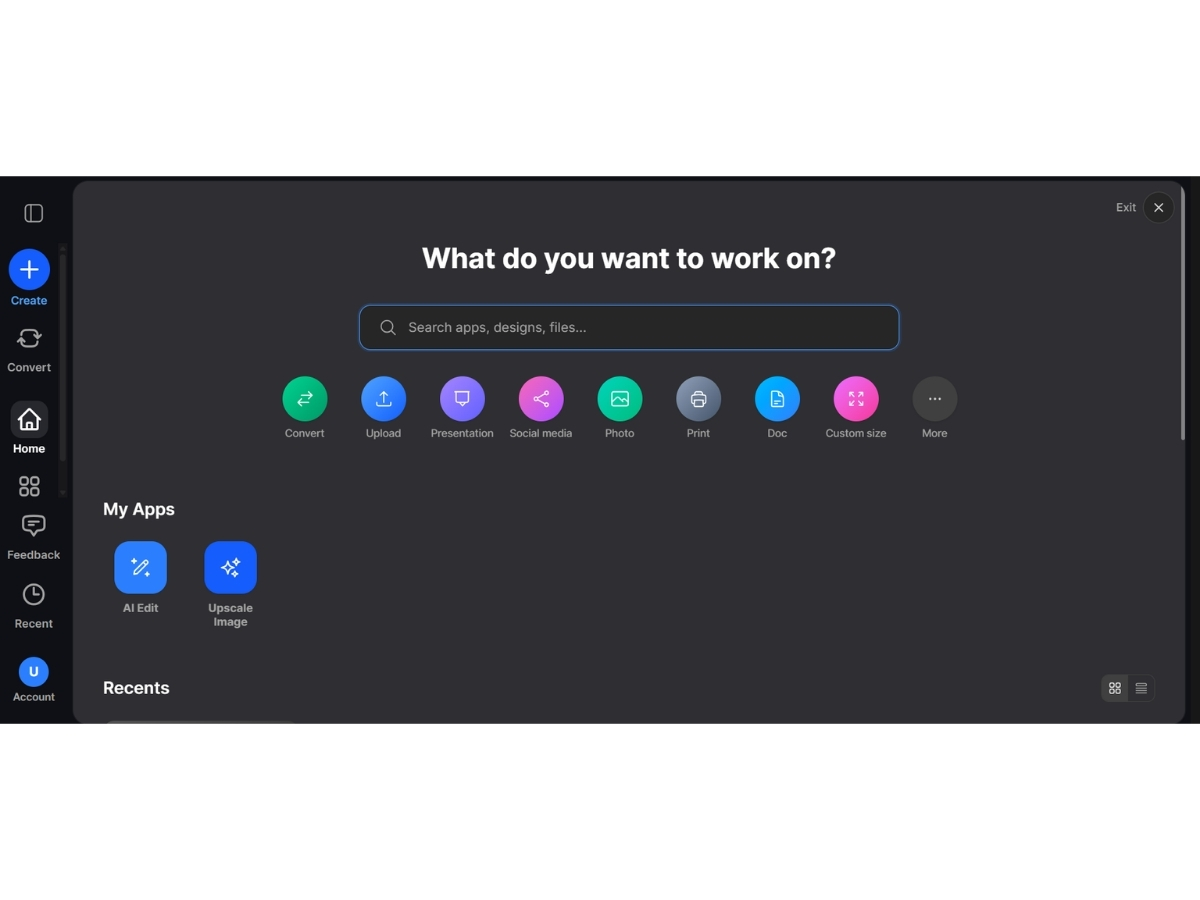
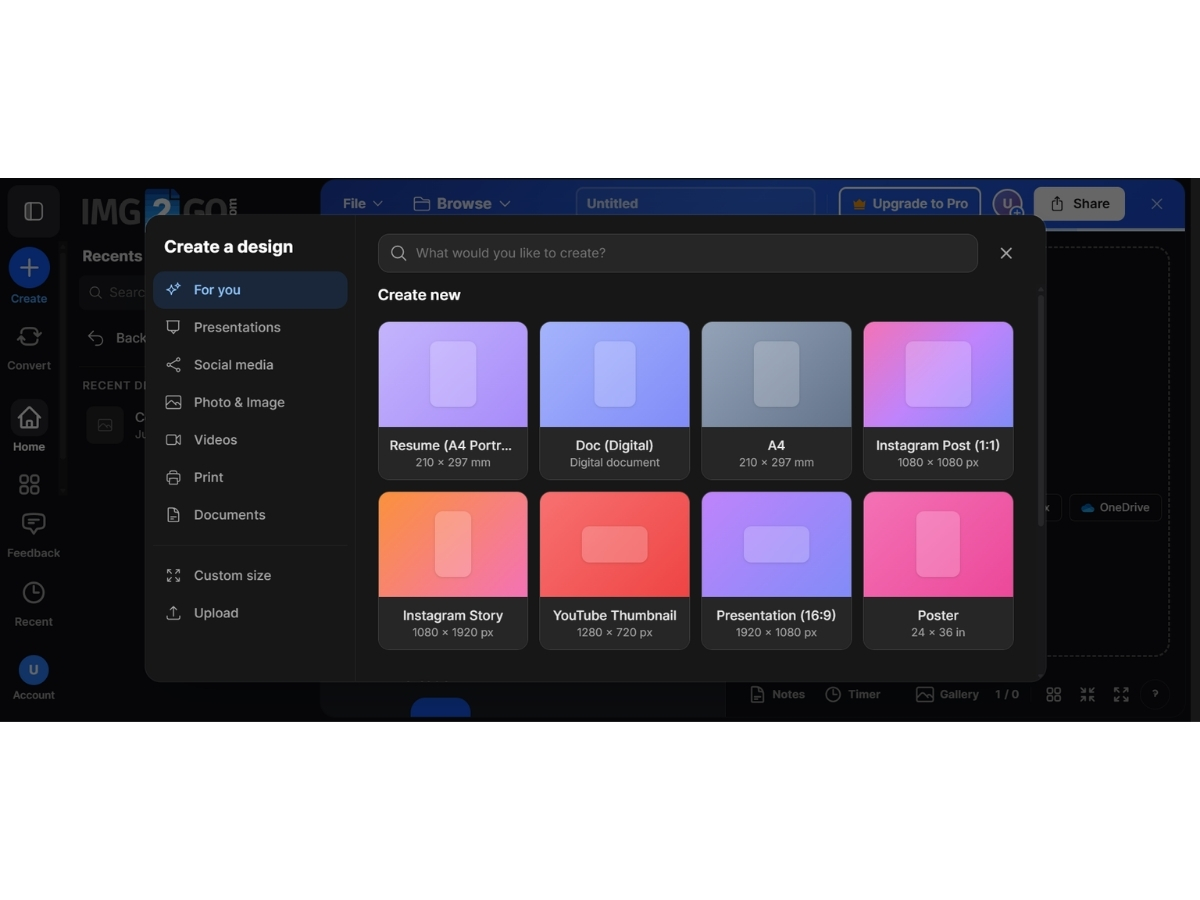
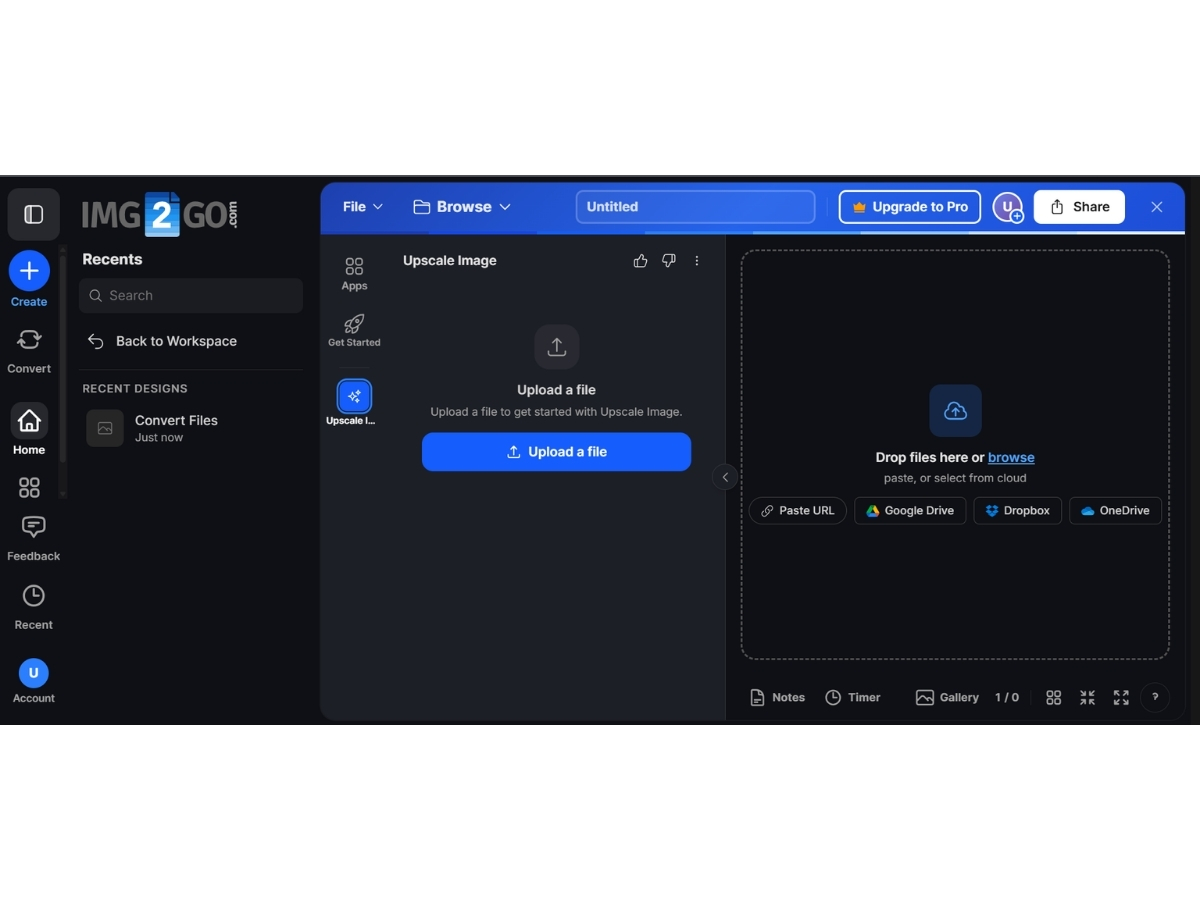
 Photo Editor allows you to crop, resize, rotate, and flip images. You can also adjust the brightness, contrast, and saturation. Compress Images reduces the file size of images without sacrificing quality. This is useful for optimising images for the web. Convert to JPG converts images to the JPG format, which is a common format for web images. Background Remover removes the background from images, making them ideal for use in presentations or on websites. Effects & Filters adds effects and filters to images to enhance their appearance. Resize Image Files resizes images to the desired dimensions. This is useful for creating images for social media or other online platforms. Document Converter converts PDF and other document formats to images. Image Upscaling Enlarge and enhance low-resolution images with AI-generated details, sharper edges, and improved visual quality. Background Removal Automatically remove image backgrounds to create clean subject cutouts and transparent results. AI Art Generator Generate original images from text prompts for creative projects, designs, illustrations, and digital content. Watermarking Add custom text or image watermarks to photographs for branding, ownership, and content protection purposes. Batch Processing Process multiple files together to save time when resizing, converting, compressing, or editing image collections. Multi Format Support Work with more than 100 image formats, including JPG, PNG, WebP, GIF, SVG, BMP, TIFF, HEIC, ICO, and PDF.
 | Brand Name | QaamGo Media |
| Information | QaamGo Media consists of a local office team located in Radolfzell, Germany, and a group of excellent freelancers from all over the world. |
| Founded Year | 2011 |
| Director/Founders | Jens Bierkandt |
| Company Size | 1-100 Employees |
| Other Products | PDF2GO |

 20,000+ Software Listed
 Unbiased Comparison
 Read Authentic Reviews
 500,000+ Monthly Users
 USA
USA India
India