
Description
Pricing
Features
Specification
Review
Compare
FAQs
Alternatives

 View Gallery
Brand: Jenkins
Jenkins is a Java-based, open-source automation platform that allows you to build, test, and deploy your code efficiently. ...Read more

Get Free Expert Consultation
Let us know your business needs clearly

Verified & Trusted
Vendors

Safe & Secure
Payment

Personalized
Experts Support
Price On Request
Features
 Build Automation Build Management Tools Integrations Build Test Automation IDE Compatibility
 See all 
We make it happen! Get your hands on the best solution based on your needs.


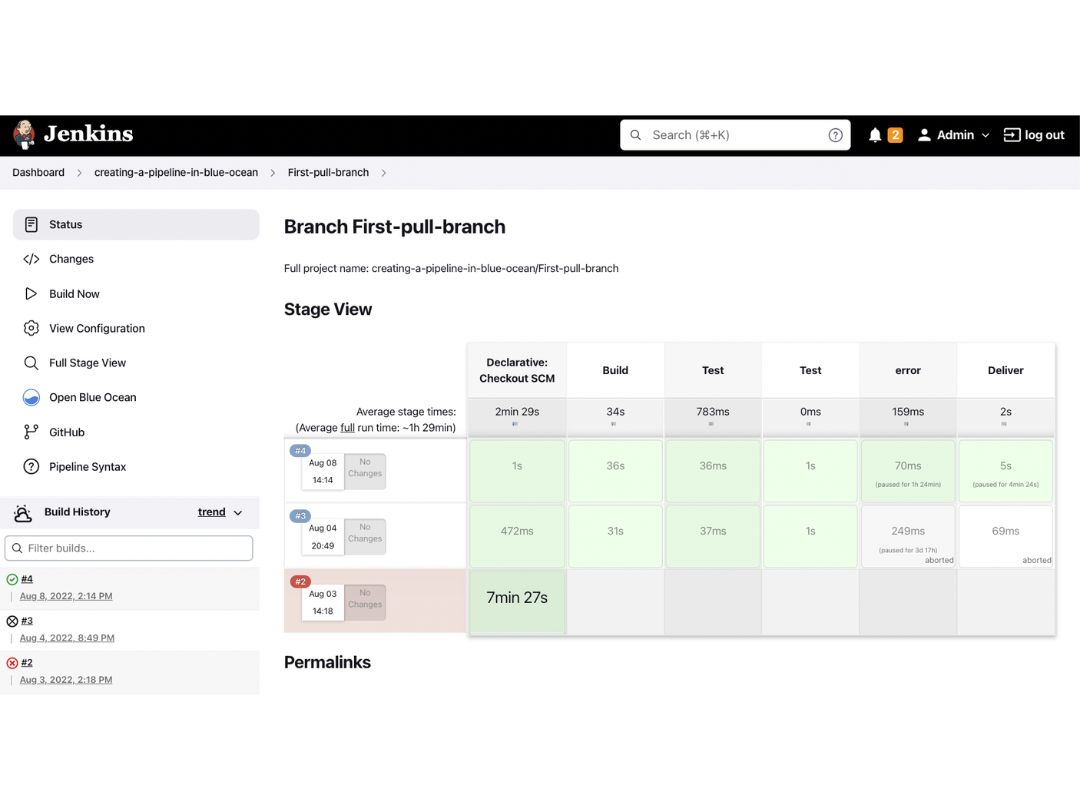
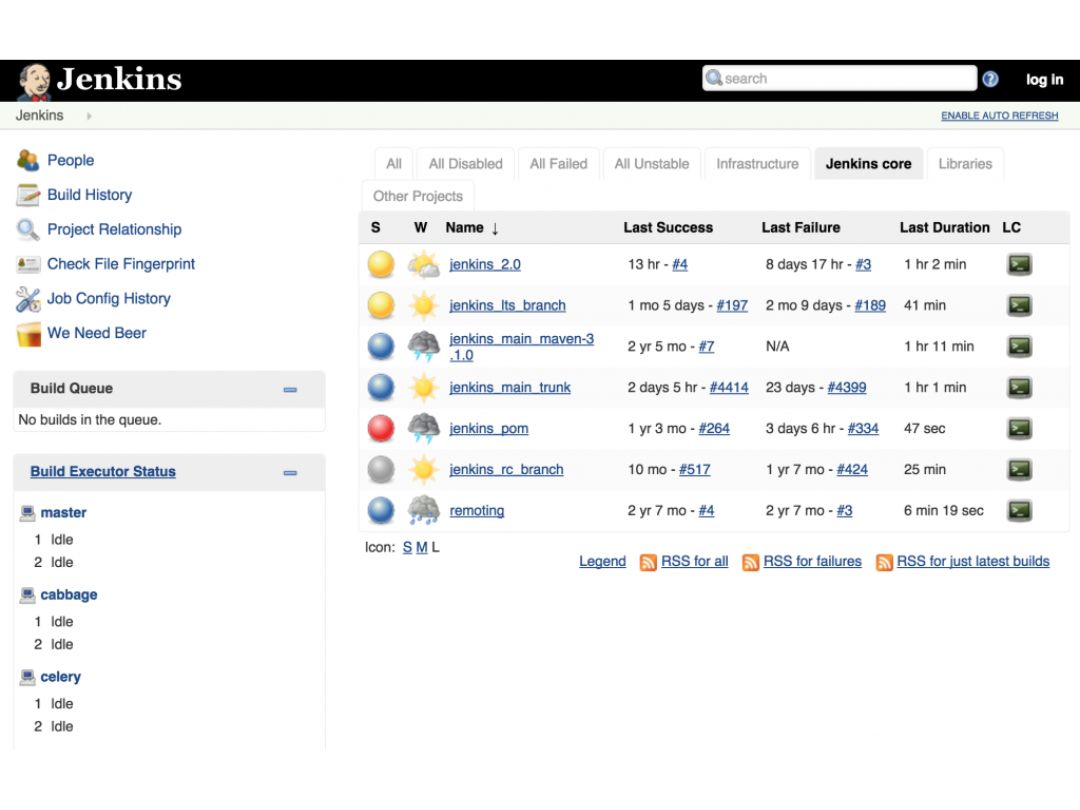
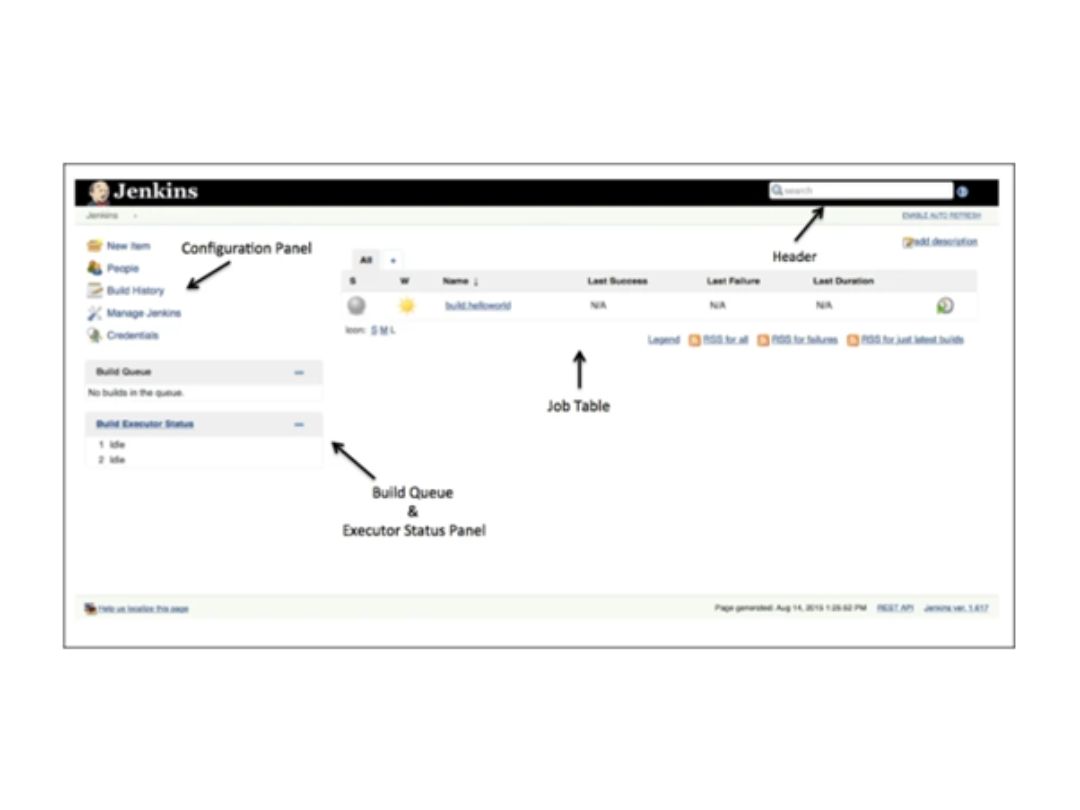
 Build Automation Automate triggers and execute repetitive tasks like building, testing, and deploying software. Build Management Tools Integrate tools like Maven, Ant, and Gradle to build and package projects efficiently. Integrations Connect to your source code repository, version control system, and other tools for smooth workflow. Build Test Automation Automate running tests after every build for immediate feedback on code quality and potential issues. IDE Compatibility Seamlessly integrate with popular IDEs like Eclipse and IntelliJ IDEA for a streamlined workflow. Dependency Management Utilize built-in or plugin-powered systems to manage dependencies within your build process. Plugins Extend the platform's functionality with thousands of plugins for diverse tasks. Configuration Configure pipelines and jobs through a web interface or code for flexible automation. Pipeline Automation Defines complete build, test, approval, and deployment workflows as code for repeatable and automated software delivery processes. Credential Management Provides mechanisms for securely using credentials in Jenkins jobs and pipelines without exposing sensitive authentication Role-Based Access Control (RBAC) Supports access management through security integrations and authorization mechanisms that help control Jenkins resources and Scalability Supports distributed architectures and multiple execution nodes, allowing Jenkins installations to handle growing build and REST API Provides remote access capabilities that allow external applications and automation tools to interact with Jenkins and retrieve
 | Brand Name | Jenkins |
| Information | The leading open source automation server, Jenkins provides hundreds of plugins to support building, deploying and automating any project. |
| Founded Year | 2004 |
| Director/Founders | Kohsuke Kawaguchi |
| Company Size | 1-100 Employees |

 20,000+ Software Listed
 Unbiased Comparison
 Read Authentic Reviews
 500,000+ Monthly Users
 USA
USA India
India
 Write a Review
