linkedin
Legal Files logo
play What Is Case Management Software?

Legal Files

Brand: Legal Files

  • 3.8

  • 3 Ratings

Unlock legal excellence with Legal Files: Trusted by a diverse clientele, from renowned law firms to global corporations. Experience top-tier efficiency, seamless organization, and the freedom to access and create documents with ease.

See More

Have you used Legal Files before?

Share your insights for better experience

Add a Review

Price Available on Request

Questions about pricing or customization? We’re here to help, just a click away.

100% Genuine
Products
Best Price
Guaranteed
Safe & Secure
Payment
  • Description

  • Pricing

  • Features

  • Specification

  • Review

  • Compare

  • Alternatives

  • FAQ

Legal Files Software Overview

What is Legal Files Software?

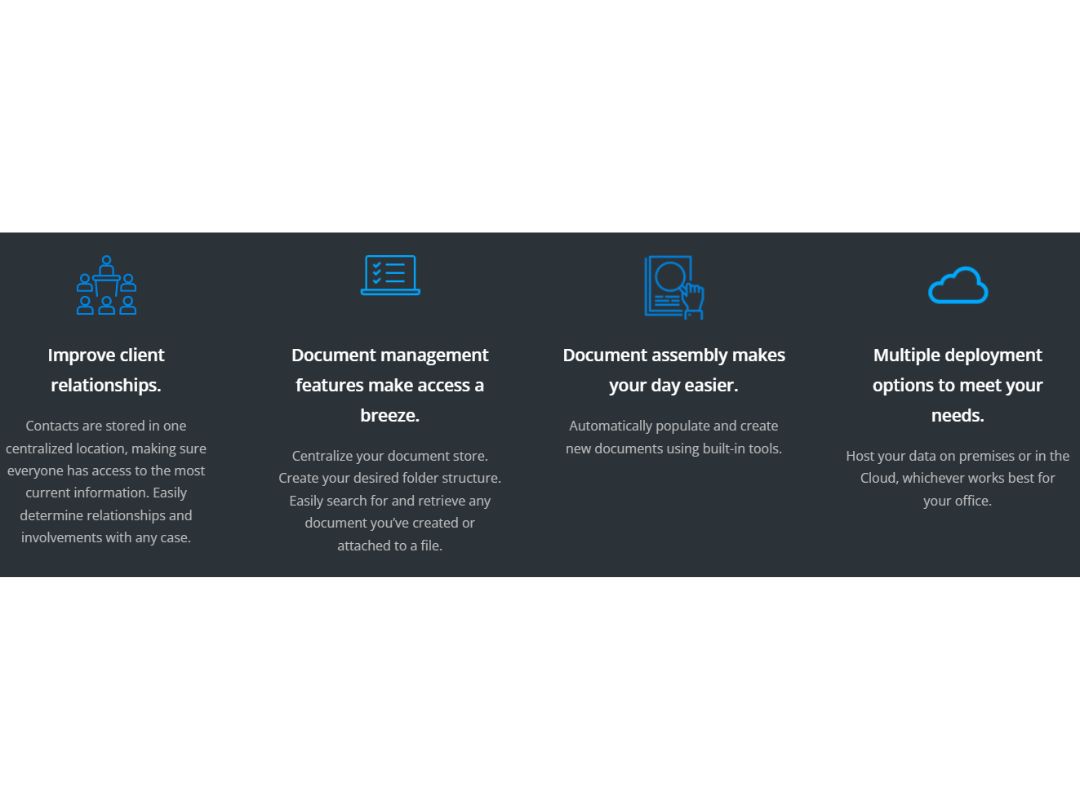
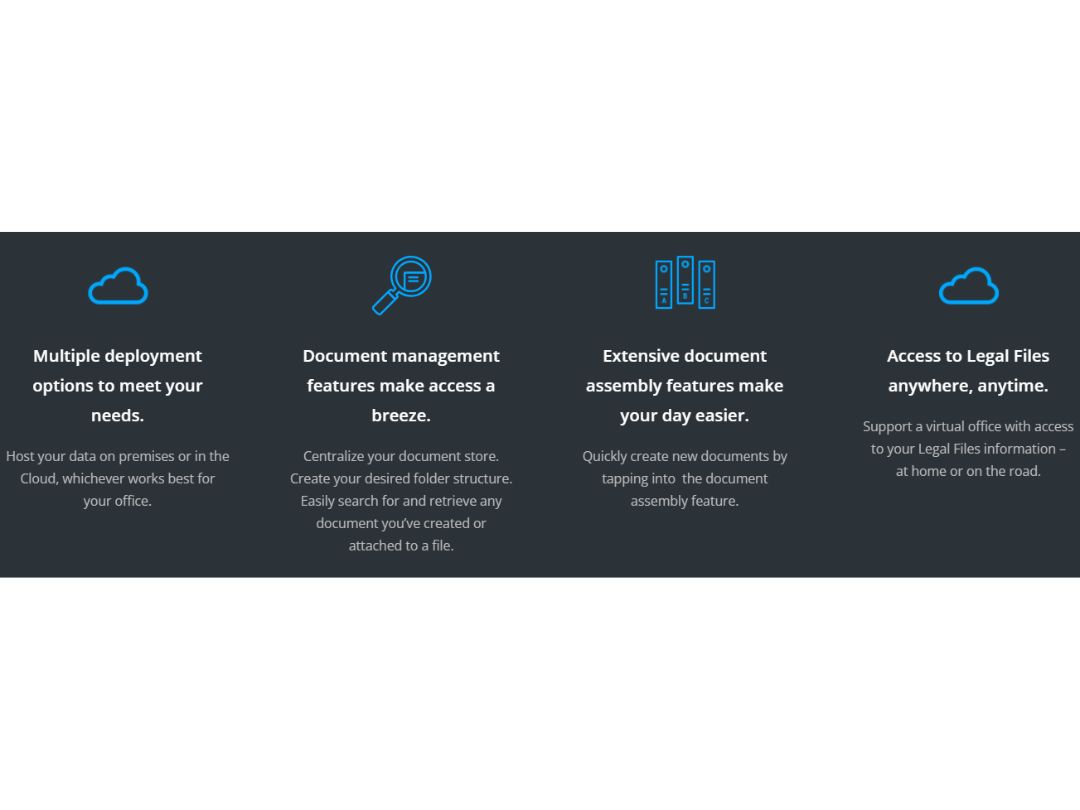
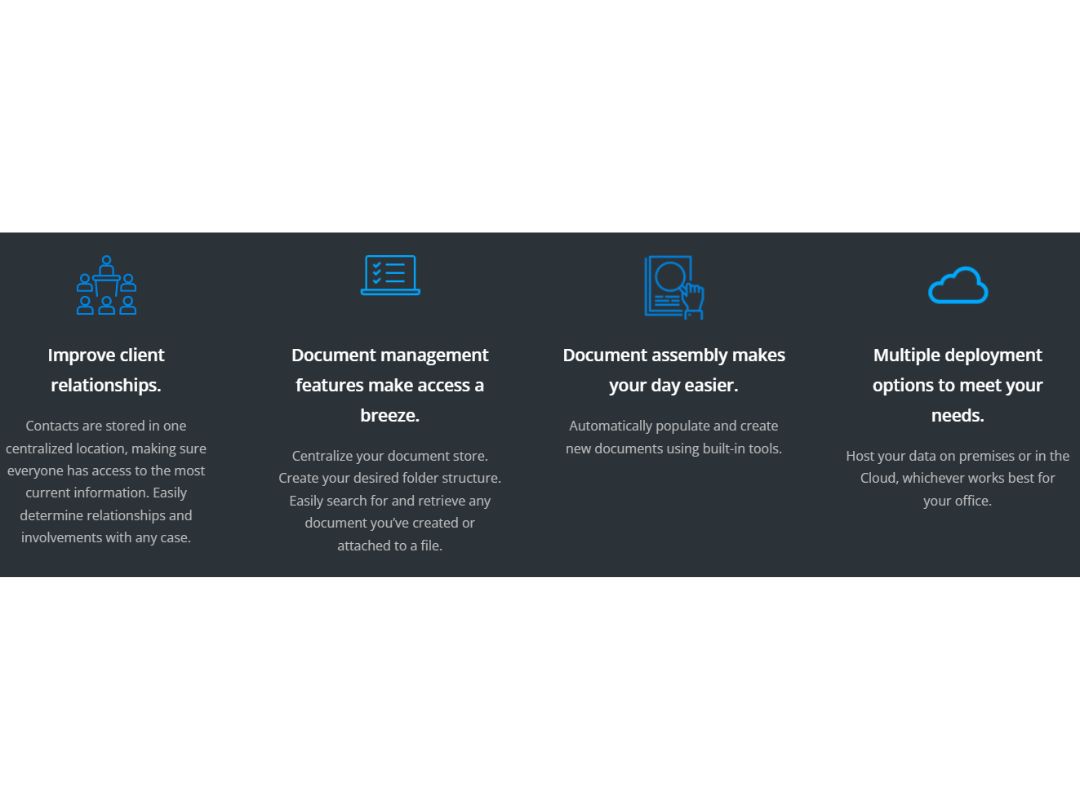
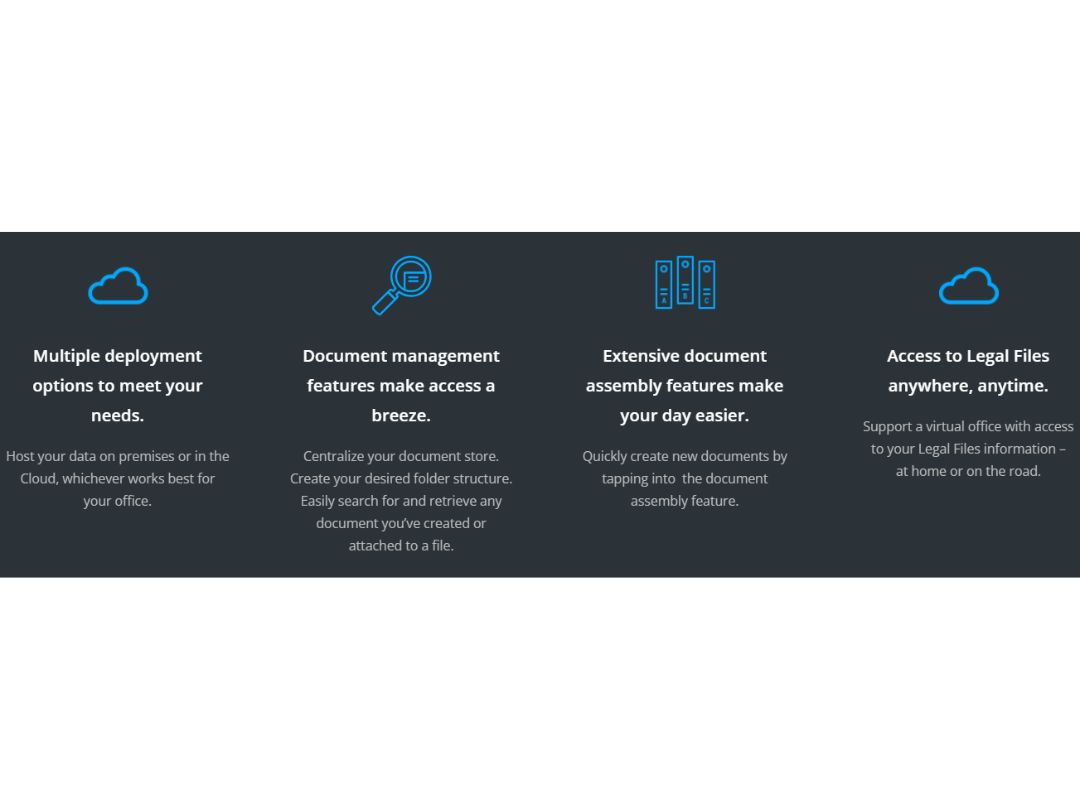
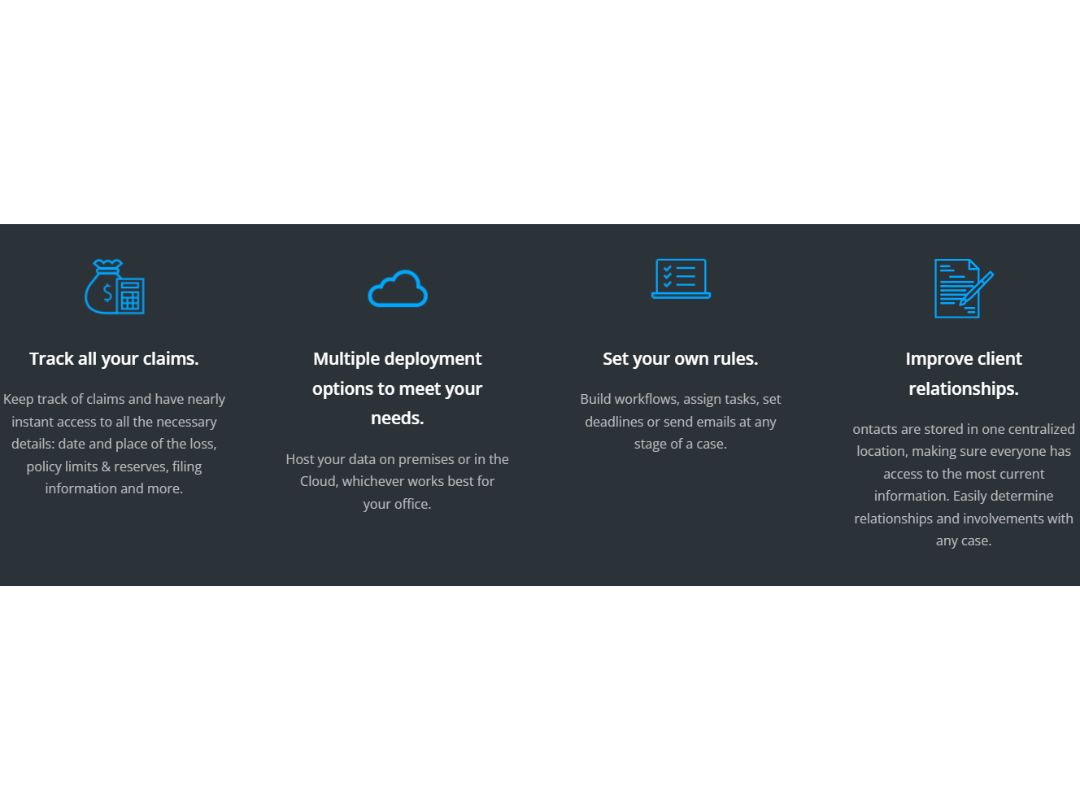
Legal Files Software is the top-tier solution for legal case management, trusted by diverse clients globally, from corporate legal departments to government entities, prestigious law firms, and universities. Whether deployed on-site or in the Cloud, this software empowers users with exceptional efficiency and organization. Its flexibility allows data access from any device with an internet connection, reducing the need to create documents from scratch through automated document creation. With the ability to launch specific workflows and create reports effortlessly, Legal Files is certainly the go-to software for managing legal matters smartly and efficiently!

Key Functionalities of Legal Files

  • Efficient Case Management: Streamline the handling of legal matters with effective case management features.
  • Diverse Clientele Compatibility: Tailor-made for various clients, including corporate legal departments, law firms, and government entities.
  • Flexible Deployment Options: Choose between on-site or Cloud deployment for convenience and accessibility.
  • Universal Data Access: Access your data effortlessly from any device with an internet connection.
  • Automated Document Creation: Eliminate the need to create documents from scratch with automated document creation.
  • Workflow Customization: Launch specific workflows according to your operations for a personalized experience.
  • Effortless Report Generation: Create reports with ease, simplifying the reporting process for enhanced efficiency.
  • Adaptable Off-the-Shelf Application: Remarkable adaptability with an off-the-shelf application, allowing customization without IT assistance.
  • Seamless Email Integration: It integrates seamlessly with popular email programs like Outlook and Gmail.
  • Clientele Trust and Preference: A preferred choice for industry leaders and prestigious institutions around the world, showcasing trust and reliability.

Why Choose Legal Files?

  • Focus on Law Practice: Legal Files enhances efficiency, allowing you to concentrate on practicing law rather than administrative tasks.
  • Compliance Assurance: Stay in compliance with a legal dates and deadlines calculator, audit trail, and daily status report alerts, ensuring adherence to legal obligations and client expectations.
  • Seamless Communication: Promote seamless communication and collaboration with firm-wide, group, and individual calendars, along with comprehensive in-box and group scheduler features.
  • Financial Management: It makes you track expenses and manage financials within the system, ensuring your practice operates within budget and maximizes profitability.
  • Clarity and Order: Legal Files provides clarity and order in your legal practice, simplifying complex processes and improving overall organization.

Benefits of Legal Files

  • Centralized Data Hub: Enhance collaboration and streamline your legal practice with firm-wide, group, and individual calendars for efficient organization.
  • Productivity Central: Maximize productivity and communication by centralizing critical data in a comprehensive inbox, making information easily accessible.
  • Effortless Scheduling: Simplify scheduling and meeting management with group and recurring scheduler tools, saving time and reducing administrative burdens.
  • Task Management Excellence: Efficiently assign and track tasks, combined with effective expense monitoring, promoting cost-effective legal practice management.
  • Automated Workflows: Boost productivity and workflow efficiency with robust workflow management features, automating routine processes for a smoother operation.
  • Critical Date Compliance: Make sure you never miss critical legal dates and deadlines with a dedicated calculator, safeguarding your practice's compliance and reputation.

Pricing of Legal Files Software

Legal Files price details are available on request at techjockey.

Legal Files price may vary based on factors like customization, additional features required, number of users, and the deployment type. Please request a call back for subscription-related details and to avail offers on premium packages.

Read more

Legal Files Company Details

Founded Year:  1990

Legal Files Software, Inc. develops case and matter management software applications for the legal industry. Legal Files matter management software has undergone thorough hands-on testing to produce peerless real-world matter management and workflow management applications.

Director/Founders Legal Files
Company Size 1-100 Employees

Legal Files Pricing & Plans

Looking for The Right Pricing?

Share your requirements and get a plan built around your business.

  • Define your business needs
  • Get customised pricing
  • Choose features that fit your workflow

Price Available on Request

Get personalised Legal Files pricing that fits your needs. Our team will connect with you.

Legal Files Features

  • icon_check Calendars—Firm-wide, Group, Individual
    Efficiently organize schedules with firm-wide, group, and individual calendars.
  • icon_check Comprehensive In-box
    Centralize critical data using a comprehensive inbox for streamlined communication.
  • icon_check Group and Recurring Scheduler
    Simplify scheduling with group and recurring scheduler tools.
  • icon_check Task Delegation & Assignment Tracking
    Efficiently delegate tasks and monitor assignments with ease.
  • icon_check Expense Tracking
    Effectively track expenses for cost-effective management.
  • icon_check Workflow Management
    Enhance productivity with robust workflow management features.
  • icon_check Legal Dates & Deadlines Calculator
    Ensure compliance using a dedicated legal dates and deadlines calculator.
  • icon_check Scheduling & Docketing
    Manage schedules and docketing seamlessly for enhanced efficiency.
  • icon_check Daily Status Report Alerts
    Receive day-to-day status report alerts for timely updates.
  • icon_check Audit Trail for Compliance
    Maintain compliance with an audit trail for thorough monitoring.
Legal Files Demo Video play icon

Get Legal Files Demo

Watch the demo video to explore key features, real workflows, and how the software fits your business needs.

Understand
Key Features
Personal
Demo Insights
Interactive
Demo Support

Legal Files Specifications

Supported Platforms
Ubuntu Ubuntu Windows Windows iOS iOS MacOS MacOS Linux Linux
Devices
Desktop Desktop Mobile Mobile Tablet Tablet iPad iPad
Deployment
Cloud-Based Cloud-Based
Suitable For
Law Firms
Business Specific
All Businesses
Business Size
Small Business Startups Medium Business Enterprises SMBs SMEs MSMBs MSMEs
Customer Support
Phone Email Communities
Language
English
Training Resources
Webinars Documentation Videos

Explore the Best Alternative Solutions Similar to Your Business Size and Needs

Legal Files Review

3.8

Out of 5

img

Overall Rating

Based on
3 Verified Ratings

Rating Breakdown

  • Features 3.8
  • Value for Money 4.3
  • Ease of Use 3.6
  • Customer Support 3.5

96% Recommend this Product

Add Review

Be the First to Review

This product has no reviews yet. Be the first to leave your feedback.

Add Review

Compare Legal Files With other Legal Case Management Software

Products
Ratings
Pricing
Device Supported
Deployment
Supported Platforms
  • img

    Legal Files

  • 3.8

  • Price On Request

  • Desktop

    Mobile

  • Web based

    On Premises

  • Windows

    Mac OS

  • img

    Legodesk

  • 4.2

  • Price On Request

  • Desktop

    Mobile

  • Web based

    On Premises

  • Windows

    Mac OS

  • img

    Docketwise

  • 4.5

  • Price On Request

  • Desktop

    Mobile

  • Web based

    On Premises

  • Windows

    Mac OS

  • img

    CaseFleet

  • 4.5

  • Price On Request

  • Desktop

    Mobile

  • Web based

    On Premises

  • Windows

    Mac OS

  • img

    Lawcus

  • 4.5

  • Price On Request

  • Desktop

    Mobile

  • Web based

    On Premises

  • Windows

    Mac OS

  • img

    Actionstep

  • 4.2

  • Price On Request

  • Desktop

    Mobile

  • Web based

    On Premises

  • Windows

    Mac OS

  • img

    LollyLaw

  • 4.2

  • Price On Request

  • Desktop

    Mobile

  • Web based

    On Premises

  • Windows

    Mac OS

  • img

    Filevine

  • 4.1

  • Price On Request

  • Desktop

    Mobile

  • Web based

    On Premises

  • Windows

    Mac OS

  • img

    Smokeball

  • 4.1

  • Price On Request

  • Desktop

    Mobile

  • Web based

    On Premises

  • Windows

    Mac OS

  • img

    Case UI

  • 4.4

  • Price On Request

  • Desktop

    Mobile

  • Web based

    On Premises

  • Windows

    Mac OS

  • img

    Casetext

  • 4.5

  • Price On Request

  • Desktop

    Mobile

  • Web based

    On Premises

  • Windows

    Mac OS

(0) Product(s) selected

Legal Files Alternatives

See All Legal Files Alternatives

Available

Price on Request

Starting Price:

$40.00 /User/Month

Available

Price on Request

Available

Price on Request

Starting Price:

$250.00 /User/Year

Available

Price on Request

Available

Price on Request

Available

Price on Request

Available

Price on Request

Available

Price on Request

Which operating system does Legal Files Software Support?

Legal Files software is compatible with Ubuntu, Windows, iOS, MacOS, and Linux systems.

Is there any Legal Files App?

No, there is no mobile app available for Legal Files at present.

What is the deployment type of Legal Files System?

Legal Files system supports web-based deployment.

How much does Legal Files Software Cost?

Legal Files price details are available on request at techjockey.com.

Who are the potential users of Legal Files?

Legal Files Software is typically used in legal businesses and law firms.

Is there any free trial or demo for Legal Files Solution?

Yes, Legal Files solution free demo is available at techjockey.com.

Is Legal Files Software Free?

Legal Files Software offers a free trial. However, the premium plan with advanced features is available at techjockey.com with exciting deals.

How can you download Legal Files?

Legal Files software installation is not required, as it is web-based. Just open the Setup Wizard to get started.

How does Legal Files Work?

Unlock legal excellence with Legal Files: Trusted by a diverse clientele, from renowned law firms to global corporations. Experience top-tier efficiency, seamless organization, and the freedom to access and create documents with ease.

Terms and Condtions

close

Users with registered businesses can purchase goods from merchants on the platform to satisfy their business needs. Users are not permitted to utilize any products acquired through the platform for resale, advertising, business, or further distribution.

For each purchase made, users will receive a Tax Invoice (or 'GST invoice') that includes specific details such as:

  • the GSTIN of the user associated with their registered business, and

  • the specified Entity Name for their business.

It should be noted that not all products are eligible for GST Invoice. Only the products displayed by participating sellers with the 'GST-based Invoice Available' callout on the product description page would qualify.

Certain goods and services are not eligible to get a GST Invoice, including items with VAS, i.e., Value Added Services (e.g., Total Mobile Protection/Assured Buyback) and those involving an exchange offer at the time of purchase.

Users must ensure the accuracy of the GSTIN, and business entity name provided for the GST Invoice. Requests for corrections into GST Invoice would not be accommodated by Techjockey.com or any Seller, and any issues arising from user-provided information are the sole responsibility of users.

Techjockey.com is not liable for the GST Invoice or any associated input tax credit. To efficiently claim an input tax credit, users should select the registered place of business address as per the GST authority's data and follow the provisions of the GST Act and rules.

To claim an input tax credit, the delivery and billing addresses must match. Furthermore, input tax credits will not be granted if the delivery address and GSTIN on the invoice are from different states. In case of incorrect GST details provided during the order placement, the order will be canceled automatically.

20,000+ Software Listed 20,000+ Software Listed

Best Price Guaranteed Unbiased Comparison

Free Expert Consultation Read Authentic Reviews

2M+ Happy Customers 500,000+ Monthly Users