linkedin
MobiPDF logo
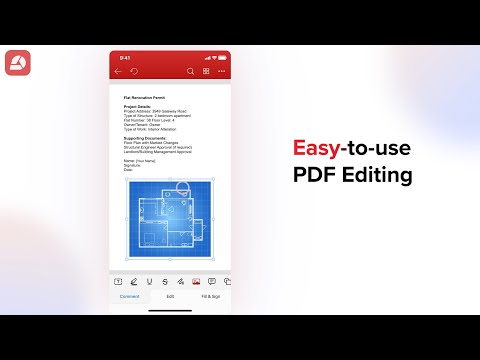
play MobiPDF - Easy-to-use PDF Editing
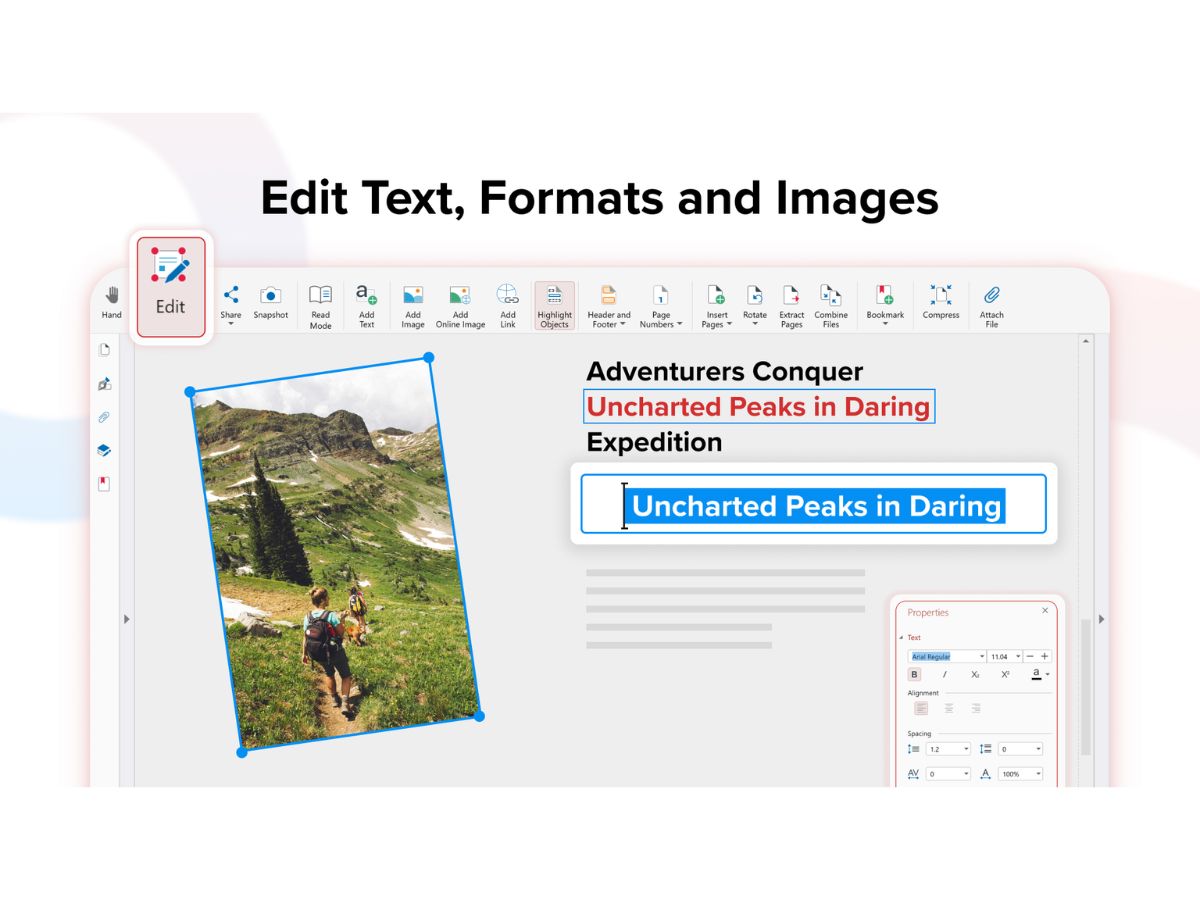
MobiPDF-formats
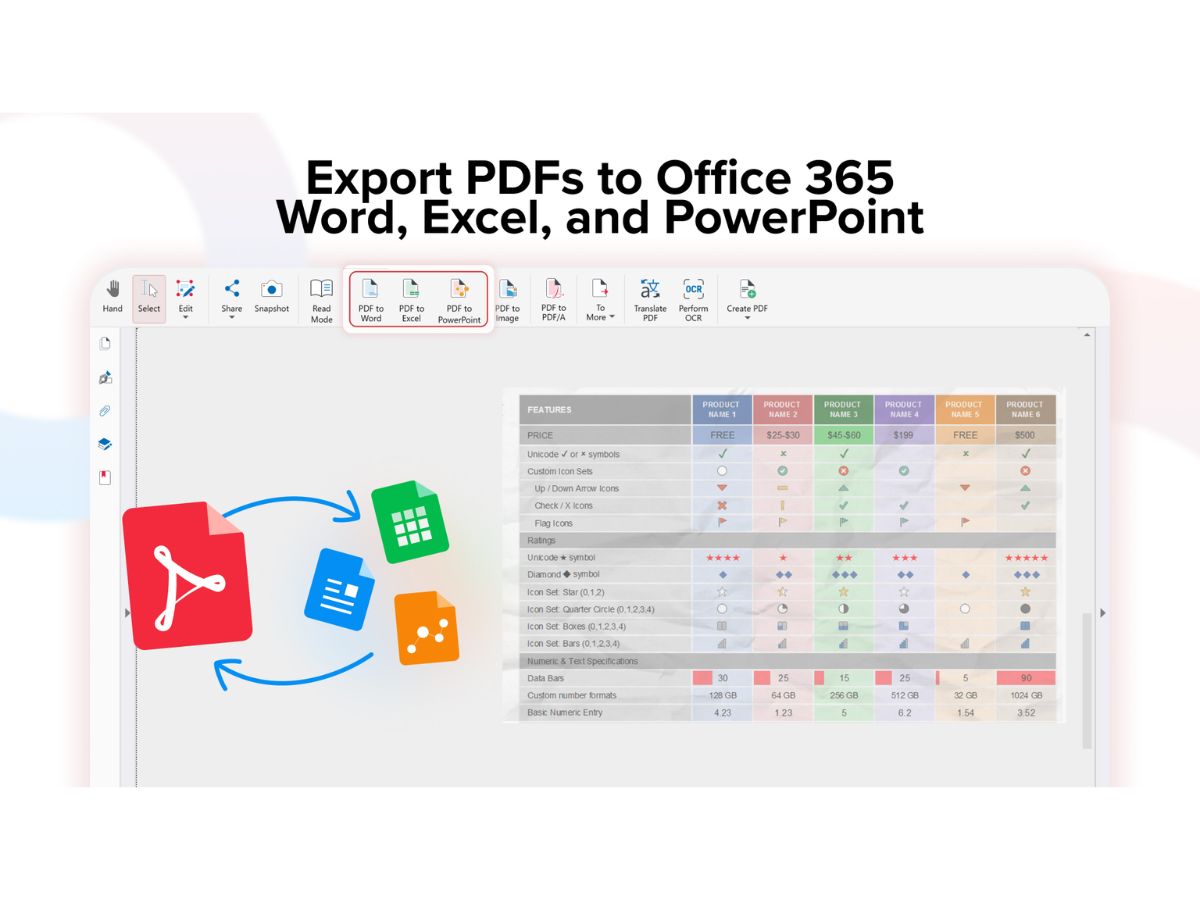
MobiPDF-export

MobiPDF

Brand: MobiSystems

  • No Ratings & Reviews

Have you used MobiPDF before?

Share your insights for better experience

Add a Review
Starting Price
$16

View plans

100% Genuine
Products
Best Price
Guaranteed
Safe & Secure
Payment
  • Description

  • Pricing

  • Features

  • Specification

  • Review

Starting at $15.99

MobiPDF Software Overview

MobiSystems Company Details

Founded Year:  2001

MobiSystems has been a leading provider of mobile productivity and business applications for over 20 years. Our solutions extend the usability of mobile devices across platforms, allowing for enhanced desktop-grade productivity regardless of location both in and out of the office.

Director/Founders MobiSystems
Company Size 1-100 Employees

MobiPDF Pricing & Plans

Pro
Starting at $15.99
    • Licenses

      Licenses
      Licenses
    • Monthly

      Monthly
      Monthly

Key Features

  • Use on PCs, phones and tablets

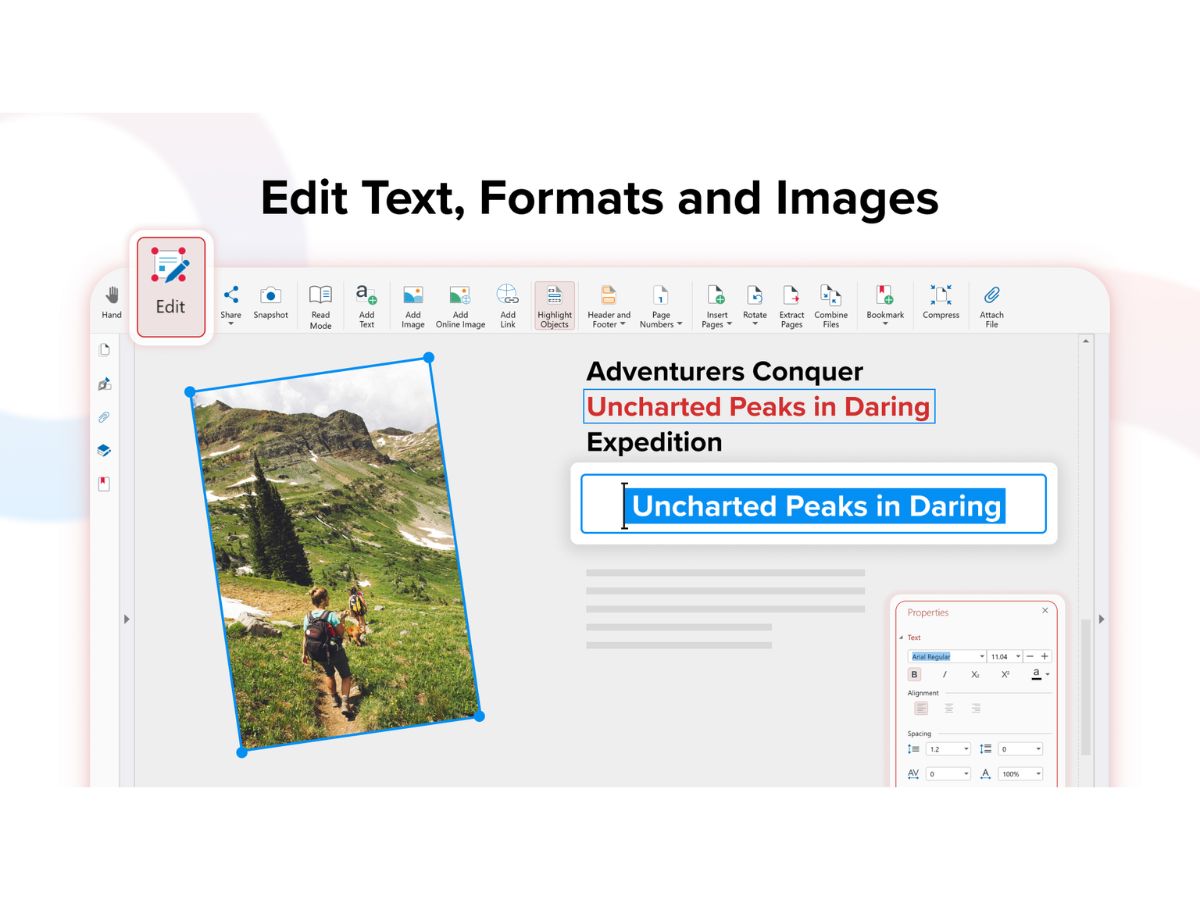
  • Edit text and images, combine, and delete pages

  • Protect and sign digitally

  • Create, fill, sign and share forms

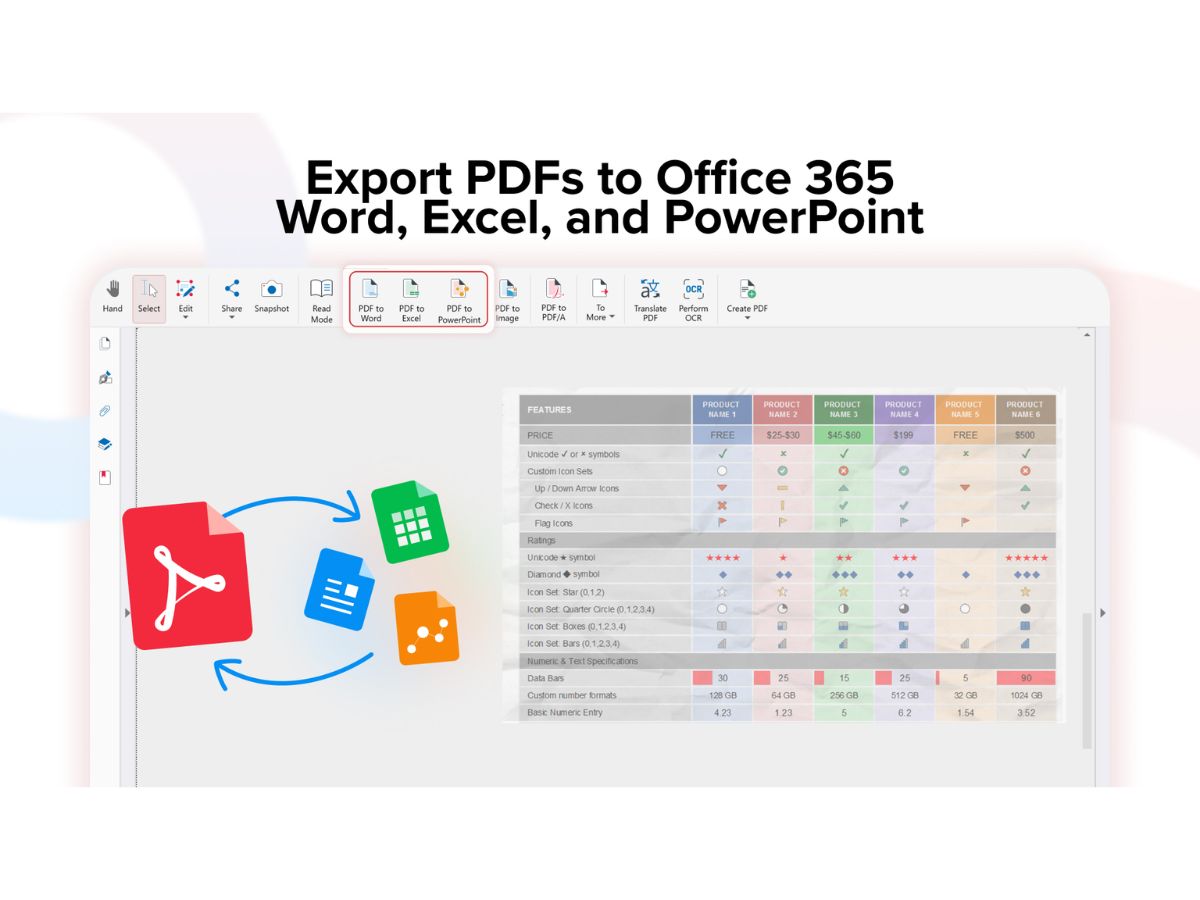
  • Convert PDFs to/from Word & Excel

Lifetime
Starting at $99.99
    • Licenses (One Time)

      Licenses (One Time)
      Licenses (One Time)

Key Features

  • Locked to one desktop device for core PDF needs

  • Edit text and images, combine, and delete pages

  • Protect and sign digitally

  • Create, fill, sign and share forms

  • Convert PDFs to/from Word & Excel

MobiPDF Features

  • icon_check PDF Editor
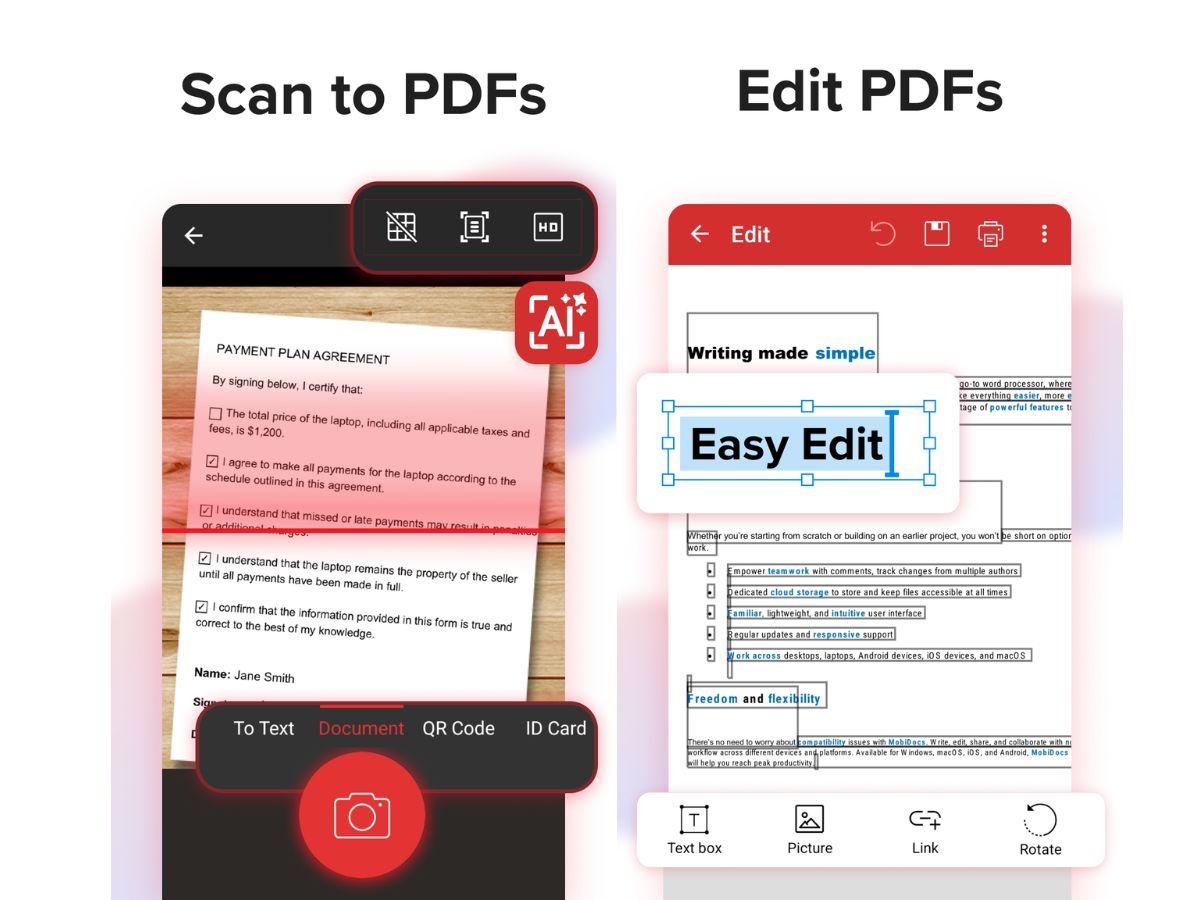
    Edit text, images, fonts, and layouts directly within PDF files while preserving formatting and document structure integrity.
  • icon_check PDF Creation
    Create PDFs from scratch or convert documents, images, and scans into high-quality PDF files for easy sharing.
  • icon_check PDF conversion
    Convert PDFs into Word, Excel, PowerPoint, or image formats while maintaining layout accuracy and content structure.
  • icon_check OCR (Optical Character Recognition)
    Extract text from scanned documents or images and convert them into fully editable and searchable PDF content.
  • icon_check Annotations
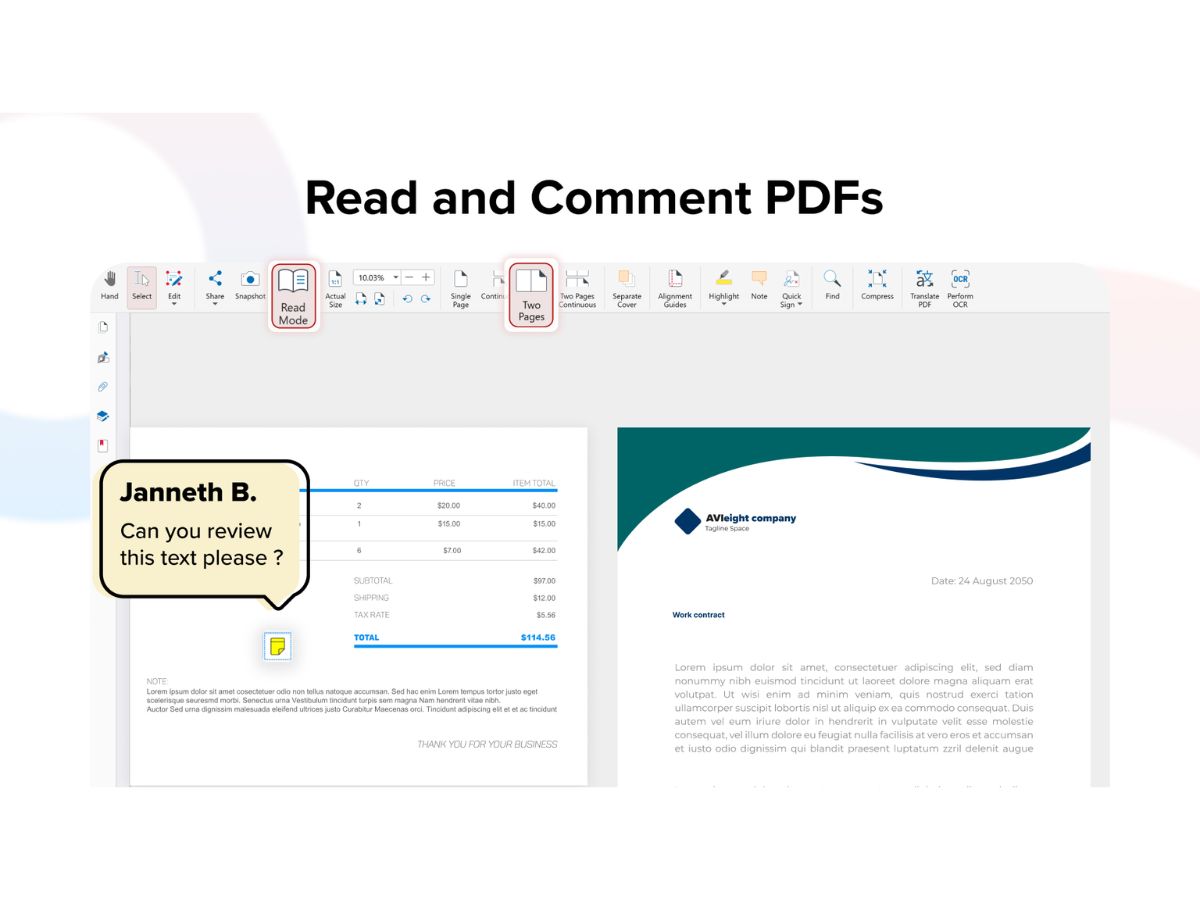
    Highlight, underline, strikethrough text, and add comments, shapes, or drawings for efficient document review.
  • icon_check Form Filling
    Fill out interactive or static PDF forms easily with text input, checkboxes, and dropdown selections.
  • icon_check Digital Signature
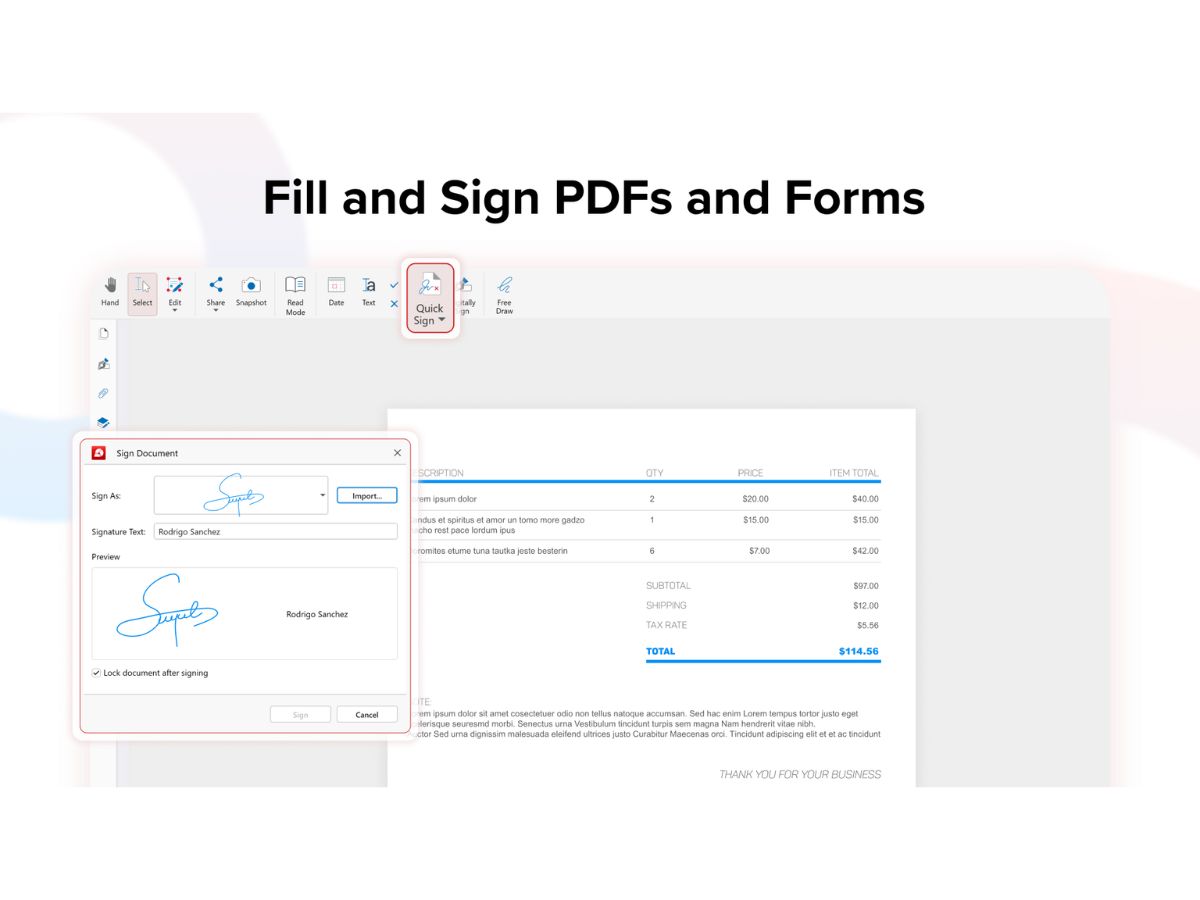
    Add electronic signatures or draw signatures directly on documents for quick approval and authentication workflows.
  • icon_check Merging of PDF files
    Combine multiple PDF documents into a single file while maintaining proper sequence and formatting consistency.
  • icon_check PDF Splitting
    Split large PDFs into smaller files by pages or sections, enabling easier sharing and document organization.
  • icon_check Page Management
    Reorder, delete, rotate, or extract pages within a PDF document using intuitive drag-and-drop controls.
  • icon_check Document Security
    Protect PDFs with passwords, encryption, and permission controls to restrict editing, copying, or printing access.
  • icon_check Cloud Integration
    Access, store, and sync documents via cloud services, ensuring seamless availability across devices and platforms.
  • icon_check Cross-Platform Support
    Work across Windows, Android, and iOS devices with consistent features and synchronized document access.
  • icon_check Search Functionality
    Quickly find specific text or keywords within large PDF documents using advanced search and navigation tools.
  • icon_check Bookmark Management
    Create and manage bookmarks for quick navigation within lengthy PDF documents and structured content sections.
  • icon_check File Compression
    Reduce PDF file size without significant loss of quality, making it easier to store, upload, and share documents.
MobiPDF Demo Video play icon

Get MobiPDF Demo

Watch the demo video to explore key features, real workflows, and how the software fits your business needs.

Understand
Key Features
Personal
Demo Insights
Interactive
Demo Support

MobiPDF Specifications

Supported Platforms
Windows Windows iOS iOS Android Android
Devices
Desktop Desktop Mobile Mobile Tablet Tablet iPad iPad
Deployment
Cloud-Based Cloud-Based
Suitable For
All Industries
Business Specific
All Businesses
Business Size
Individual Small Business Startups Medium Business Enterprises SMBs SMEs MSMEs
Customer Support
Email
Language
English
Integration
API Integration
Training Resources
Documentation

MobiPDF Review

Techjockey Trusted Reviews from Verified Users

No reviews are currently available for MobiPDF. Discover similar PDF Software reviews

  • Nuance Power PDF

    4.4

    Whats great - Robust editing tools and secure document handling. read more

  • Kofax Power PDF

    4.3

    Whats great - Robust editing tools and secure document handling. read more

  • Sejda PDF

    4.8

    Whats great - This platform is so user-friendly. The best part is that it keeps the original formatting and allows you to edit in a way tha... read more

Terms and Condtions

close

Users with registered businesses can purchase goods from merchants on the platform to satisfy their business needs. Users are not permitted to utilize any products acquired through the platform for resale, advertising, business, or further distribution.

For each purchase made, users will receive a Tax Invoice (or 'GST invoice') that includes specific details such as:

  • the GSTIN of the user associated with their registered business, and

  • the specified Entity Name for their business.

It should be noted that not all products are eligible for GST Invoice. Only the products displayed by participating sellers with the 'GST-based Invoice Available' callout on the product description page would qualify.

Certain goods and services are not eligible to get a GST Invoice, including items with VAS, i.e., Value Added Services (e.g., Total Mobile Protection/Assured Buyback) and those involving an exchange offer at the time of purchase.

Users must ensure the accuracy of the GSTIN, and business entity name provided for the GST Invoice. Requests for corrections into GST Invoice would not be accommodated by Techjockey.com or any Seller, and any issues arising from user-provided information are the sole responsibility of users.

Techjockey.com is not liable for the GST Invoice or any associated input tax credit. To efficiently claim an input tax credit, users should select the registered place of business address as per the GST authority's data and follow the provisions of the GST Act and rules.

To claim an input tax credit, the delivery and billing addresses must match. Furthermore, input tax credits will not be granted if the delivery address and GSTIN on the invoice are from different states. In case of incorrect GST details provided during the order placement, the order will be canceled automatically.

20,000+ Software Listed 20,000+ Software Listed

Best Price Guaranteed Unbiased Comparison

Free Expert Consultation Read Authentic Reviews

2M+ Happy Customers 500,000+ Monthly Users