linkedin
Napkin AI logo
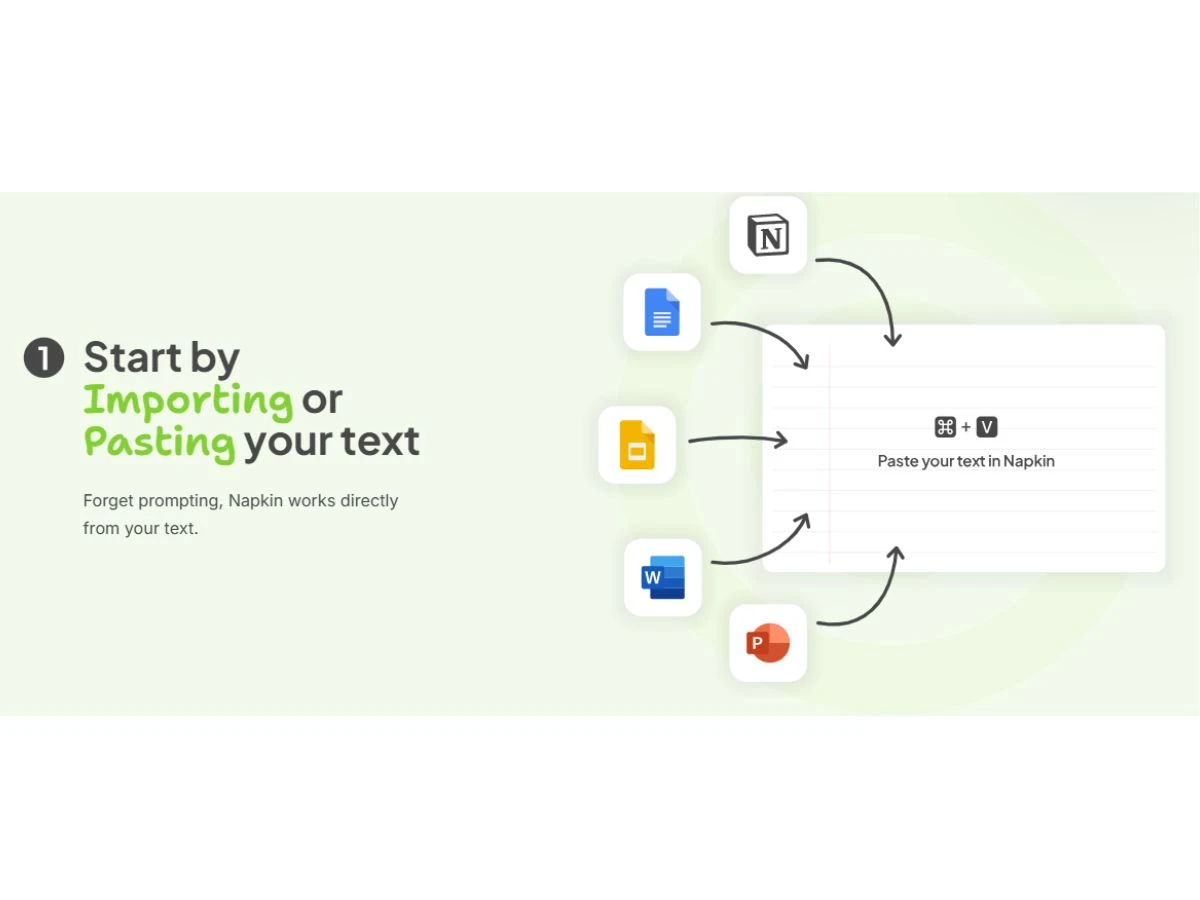
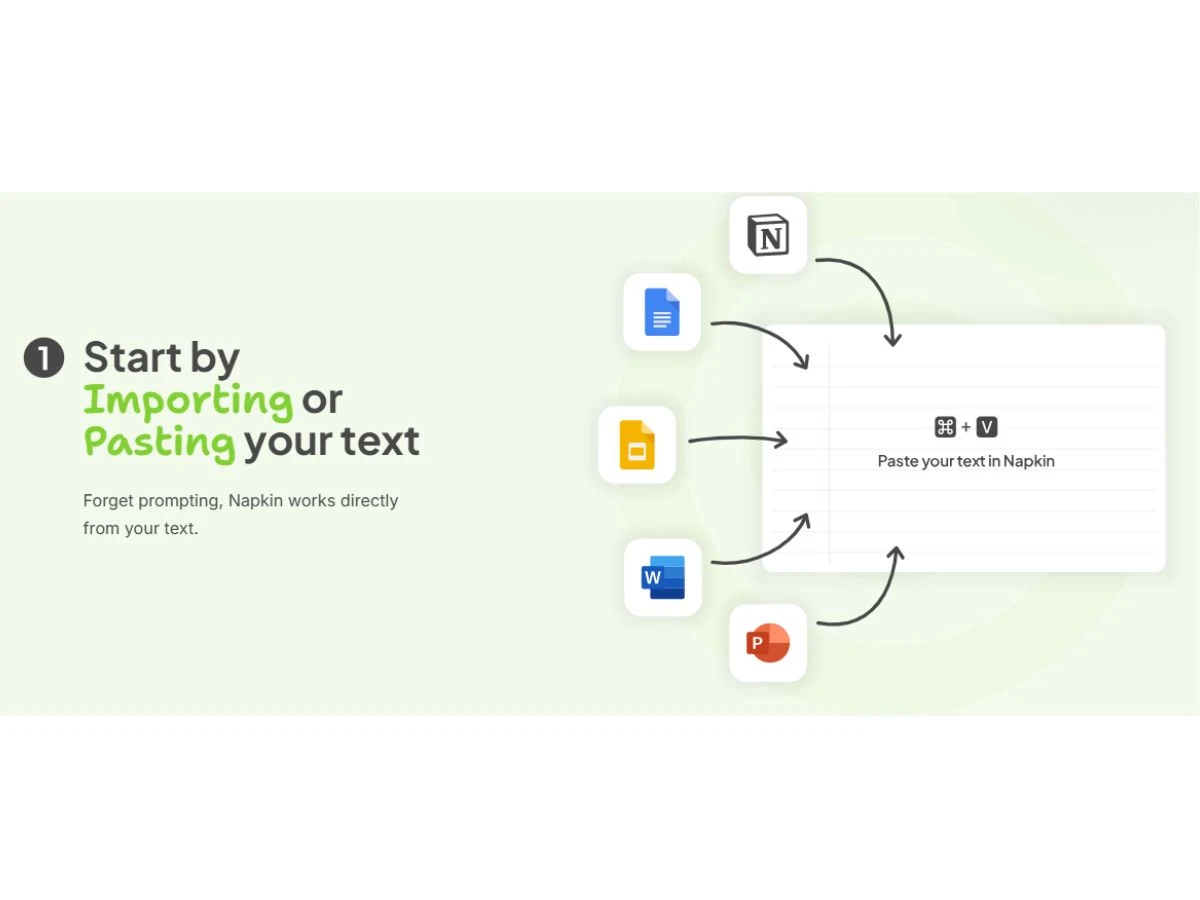
napkin ai-paste
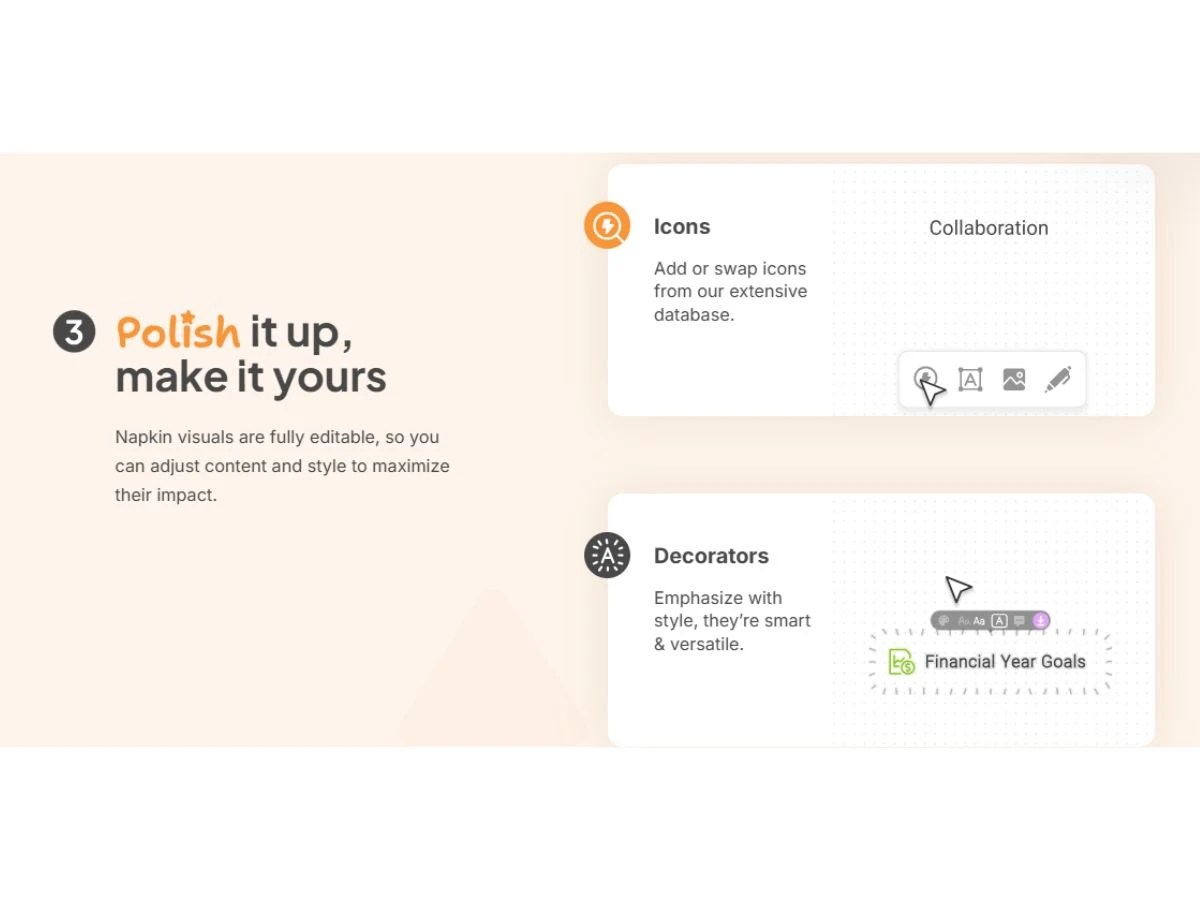
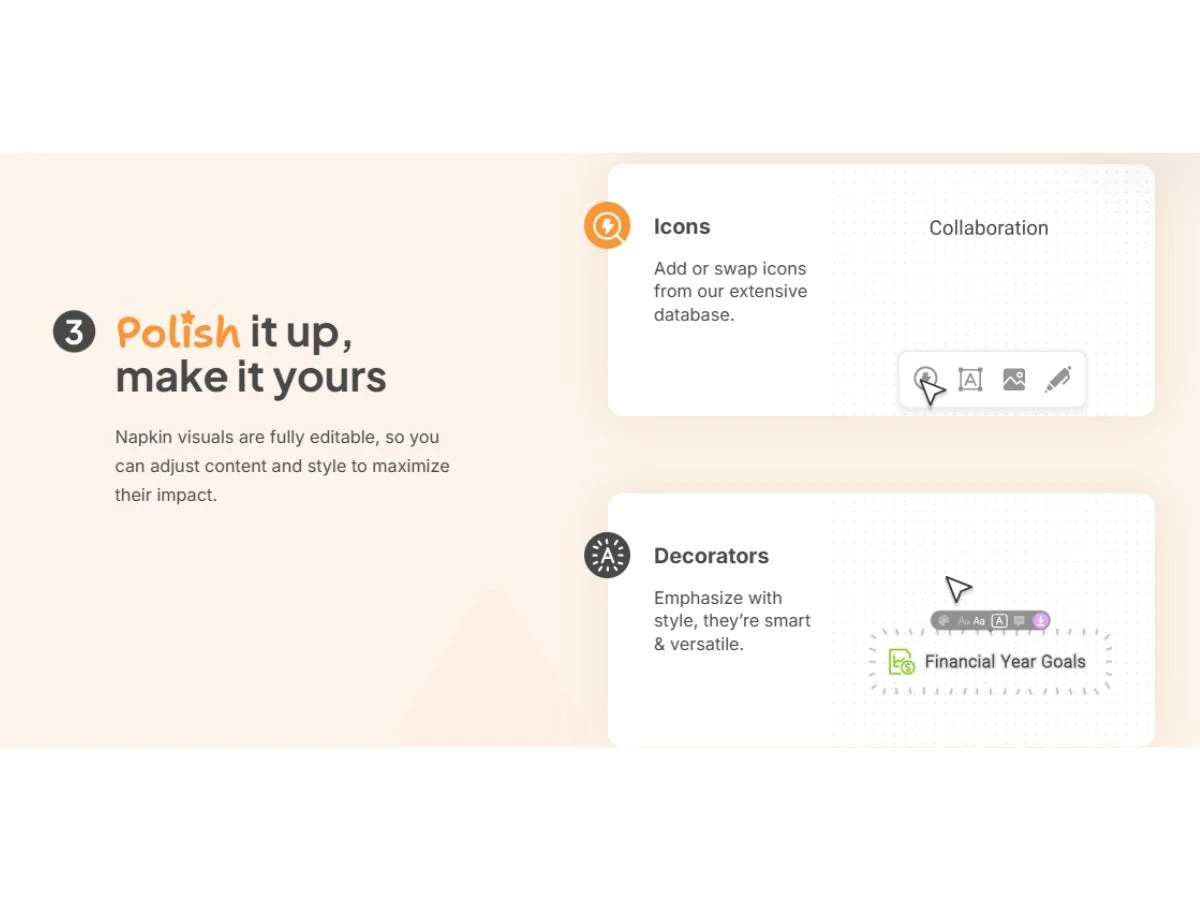
napkin ai-polish
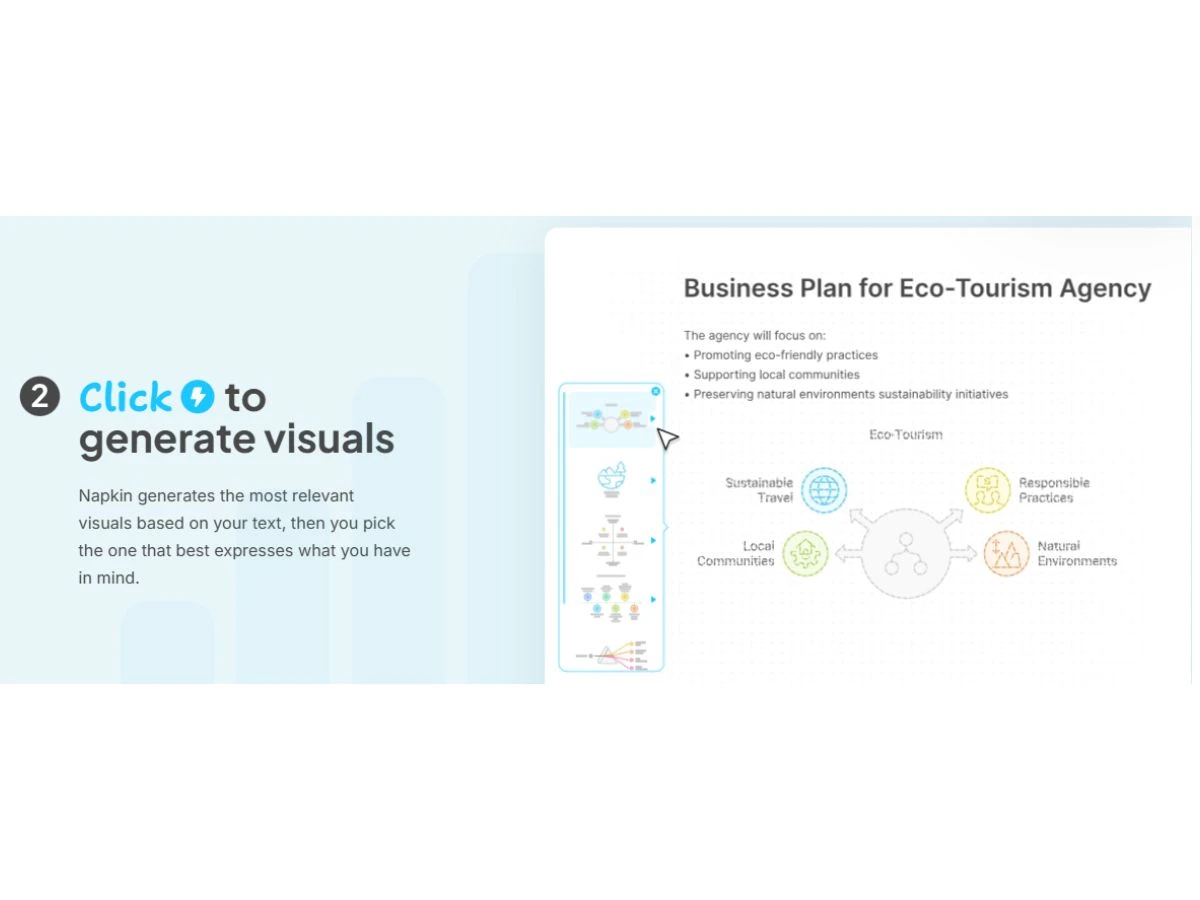
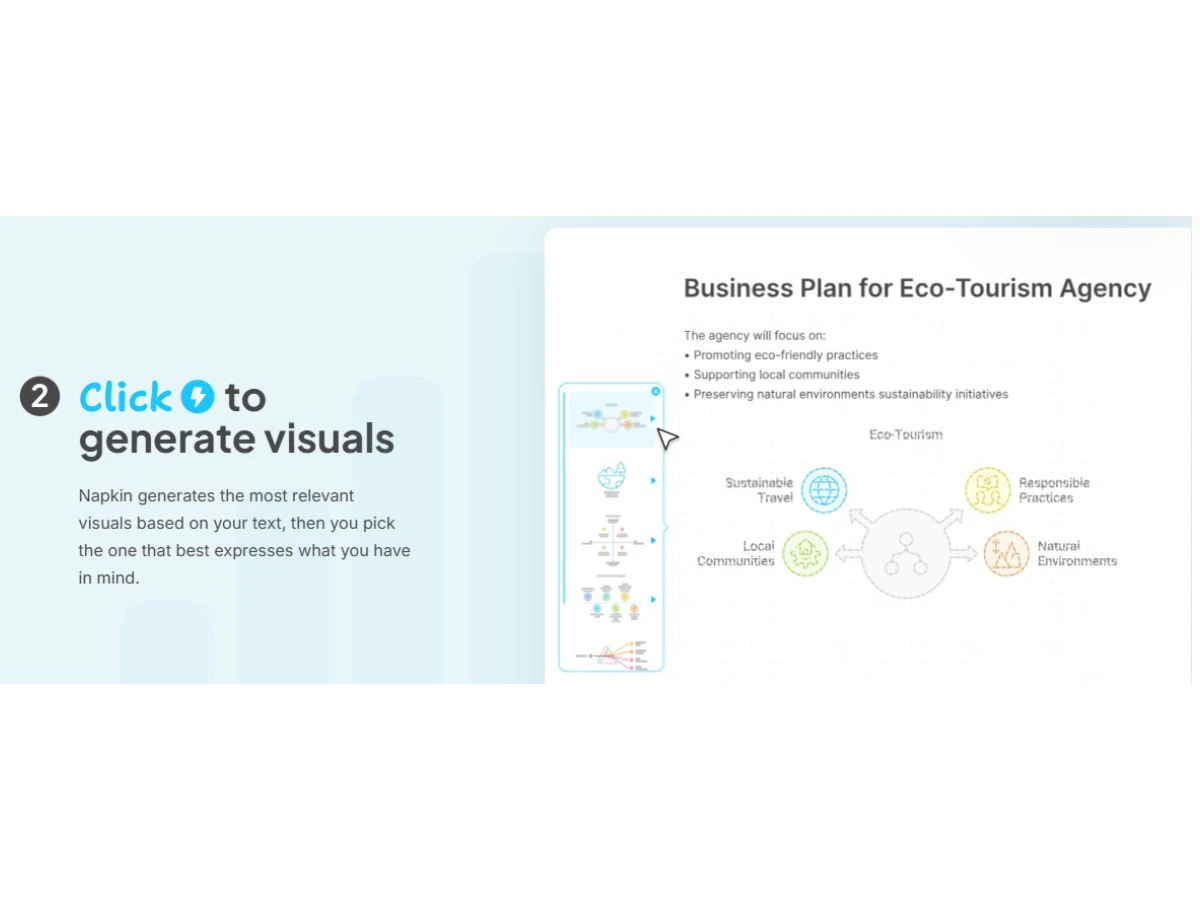
napkin ai-visuals

Napkin AI

Brand: Napkin AI

  • 4.4

  • 3 Ratings

Have you used Napkin AI before?

Share your insights for better experience

Add a Review
Starting Price
$12

View plans

100% Genuine
Products
Best Price
Guaranteed
Safe & Secure
Payment
  • Description

  • Pricing

  • Features

  • Specification

  • Review

Starting at $12.00

Napkin AI Software Overview

Napkin AI Company Details

Founded Year:  2021

Napkin empowers anyone to communicate their ideas visually. With Napkin, you can transform written content into customizable visuals that can be used across Google Docs, Slides, Canva, Slack, Word, PowerPoint, Email, Text, and more.

Director/Founders Pramod Sharma, Jerome Scholler
Company Size 1-100 Employees

Napkin AI Pricing & Plans

Plus
Starting at $12
    • Users

      Users
      Users
    • Monthly

      Monthly
      Monthly

Key Features

  • 10,000 AI credits per month

  • Unlimited PPT & SVG export

  • 3 Custom styles

  • Bold icons

  • Remove Napkin branding

  • Team management and billing

  • Unlimited visuals editing

  • Built-in styles and fonts

  • Standard icons

  • Napkin branding on visuals

Pro
Starting at $30
    • Users

      Users
      Users
    • Monthly

      Monthly
      Monthly

Key Features

  • 30,000 AI credits per month

  • Exclusive designs

  • Unlimited custom styles

  • Upload your fonts

  • Team management and billing

  • Optional credit top ups

Napkin AI Features

  • icon_check Text to Visual Conversion
    Automatically converts plain text into engaging visuals without requiring manual design input.
  • icon_check Multi Format Support
    Export visuals in popular formats like PNG, PDF, SVG, and PPT for flexible usage across platforms.
  • icon_check Real-Time Collaboration
    Collaborate live with team members by sharing, commenting, and editing visuals together in real time.
  • icon_check Custom Branding
    Apply brand colors, fonts, and logos to maintain consistent visual identity across all generated outputs.
  • icon_check Drag and Drop Functionality
    Rearrange elements within the canvas effortlessly using intuitive drag-and-drop functionality.
  • icon_check Font Customization
    Choose from 700+ Google Fonts or upload your own to align visuals with your brand’s typography.
  • icon_check Data Import/Export
    Upload DOCX, PPTX, PDF, HTML, or Markdown files to quickly generate visuals from existing content.
  • icon_check Templates
    Apply preset or custom templates to generate consistent visual designs across multiple assets.
  • icon_check Aspect Ratio Customization
    Set visuals to specific dimensions like 16:9, 4:5, or 1:1 for use across presentation and social platforms.
  • icon_check Color Palette Editor
    Modify element colors using HEX codes or palettes to match your brand or specific design needs.
  • icon_check Preview Functionality
    Preview visuals before export to ensure they meet layout, style, and aspect ratio requirements.
  • icon_check Multilingual Support
    Generate visuals from content written in over 60 languages for global teams and diverse audiences.
  • icon_check Team Workspace
    Centralized dashboard to manage users, permissions, billing, and shared documents.

Napkin AI Specifications

Supported Platforms
Ubuntu Ubuntu Windows Windows MacOS MacOS Linux Linux
Devices
Desktop Desktop
Deployment
Cloud-Based Cloud-Based
Suitable For
All Industries
Business Specific
All Businesses
Business Size
Individual Small Business Startups SMBs SMEs MSMBs MSMEs Freelancers
Customer Support
Email Communities
Language
English
Training Resources
Videos
AI Features
AI Integrated

Napkin AI Review

4.4

Out of 5

img

Overall Rating

Based on
3 Verified Ratings

Rating Breakdown

  • Features 4.8
  • Value for Money 4.6
  • Ease of Use 4
  • Customer Support 4.3

80% Recommend this Product

Add Review

Be the First to Review

This product has no reviews yet. Be the first to leave your feedback.

Add Review

Terms and Condtions

close

Users with registered businesses can purchase goods from merchants on the platform to satisfy their business needs. Users are not permitted to utilize any products acquired through the platform for resale, advertising, business, or further distribution.

For each purchase made, users will receive a Tax Invoice (or 'GST invoice') that includes specific details such as:

  • the GSTIN of the user associated with their registered business, and

  • the specified Entity Name for their business.

It should be noted that not all products are eligible for GST Invoice. Only the products displayed by participating sellers with the 'GST-based Invoice Available' callout on the product description page would qualify.

Certain goods and services are not eligible to get a GST Invoice, including items with VAS, i.e., Value Added Services (e.g., Total Mobile Protection/Assured Buyback) and those involving an exchange offer at the time of purchase.

Users must ensure the accuracy of the GSTIN, and business entity name provided for the GST Invoice. Requests for corrections into GST Invoice would not be accommodated by Techjockey.com or any Seller, and any issues arising from user-provided information are the sole responsibility of users.

Techjockey.com is not liable for the GST Invoice or any associated input tax credit. To efficiently claim an input tax credit, users should select the registered place of business address as per the GST authority's data and follow the provisions of the GST Act and rules.

To claim an input tax credit, the delivery and billing addresses must match. Furthermore, input tax credits will not be granted if the delivery address and GSTIN on the invoice are from different states. In case of incorrect GST details provided during the order placement, the order will be canceled automatically.

21,000+ Software Listed 21,000+ Software Listed

Best Price Guaranteed Unbiased Comparison

Free Expert Consultation Read Authentic Reviews

5M+ Happy Customers 500,000+ Monthly Users