linkedin
Rev logo
play This is Rev.
Rev-analysis
Rev-consultation

Rev

Brand: Rev

  • No Ratings & Reviews

Have you used Rev before?

Share your insights for better experience

Add a Review
Starting Price
$30

View plans

100% Genuine
Products
Best Price
Guaranteed
Safe & Secure
Payment
  • Description

  • Pricing

  • Features

  • Specification

  • Review

Starting at $29.99

Rev Software Overview

Rev Company Details

Founded Year:  2010

Rev is the world’s most accurate speech technology provider.

Director/Founders Dan Kokotov, David Abrameto, Jason Chicola, Josh Breinlinger, Mark Chen, Paul Huck
Company Size 1000+ Employees

Rev Pricing & Plans

Essentials
Starting at $29.99
    • Seat

      Seat
      Seat
    • Monthly

      Monthly
      Monthly

Key Features

  • Bulk Download

  • 5,000 AI transcription

  • Video Platform Integrations

  • Meeting Hub (Calendar Integration)

  • GDPR Compliance

Pro
Starting at $59.99
    • Seat

      Seat
      Seat
    • Monthly

      Monthly
      Monthly

Key Features

  • Bulk Download

  • 10,000 verbatim AI transcription

  • Video Platform Integrations

  • Meeting Hub (Calendar Integration)

  • GDPR Compliance

Rev Features

  • icon_check Speech-to-Text Transcription
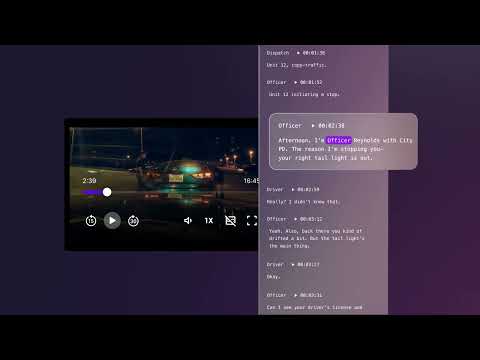
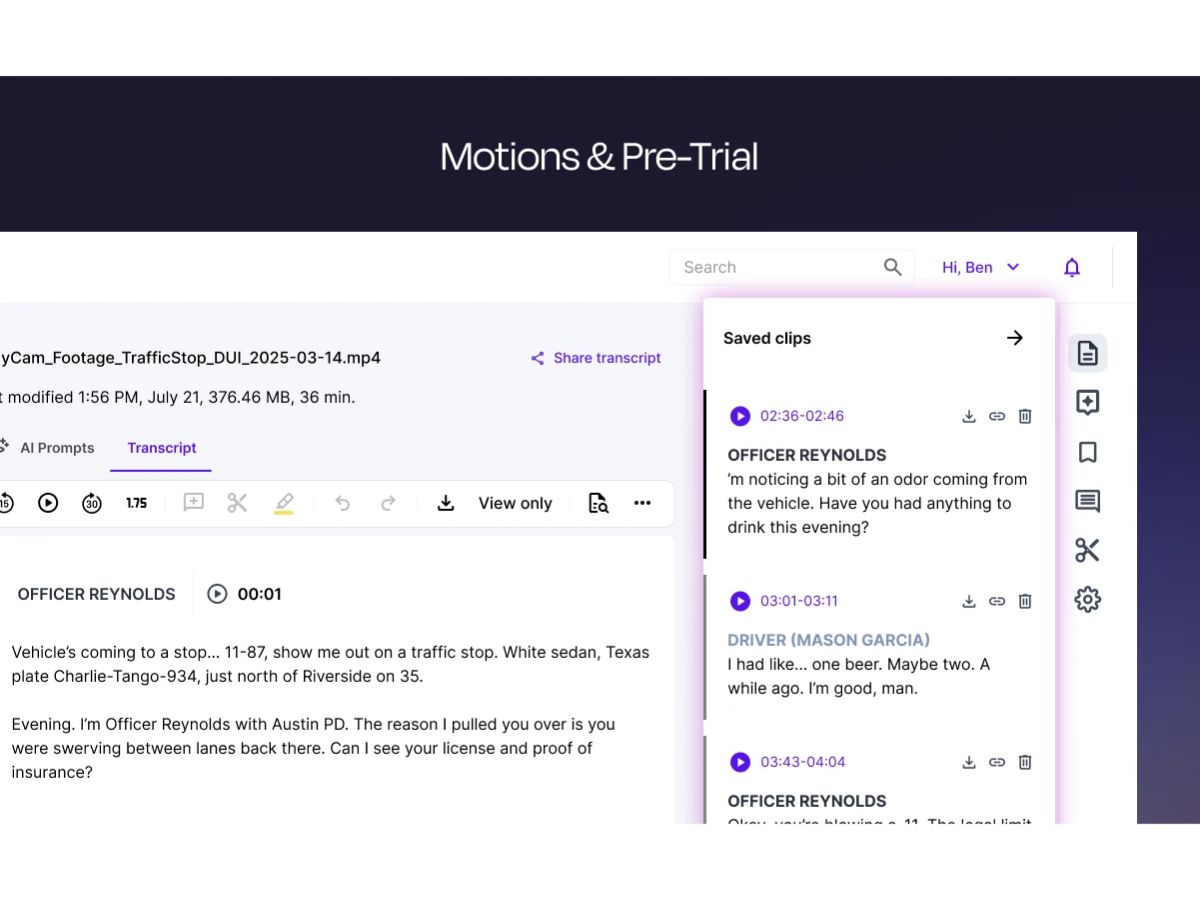
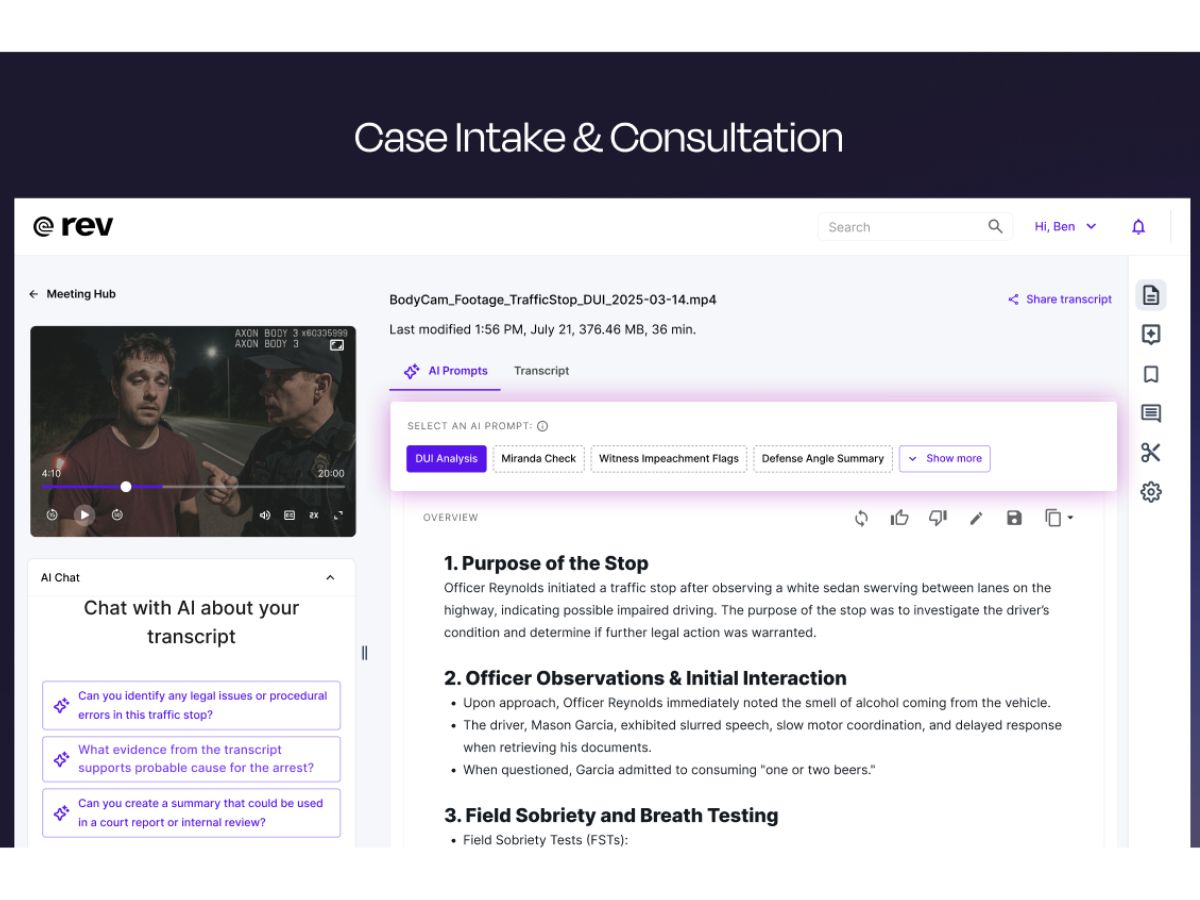
    Converts audio and video into accurate text using AI and human review for reliable documentation outputs.
  • icon_check AI Transcription
    Uses automated speech recognition to quickly transcribe audio with fast turnaround and cost-effective pricing.
  • icon_check Human Transcription
    Professional transcriptionists ensure up to 99% accuracy, ideal for complex audio and critical use cases.
  • icon_check Closed Captions
    Adds synchronized captions to videos, improving accessibility, SEO visibility, and audience engagement.
  • icon_check Subtitle Generation
    Creates multilingual subtitles for global audiences, helping expand reach and support content localization.
  • icon_check Timestamping
    Inserts precise timestamps in transcripts, enabling easy navigation and reference within long audio files.
  • icon_check Speaker Identification
    Detects and labels different speakers in conversations, improving clarity in interviews and meetings.
  • icon_check File Upload Support
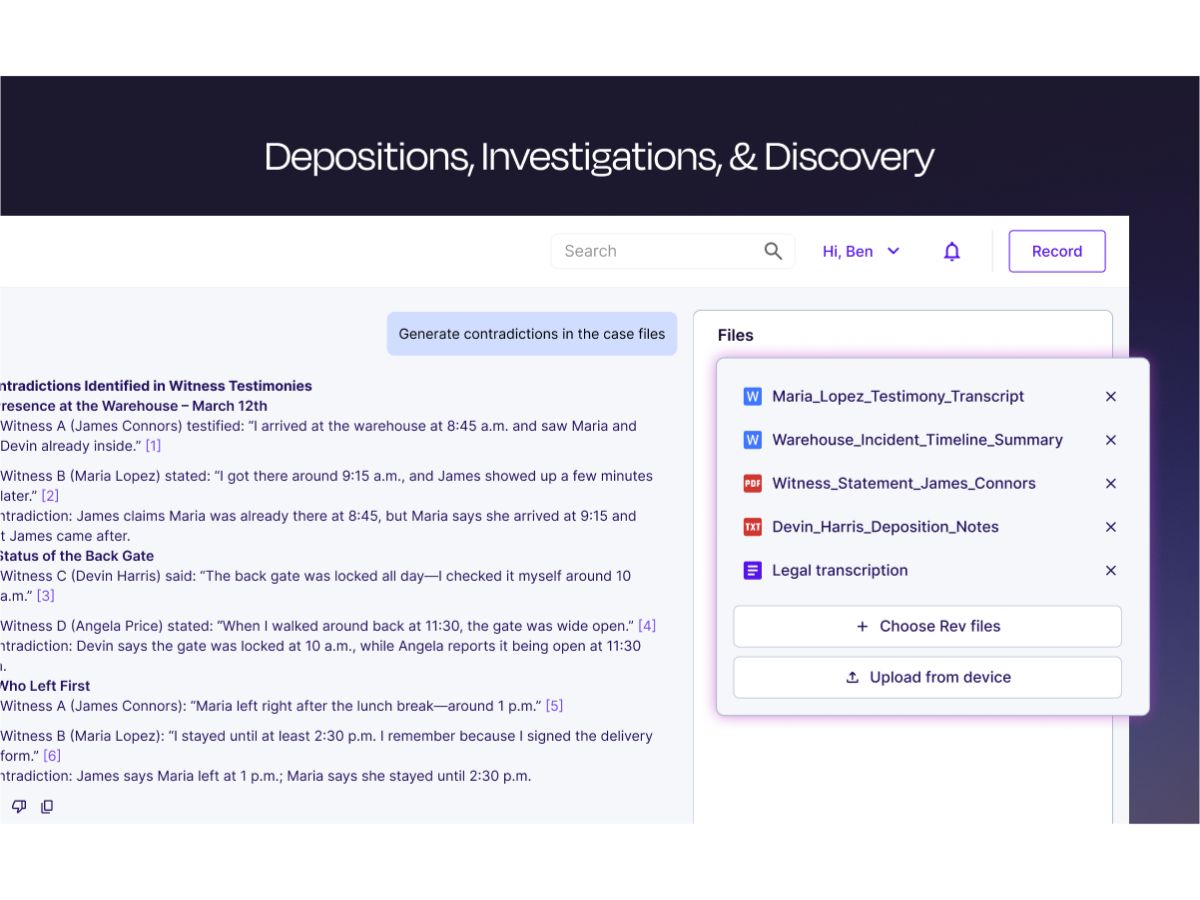
    Supports multiple audio and video file formats, allowing flexible uploads from various recording sources.
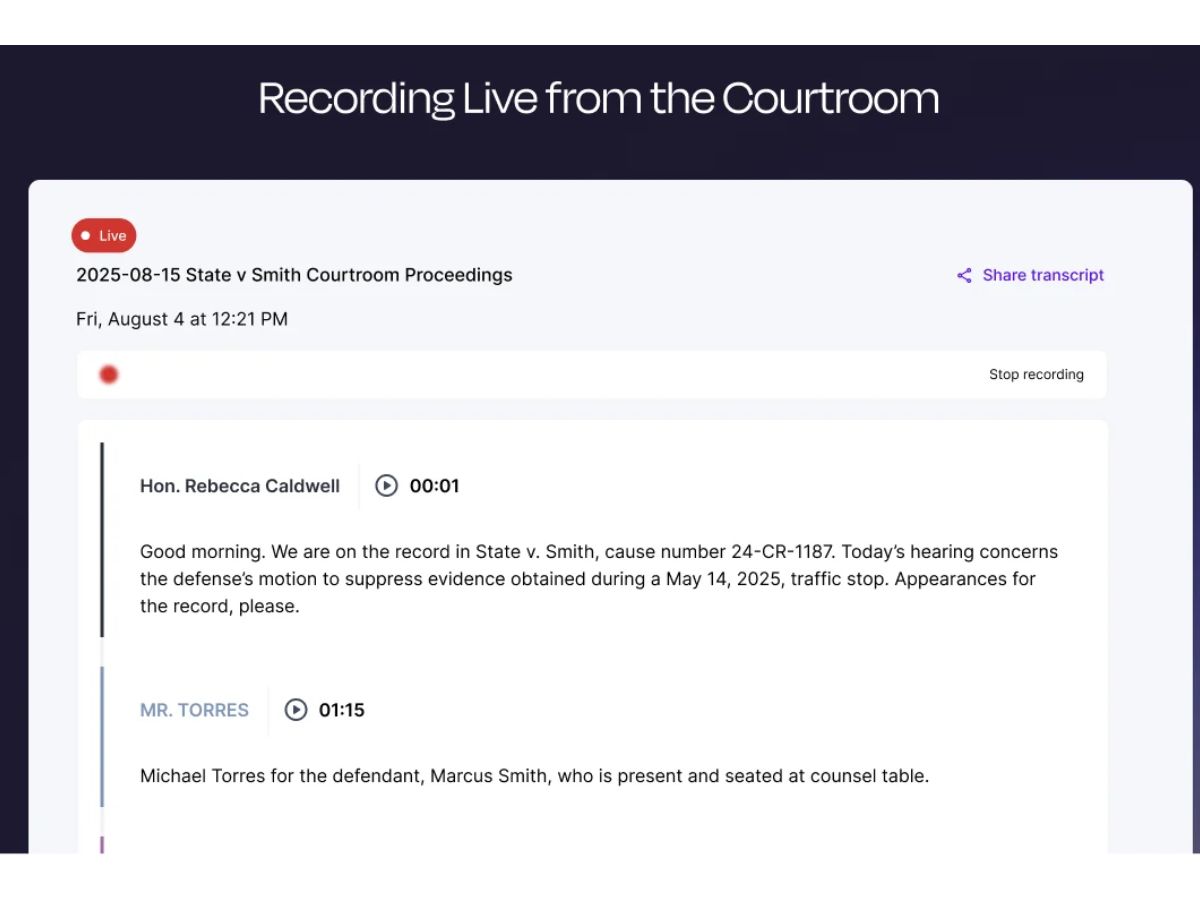
  • icon_check Real-Time Transcription
    Provides near real-time transcription capabilities for live events, meetings, and streaming content.
  • icon_check API Integration
    Offers developer APIs to integrate transcription and captioning into apps, workflows, and platforms.
  • icon_check Video Captions
    Built-in tools to edit captions and subtitles, ensuring timing accuracy and customization before publishing.
  • icon_check Secure Data Handling
    Ensures data privacy with encrypted processing and strict policies preventing unauthorized data usage.
  • icon_check Multilingual Support
    Supports multiple languages for subtitles and translations, enabling content accessibility worldwide.
  • icon_check Automated Summaries
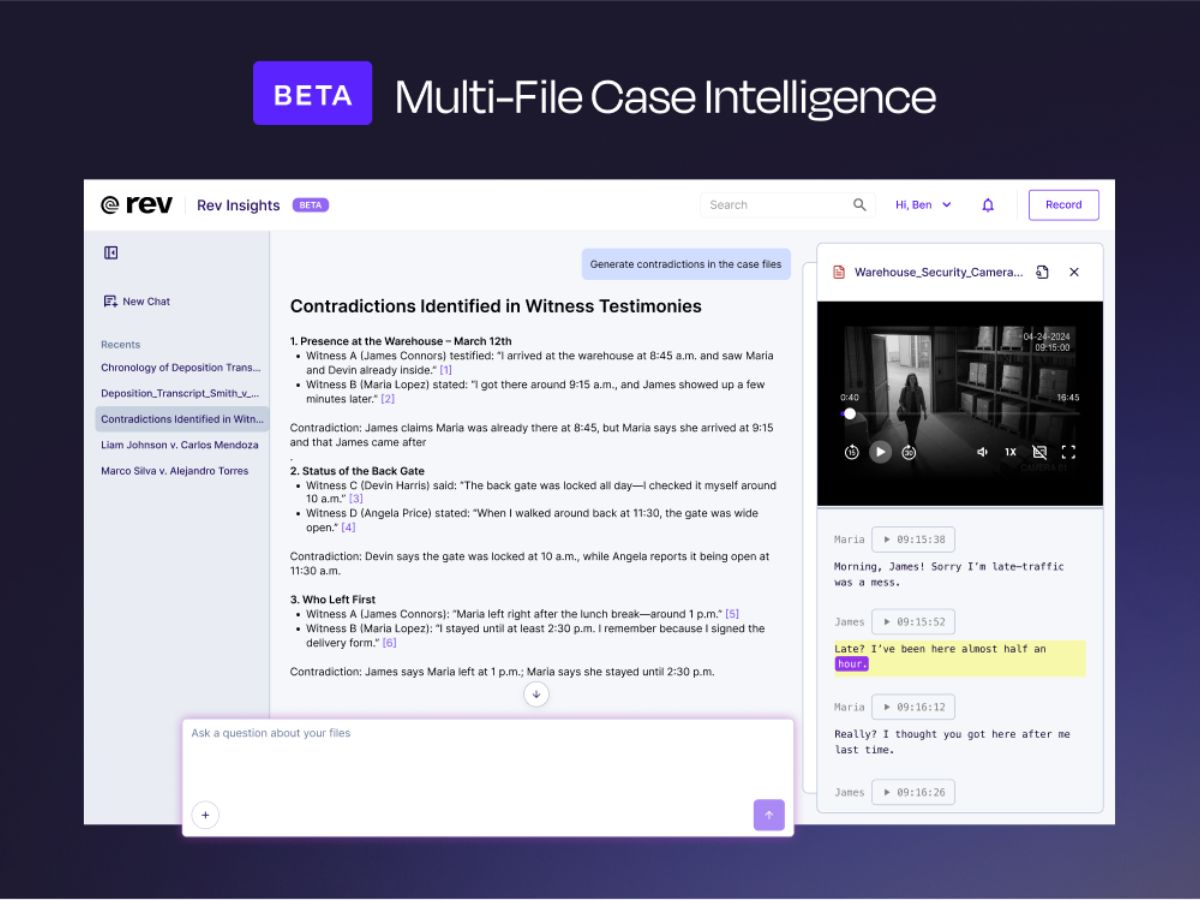
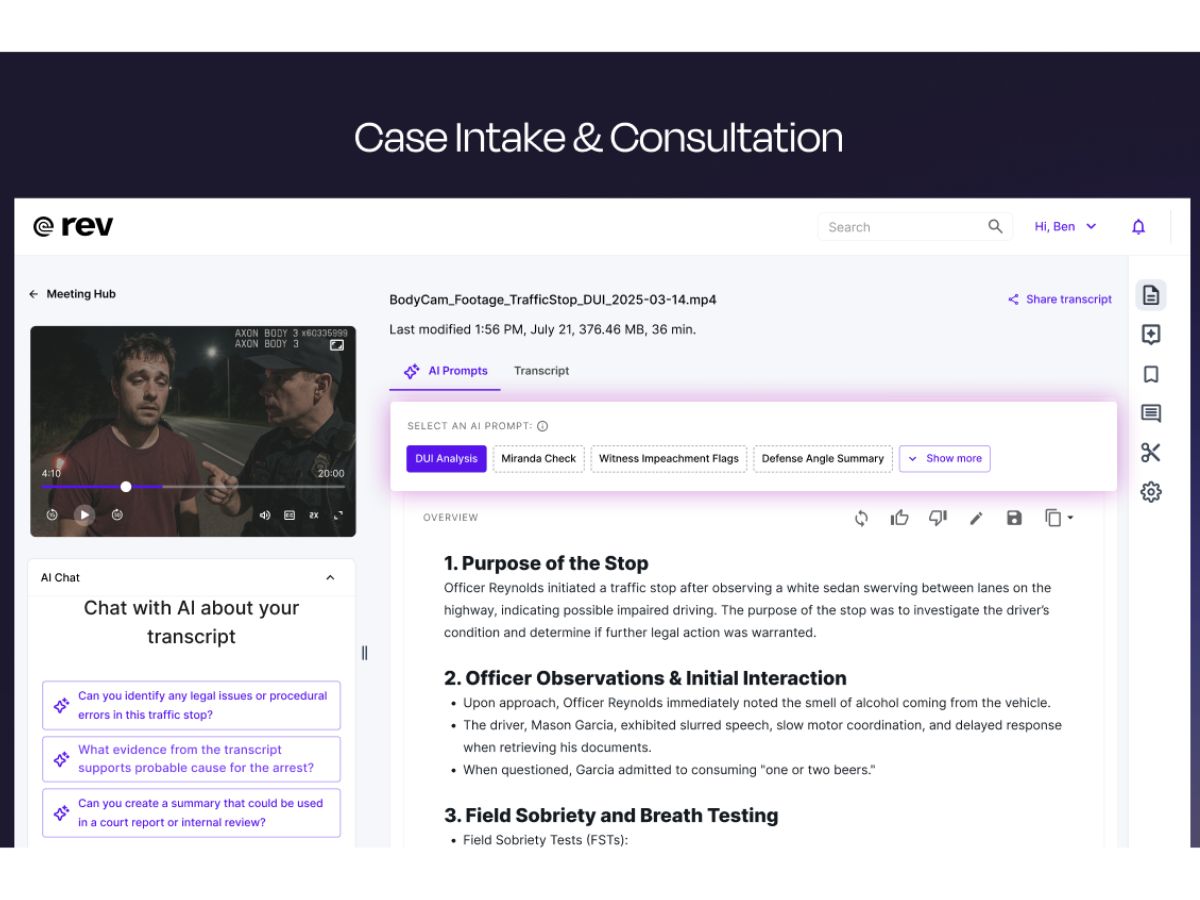
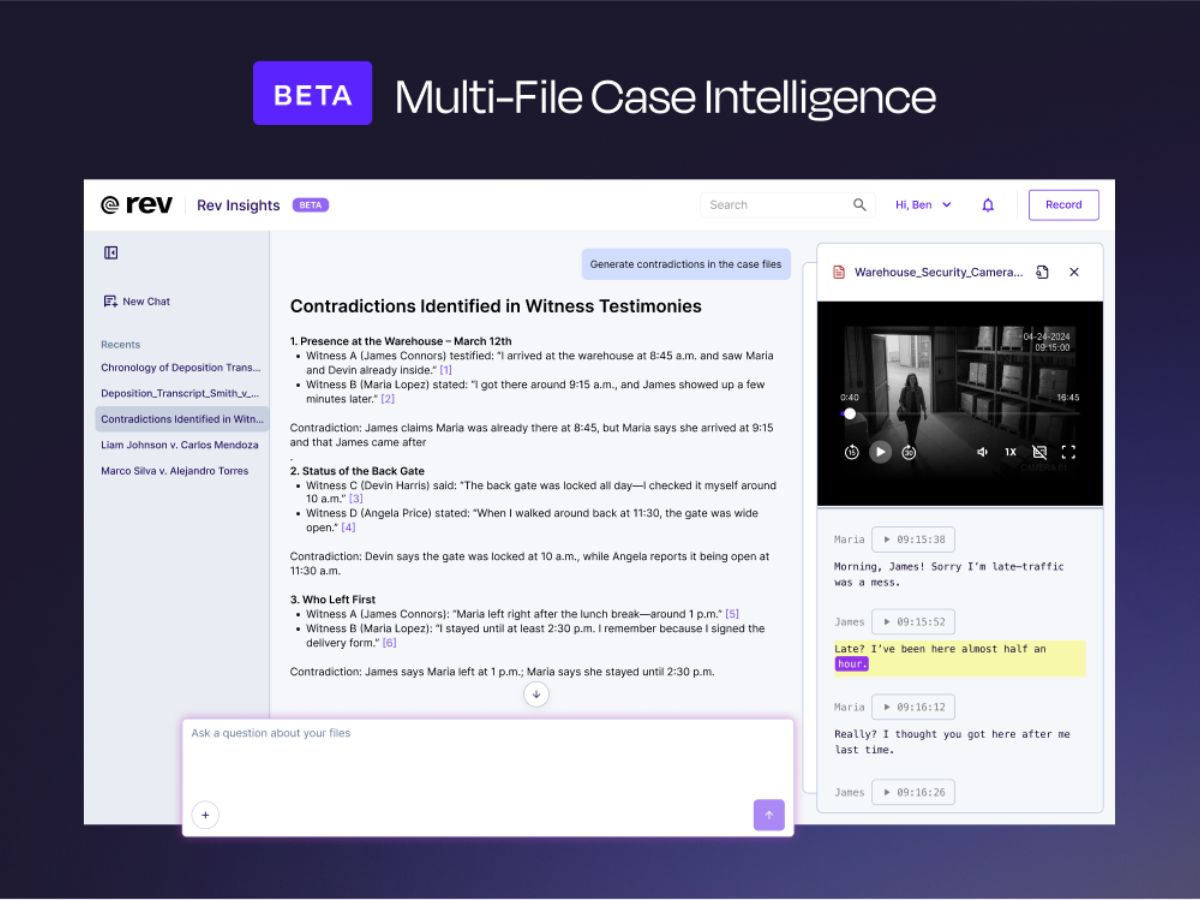
    Generates concise summaries from transcripts, helping users quickly extract key insights and highlights.
Rev Demo Video play icon

Get Rev Demo

Watch the demo video to explore key features, real workflows, and how the software fits your business needs.

Understand
Key Features
Personal
Demo Insights
Interactive
Demo Support

Rev Specifications

Supported Platforms
Windows Windows MacOS MacOS Linux Linux
Devices
Desktop Desktop
Deployment
Cloud-Based Cloud-Based
Suitable For
Legal
Business Specific
Law Firm
Business Size
Individual Small Business Medium Business Enterprises SMBs SMEs MSMEs Freelancers
Customer Support
Email Live Chat
Language
English
Integration
API Integration
Training Resources
Documentation Videos
AI Features
AI Integrated
Technology
Next Generation
Compliance Regulation
HIPAA CCPA CPRA

Rev Review

Be the First to Review

This product has no reviews yet. Be the first to leave your feedback.

Add Review

Terms and Condtions

close

Users with registered businesses can purchase goods from merchants on the platform to satisfy their business needs. Users are not permitted to utilize any products acquired through the platform for resale, advertising, business, or further distribution.

For each purchase made, users will receive a Tax Invoice (or 'GST invoice') that includes specific details such as:

  • the GSTIN of the user associated with their registered business, and

  • the specified Entity Name for their business.

It should be noted that not all products are eligible for GST Invoice. Only the products displayed by participating sellers with the 'GST-based Invoice Available' callout on the product description page would qualify.

Certain goods and services are not eligible to get a GST Invoice, including items with VAS, i.e., Value Added Services (e.g., Total Mobile Protection/Assured Buyback) and those involving an exchange offer at the time of purchase.

Users must ensure the accuracy of the GSTIN, and business entity name provided for the GST Invoice. Requests for corrections into GST Invoice would not be accommodated by Techjockey.com or any Seller, and any issues arising from user-provided information are the sole responsibility of users.

Techjockey.com is not liable for the GST Invoice or any associated input tax credit. To efficiently claim an input tax credit, users should select the registered place of business address as per the GST authority's data and follow the provisions of the GST Act and rules.

To claim an input tax credit, the delivery and billing addresses must match. Furthermore, input tax credits will not be granted if the delivery address and GSTIN on the invoice are from different states. In case of incorrect GST details provided during the order placement, the order will be canceled automatically.

20,000+ Software Listed 20,000+ Software Listed

Best Price Guaranteed Unbiased Comparison

Free Expert Consultation Read Authentic Reviews

2M+ Happy Customers 500,000+ Monthly Users