linkedin
Seedling logo
play Seedling - Easy-to-Use Carbon Footprinting Software
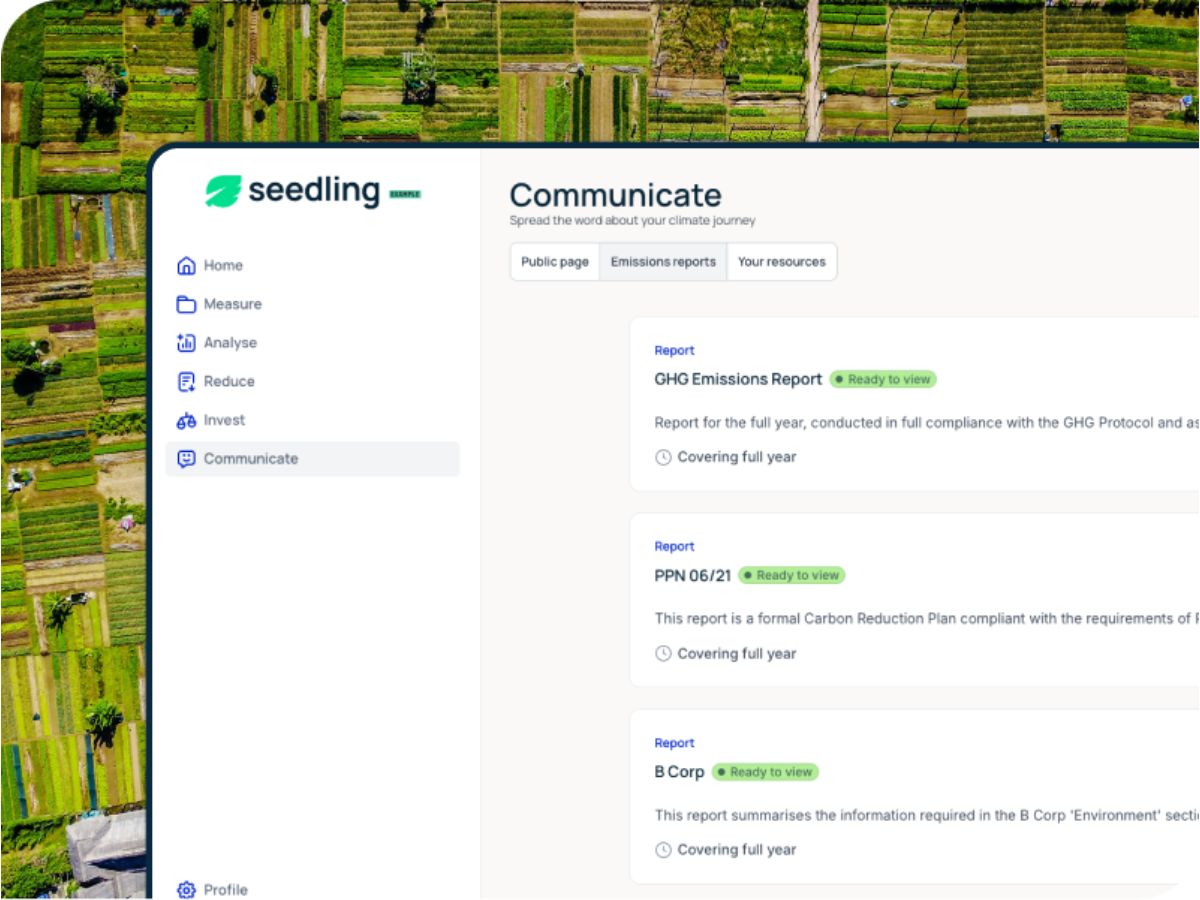
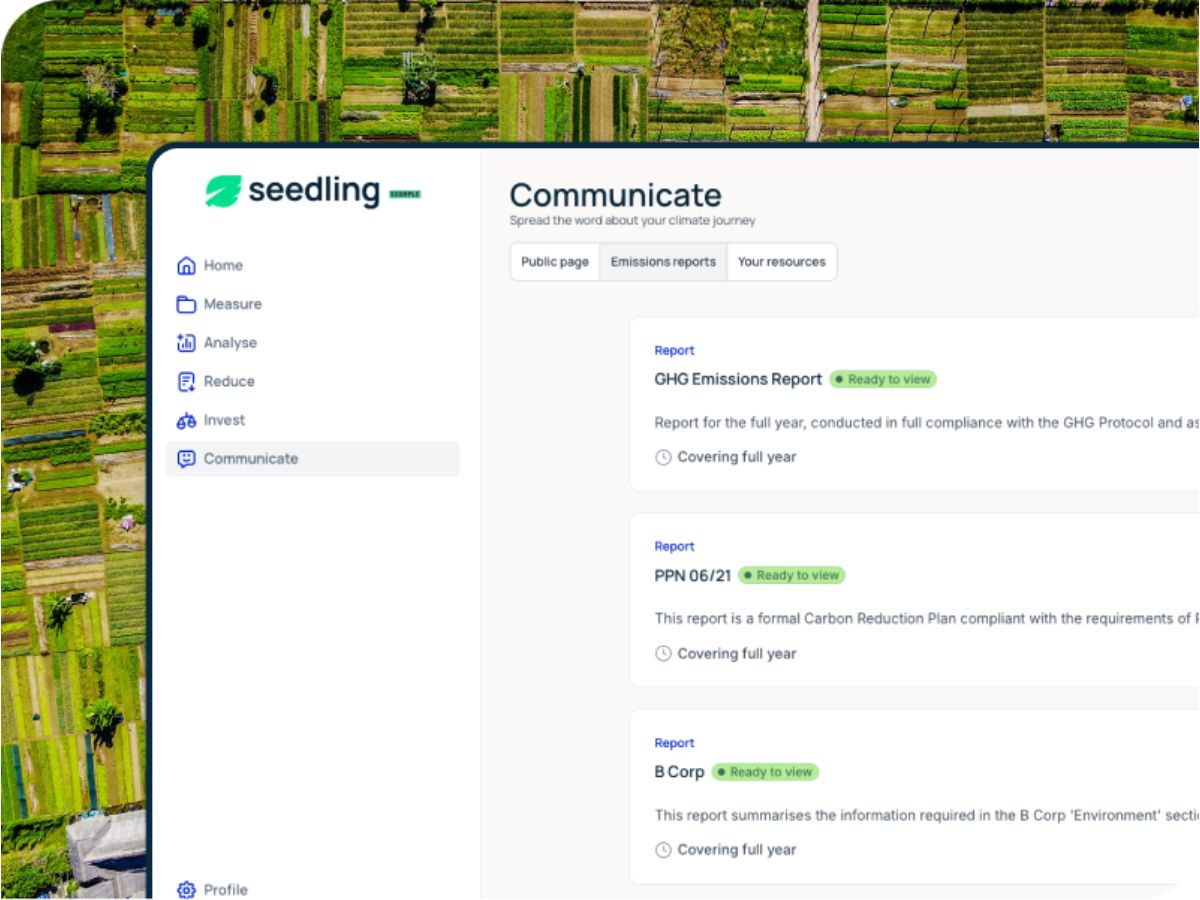
Seedling-communicate
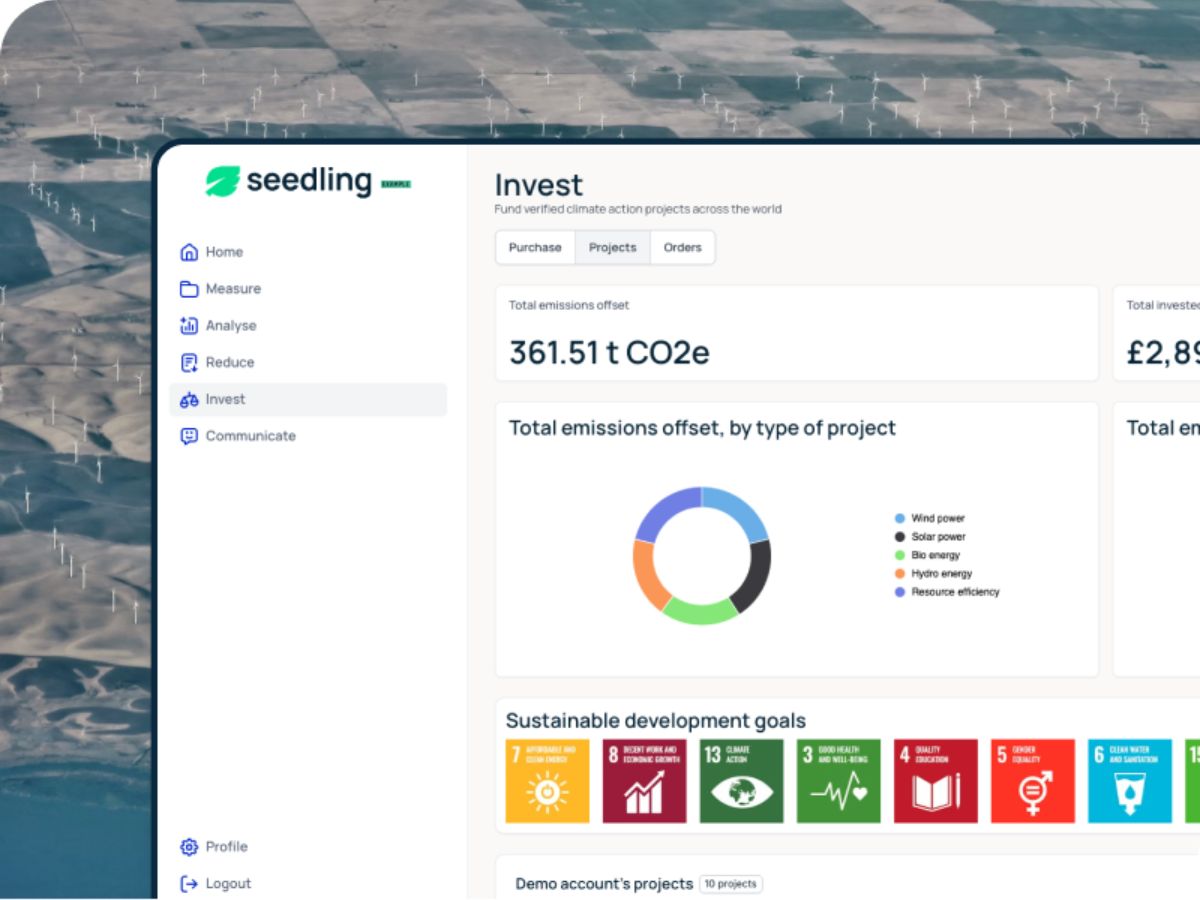
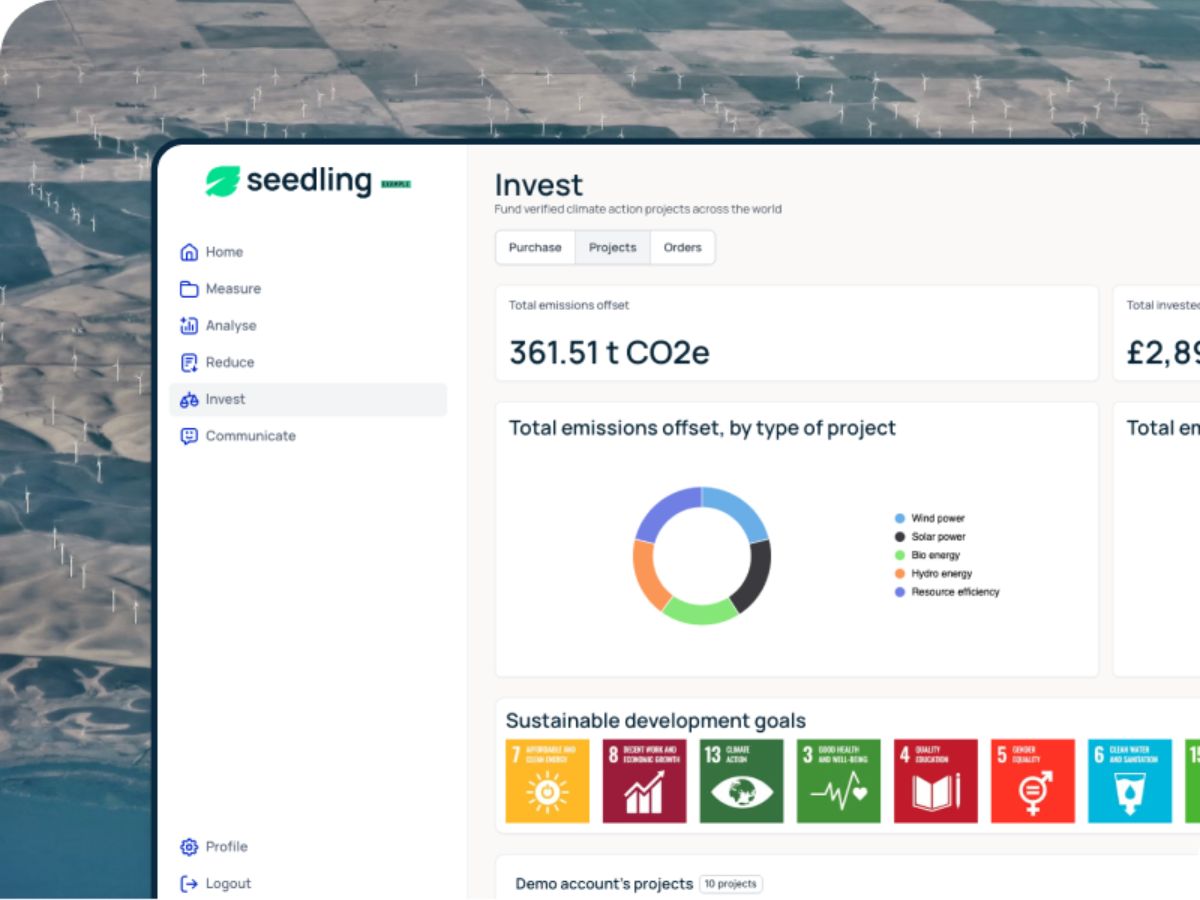
Seedling-invest

Seedling

Brand: Seedling

  • 4.1

  • 3 Ratings

Have you used Seedling before?

Share your insights for better experience

Add a Review
Starting Price
£120

View plans

100% Genuine
Products
Best Price
Guaranteed
Safe & Secure
Payment
  • Description

  • Pricing

  • Features

  • Specification

  • Review

Starting at £120.00

Seedling Software Overview

Seedling Company Details

Founded Year:  2022

Seedling offers software for carbon footprint measurement and management, supporting organizations in tracking and reducing emissions.

Director/Founders Aimee Tennant and Blair Spowart
Company Size 1-100 Employees

Seedling Pricing & Plans

Seedling
Key Features
  • Accurate, fully-compliant footprinting
  • Decarbonisation modelling
  • Reports (GHG, B Corp, PPN 06/21)
  • 1:1 support throughout from an expert
  • Seedling Business Certification
Starting at £120
    • Employees

      Employees
      Employees
    • Monthly

      Monthly
      Monthly

Key Features

  • Accurate, fully-compliant footprinting

  • Decarbonisation modelling

  • Reports (GHG, B Corp, PPN 06/21)

  • 1:1 support throughout from an expert

  • Seedling Business Certification

Seedling Features

  • icon_check Carbon Footprint Calculation
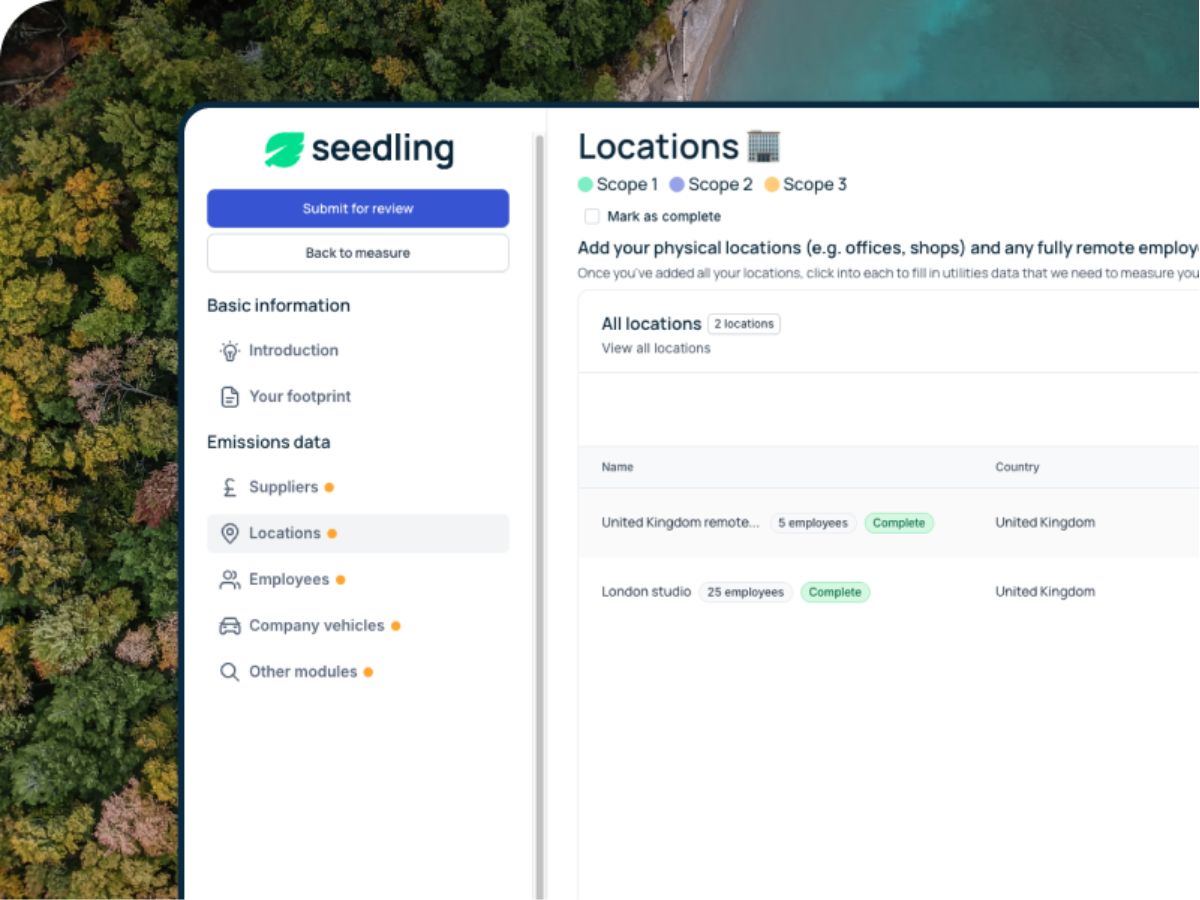
    Calculates complete Scope 1, 2, and 3 emissions using verified methodologies for accurate, business-wide carbon measurement.
  • icon_check Emission Factor Database
    Uses an extensive, science-based emission-factor library to ensure precise calculations across activities, suppliers, and regions.
  • icon_check Data Collection
    Automates data intake from business operations, utilities, travel, and procurement to reduce manual work and errors.
  • icon_check Real-Time Dashboards
    Displays real-time visualization of carbon hotspots and trends, helping teams track progress toward sustainability targets.
  • icon_check Reduction Pathway Modeling
    Builds custom decarbonization pathways aligned with climate standards, forecasting the impact of planned reduction actions.
  • icon_check Target Setting (SBTi-Aligned)
    Supports science-aligned target setting to help businesses set compliant and achievable emission-reduction goals.
  • icon_check Supplier Emissions Tracking
    Captures supplier-level activity data to accurately quantify Scope 3 emissions and improve supply-chain sustainability.
  • icon_check Compliance & Reporting
    Generates compliant carbon reports aligned with GHG Protocol, SBTi, corporate disclosures, and government requirements.
  • icon_check Carbon Offset & Removal Projects
    Provides access to verified offset and removal projects, enabling businesses to compensate for unavoidable emissions.
  • icon_check Certification & Badging
    Issues Seedling sustainability certification and badges that businesses can use for clients, proposals, and marketing.
  • icon_check Expert Sustainability Advisory
    Offers human-led sustainability guidance and reviews to help businesses interpret data and create credible climate strategies.
  • icon_check Multi-Entity Management
    Manages emissions data across multiple locations, departments, or subsidiaries under a centralized organizational account.
  • icon_check Workflow & Task Management
    Assigns tasks, tracks progress, and automates sustainability workflows to support teams working on climate initiatives.
  • icon_check Exportable Reports & Templates
    Creates downloadable carbon reports, reduction templates, and client-ready summaries for internal and external use.
  • icon_check Audit-Ready Data Traceability
    Maintains complete data lineage, source tracking, and audit trails to ensure transparency and verification readiness.
  • icon_check Employee Engagement
    Provides educational content, guides, and interactive resources to involve employees in climate-positive actions.
Seedling Demo Video play icon

Get Seedling Demo

Watch the demo video to explore key features, real workflows, and how the software fits your business needs.

Understand
Key Features
Personal
Demo Insights
Interactive
Demo Support

Seedling Specifications

Supported Platforms
Windows Windows MacOS MacOS Linux Linux
Devices
Desktop Desktop
Deployment
Cloud-Based Cloud-Based
Suitable For
All Industries
Business Specific
All Businesses
Business Size
SMEs
Customer Support
Email
Language
English
Training Resources
Videos

Seedling Review

4.1

Out of 5

img

Overall Rating

Based on
3 Verified Ratings

Rating Breakdown

  • Features 4
  • Value for Money 4.3
  • Ease of Use 4.5
  • Customer Support 3.8

80% Recommend this Product

Add Review

Be the First to Review

This product has no reviews yet. Be the first to leave your feedback.

Add Review

Terms and Condtions

close

Users with registered businesses can purchase goods from merchants on the platform to satisfy their business needs. Users are not permitted to utilize any products acquired through the platform for resale, advertising, business, or further distribution.

For each purchase made, users will receive a Tax Invoice (or 'GST invoice') that includes specific details such as:

  • the GSTIN of the user associated with their registered business, and

  • the specified Entity Name for their business.

It should be noted that not all products are eligible for GST Invoice. Only the products displayed by participating sellers with the 'GST-based Invoice Available' callout on the product description page would qualify.

Certain goods and services are not eligible to get a GST Invoice, including items with VAS, i.e., Value Added Services (e.g., Total Mobile Protection/Assured Buyback) and those involving an exchange offer at the time of purchase.

Users must ensure the accuracy of the GSTIN, and business entity name provided for the GST Invoice. Requests for corrections into GST Invoice would not be accommodated by Techjockey.com or any Seller, and any issues arising from user-provided information are the sole responsibility of users.

Techjockey.com is not liable for the GST Invoice or any associated input tax credit. To efficiently claim an input tax credit, users should select the registered place of business address as per the GST authority's data and follow the provisions of the GST Act and rules.

To claim an input tax credit, the delivery and billing addresses must match. Furthermore, input tax credits will not be granted if the delivery address and GSTIN on the invoice are from different states. In case of incorrect GST details provided during the order placement, the order will be canceled automatically.

20,000+ Software Listed 20,000+ Software Listed

Best Price Guaranteed Unbiased Comparison

Free Expert Consultation Read Authentic Reviews

2M+ Happy Customers 500,000+ Monthly Users