
Description
Pricing
Features
Specification
Review
Compare
Alternatives

 View Gallery
Brand: Zinnia Tech Solutions

Get Free Expert Consultation
Let us know your business needs clearly

Verified & Trusted
Vendors

Safe & Secure
Payment

Personalized
Experts Support
Price On Request
Features
 Customer Information Management (CIM) Sales Enablement Marketing Automation Data Sourcing / Integrations Collaboration and Communication Tools
 See all 
We make it happen! Get your hands on the best solution based on your needs.
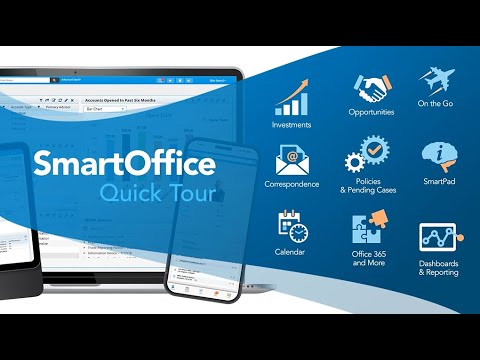

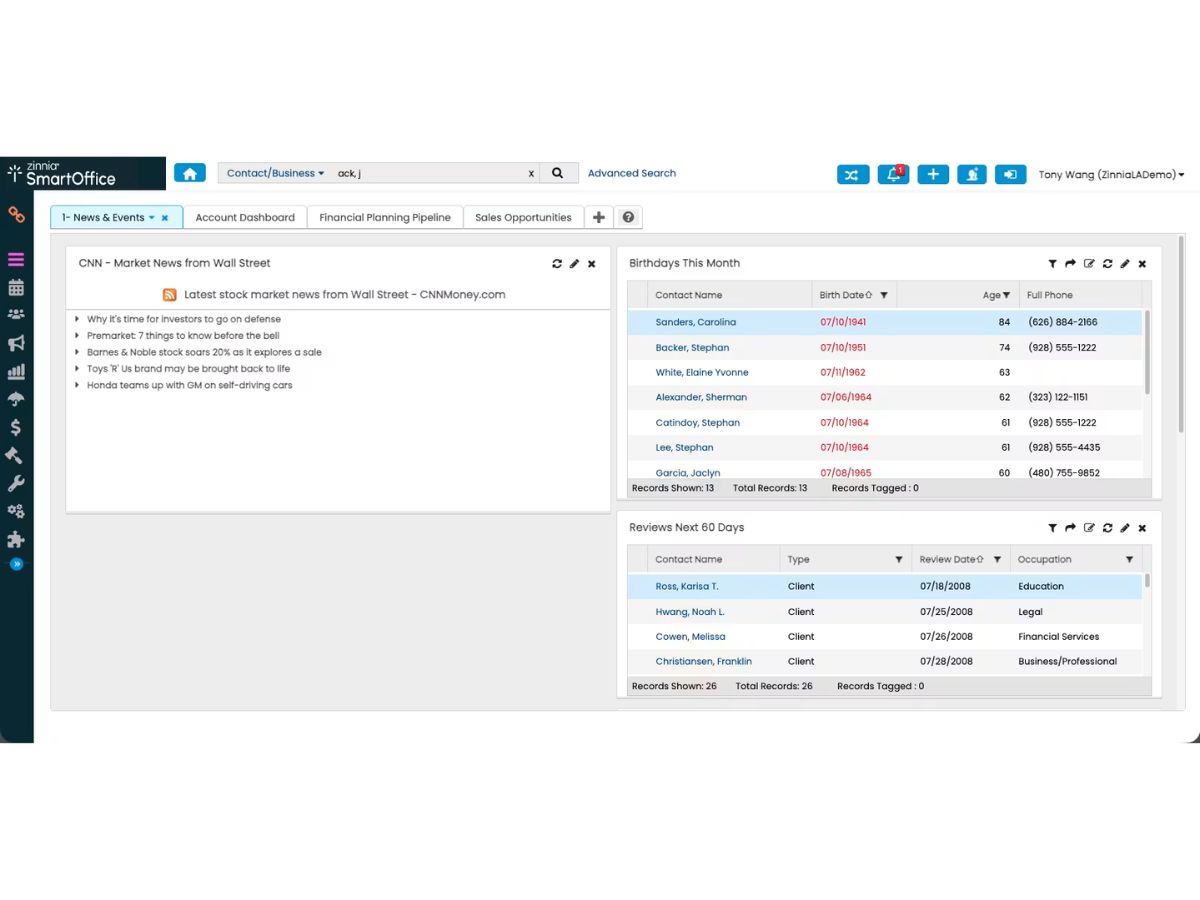
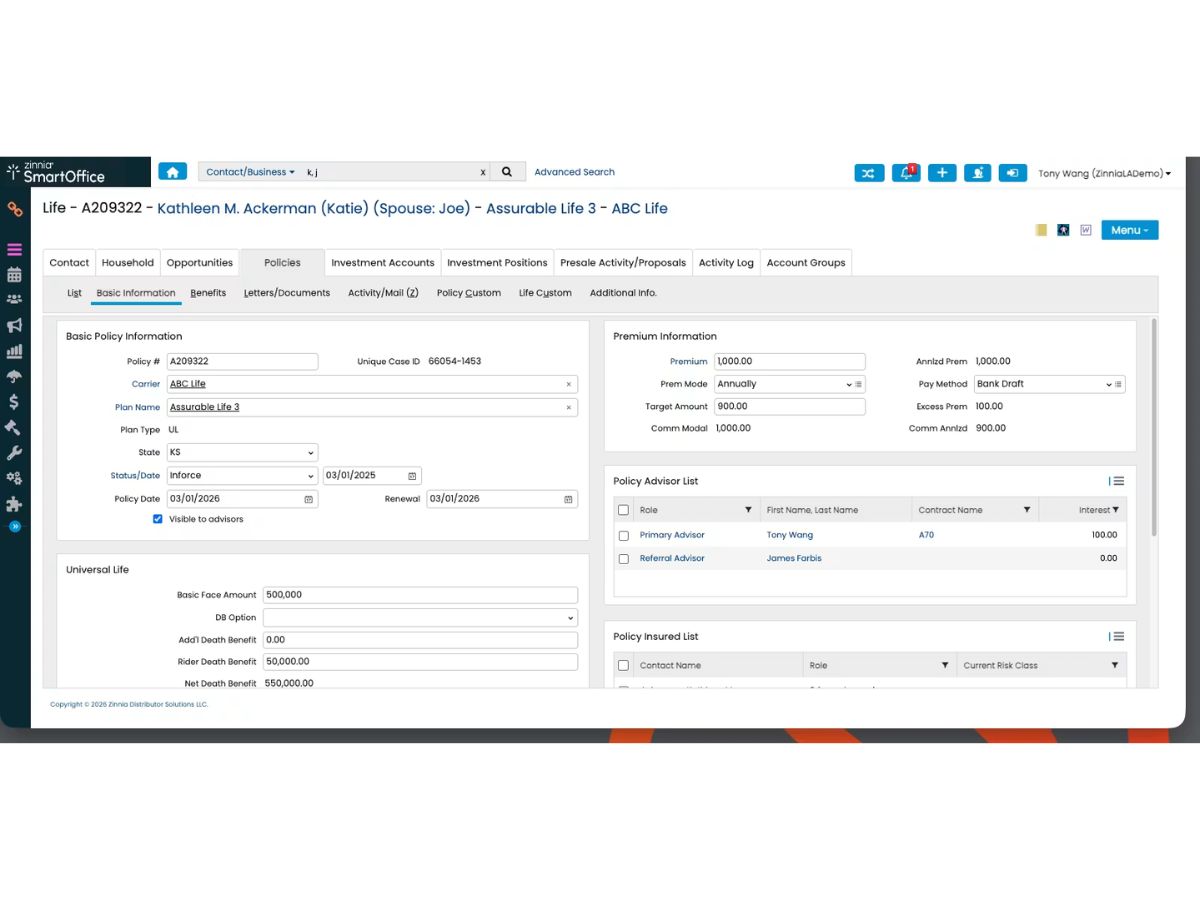
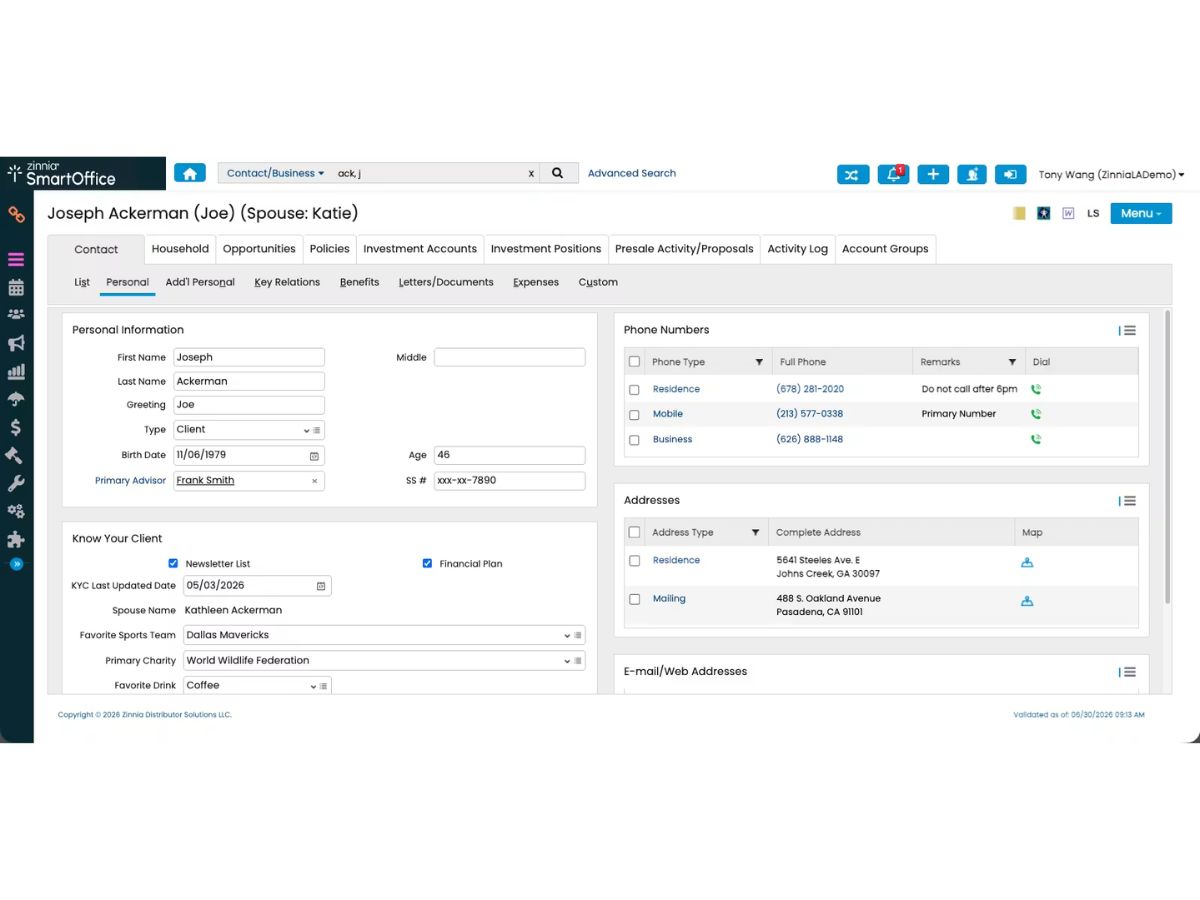
Customer Information Management (CIM)
 Account Management Tools to oversee and maintain customer accounts and relationships. Customer Profiles Detailed views of customer information and interaction history. CRM Database Centralized repository for storing and managing customer data. Audience Segmentation Categorize customers based on specific criteria for targeted marketing. Interaction History Chronological record of all communications with each customer.
 Sales Enablement
Quote Management Create, track, and manage sales quotations efficiently. Business Process Automation (BPA) Automate repetitive tasks to streamline business operations. Sales Order Management Oversee and process customer orders from initiation to fulfillment. Sales Funnel Management Visualize and manage potential sales prospects through stages. Contract Management Create, store, and track customer contracts systematically. Sales Projections Predict future sales and revenue based on current data. Territory Management Assign and manage sales regions to optimize coverage. Lead Lifecycle Management Track and nurture leads from acquisition to conversion. Opportunity Management Identify and manage potential sales opportunities effectively. Automated Sales Workflow Streamline sales processes through automation of tasks. Marketing Automation
Lead Nurturing Develop relationships with potential customers through targeted content. Customer Segmentation Divide customers into groups for personalized marketing. Email Campaigns Design and send targeted email marketing messages. Campaign Automation Automate marketing campaigns across multiple channels. Customer Journey Mapping Visual representation of the customer experience across touchpoints. Trigger-Based Automation Initiate actions in response to specific customer behaviors. Drip Campaigns Automated series of emails sent based on user actions or timelines. Data Sourcing / Integrations
Data Import/Export Transfer data into and out of the CRM system seamlessly. Calendar Integration Sync calendars to schedule and track meetings and events. Third Party Integrations Connect with external applications to enhance CRM functionality. Social Media Integration Connect and manage social media channels within the CRM. Email Marketing Tools Integration Connect with email platforms for cohesive marketing efforts. Marketing Tools Integration Integrate with various marketing platforms for unified operations. API Integration Utilize APIs to enable custom integrations with other systems. Ecommerce Integration Link CRM with online shopping platforms for streamlined sales. Interactive Voice Response (IVR) Integration Incorporate IVR systems for automated telephony interactions. Collaboration and Communication Tools
Sales Process Task Management Assign and monitor tasks related to the sales process. Internal Messaging System Facilitate real-time communication within the organization. Template and Document Management Store and manage templates and documents centrally. Omnichannel Support Provide consistent customer service across multiple channels. Security & Compliance
Data Encryption Protect data through encryption during storage and transmission. Role-Based Access Control (RBAC) Restrict system access based on user roles. GDPR & Data Privacy Comply with data protection regulations to safeguard privacy. Activity Logs Record user activities for monitoring and auditing purposes. Backup & Disaster Recovery Ensure data is backed up and recoverable in emergencies. AI & Machine Learning
Predictive Analytics Analyze data to forecast future trends and behaviors. Lead Scoring Evaluate leads to prioritize based on conversion likelihood. AI Assistants Utilize AI-driven tools to automate tasks and provide insights. Reporting & Analytics
Customer Insights Analyze customer behavior, preferences, and interactions for data-driven decisions. Predictive Analytics Analyze data to forecast future trends and behaviors. Personalized Dashboards Custom dashboards to track KPIs, sales, and customer insights in real-time. Real-Time Analytics Instant access to reports and insights for agile decision-making. Sales Reports Monitor sales performance with detailed reports on revenue, deals, and targets. Campaign Performance Track marketing campaign success through engagement, conversion, and ROI. Market Trend Analysis Identify industry trends to adapt strategies and stay competitive. KPI Tracking Measure key performance indicators (KPIs) to evaluate business success. Alerts & Notifications
Event-Triggered Notifications Automatically notify users when specific CRM events occur. Real-Time alerts Instant notifications for critical business updates and customer interactions. Error Logs Track and report system errors for quick resolution. Customer Activity Alerts Receive alerts when customers take key actions, like purchases or inquiries. Push Notifications Send notifications to mobile devices for quick updates and reminders. SLA Violations Alert teams when service-level agreements (SLAs) are not met. | Brand Name | Zinnia Tech Solutions |
| Information | Zinnia provides insurance software solutions. |
| Founded Year | 2005 |
| Director/Founders | George Esposito |
| Company Size | 1000+ Employees |
| Other Products | Zinnia |
 20,000+ Software Listed
 Unbiased Comparison
 Read Authentic Reviews
 500,000+ Monthly Users
 USA
USA India
India
 Write a Review
