linkedin
SpiderFoot logo
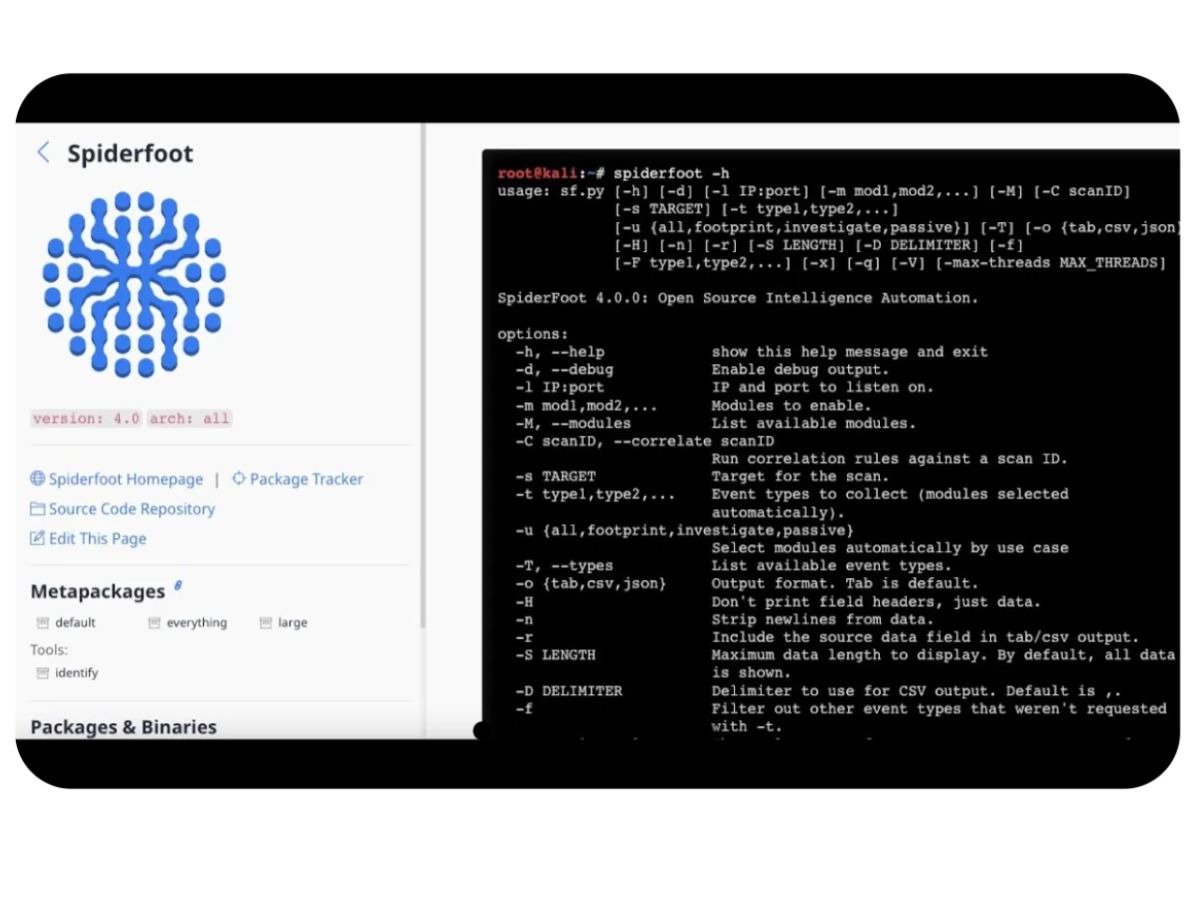
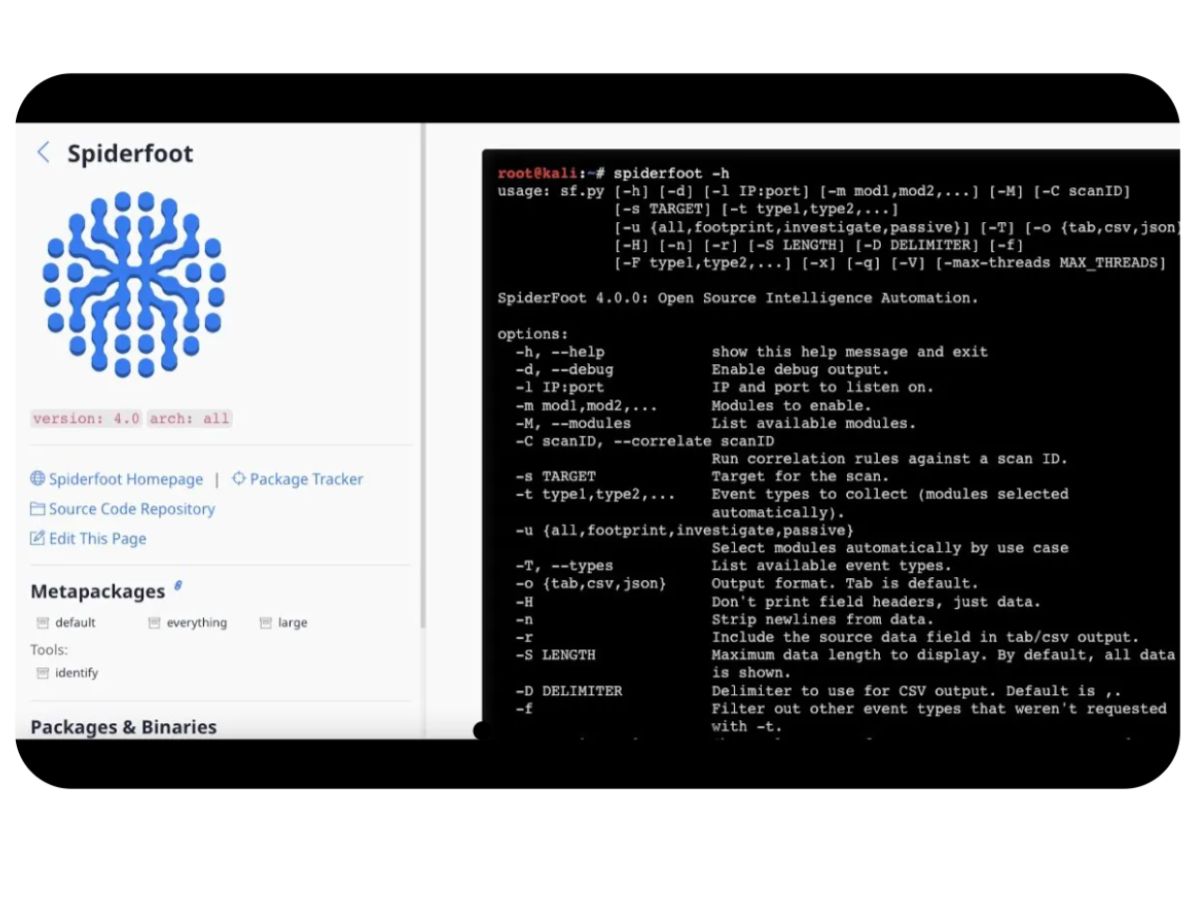
SpiderFoot-metapackages
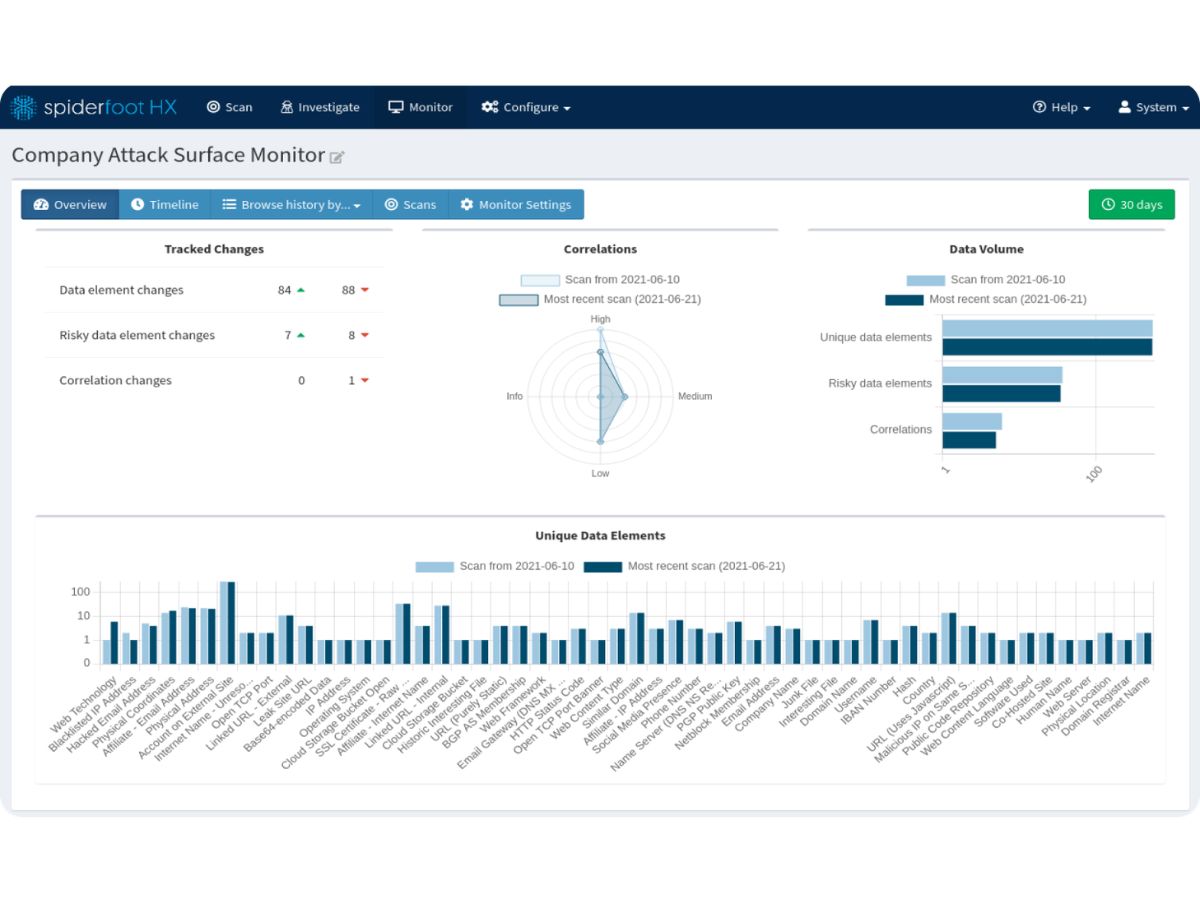
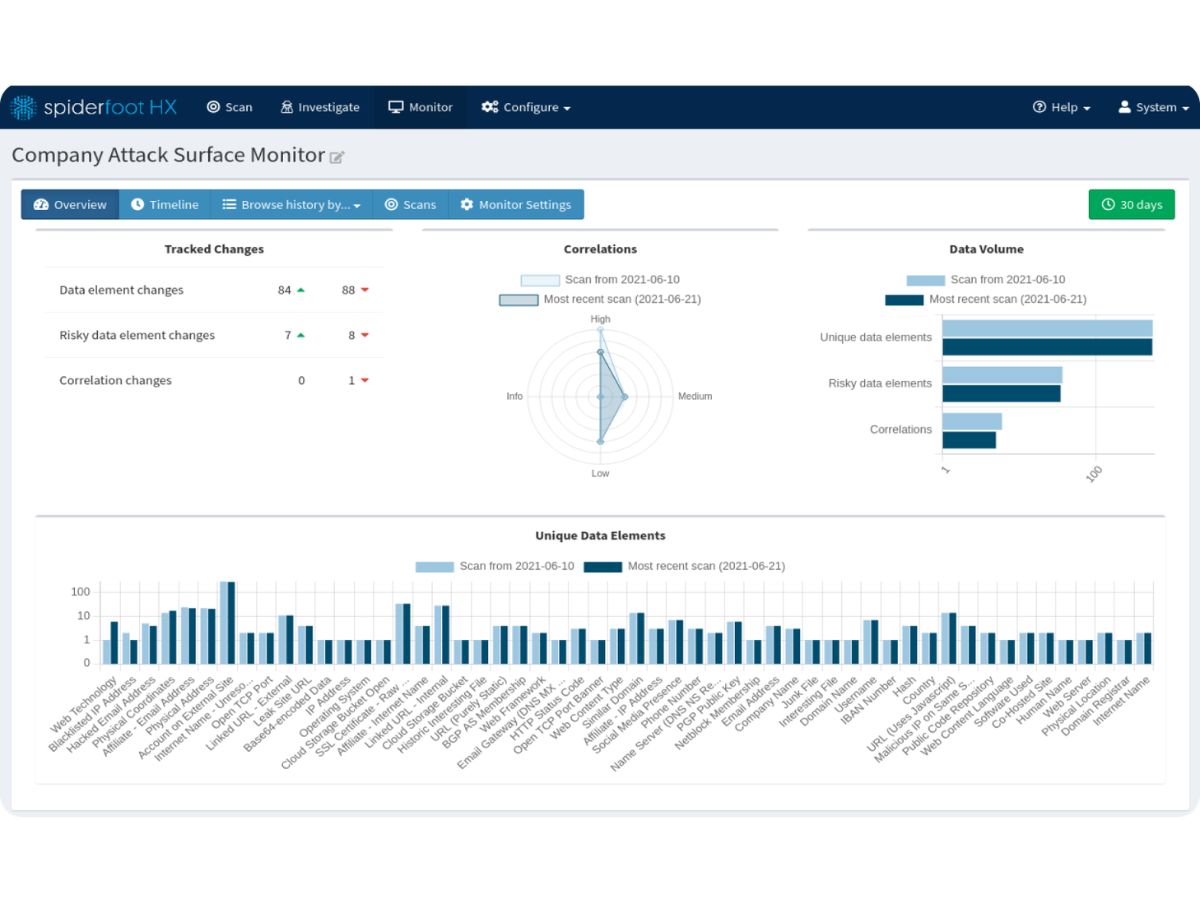
SpiderFoot-monitor
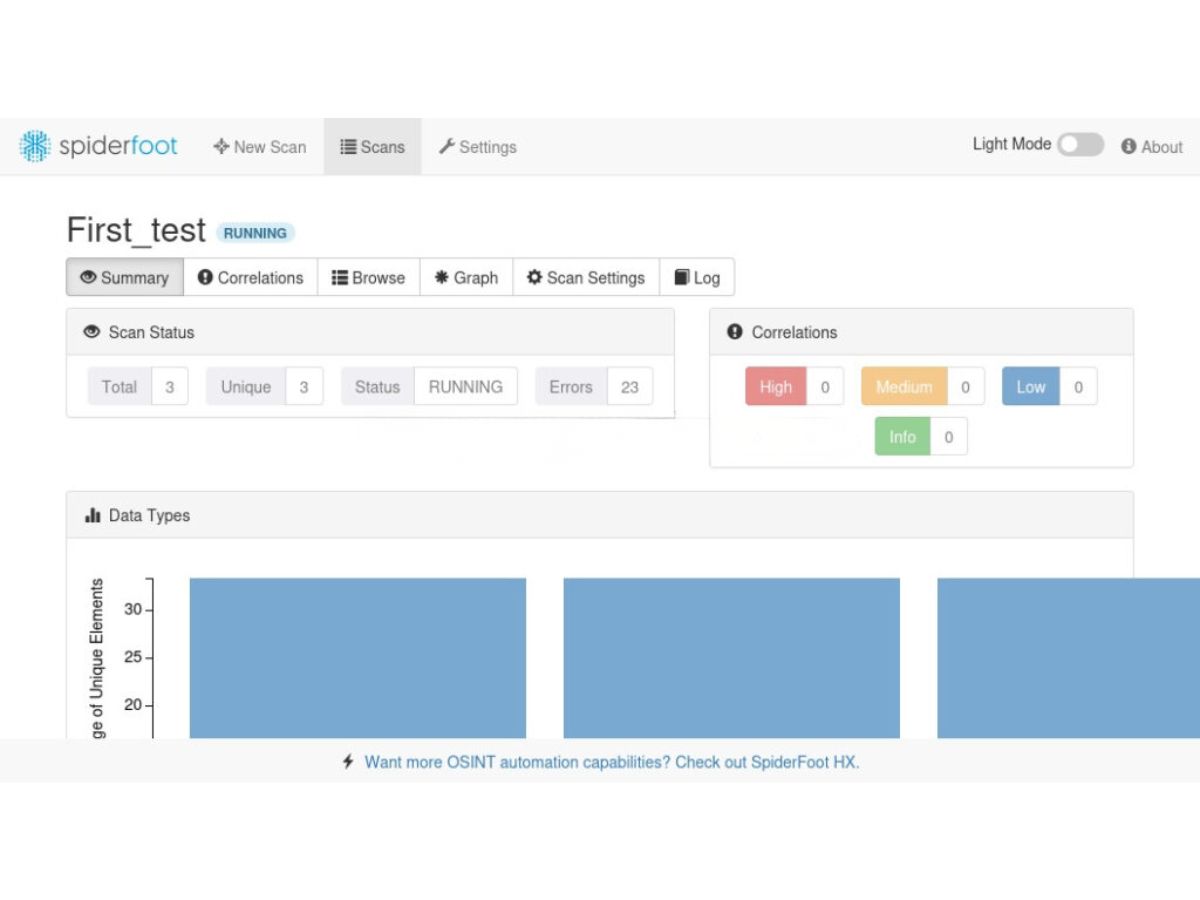
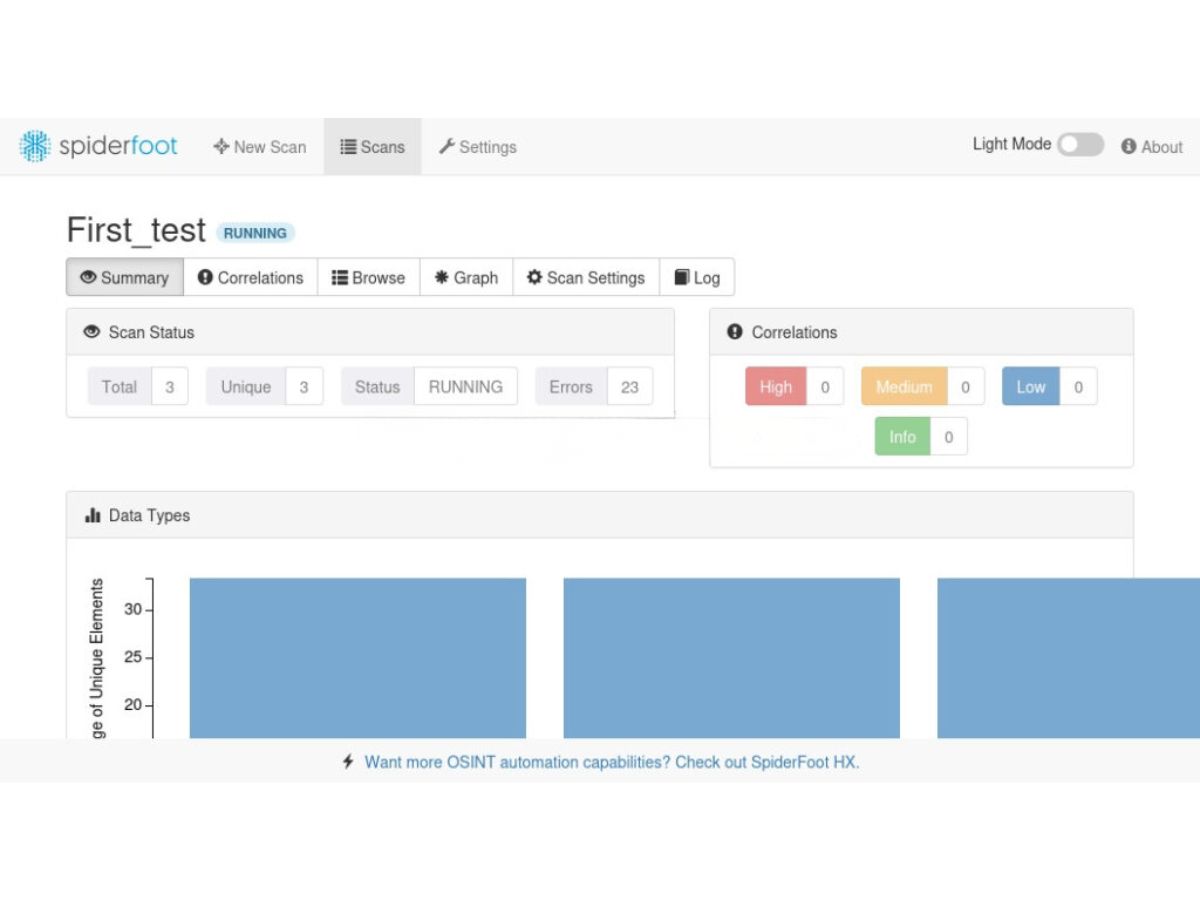
SpiderFoot-scans

SpiderFoot

Brand: SpiderFoot

  • No Ratings & Reviews

Have you used SpiderFoot before?

Share your insights for better experience

Add a Review

Price Available on Request

Questions about pricing or customization? We’re here to help, just a click away.

100% Genuine
Products
Best Price
Guaranteed
Safe & Secure
Payment
  • Pricing

  • Features

  • Specification

  • Review

SpiderFoot Pricing & Plans

Looking for The Right Pricing?

Share your requirements and get a plan built around your business.

  • Define your business needs
  • Get customised pricing
  • Choose features that fit your workflow

Price Available on Request

Get personalised SpiderFoot pricing that fits your needs. Our team will connect with you.

SpiderFoot Features

  • icon_check Automated OSINT Collection
    Collects intelligence from 200+ public sources automatically, reducing manual research effort and saving analyst time.
  • icon_check Domain Intelligence
    Analyzes domains for DNS records, subdomains, hosting details, and linked infrastructure for deeper visibility.
  • icon_check IP Address Profiling
    Gathers geolocation, ownership, open ports, and reputation data to assess risks linked to specific IP addresses.
  • icon_check Email Intelligence
    Discovers email addresses, checks breaches, and links them to domains, usernames, and online accounts.
  • icon_check Threat Intelligence Integration
    Correlates data with threat feeds and blacklists to identify malicious indicators and suspicious activity patterns.
  • icon_check Data Breach Monitoring
    Searches breach databases to identify compromised credentials and sensitive data exposures tied to targets.
  • icon_check Social Media Discovery
    Finds profiles across platforms, linking usernames and identities to uncover digital footprints and connections.
  • icon_check Visualization & Graphs
    Displays relationships between entities using graphs, making complex intelligence easier to understand and analyze.
  • icon_check Custom Scan Modules
    Offers modular scanning options, allowing users to enable or disable specific data sources based on needs.
  • icon_check Real-Time Scanning
    Performs live scans with continuous updates, ensuring users receive the most current intelligence available.
  • icon_check API Integration
    Supports integration with third-party APIs to enhance data collection, enrichment, and automation workflows.
  • icon_check Report Generation
    Generates detailed reports in multiple formats for sharing findings with teams, clients, or stakeholders.
  • icon_check User-Friendly Dashboard
    Provides an intuitive interface with organized results, filters, and navigation for efficient investigations.
  • icon_check Continuous Monitoring
    Enables ongoing tracking of targets to detect new risks, breaches, or changes in digital assets over time.

SpiderFoot Specifications

Supported Platforms
Ubuntu Ubuntu Windows Windows MacOS MacOS Linux Linux
Devices
Desktop Desktop
Deployment
Cloud-Based Cloud-Based Perpetual Perpetual
Suitable For
All Industries
Business Specific
All Businesses
Business Size
Individual Small Business Startups Medium Business Enterprises SMBs SMEs MSMEs Freelancers
Customer Support
Email Communities Forums
Language
English
Integration
API Integration
Training Resources
Webinars Documentation Videos
AI Features
AI Integrated
Technology
Next Generation

SpiderFoot Review

Be the First to Review

This product has no reviews yet. Be the first to leave your feedback.

Add Review

Terms and Condtions

close

Users with registered businesses can purchase goods from merchants on the platform to satisfy their business needs. Users are not permitted to utilize any products acquired through the platform for resale, advertising, business, or further distribution.

For each purchase made, users will receive a Tax Invoice (or 'GST invoice') that includes specific details such as:

  • the GSTIN of the user associated with their registered business, and

  • the specified Entity Name for their business.

It should be noted that not all products are eligible for GST Invoice. Only the products displayed by participating sellers with the 'GST-based Invoice Available' callout on the product description page would qualify.

Certain goods and services are not eligible to get a GST Invoice, including items with VAS, i.e., Value Added Services (e.g., Total Mobile Protection/Assured Buyback) and those involving an exchange offer at the time of purchase.

Users must ensure the accuracy of the GSTIN, and business entity name provided for the GST Invoice. Requests for corrections into GST Invoice would not be accommodated by Techjockey.com or any Seller, and any issues arising from user-provided information are the sole responsibility of users.

Techjockey.com is not liable for the GST Invoice or any associated input tax credit. To efficiently claim an input tax credit, users should select the registered place of business address as per the GST authority's data and follow the provisions of the GST Act and rules.

To claim an input tax credit, the delivery and billing addresses must match. Furthermore, input tax credits will not be granted if the delivery address and GSTIN on the invoice are from different states. In case of incorrect GST details provided during the order placement, the order will be canceled automatically.

20,000+ Software Listed 20,000+ Software Listed

Best Price Guaranteed Unbiased Comparison

Free Expert Consultation Read Authentic Reviews

2M+ Happy Customers 500,000+ Monthly Users