linkedin
UPX VPN Proxy Browser logo
upx vpn proxy browser-private
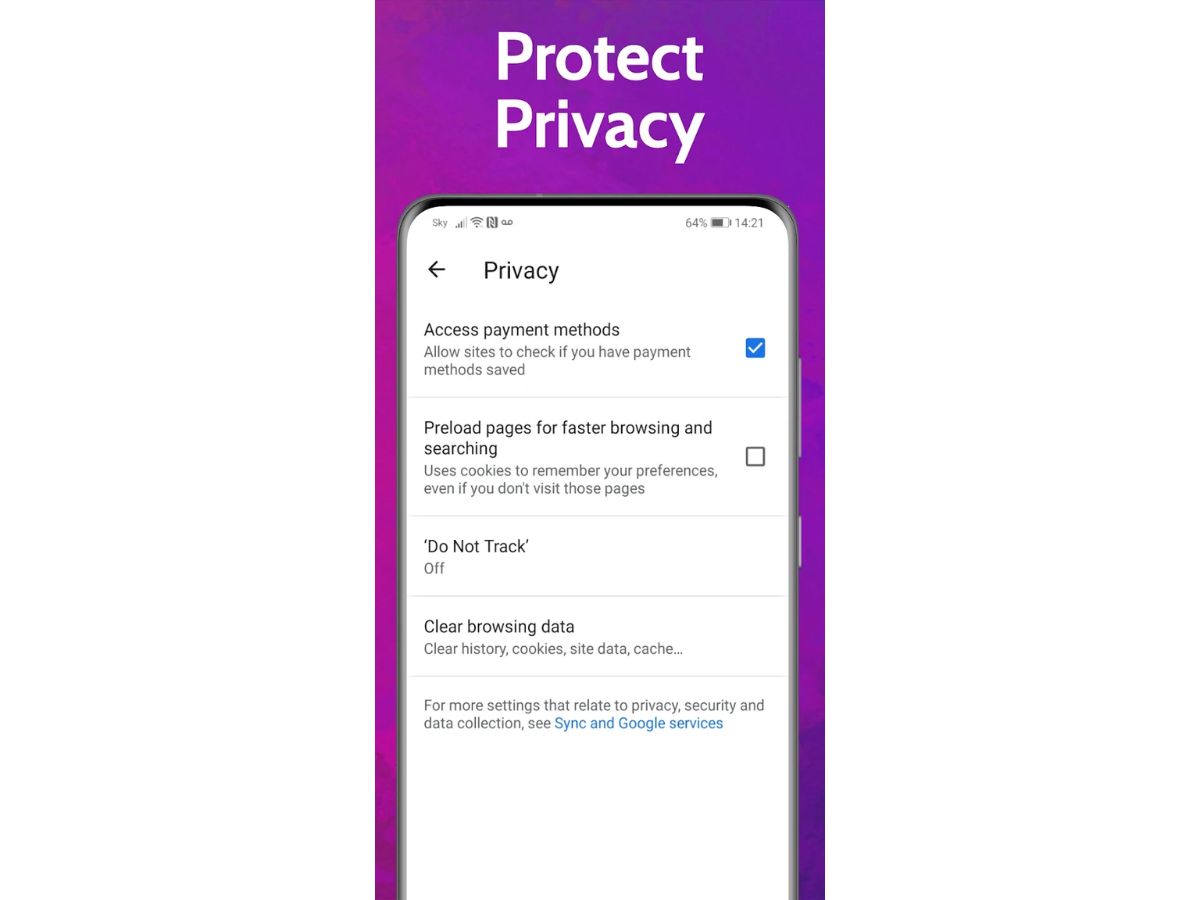
upx vpn proxy browser-protection
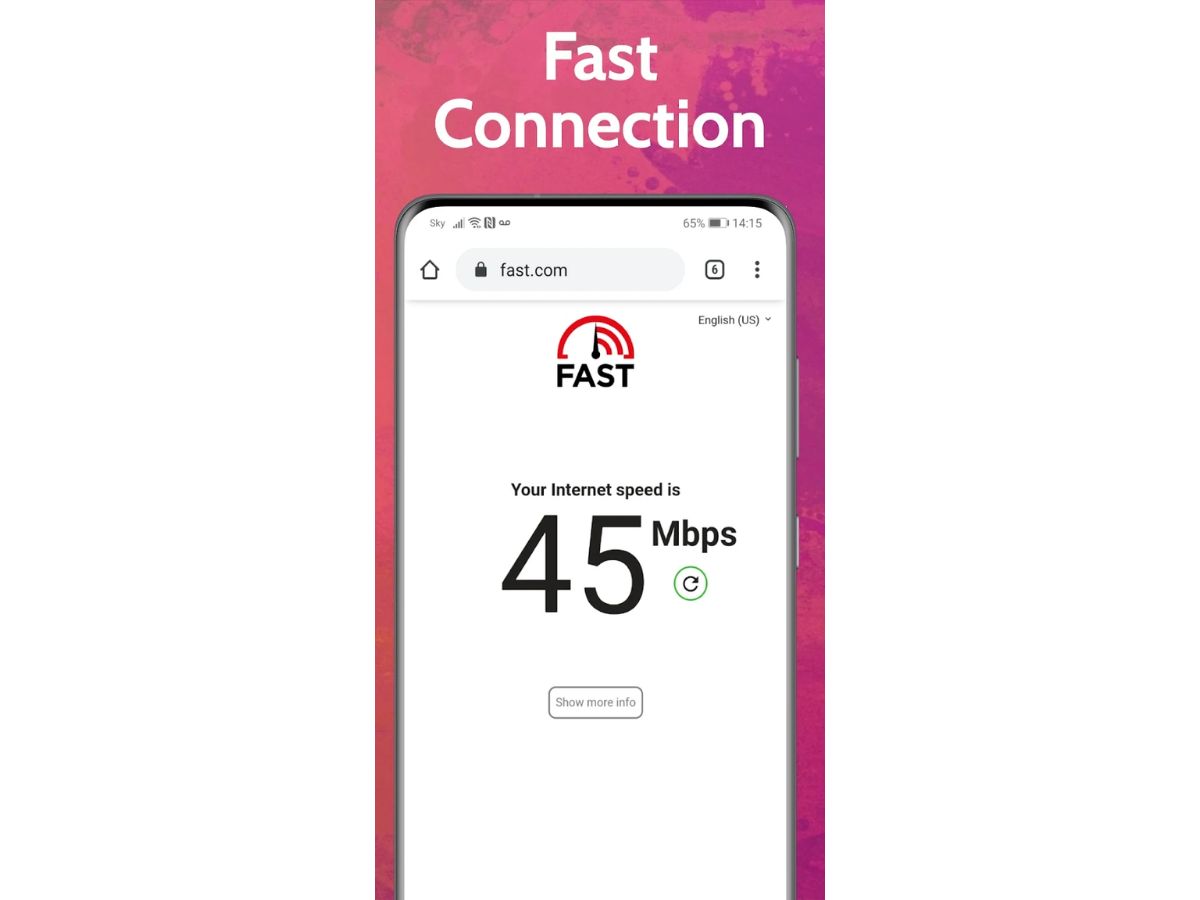
upx vpn proxy browser-speed

UPX VPN Proxy Browser

Brand: Proxy Browser

  • No Ratings & Reviews

A basic VPN app that allows users to browse privately, conceal their IP address, block advertisements, and safely use their mobile phones to visit sites in the world.

See More

Have you used UPX VPN Proxy Browser before?

Share your insights for better experience

Add a Review

Price Available on Request

Questions about pricing or customization? We’re here to help, just a click away.

100% Genuine
Products
Best Price
Guaranteed
Safe & Secure
Payment
  • Description

  • Pricing

  • Features

  • Specification

  • Review

  • FAQ

UPX VPN Proxy Browser Software Overview

What is UPX VPN Proxy Browser?

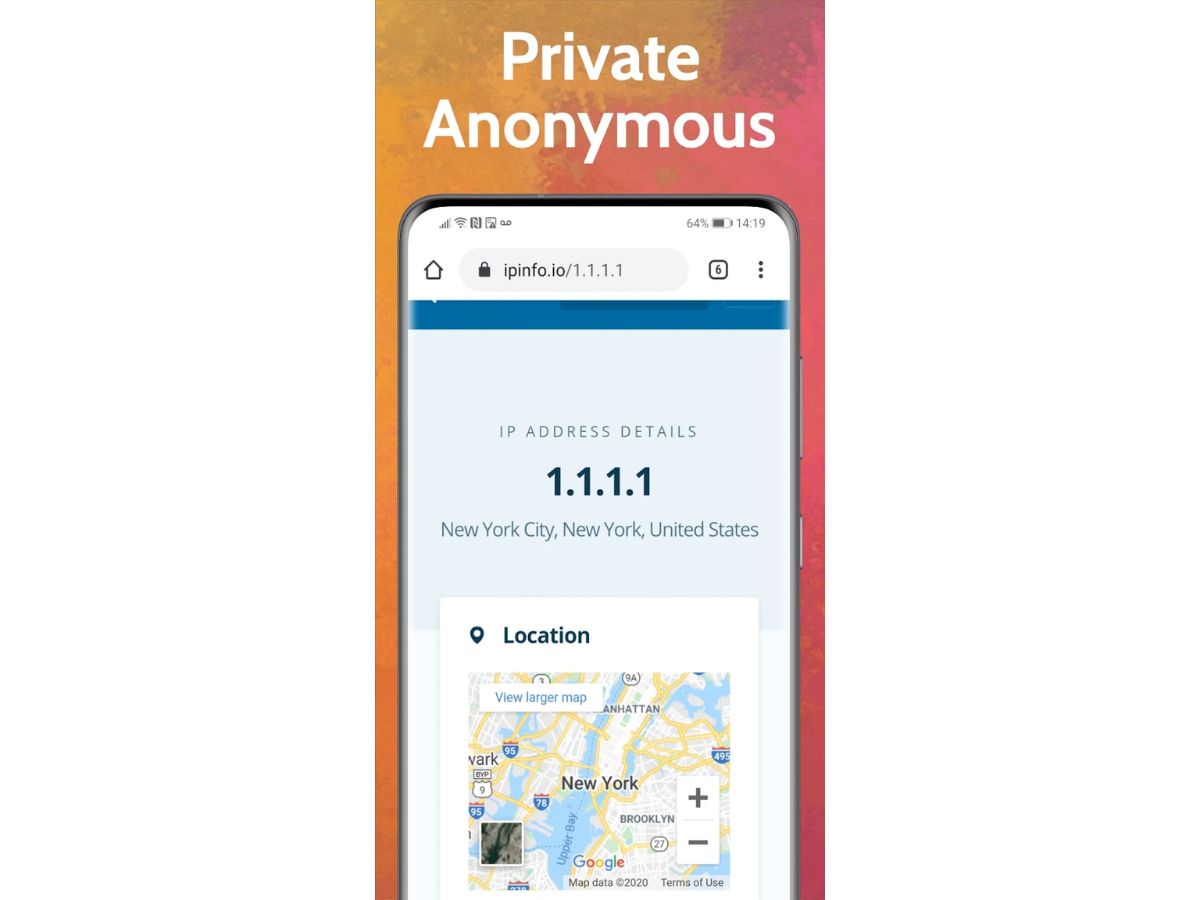
UPX VPN Proxy Browser is a smartphone application that is a secure web browser and a built-in VPN software. It assists users in accessing sites anonymously by concealing their actual IP address and altering their virtual address. This simplifies the process of accessing websites, social media, and streaming sites in other areas.

UPX is all about secure and convenient internet surfing by encrypting your internet traffic, particularly on a shared WiFi. It also blocks ads and trackers to enable pages to load faster and minimize distractions.

The application merges a proxy browser and a VPN software into a single location. Therefore, users do not have to install additional applications. It facilitates daily routines such as browsing, streaming, gaming, and reading news, besides making online activity more private and secure.

Why Choose UPX VPN Proxy Browser?

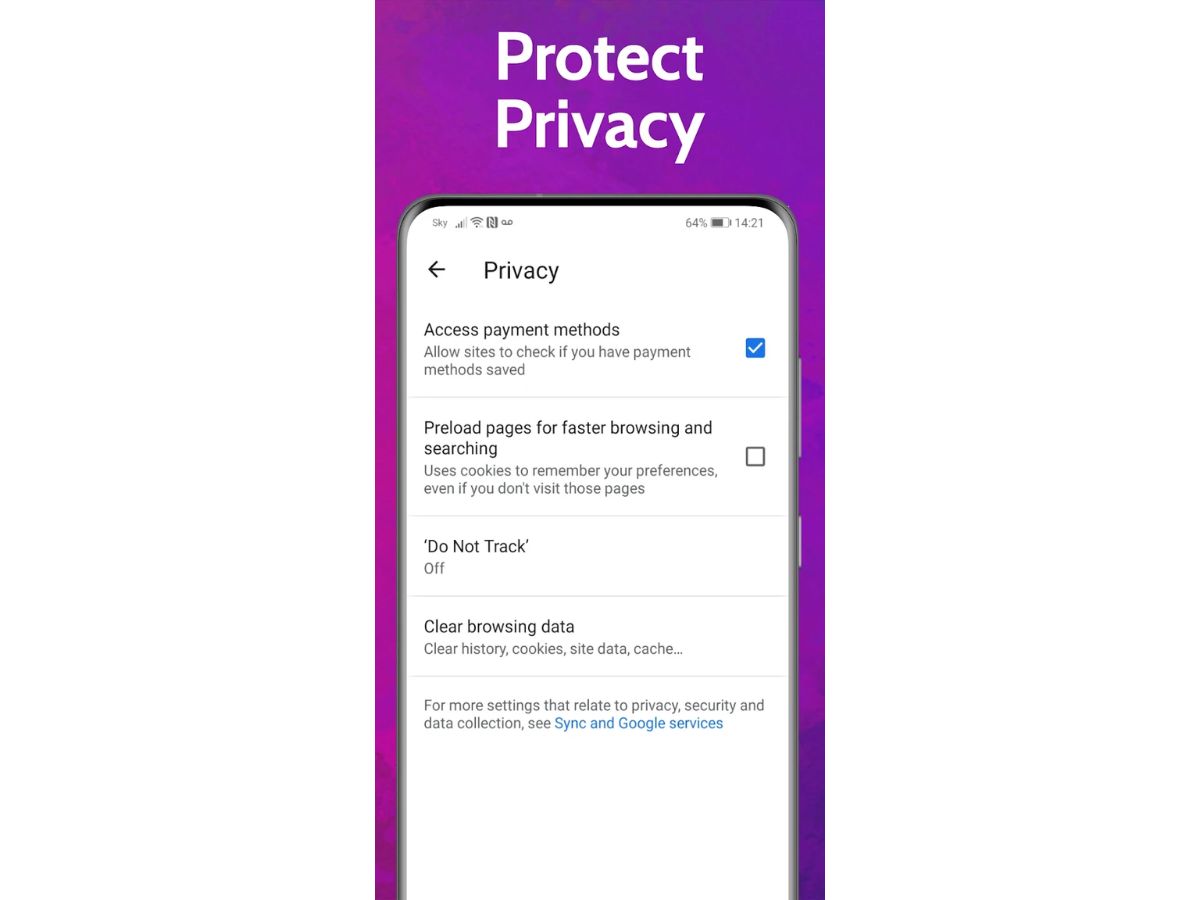
  • Private and secure browsing: The UPX VPN software uses encryption to keep your IP address private and encrypted so that your Internet usage remains undetected by spyware and hackers.
  • Free unlimited VPN access: You do not have restrictions for using UPX, as it can be used freely on a daily basis, streaming and social media, without additional charges.
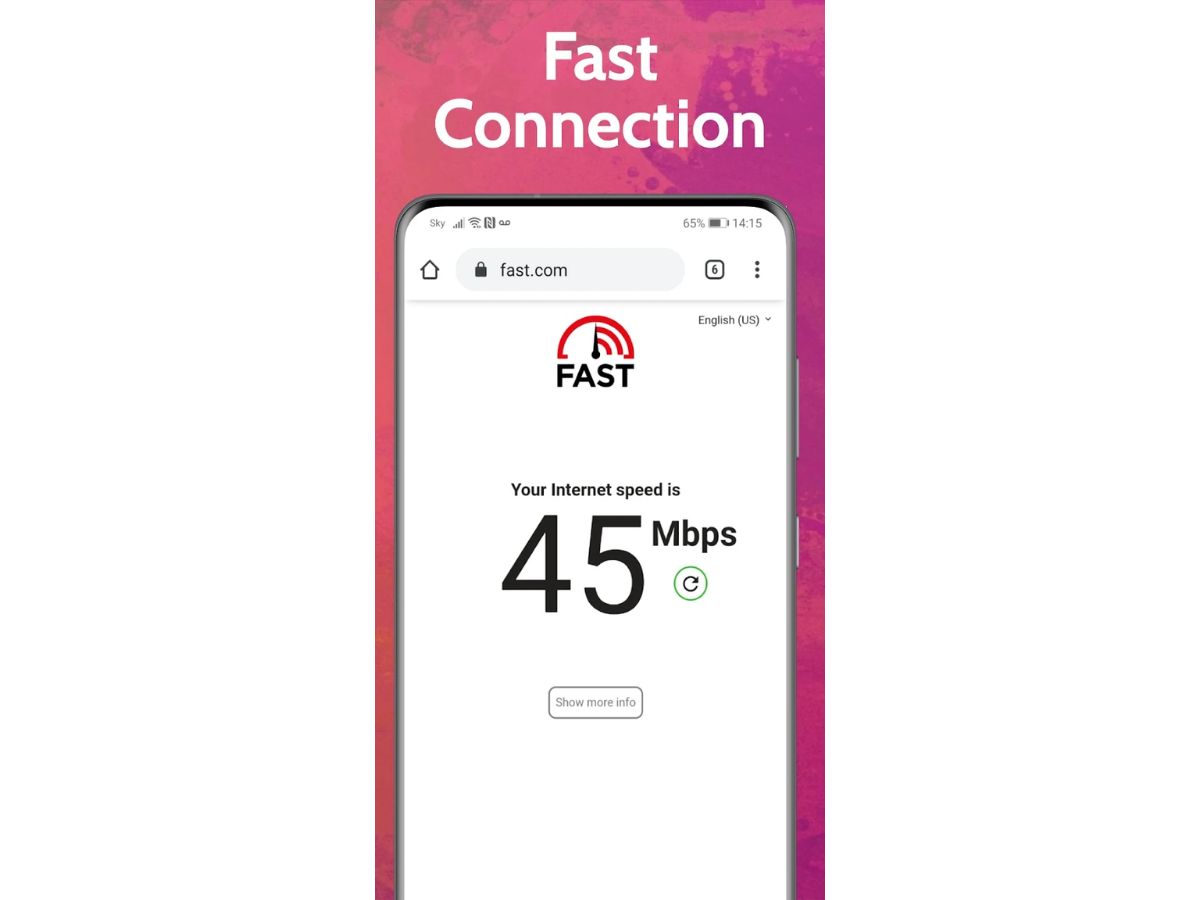
  • Fast browsing experience: Its world servers make buffering and loading time less. Therefore, videos, sites, and games operate effectively.
  • Access blocked content easily: UPX allows accessing websites and applications that can be blocked in your area, with the help of a single tap connection.
  • Built-in ad and tracker blocking: The browser blocks off-putting ads and trackers, which conserve data and battery, and result in pages being loaded at a high speed.
  • Works on all networks: UPX VPN software is compatible with WiFi and mobile data usage, and it makes you secure wherever you access the Internet.

UPX VPN Proxy Browser Pricing

UPX VPN Proxy Bowser pricing is available on request at Techjockey. The pricing model is based on parameters such as extra features, deployment type, and the total number of users. For further queries about the product, you can contact our product team to learn more about pricing and offers.

Read more

UPX VPN Proxy Browser Pricing & Plans

Looking for The Right Pricing?

Share your requirements and get a plan built around your business.

  • Define your business needs
  • Get customised pricing
  • Choose features that fit your workflow

Price Available on Request

Get personalised UPX VPN Proxy Browser pricing that fits your needs. Our team will connect with you.

UPX VPN Proxy Browser Features

  • icon_check IP Address Masking
    Replaces your real IP with a proxy/VPN-provided IP to conceal your true network identity and location.
  • icon_check AES-128 encryption
    Encrypts all data traffic using AES-128 to protect your browsing activity from interception and eavesdropping.
  • icon_check No Log Policy
    Ensures the app does not store any logs of your browsing history or personal data during your sessions.
  • icon_check Ad Blocker
    Blocks common ads and pop-ups embedded in webpages, reducing distractions and data usage.
  • icon_check Tracker blocking
    Prevents third-party trackers from monitoring your online behavior, improving privacy and loading speed.
  • icon_check Global server network
    Utilizes multiple proxy/VPN servers across the globe, allowing access to geo-restricted content from various regions.
  • icon_check Automatic connection
    Automatically establishes a VPN connection when launching the browser or accessing webpages, without manual setup.
  • icon_check Automatic Kill Switch
    Stops traffic or maintains protection if the VPN connection drops, preventing data leakage in unsecured states.
  • icon_check Incognito/private mode
    Opens sessions without saving history, cookies, or site data, enhancing privacy during browsing activity.
  • icon_check Low latency streaming support
    Optimized for minimal buffering and lag when streaming video or playing online games over the proxy/VPN.
  • icon_check Global Content Access
    Allows unrestricted access to websites, streaming platforms, and social media that might be otherwise blocked.
  • icon_check Session encryption
    Encrypts the entire browsing session—from DNS lookup to content delivery—to guard against on-path attacks.
  • icon_check Bandwidth Management
    Enhances speed by compressing data and optimizing routing over VPN servers for smoother page loads.
  • icon_check Secure DNS resolution
    Routes DNS queries through the encrypted VPN tunnel to prevent DNS leaks exposing visited domains.
  • icon_check Automatic server selection
    Chooses the fastest or least congested server automatically to maximize browsing speed and reliability.

UPX VPN Proxy Browser Specifications

Supported Platforms
iOS iOS Android Android
Devices
Mobile Mobile iPad iPad
Deployment
Perpetual Perpetual
Suitable For
All Industries
Business Specific
All Businesses
Business Size
Freelancers
Customer Support
Email Communities
Language
English

UPX VPN Proxy Browser Review

Techjockey Trusted Reviews from Verified Users

No reviews are currently available for UPX VPN Proxy Browser. Discover similar Browser Software reviews

  • Safari

    4.4

    Whats great - Helps my MacBook battery last noticeably longer. read more

  • Brave Browser

    4.4

    Whats great - Sync bookmarks and settings across devices read more

  • RoxyBrowser

    4.8

    Whats great - RoxyBrowser prevents tracking by simulating browser fingerprint information (such as Canvas, WebGL, time zone, language, font... read more

How much does UPX VPN Proxy Browser cost?

UPX VPN Proxy Bowser pricing is available on request at Techjockey. However, it is free to use with ads, and optional in-app purchases unlock extra features and remove ads.

How does UPX VPN Proxy Browser work?

It redirects your web traffic using secure servers, conceals your IP address, and encrypts data to make private browsing.

Who uses UPX VPN Proxy Browser?

People use UPX because they desire privacy and faster internet access, as well as to counter the blocked sites across the world.

Is there a free trial available?

No, a trial is required since UPX VPN Proxy Browser already provides free unlimited access.

What is the UPX browser used for?

The use of UPX is in private browsing, accessing restricted sites, streaming content, and staying secure on a public WiFi.

Is the UPX app safe?

Yes, UPX encrypts data to secure it, but it can gather specific information about the apps, as it is indicated on the Play Store.

Can UPX work on mobile data and WiFi?

Yes, UPX is compatible with WiFi, 3G, 4G, and 5G mobile connections everywhere.

Terms and Condtions

close

Users with registered businesses can purchase goods from merchants on the platform to satisfy their business needs. Users are not permitted to utilize any products acquired through the platform for resale, advertising, business, or further distribution.

For each purchase made, users will receive a Tax Invoice (or 'GST invoice') that includes specific details such as:

  • the GSTIN of the user associated with their registered business, and

  • the specified Entity Name for their business.

It should be noted that not all products are eligible for GST Invoice. Only the products displayed by participating sellers with the 'GST-based Invoice Available' callout on the product description page would qualify.

Certain goods and services are not eligible to get a GST Invoice, including items with VAS, i.e., Value Added Services (e.g., Total Mobile Protection/Assured Buyback) and those involving an exchange offer at the time of purchase.

Users must ensure the accuracy of the GSTIN, and business entity name provided for the GST Invoice. Requests for corrections into GST Invoice would not be accommodated by Techjockey.com or any Seller, and any issues arising from user-provided information are the sole responsibility of users.

Techjockey.com is not liable for the GST Invoice or any associated input tax credit. To efficiently claim an input tax credit, users should select the registered place of business address as per the GST authority's data and follow the provisions of the GST Act and rules.

To claim an input tax credit, the delivery and billing addresses must match. Furthermore, input tax credits will not be granted if the delivery address and GSTIN on the invoice are from different states. In case of incorrect GST details provided during the order placement, the order will be canceled automatically.

21,000+ Software Listed 21,000+ Software Listed

Best Price Guaranteed Unbiased Comparison

Free Expert Consultation Read Authentic Reviews

5M+ Happy Customers 500,000+ Monthly Users