linkedin
UX Pilot logo
play Improve Your Existing Designs with UX Pilot AI
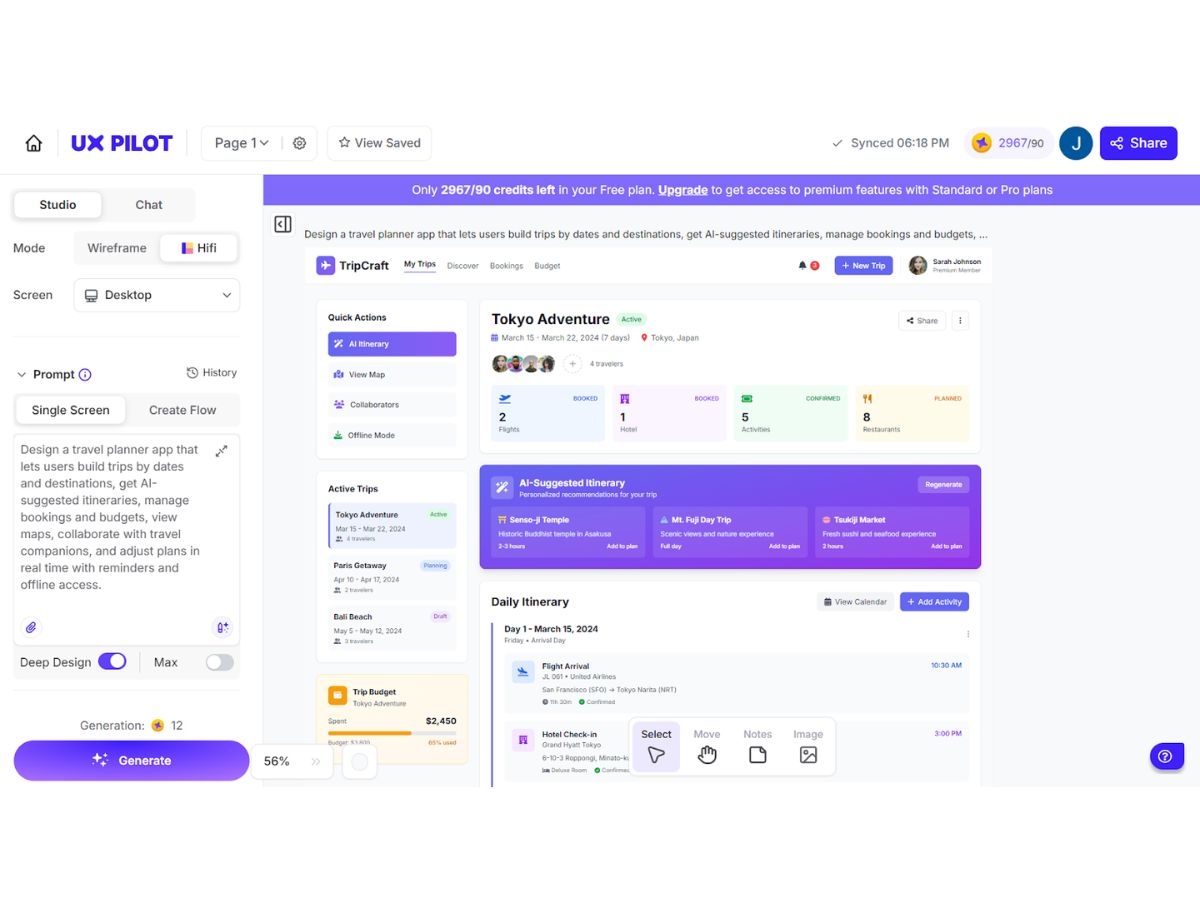
UX Pilot-dashboard
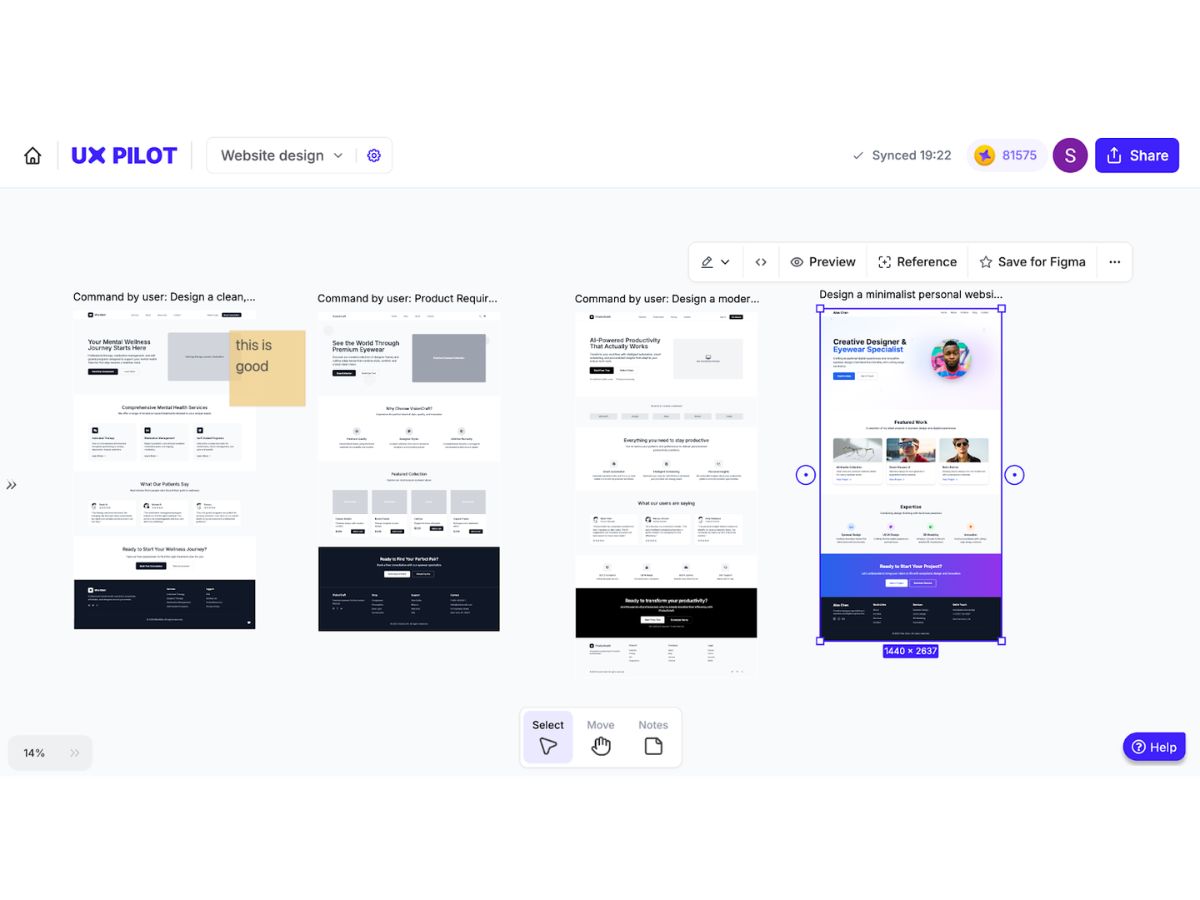
UX Pilot-templates

UX Pilot

Brand: UX Pilot AI

  • No Ratings & Reviews

Have you used UX Pilot before?

Share your insights for better experience

Add a Review

Price Available on Request

Questions about pricing or customization? We’re here to help, just a click away.

100% Genuine
Products
Best Price
Guaranteed
Safe & Secure
Payment
  • Description

  • Pricing

  • Features

  • Specification

  • Review

UX Pilot Software Overview

UX Pilot AI Company Details

Founded Year:  2023

Your AI Co-Pilot for UX and UI Design Process

Director/Founders Adam Fard
Company Size 1-100 Employees

UX Pilot Pricing & Plans

Standard

Calculated Price

$ 19 Exclusive of all taxes
    • Users

      Users
      Users
    • Monthly

      Monthly
      Monthly

Key Features

  • Up-to 70 screens

  • 420 credits (one time)

  • Export to Figma

  • Export code

  • Screen Flows(max. 5 screens)

Pro

Calculated Price

$ 29 Exclusive of all taxes
    • Users

      Users
      Users
    • Monthly

      Monthly
      Monthly

Key Features

  • Up-to 200 screens

  • 1200 credits (one time)

  • Import your Figma Components

  • Reference Image-to-Design

  • Document-to-design

Team

Calculated Price

$ 39 Exclusive of all taxes
    • Users

      Users
      Users
    • Monthly

      Monthly
      Monthly

Key Features

  • Up-to 266 screens/user

  • 1600 credits/user (one time)

  • Team Collaboration

  • Custom Integration

  • Priority Support

UX Pilot Features

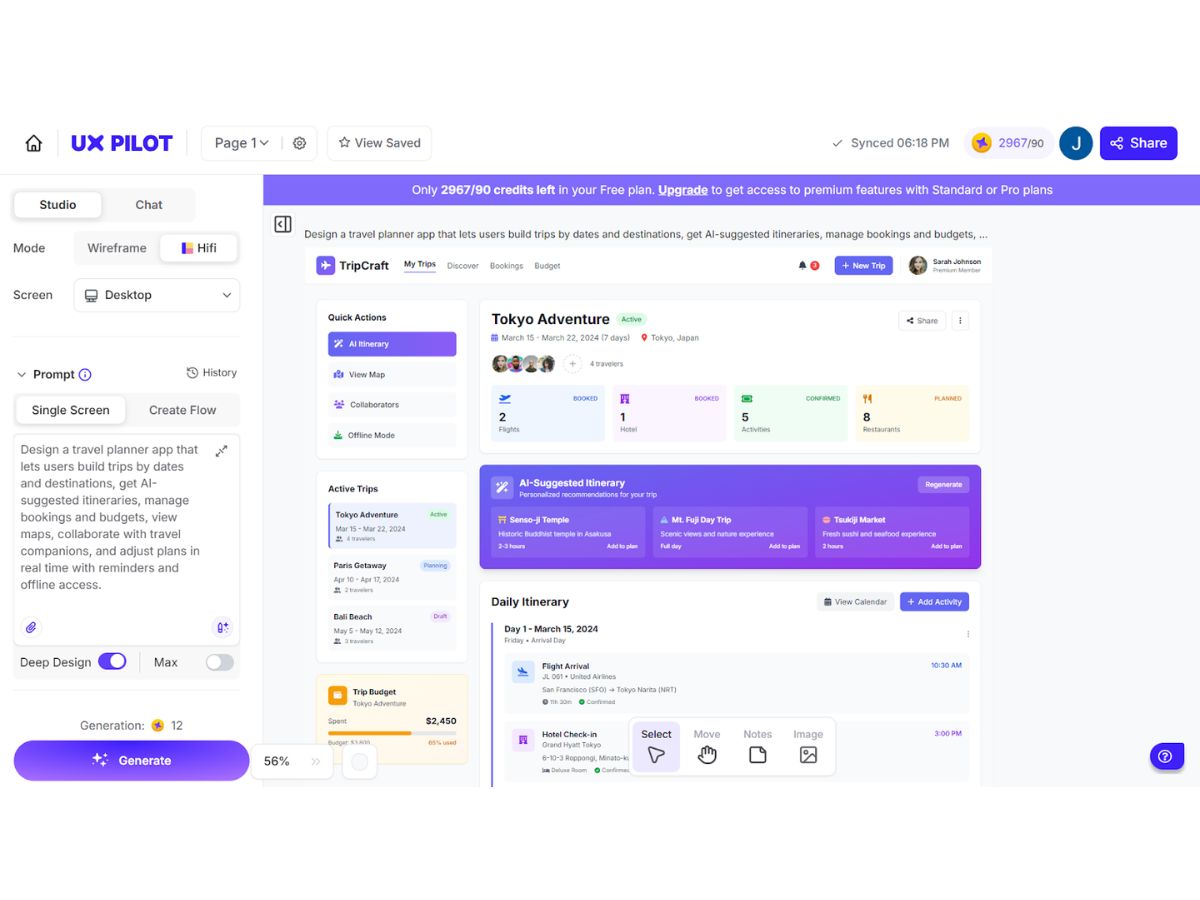
  • icon_check AI-Powered UI Generation
    Automatically creates complete UI layouts from text prompts, accelerating design workflows and reducing manual effort.
  • icon_check Wireframing Tools
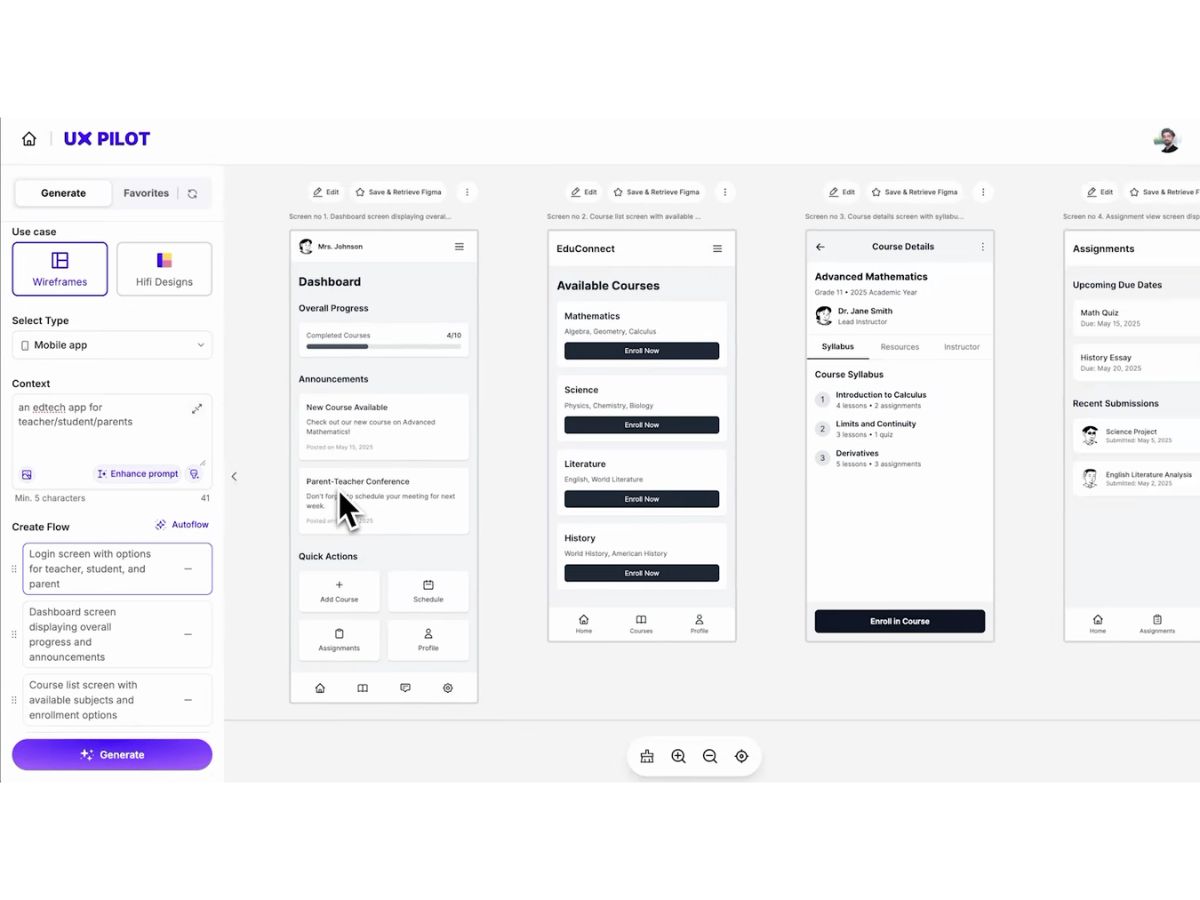
    Quickly generates low-fidelity wireframes to visualize app structure, enabling faster ideation and early-stage design planning.
  • icon_check Figma Integration
    Seamlessly exports generated designs into Figma with editable layers for collaboration and refinement.
  • icon_check Code Export
    Converts UI designs into front-end code formats, helping developers accelerate implementation and reduce handoff friction.
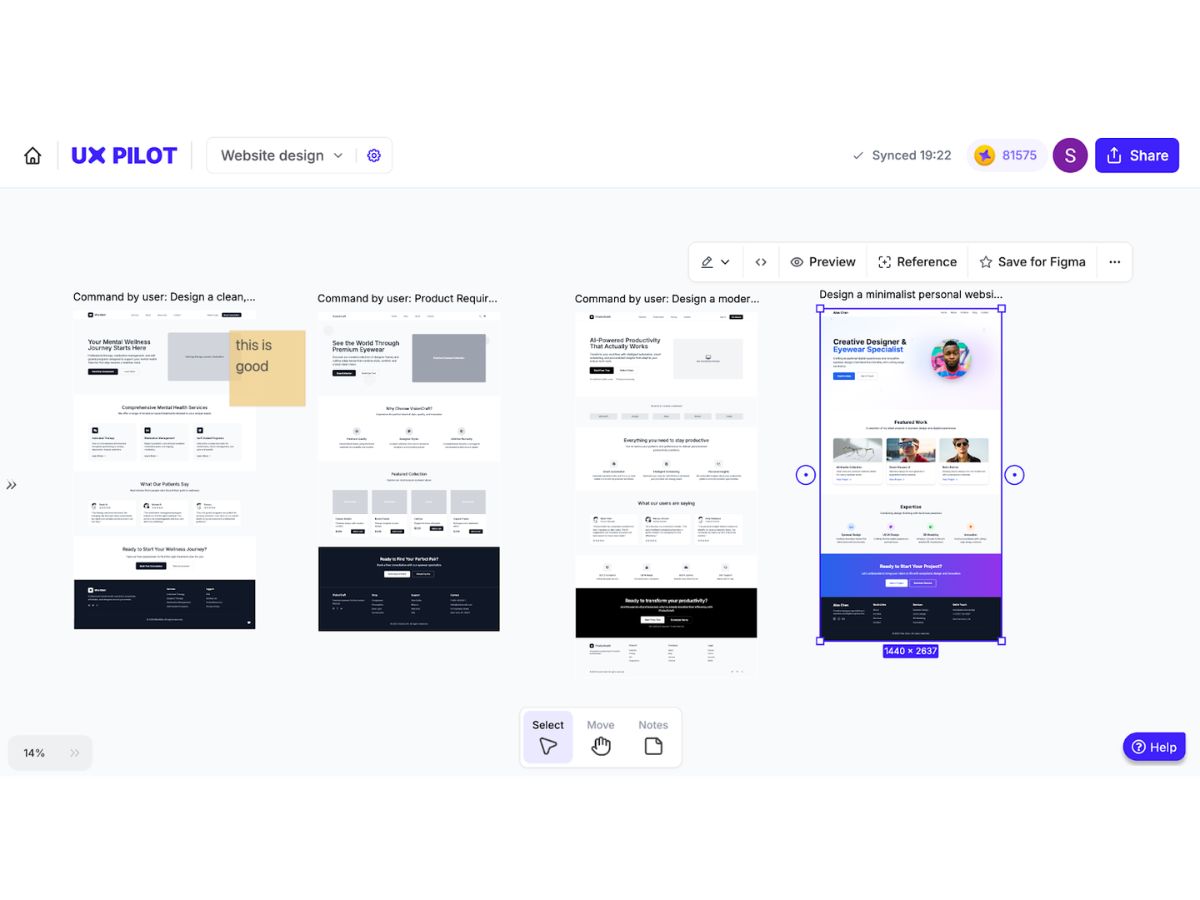
  • icon_check Multi-Screen Flow Generation
    Creates complete user flows across multiple screens, ensuring consistency and better visualization of user journeys.
  • icon_check Customizable UI Components
    Offers reusable UI elements that can be modified to match branding, ensuring flexibility and design consistency.
  • icon_check Responsive Design Support
    Generates layouts optimized for multiple screen sizes, ensuring seamless user experience across devices and platforms.
  • icon_check Prototyping
    Enables quick creation of interactive prototypes, helping teams test ideas early and iterate faster with minimal effort.
  • icon_check Collaboration Tools
    Supports team collaboration by enabling sharing, feedback, and iteration on designs within integrated workflows.
  • icon_check Template Library
    Provides pre-built design templates for common use cases, allowing faster project kickoff and standardized UI patterns.
  • icon_check User Behavior Insights
    Predicts user attention areas using AI-based heatmaps, helping optimize layouts for better engagement and usability.
  • icon_check Drag-and-Drop Editing
    Allows easy modification of generated designs using intuitive controls, making customization accessible to all users.
  • icon_check Cloud-Based Access
    Offers secure, browser-based access to projects, enabling work from anywhere without requiring local installations.
UX Pilot Demo Video play icon

Get UX Pilot Demo

Watch the demo video to explore key features, real workflows, and how the software fits your business needs.

Understand
Key Features
Personal
Demo Insights
Interactive
Demo Support

UX Pilot Specifications

Supported Platforms
Windows Windows MacOS MacOS Linux Linux
Devices
Desktop Desktop
Deployment
Cloud-Based Cloud-Based
Suitable For
All Industries
Business Specific
All Businesses
Business Size
Individual Small Business Startups Medium Business Enterprises Freelancers
Customer Support
Email Live Chat
Language
English
Integration
API Integration
Training Resources
Live Online Documentation Videos
AI Features
AI Integrated
Compliance Regulation
CCPA CPRA

UX Pilot Review

Techjockey Trusted Reviews from Verified Users

No reviews are currently available for UX Pilot. Discover similar UI/UX Design Tools reviews

  • Figma

    4.5

    Whats great - User-friendly app for UI designing with numerous plugins available. I really love the real-time collaboration abilities of th... read more

  • Sketch

    4.2

    Whats great - Good for UI/UX designers, You can pretty much do everything and anything & it's SUPER EASY TO USE. read more

  • Balsamiq

    4.8

    Whats great - Easy to use, You can crate good mockups and prototype here, easy to set up this tool. Highly recomended. read more

Terms and Condtions

close

Users with registered businesses can purchase goods from merchants on the platform to satisfy their business needs. Users are not permitted to utilize any products acquired through the platform for resale, advertising, business, or further distribution.

For each purchase made, users will receive a Tax Invoice (or 'GST invoice') that includes specific details such as:

  • the GSTIN of the user associated with their registered business, and

  • the specified Entity Name for their business.

It should be noted that not all products are eligible for GST Invoice. Only the products displayed by participating sellers with the 'GST-based Invoice Available' callout on the product description page would qualify.

Certain goods and services are not eligible to get a GST Invoice, including items with VAS, i.e., Value Added Services (e.g., Total Mobile Protection/Assured Buyback) and those involving an exchange offer at the time of purchase.

Users must ensure the accuracy of the GSTIN, and business entity name provided for the GST Invoice. Requests for corrections into GST Invoice would not be accommodated by Techjockey.com or any Seller, and any issues arising from user-provided information are the sole responsibility of users.

Techjockey.com is not liable for the GST Invoice or any associated input tax credit. To efficiently claim an input tax credit, users should select the registered place of business address as per the GST authority's data and follow the provisions of the GST Act and rules.

To claim an input tax credit, the delivery and billing addresses must match. Furthermore, input tax credits will not be granted if the delivery address and GSTIN on the invoice are from different states. In case of incorrect GST details provided during the order placement, the order will be canceled automatically.

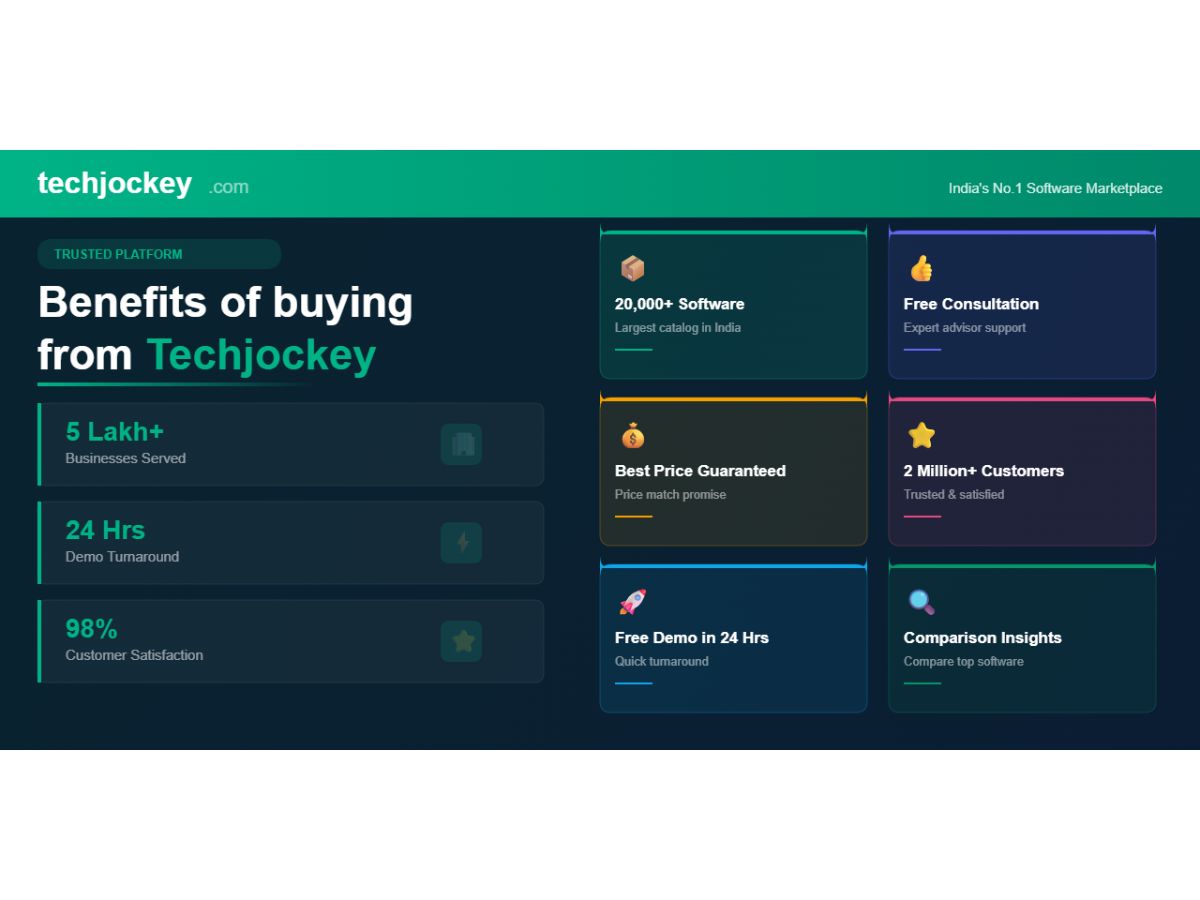
20,000+ Software Listed 20,000+ Software Listed

Best Price Guaranteed Unbiased Comparison

Free Expert Consultation Read Authentic Reviews

2M+ Happy Customers 500,000+ Monthly Users