linkedin
XNXubd VPN Browser logo
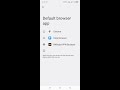
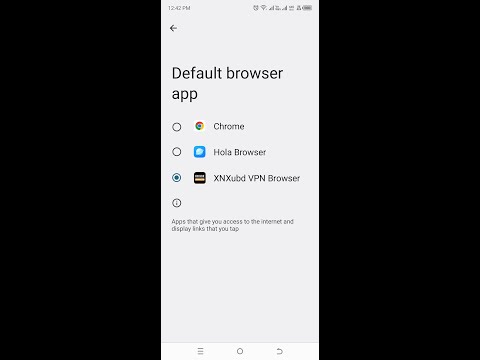
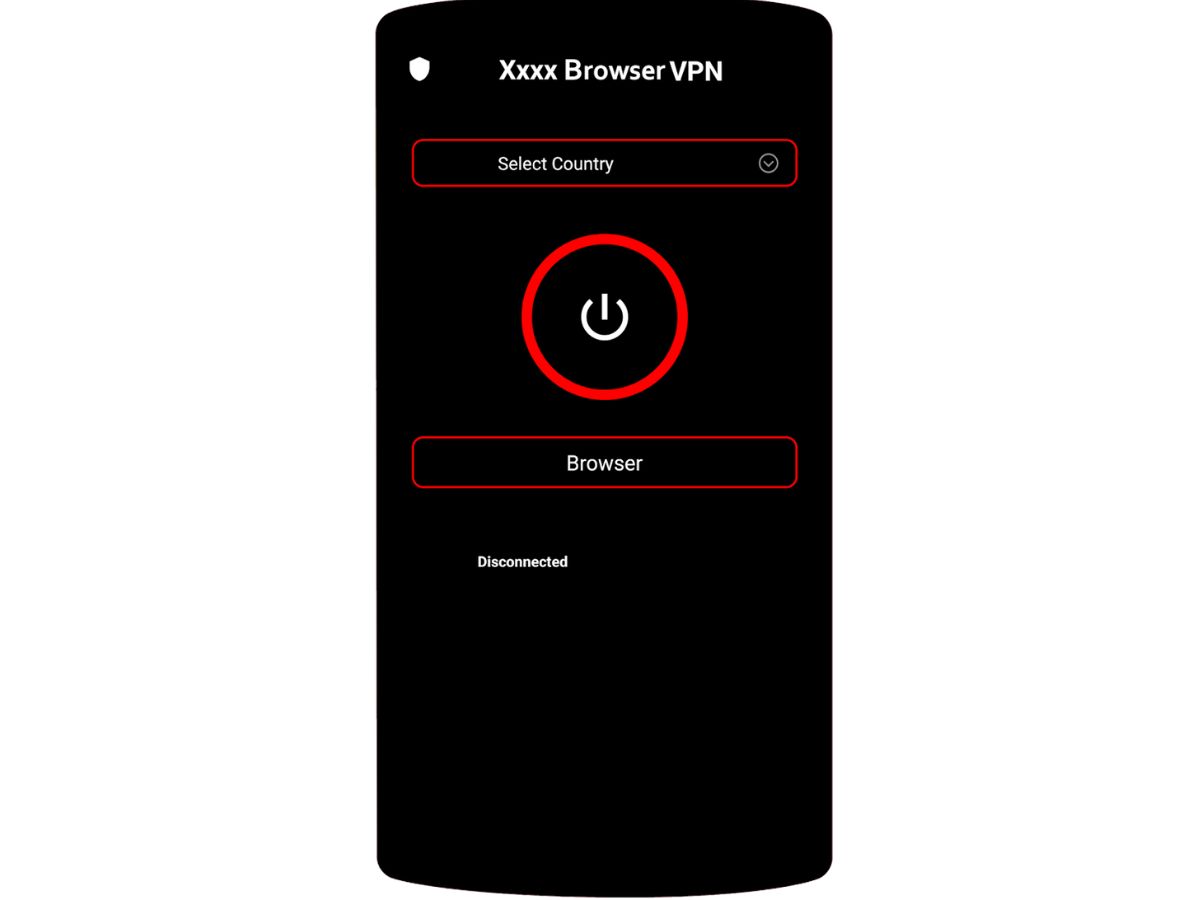
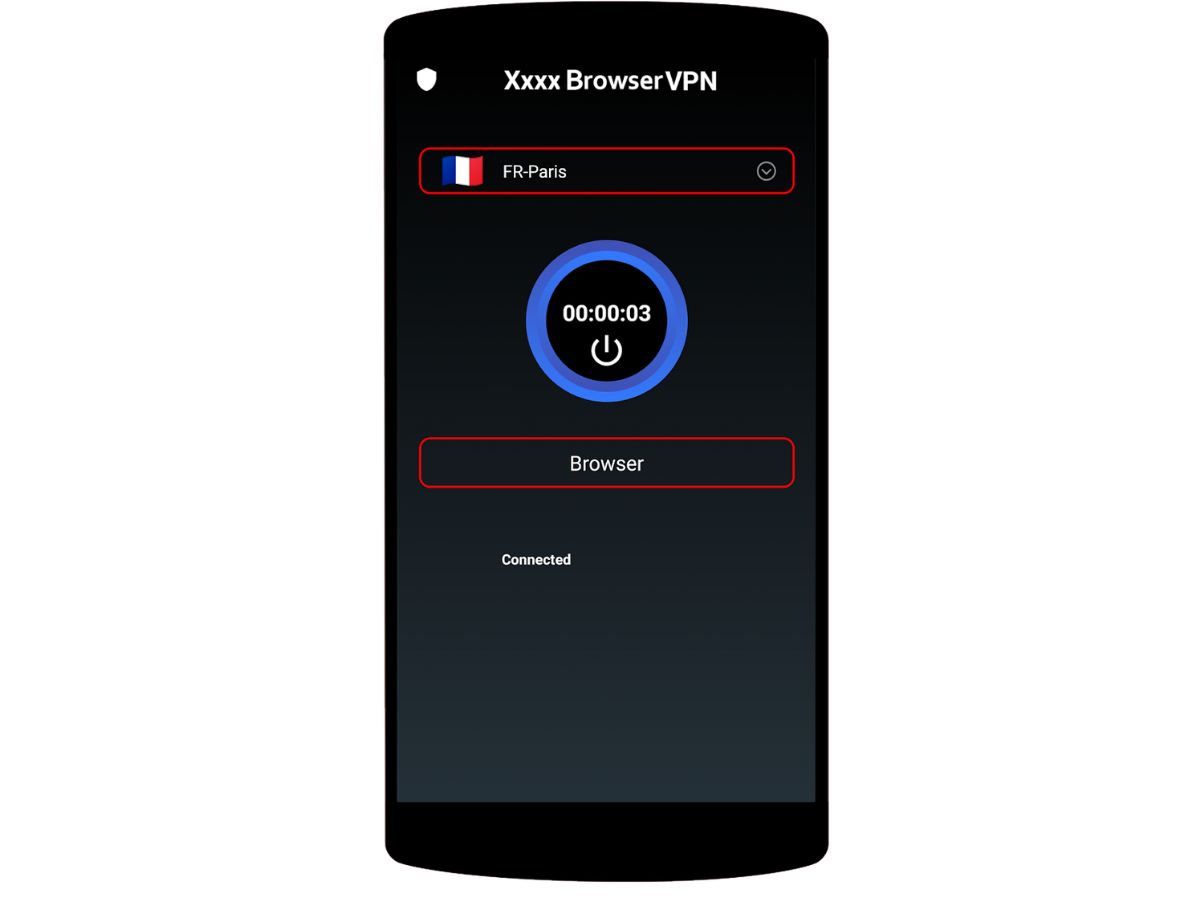
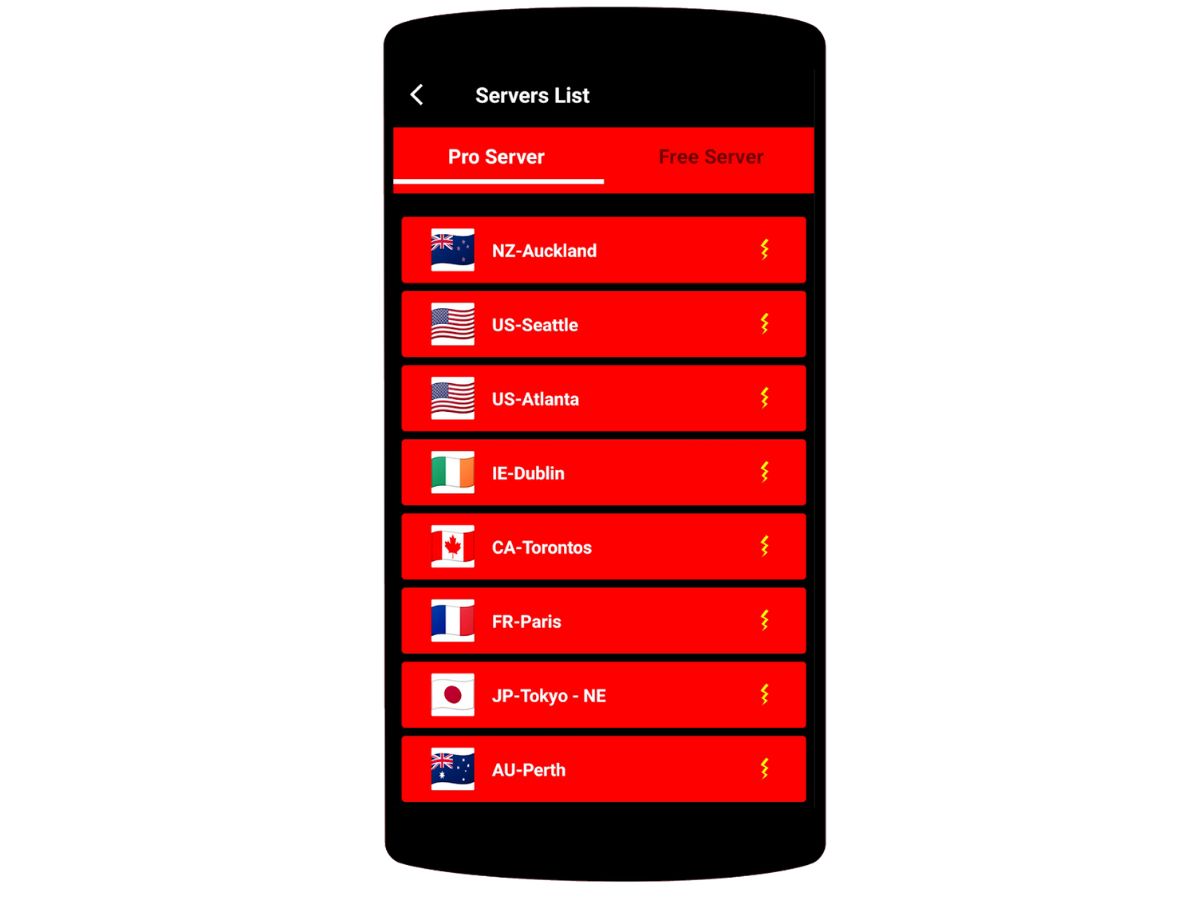
play Set XNXubd VPN Browser APK as Your Default Browser - Easy Tutorial
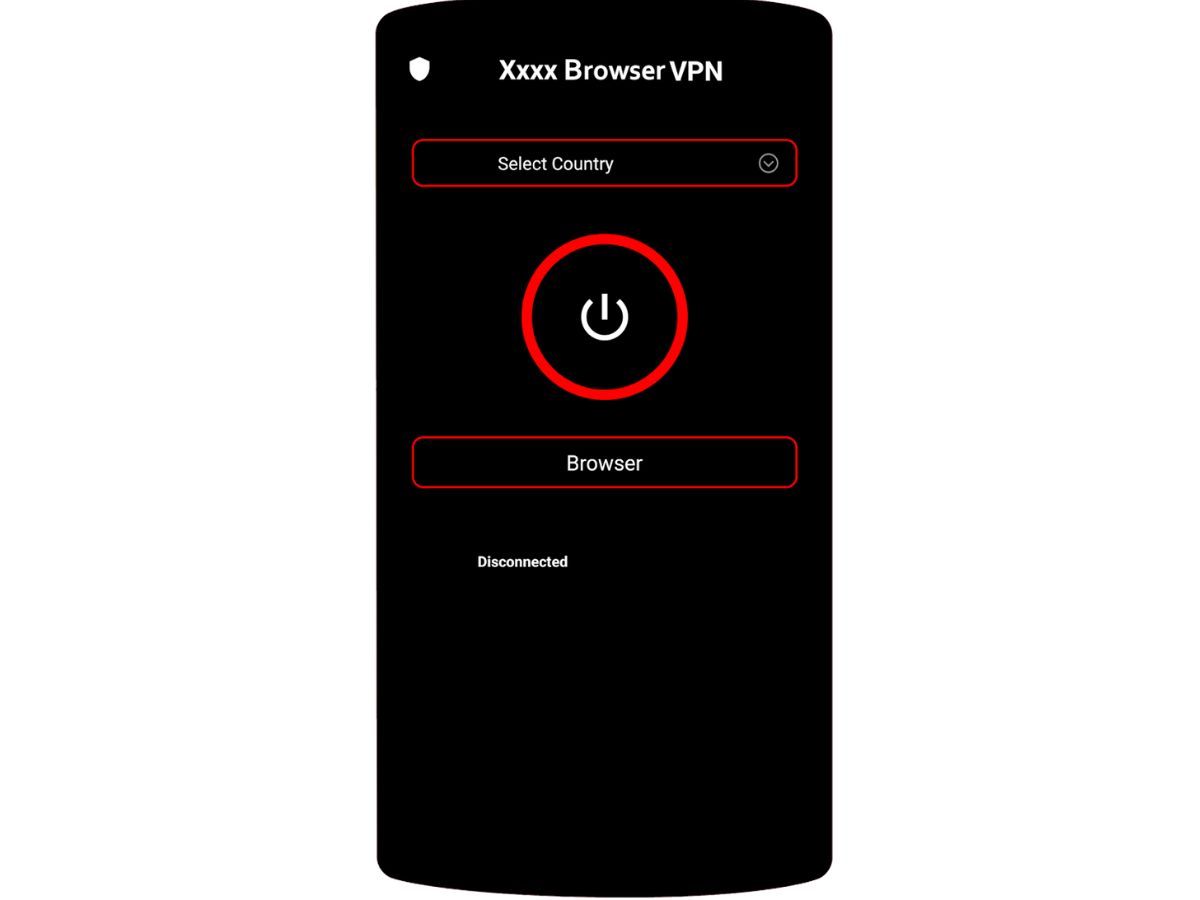
xnxubd-vpn-browser-browse
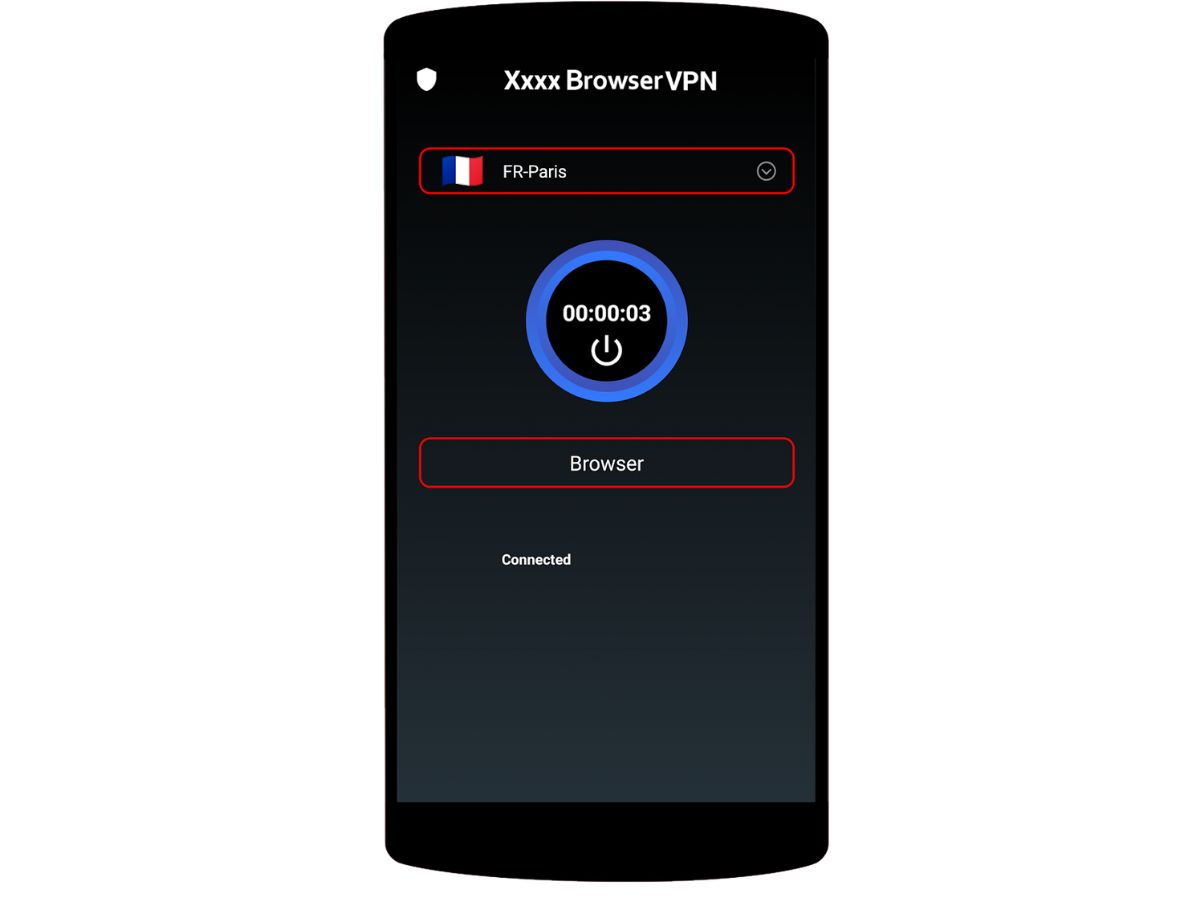
xnxubd-vpn-browser-paris

XNXubd VPN Browser

Brand: XNXubd VPN Browser APK

  • 4.3

  • 3 Ratings

VPN browser application providing private browsing and secure internet access for mobile devices.

See More

Have you used XNXubd VPN Browser before?

Share your insights for better experience

Add a Review

Free Forever

Get started immediately at no cost. Upgrade anytime if your business demand more.

100% Genuine
Products
Best Price
Guaranteed
Safe & Secure
Payment
  • Description

  • Pricing

  • Features

  • Specification

  • Review

  • FAQ

XNXubd VPN Browser Software Overview

What is XNXubd VPN Browser?

XNXubd VPN Browser is a free VPN browser software that combines a web browser with a built-in VPN to let users browse securely and anonymously.

It helps access geo-restricted websites and protects your data on public Wi-Fi. The app hides your IP address, encrypts online activity, and enhances privacy while browsing.

It is lightweight and easy to use, though internet speed may slow down when the VPN is active.

Why Choose XNXubd VPN Browser Software?

  • Built-in VPN Integration: XNXubd VPN Browser combines a web browser and VPN in a single app, eliminating the need for separate tools. This makes browsing secure and convenient without extra setup.
  • Enhanced Online Privacy: The software hides your real IP address to protect your online identity. This helps prevent websites, trackers, and hackers from monitoring your activities.
  • Access to Geo-Restricted Content: It enables users to open websites and content blocked in their region. This is especially useful for streaming platforms, restricted news sites, or censored web pages.
  • Secure Public Wi-Fi Use: The app encrypts your connection on public networks like cafes or airports. This prevents hackers from intercepting your data while browsing.
  • Lightweight Application: Its small file size ensures quick installation and minimal device storage use. It runs smoothly even on low-end or older Android devices.
  • Free to Use: The browser offers all its key features without charging users. This makes it accessible to everyone without subscription or hidden fees.
  • Simple User Interface: Its clean design makes navigation easy for beginners. Users can access VPN and browsing options without technical knowledge.
  • Fast Connection Setup: You can connect to the VPN instantly with a single tap. This saves time and makes it ideal for quick browsing needs.
  • Protects Sensitive Information: The app encrypts and safeguards your personal data, such as passwords and banking details. This reduces the risk of identity theft and cyberattacks.
  • No Need for Additional VPN Apps: Since VPN functionality is built-in, you don't need to download extra apps. This saves storage and simplifies device management.

Benefits of XNXubd VPN Browser Software

  • Safe Browsing Mode: It blocks trackers and unwanted scripts that monitor your activities. This improves privacy and helps maintain anonymous browsing.
  • Clean App Status: The app is scanned and verified safe by malware detection tools. Users can download it with confidence, knowing it is secure.
  • Multi-Purpose Use: Whether you want to stream, browse, or download files, it supports all basic internet tasks. This makes it versatile for different online activities.
  • Reduces Advertiser Tracking: The browser limits the ability of advertisers to track your online movement. This helps reduce targeted ads and improves privacy.
  • Supports Anonymous Searches: It enables you to search the web without leaving digital traces. Your history and identity remain hidden from search engines.
  • Quick Page Loading: Its optimized engine helps load websites faster even under VPN mode. This enhances your overall browsing experience.
  • Protects Against Hackers: The VPN's encryption shields your data from cybercriminals. It reduces vulnerabilities while browsing, especially on unsecured networks.

XNXubd VPN Browser Pricing

XNXubd VPN Browser is available for FREE on techjockey. The pricing model is based on different parameters, including extra features, deployment type, and the total number of users. For further queries related to the product, you can contact our product team and learn more about the pricing and offers.

Read more

XNXubd VPN Browser Pricing & Plans

This Product is Available Free Forever.

Start instantly with no fees, no subscriptions, and no commitments.

  • Full access to basic version available
  • No credit card or sign-up required

Free Forever Plan

Get started immediately at no cost. Upgrade anytime if your business demand more.

Free Forever

XNXubd VPN Browser Features

Core Modules

  • icon_check DNS Leak Protection
    Prevents DNS requests from leaking, ensuring user privacy online.
  • icon_check Ad Blocker
    Blocks ads and trackers, improving browsing experience and speed.
  • icon_check Wi-Fi Protection
    Secures connections on public Wi-Fi networks to prevent data interception.
  • icon_check Remote Access
    Allows users to connect to a private network from any location securely.
  • icon_check Split Tunneling
    Lets users choose which apps use the VPN and which access the internet directly.
  • icon_check Automatic Kill Switch
    Disconnects internet if VPN fails, protecting data from exposure.
  • icon_check IPv6 Leak Protection
    Blocks IPv6 traffic to prevent IP address exposure when using IPv4.
  • icon_check Port Forwarding
    Allows remote devices to connect through specific ports for better access.
  • icon_check Multi-hop VPN
    Routes traffic through multiple servers for enhanced security and privacy.
  • icon_check Alternative Routing
    Offers different paths for data to enhance performance and reliability.
  • icon_check P2P Support
    Allows peer-to-peer file sharing safely and securely through the VPN.
  • icon_check Smart DNS
    Enables access to geo-restricted content without encrypting traffic.
  • icon_check Cookie Blocker
    Prevents tracking cookies from collecting user data online.

Privacy Protection

  • icon_check No Log Policy
    Ensures no user activity is stored, enhancing online privacy.
  • icon_check IP Address Masking
    Hides real IP address, providing anonymity while browsing.
  • icon_check Obfuscated Servers
    Masks VPN traffic to bypass censorship and restrictions.
  • icon_check WebRTC Leak Protection
    Prevents WebRTC leaks that could expose user IP addresses.
  • icon_check Static and Dynamic IP Addresses
    Offers fixed or rotating IPs for varying privacy needs.
  • icon_check Multi-Factor Authentication (MFA)
    Adds an extra layer of security during user login.
  • icon_check Privacy-Focused DNS Servers
    Uses DNS servers that do not track user activity.
  • icon_check Automatic Reconnection
    Re-establishes VPN connection automatically if dropped.
  • icon_check Deep & Dark Web Monitoring
    Scans hidden web layers for compromised data, and alerts users to potential security threats.

Encryption Protocols

  • icon_check SSTP
    A secure tunneling protocol using SSL for encrypted VPN connections.
  • icon_check OpenVPN
    Highly secure and configurable, widely regarded as the best choice.
  • icon_check IKEv2/IPsec
    Fast and stable, ideal for mobile devices and quick reconnects.
  • icon_check L2TP/IPsec
    Combines L2TP and IPsec for better security than standalone L2TP.
  • icon_check PPTP
    Older protocol, fast but less secure; suitable for low-risk activities.
  • icon_check WireGuard
    Newer, efficient protocol offering strong security with minimal overhead.

Performance & Monitoring

  • icon_check Connection Speed
    Measures the speed of VPN connections for optimal performance.
  • icon_check Unlimited Bandwidth
    No data caps, allowing unrestricted use for streaming and downloading.
  • icon_check Server Locations
    Provides multiple server locations worldwide for better access and speed.
  • icon_check Connection Stability
    Ensures consistent VPN connections without frequent drops.
  • icon_check Load Balancing
    Distributes user traffic evenly across servers to maintain performance.
  • icon_check Stealth Mode
    Masks VPN use to bypass deep packet inspection and censorship.
  • icon_check Speed Throttling
    Controls internet speed for specific applications or users.

Usability Features

  • icon_check User-Friendly Interface
    Simple and intuitive design for easy navigation and use.
  • icon_check Multi-Device Support
    Allows simultaneous connections on multiple devices.
  • icon_check Platform Compatibility
    Works across various operating systems and devices.
  • icon_check Cross-Platform Synchronization
    Syncs user settings across devices for convenience.
  • icon_check Browser Extension Availability
    Offers browser add-ons for quick access to VPN features.

Compliance Management

  • icon_check GDPR Compliance
    Ensures user data protection in accordance with EU regulations.
  • icon_check HIPAA Compliance
    Meets healthcare data protection regulations for sensitive information.
  • icon_check PCI DSS Compliance
    Adheres to security standards for handling payment data.
  • icon_check Security Audits
    Regularly assesses security measures and compliance adherence.

Advanced Firewall Features

  • icon_check Malware Blocker
    Protects users by blocking access to known malicious websites.
  • icon_check Phishing Protection
    Identifies and blocks phishing attempts to protect user data.
  • icon_check DDoS protection
    Guards against distributed denial-of-service attacks on your connection.
  • icon_check Device Scanning
    Scans devices for vulnerabilities before establishing a connection.

Administrative Features

  • icon_check Global Content Access
    Enables users to bypass regional restrictions for global content.
  • icon_check Policy Management
    Defines and enforces policies for user access and network usage.
  • icon_check Reporting & Analytics
    Provides insights and analytics on user behavior and traffic patterns.
  • icon_check URL Filtering
    Blocks access to specific URLs based on set criteria.
  • icon_check User Access Management
    Controls user permissions and access to the VPN.
  • icon_check Session Management
    Allows administrators to monitor and manage active user sessions.
  • icon_check Traffic Management
    Controls and prioritizes traffic flow for optimal performance.
  • icon_check Content Filtering
    Restricts access to certain types of content based on policies.
  • icon_check Torrent Downloading
    Supports secure and private torrenting activities.
XNXubd VPN Browser Demo Video play icon

Get XNXubd VPN Browser Demo

Watch the demo video to explore key features, real workflows, and how the software fits your business needs.

Understand
Key Features
Personal
Demo Insights
Interactive
Demo Support

XNXubd VPN Browser Specifications

Supported Platforms
Windows Windows iOS iOS Android Android
Devices
Desktop Desktop Mobile Mobile
Deployment
Perpetual Perpetual
Suitable For
All Industries
Business Specific
All Businesses
Customer Support
Email Communities
Language
English
Training Resources
Videos

XNXubd VPN Browser Review

4.3

Out of 5

img

Overall Rating

Based on
3 Verified Ratings

Rating Breakdown

  • Features 4.1
  • Value for Money 4.5
  • Ease of Use 3.8
  • Customer Support 4.6

80% Recommend this Product

Add Review

Techjockey Trusted Reviews from Verified Users

No reviews are currently available for XNXubd VPN Browser. Discover similar VPN Software reviews

  • NordVPN

    4.4

    Whats great - : Intuitive interface, responsive 24/7 customer support, extensive server network. read more
  • LetsVPN

    4.5

    Whats great - The ad and malware-blocked features are nice to have as it act as another added layer of protection to my browsing experience... read more
  • Avast SecureLine VPN

    4.5

    Whats great - It had affordable pricing. When being compared to some of its competitors, the pricing seems reasonable for short-term plans. read more

How much does XNXubd VPN Browser Software cost?

XNXubd VPN Browser is available for FREE on techjockey.

Is there a mobile app available for XNXubd VPN Browser Software?

Yes, XNXubd VPN is available as an iOS and Android mobile app.

Which operating systems are compatible with XNXubd VPN Browser Software?

XNXubd VPN Browser is compatible with Windows, iOS and Android devices.

Does XNXubd VPN Browser Software offer a free trial?

No trial is needed since the app is completely free.

How does XNXubd VPN Browser Software function?

XNXubd VPN works as a browser with a built-in VPN to provide secure, anonymous browsing.

Who uses XNXubd VPN Browser Software?

Users who want private browsing and access to restricted content prefer XNXubd VPN Browser.

Is a free demo available for XNXubd VPN Browser Software?

XNXubd VPN Browser demo isn't required as the full version is free to use.

Is XNXubd VPN Browser Software available for free?

Yes, XNXubd VPN Browser is fully free.

Terms and Condtions

close

Users with registered businesses can purchase goods from merchants on the platform to satisfy their business needs. Users are not permitted to utilize any products acquired through the platform for resale, advertising, business, or further distribution.

For each purchase made, users will receive a Tax Invoice (or 'GST invoice') that includes specific details such as:

  • the GSTIN of the user associated with their registered business, and

  • the specified Entity Name for their business.

It should be noted that not all products are eligible for GST Invoice. Only the products displayed by participating sellers with the 'GST-based Invoice Available' callout on the product description page would qualify.

Certain goods and services are not eligible to get a GST Invoice, including items with VAS, i.e., Value Added Services (e.g., Total Mobile Protection/Assured Buyback) and those involving an exchange offer at the time of purchase.

Users must ensure the accuracy of the GSTIN, and business entity name provided for the GST Invoice. Requests for corrections into GST Invoice would not be accommodated by Techjockey.com or any Seller, and any issues arising from user-provided information are the sole responsibility of users.

Techjockey.com is not liable for the GST Invoice or any associated input tax credit. To efficiently claim an input tax credit, users should select the registered place of business address as per the GST authority's data and follow the provisions of the GST Act and rules.

To claim an input tax credit, the delivery and billing addresses must match. Furthermore, input tax credits will not be granted if the delivery address and GSTIN on the invoice are from different states. In case of incorrect GST details provided during the order placement, the order will be canceled automatically.

21,000+ Software Listed 21,000+ Software Listed

Best Price Guaranteed Unbiased Comparison

Free Expert Consultation Read Authentic Reviews

5M+ Happy Customers 500,000+ Monthly Users