April 5, 2026
If you happen to use multiple devices for work, collaborate with teams, or simply wish to keep your personal files safe and accessible, file synchronization software is exactly what you need.
The software, as the name suggests, keeps files in sync across computers, phones, and cloud services so that the version you see is always up to date, no matter where you open it. Let’s look at the 7 most widely used file sync software tools and see how each works to decide which fits your needs in the best way possible.
File synchronization software is a program that keeps files consistent across two or more locations, whether that’s a laptop and a phone, a desktop and a cloud drive, or multiple servers. When you update a document on one device, the software ensures the same changes appear everywhere else, so every copy stays current.
This helps teams avoid version conflicts, protects work from accidental overwrites, and eliminates confusion about which file is the final one.
File sync works both ways. Any action, adding, deleting, editing, or renaming a file, made in one synced location is replicated across all others. This ensures that all connected devices remain perfectly aligned.
Different file sync tools take different approaches. Some prioritize cloud‑based syncing, like Google Drive and OneDrive, while others, such as Resilio Sync and Syncthing, enable direct device‑to‑device synchronization or self‑hosted setups. So, whilst choosing one, know your requirements well and only then go ahead.
Compare the leading file synchronization software tools side by side to clearly understand their features, pricing, and ideal use cases, making it easier to choose the right solution for your workflow and data management needs.
| Tool | Key Feature | Best For |
|---|---|---|
| Google Drive | Cloud-based sync with real-time collaboration | Individuals, students, small teams |
| OneDrive | Seamless integration with Microsoft ecosystem | Office users, Windows environments |
| Dropbox | Easy file sharing with strong integrations | Creative professionals, project teams |
| IDrive | Backup + sync across multiple devices | Small businesses, multi-device users |
| Sync.com | End-to-end encrypted file synchronization | Privacy-focused users, secure data handling |
| Resilio Sync | Peer-to-peer file transfer without cloud | Large file transfers, hybrid setups |
| Syncthing | Open-source, self-hosted sync solution | Advanced users, private server setups |
Some of the leading file sync programs are listed below and compared for your understanding…
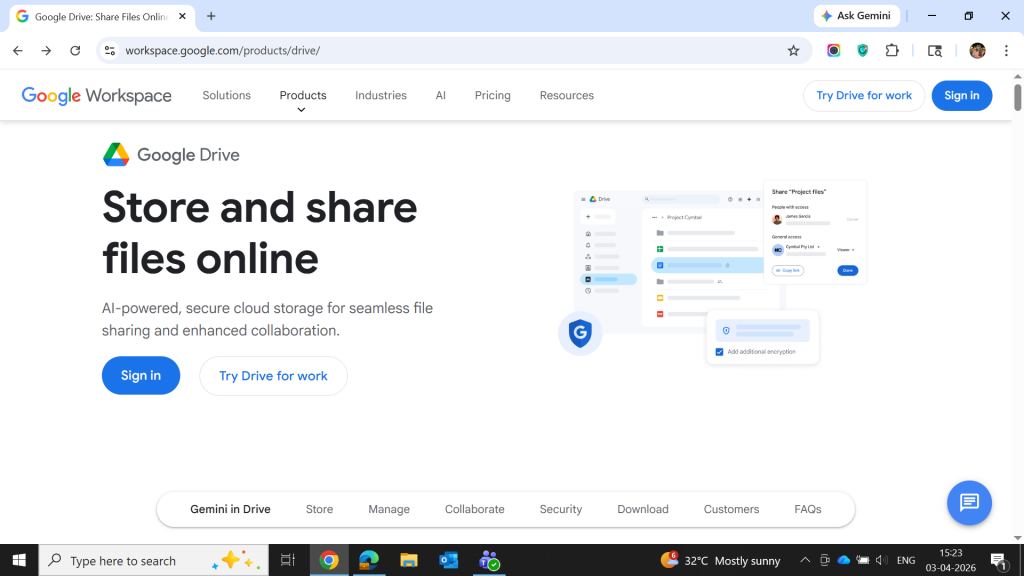
Google Drive is a cloud‑hosted file sync software that links your files between your computer, phone, and web browser while integrating tightly with Google Docs, Sheets, and Slides.
The platform keeps folders in sync across devices, lets you share links with others, and gives every user 15 GB of storage for free. This makes it a popular choice for free file sync for personal use and light collaboration.
Google Drive
Starting Price
$ 8.40
Key Features of Google Drive:
Pro and cons of Google Drive:
Pros
Cons
Google Drive Pricing & Plans:
| Plan | Price |
|---|---|
| Starter | USD 7/user/month |
| Standard | USD 14/user/month |
| Plus | USD 22/user/month |
| Enterprise | Price on request |
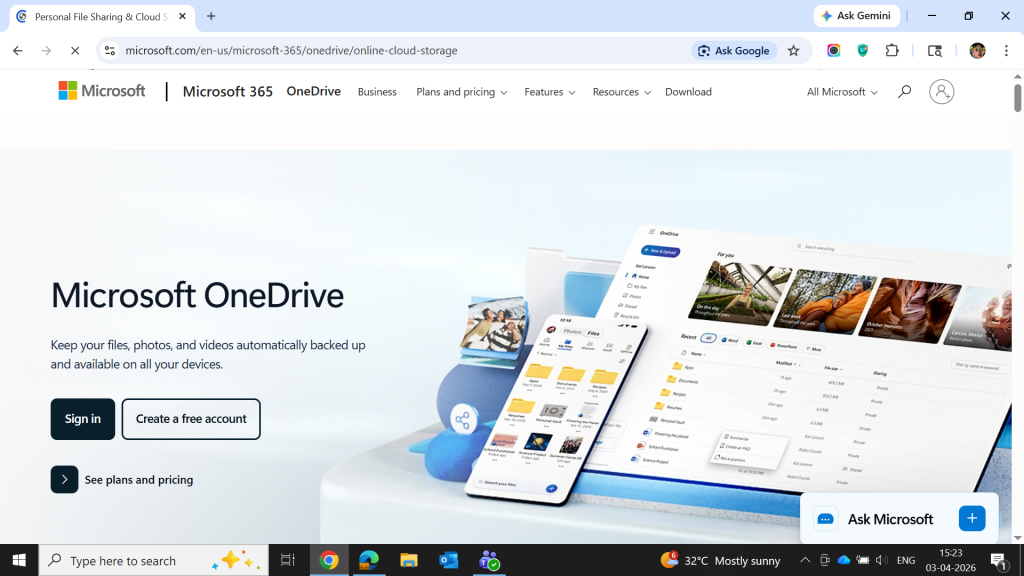
OneDrive is Microsoft’s file sync program that ties into Windows, Microsoft 365, and the web. It keeps folders synced across devices, caches files on‑demand, and supports collaboration via Word, Excel, PowerPoint, and Teams.
Every Microsoft OneDrive account starts with some free storage, and paid plans bundle larger quotas with antivirus protection and ransomware recovery features.
Microsoft OneDrive
Starting Price
$ 1.99
Key Features of OneDrive:
Pro and cons of OneDrive:
Pros
Cons
OneDrive Pricing & Plans:
| Plan | Price |
|---|---|
| Individuals | |
| Microsoft 365 Free | USD 0 (5 GB) |
| Microsoft 365 Basic | USD 1.99/month (100 GB) |
| Microsoft 365 Personal | USD 9.99/month (1 TB) |
| Microsoft 365 Family | USD 12.99/month (6 TB for up to 6 users) |
| Business | |
| OneDrive for Business (Plan 1) | USD 5/user/month |
| Microsoft 365 Business Basic | USD 6/user/month |
| Microsoft 365 Business Standard | USD 12.50/user/month |
Dropbox is one of the original file sync tool platforms, designed to keep folders in sync across desktops, laptops, and mobile devices. It focuses on simplicity, strong sharing tools, and app integrations (Slack, Zoom, Office, etc.).
Using it, users can access files from the web, install a desktop client, or use mobile apps while keeping a single source of truth. Dropbox offers a free file sync tier with limited storage and paid plans that scale for individuals and teams.

Dropbox Business
Starting Price
$ 11.99
Key Features of Dropbox:
Pro and cons of Dropbox:
Pros
Cons
Dropbox Pricing & Plans:
| Plan | Price |
|---|---|
| Basic | USD 0 (2 GB) |
| Plus | USD 9.99/month (2 TB) |
| Professional/Essentials | USD 16.58/month (3 TB) |
| Standard (Teams) | USD 15/user/month (5 TB shared) |
| Advanced (Teams) | USD 24/user/month (15 TB+) |
| Enterprise | Price on request |
IDrive combines file synchronization software with extensive backup for multiple devices into a single account. It synchronizes folders between computers, phones, and cloud storage while also supporting full‑system and server backups, versioning, and hybrid storage options.
This makes it useful for people who want file sync utility that also double as backup tools, especially those with several devices or small business setups.
Key Features of IDrive:
Pro and cons of IDrive:
Pros
Cons
IDrive Pricing & Plans:
| Plan | Starting Price |
|---|---|
| Basic | Free |
| Mini | USD 2.95/year |
| Personal | USD 69.65/year |
| Team | USD 69.65/year |
| Business | USD 69.65/year |
Sync is a privacy‑oriented file sync utility tool that uses end‑to‑end encryption, so files are encrypted on your device before they reach the servers. It keeps folders in sync across devices while offering zero‑knowledge storage, meaning Sync cannot see your data.
This makes it a popular choice for users who want strong security along with simple sharing and collaboration features. It competes with Dropbox and Google Drive but with a heavy emphasis on privacy.
Key Features of Sync.com:
Pro and cons of Sync.com:
Pros
Cons
Sync.com Pricing & Plans:
| Plan | Price |
|---|---|
| Basic 25 GB | USD 1/month |
| Personal 1 TB | USD 6/month |
| Pro Solo 5TB | USD 14/month |
| Pro Solo Unlimited | USD 45/month |
| Pro Teams Standard | USD 3/user/month |
| Teams+ Unlimited | USD 7.50/user/month |
| Enterprise | Price on request |
Resilio Sync is a file synchronization software that uses peer‑to‑peer (P2P) technology to move data directly between devices instead of only through a central server. It keeps folders in sync across computers, servers, and NAS devices while giving users control over who can access what. This makes it useful for people who want to move large media files quickly or need flexible on‑premise workflows.
Key Features of Resilio Sync:
Pro and cons of Resilio Sync:
Pros
Cons
Resilio Sync Pricing & Plans: Price on request
Syncthing is an open‑source, free file synchronization software that synchronizes folders between devices using a secure, P2P protocol. It does not depend on a central cloud provider; instead, it runs on your own machines and transfers data directly between them. This makes it a good option for technically inclined users who want to have full control over their data, avoid third‑party clouds, or run private servers.
Key Features of Syncthing:
Pro and cons of Syncthing:
Pros
Cons
Syncthing Pricing & Plans: Syncthing is an open-source and free file sync software.
Conclusion
In the end, the best file synchronization software is the one that makes your digital life hassle free. All the options we explored here work differently. While some focus on smooth collaboration, others give you complete control with requiring cloud.
The important thing is finding the one that matches how you actually work. Let Techjockey be your guide in doing so!


Explore Topics

Consult with Our Techjockey Expert
Connect for fast and scalable software delivery, corporation plans, advanced security, and much more.
Compare Popular Software

Get the latest Techjockey US Blog Updates!
Subscribe to get the first notified about tech updates directly in your inbox.

 Previous