
Description
Pricing
Features
Specification
Review
Alternatives


 View Gallery
Brand: Acronis

Get Free Expert Consultation
Let us know your business needs clearly

Verified & Trusted
Vendors

Safe & Secure
Payment

Personalized
Experts Support
$ 49.99 /Year
Features
 Automatic Backup Full Image Backup File and Folder Backup Cloud Backup Disk Cloning
 See all 
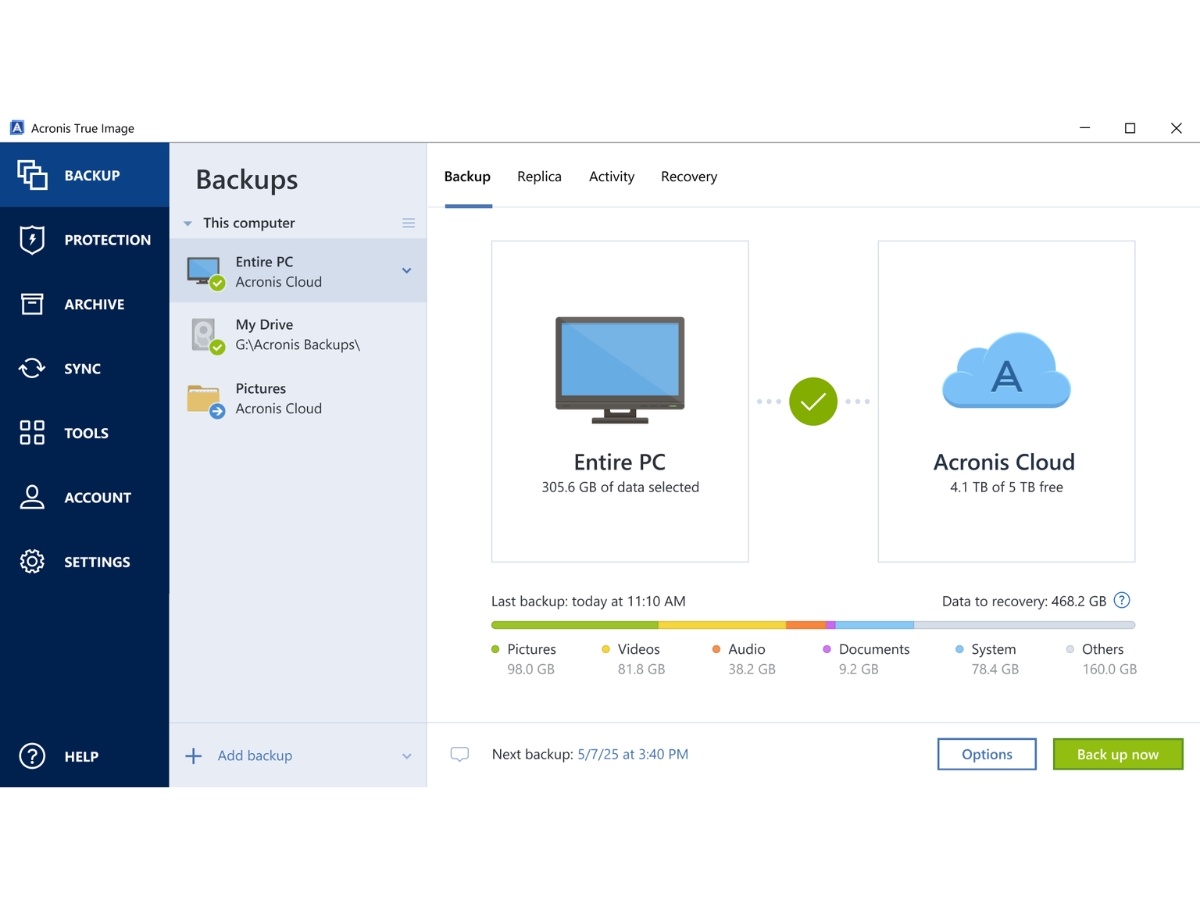
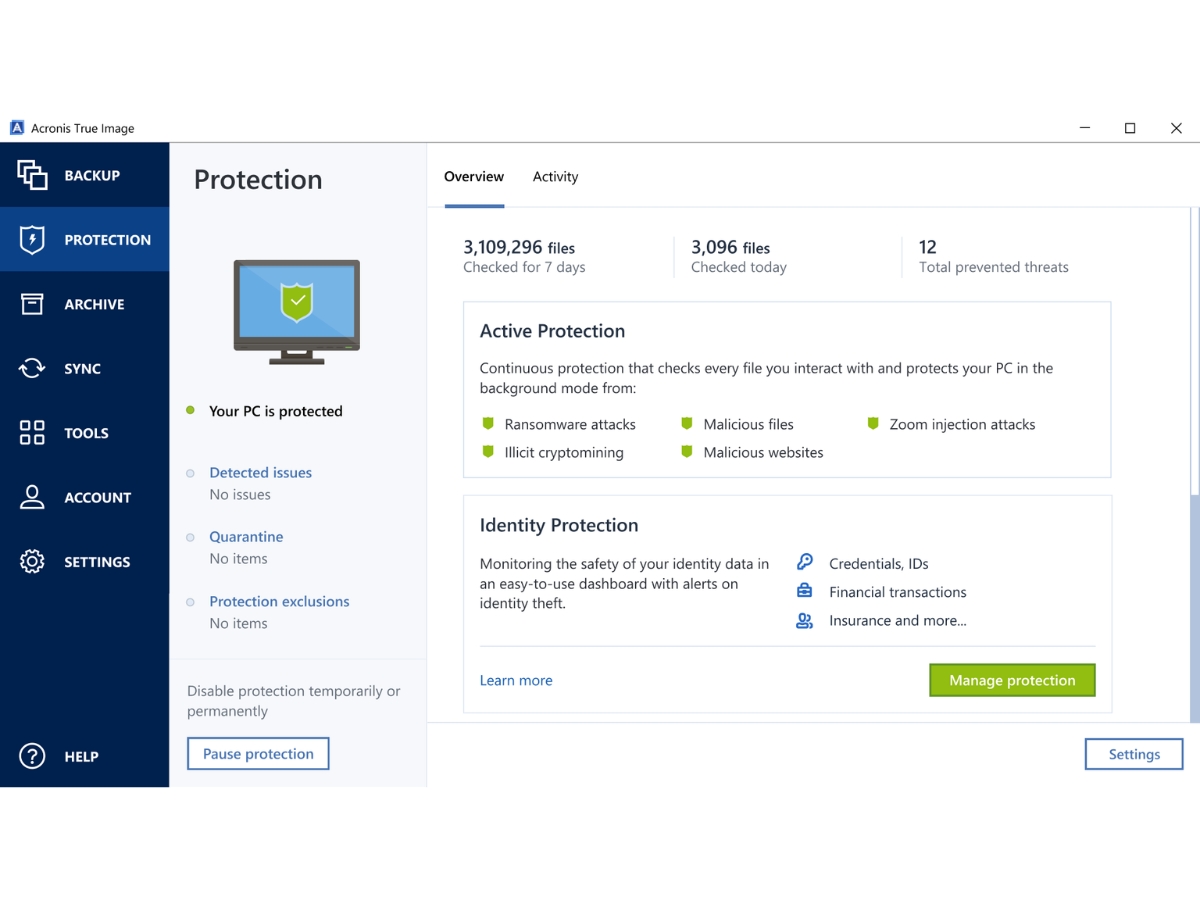
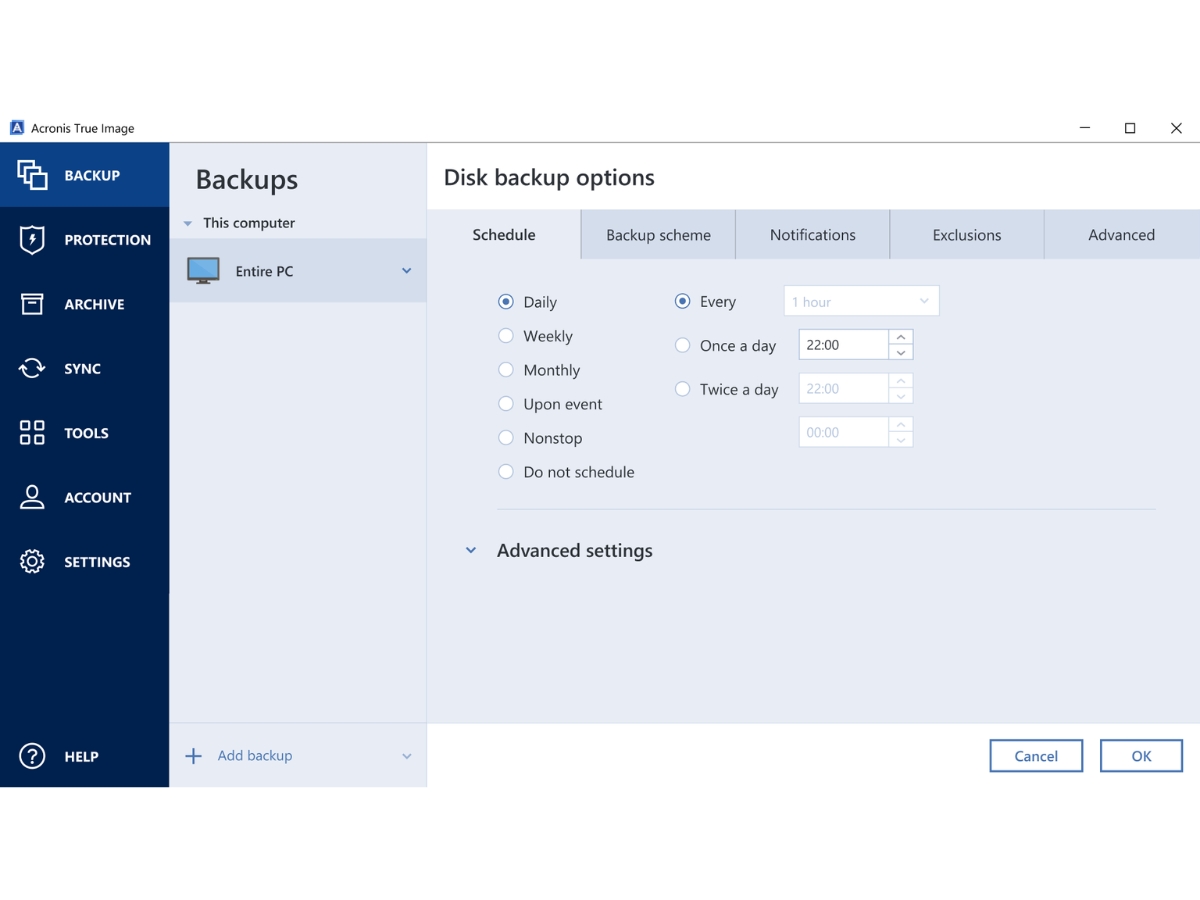
 Automatic Backup Automatically backs up selected files, folders, or entire systems on configured schedules to help prevent unexpected data loss. Full Image Backup Creates a complete image of a disk or system, including the operating system, applications, settings, and personal data. File and Folder Backup Backs up selected files and folders to protect important documents, photos, and other data against accidental loss. Cloud Backup Stores backup copies in Acronis Cloud for off-site protection and convenient recovery, subject to the subscription plan. Disk Cloning Creates a replica of an existing disk to migrate the operating system, applications, settings, and data to another drive. Disk Imaging Captures disk or partition contents in an image that can be used to restore files, partitions, or an entire system. Data Recovery Restores backed-up files, folders, partitions, or complete systems following accidental deletion, hardware failure, or data loss. Incremental Backup Saves changes made since the previous backup to reduce backup processing time and storage requirements. Scheduling Configures recurring backup schedules to maintain consistent protection of important files, folders, and system data. Encryption Encrypts backup archives using supported password-based encryption options to help protect confidential information. Ransomware Protection Detects and blocks ransomware activity and helps recover affected files through supported protection mechanisms. Antivirus Scanning Scans files and systems for viruses, malware, and other threats using the product's available security capabilities. Real-Time Protection Monitors system activity for malicious behavior and helps block threats before they compromise files or backups. Vulnerability Assessment Identifies potential security weaknesses in supported operating systems and applications and recommends corrective updates.
 | Brand Name | Acronis |
| Information | Acronis |
| Founded Year | 2003 |
| Director/Founders | Serg Bell |
| Company Size | 1-100 Employees |
 UAE
UAE India
India