Description
Pricing
Features
Specification
Review
Compare
FAQs
Alternatives

 View Gallery
Brand: Serif
A photo editing software that lets you enhance, retouch, and create images with advanced tools on Windows, Mac, and iPad. ...Read more

Get Free Expert Consultation
Let us know your business needs clearly

Verified & Trusted
Vendors

Safe & Secure
Payment

Personalized
Experts Support
Price On Request
Features
 RAW Processing Unlimited Layers & Live Filters Real-Time Pan & Zoom Advanced Selection Tools Inpainting & Healing Brushes
 See all 
We make it happen! Get your hands on the best solution based on your needs.


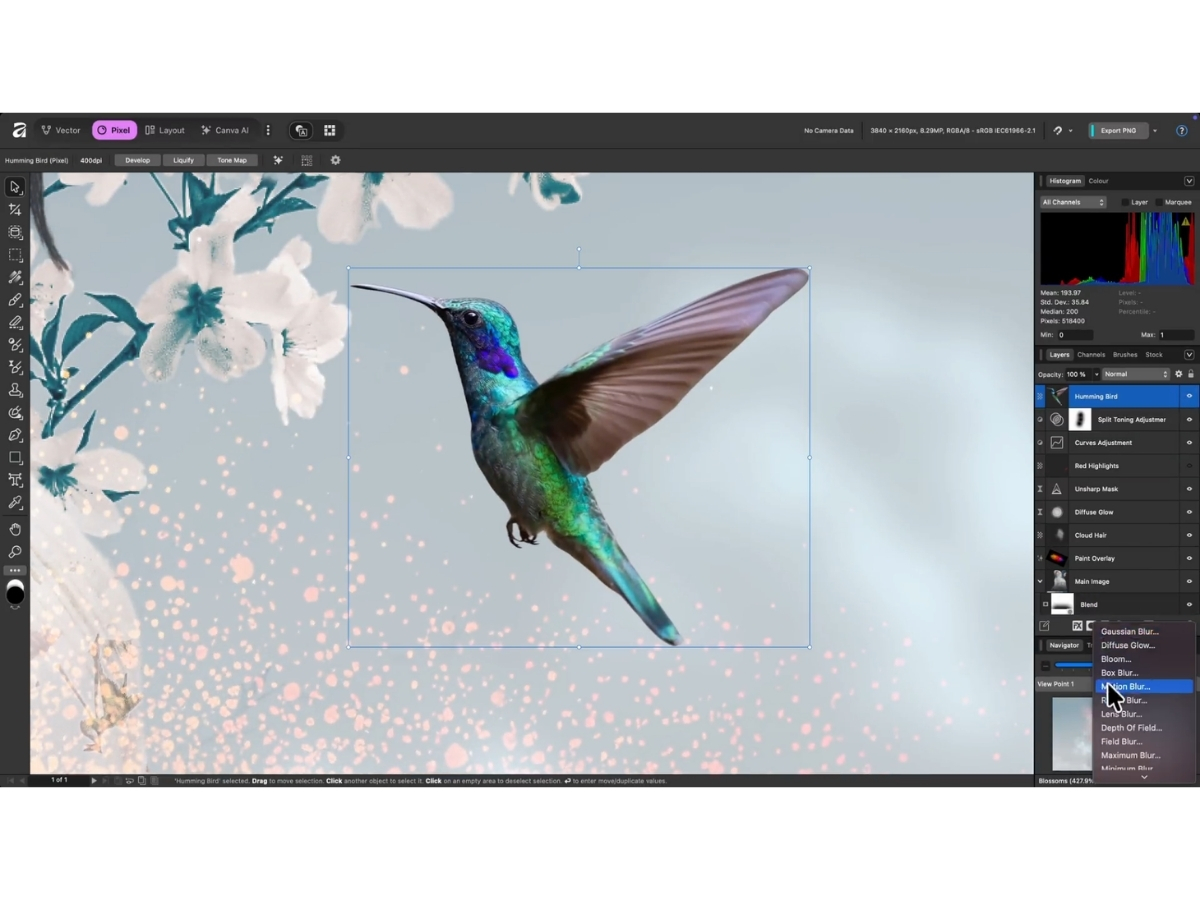
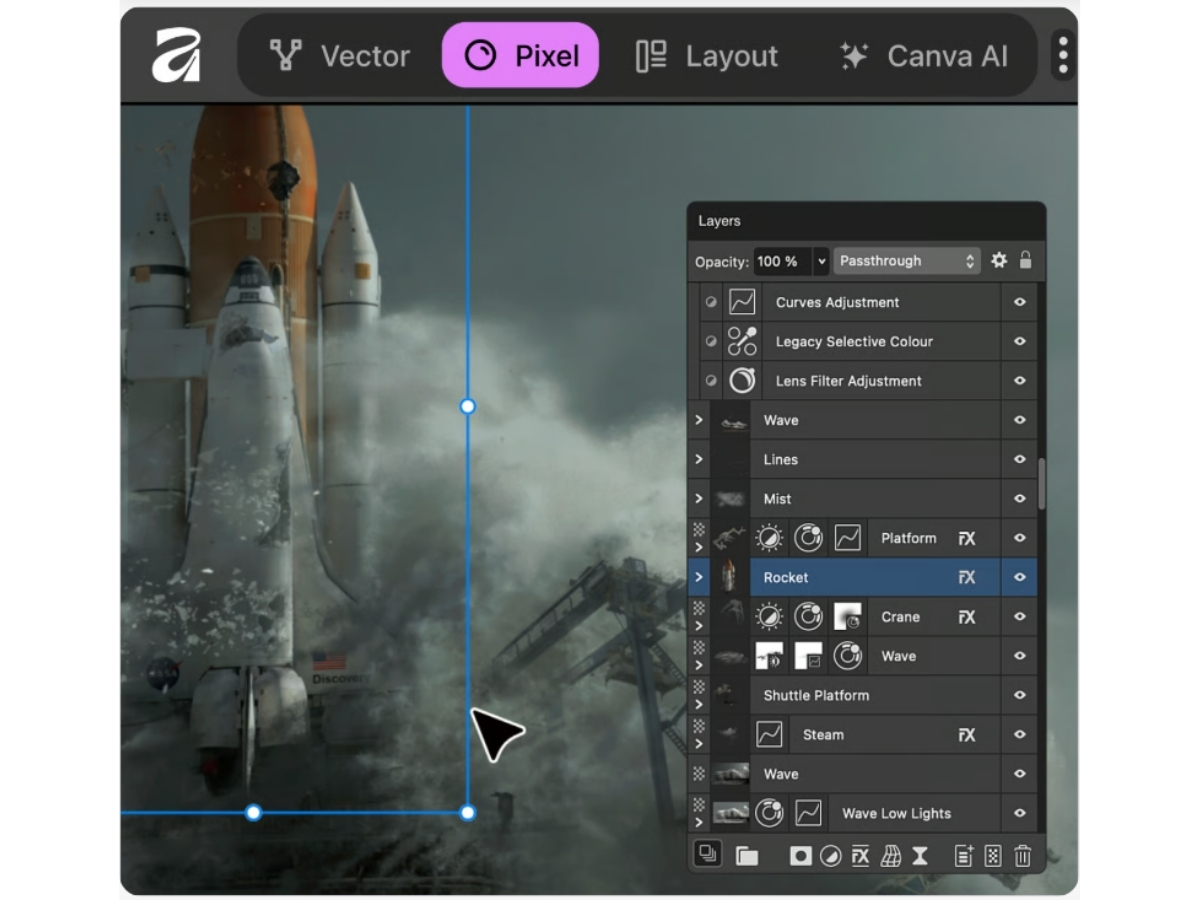
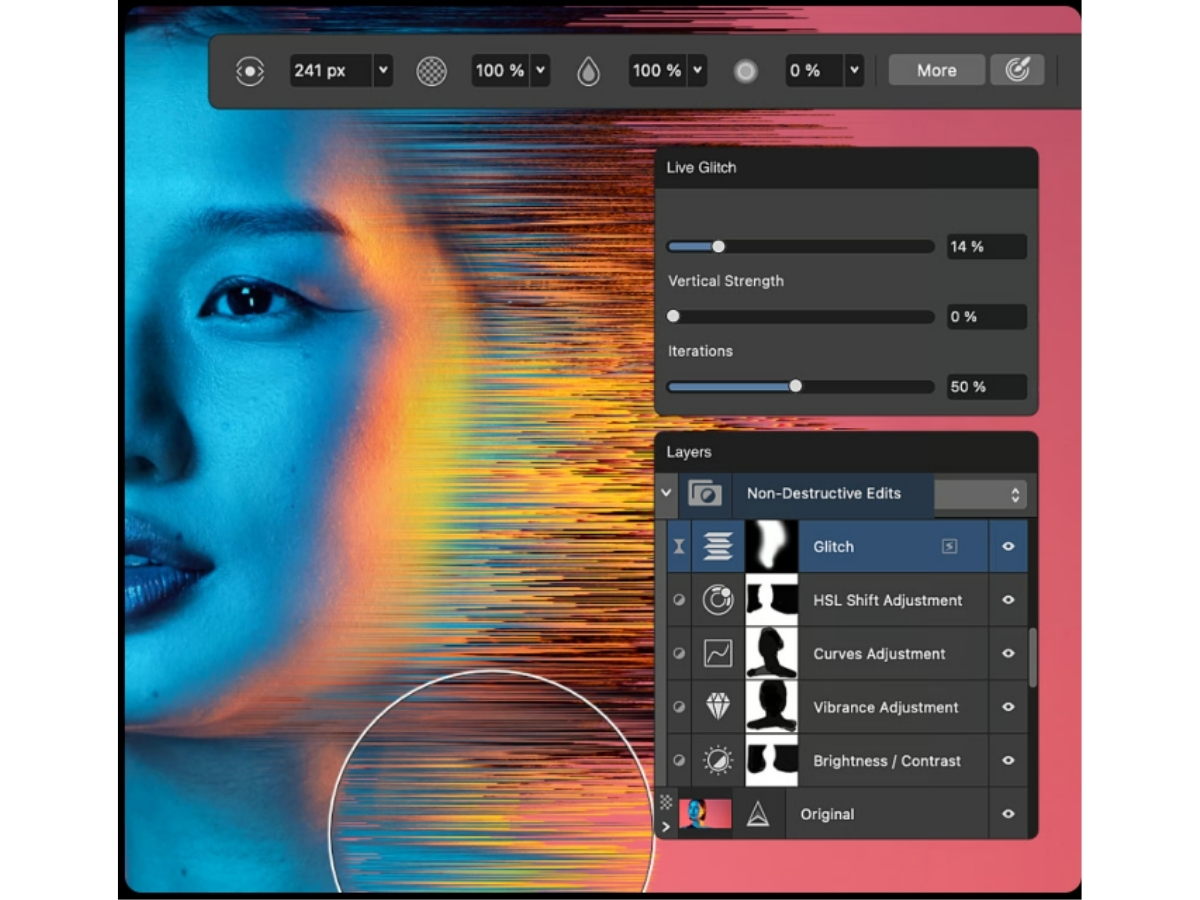
 RAW Processing Develop RAW images in a 32-bit workflow with exposure, noise, lens, and tone control. Unlimited Layers & Live Filters Create complex composites using layers, masks, adjustment layers and live effects. Real-Time Pan & Zoom Drag and scroll large files smoothly with GPU acceleration for professional speed. Advanced Selection Tools Use Selection Brush, Magic Wand, Pen Tool, and refine algorithms down to single strands. Inpainting & Healing Brushes Remove objects or retouch skin using nondestructive spot healing, patch, clone tools. Liquify Workspace & Mesh Warp Precisely reshape images using a dedicated liquify persona with full control. Panorama Stitching & HDR Merge Auto-align, merge bracketed shots into HDR or spherical panoramas with tone mapping. Focus Stacking & Noise Reduction Combine multiple exposures for depth of field, reduced noise, and artistic styles. Non-Destructive Edits Apply all adjustments, filters and live layers without altering original pixels. Export Slices & DPI Smart Output Export layers or slices in high-res formats with customizable presets. Multi Format Support Work with PSD, TIFF, JPEG, EXR, HDR, PNG, SVG, GIF, and PDF file types. Batch Macros & Automation Automate repetitive edits via batch macros for efficiency and scale. Perspective & Warp Filters Straighten, correct perspective distortions, use mesh warp and tone features. ICC Color & LAB Modes Support PANTONE, ICC profiling and color spaces including LAB and CMYK.
 | Brand Name | Serif |
| Information | Serif is the publisher of the award-winning software range |
| Founded Year | 1987 |
| Director/Founders | Ashley Hewson |
| Company Size | 1-100 Employees |
| Other Products | Affinity Designer |

 UAE
UAE India
India