
Description
Pricing
Features
Specification
Review
Alternatives

 View Gallery
Brand: AOMEI

Get Free Expert Consultation
Let us know your business needs clearly

Verified & Trusted
Vendors

Safe & Secure
Payment

Personalized
Experts Support
$ 49.95 /Year
Features
 Partition Management Disk Cloning OS Migration Disk Conversion File System Conversion
 See all 
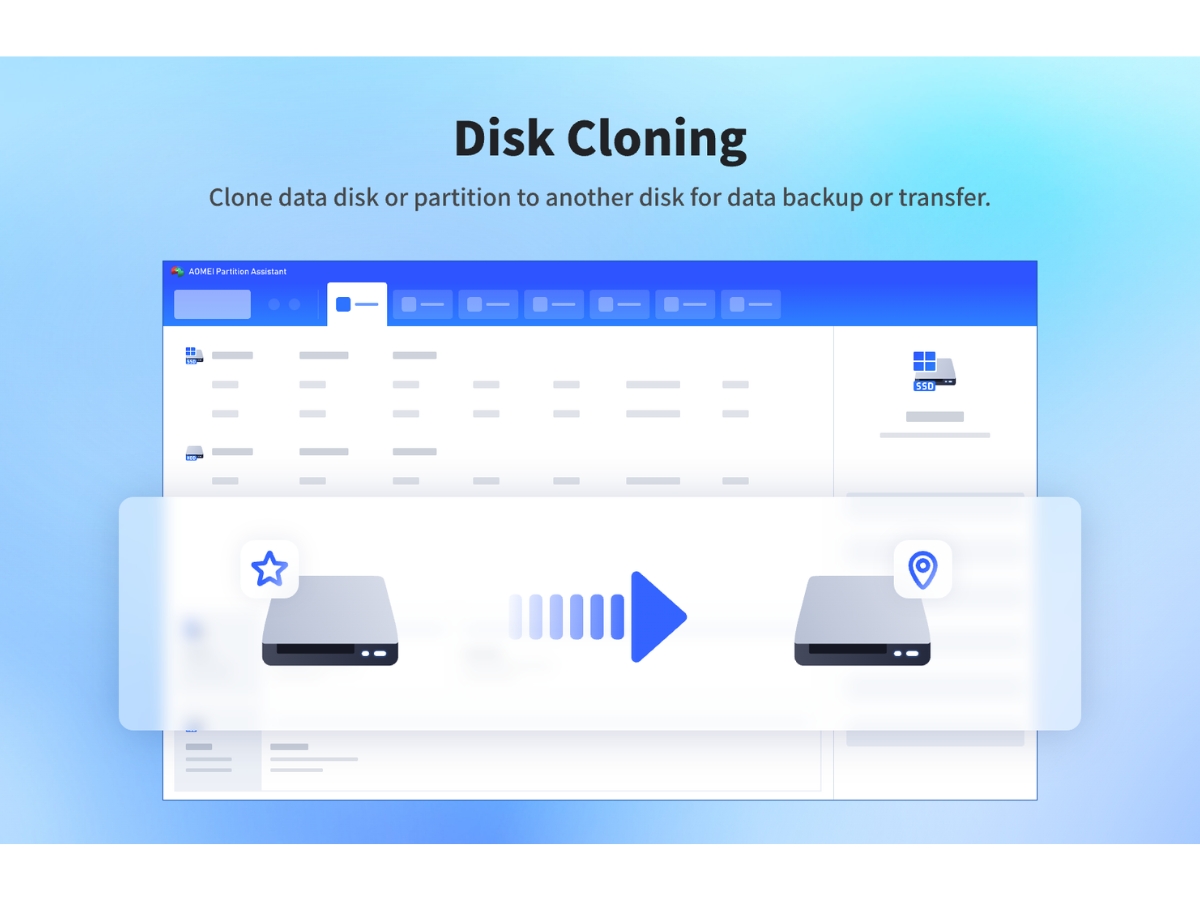
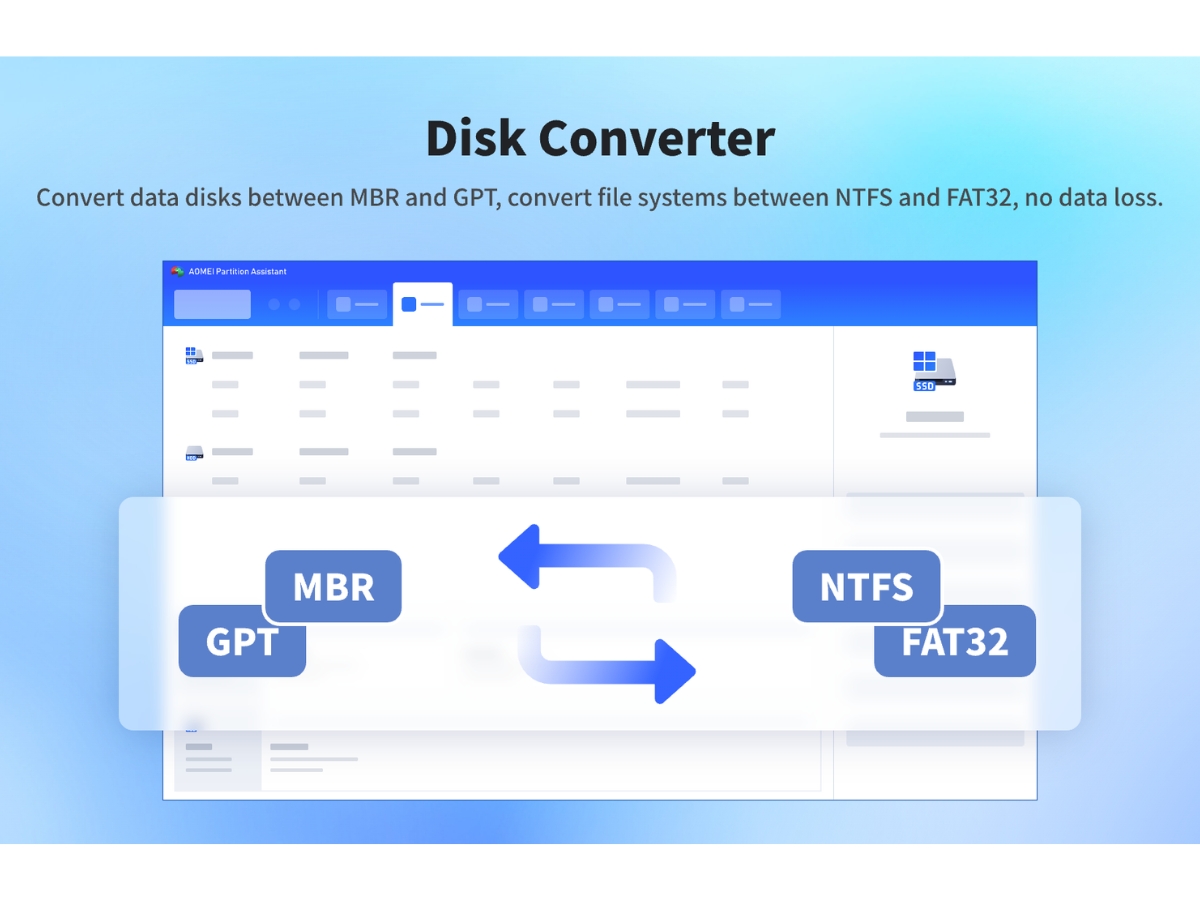
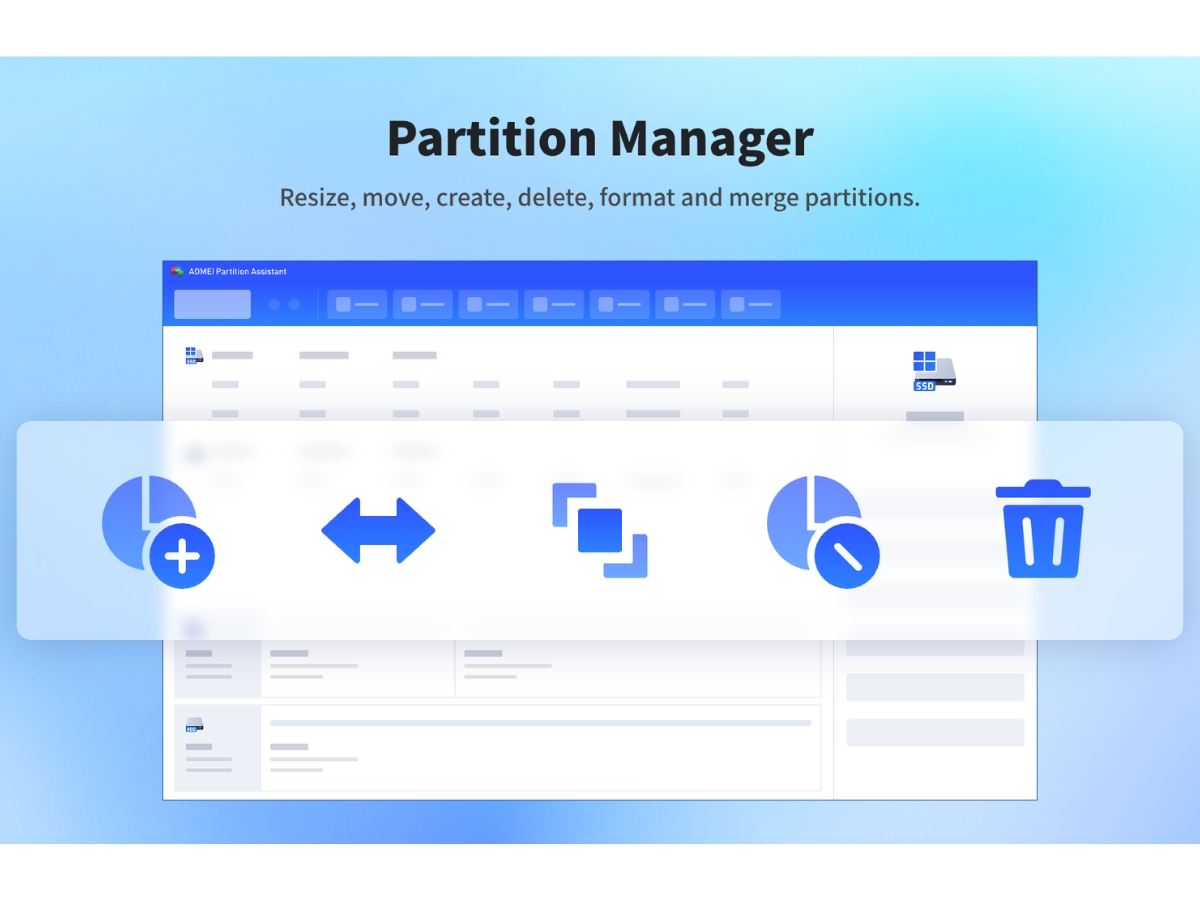
 Partition Management Manage disk partitions by creating, deleting, formatting, and organizing storage volumes for efficient disk utilization. Disk Cloning Clone disks to another drive for storage upgrades, data migration, and transferring existing files to new hardware. OS Migration Migrate Windows to an SSD or HDD using supported editions without requiring a fresh operating system installation. Disk Conversion Convert supported disks between MBR and GPT partition styles to meet system compatibility and boot requirements. File System Conversion Convert supported partitions between NTFS and FAT32 without reformatting, helping retain existing files and data. Partition Recovery Recover lost or deleted partitions where supported to help restore access to disk volumes and stored information. Disk Wiping Permanently erase data on selected disks or partitions to help prevent recovery of sensitive information. Bootable Media Creation Create Windows PE bootable media to perform supported disk management and troubleshooting tasks when Windows cannot start. Virtual Disk Management Create, attach, and detach supported VHD or VHDX virtual disks to manage virtual storage within Windows. Alignment Align partitions appropriately, particularly on SSDs, to support efficient storage access and improve disk performance. Disk Error Checking Check partitions for file system errors and bad sectors to identify storage issues and support troubleshooting. Disk Defragmentation Rearrange fragmented files on supported hard drives to improve data access efficiency and maintain disk performance.
 | Brand Name | AOMEI |
| Information | AOMEI Technology is a leading software company specializing in developing easy-to-use and secure partition management and disk management tools. |
| Founded Year | 2010 |
| Director/Founders | Jack Mei |
| Company Size | 101-500 Employees |
 UAE
UAE India
India