
Description
Pricing
Features
Specification
Review
Compare
Alternatives

 View Gallery
Brand: Arting AI

Get Free Expert Consultation
Let us know your business needs clearly

Verified & Trusted
Vendors

Safe & Secure
Payment

Personalized
Experts Support
$ 17.99 /Month
10% Off
Features
 Image Generation and Processing Editing and Customization Tools Prompt Control and Enhancements Model and AI Capabilities Collaboration and Sharing
 See all 
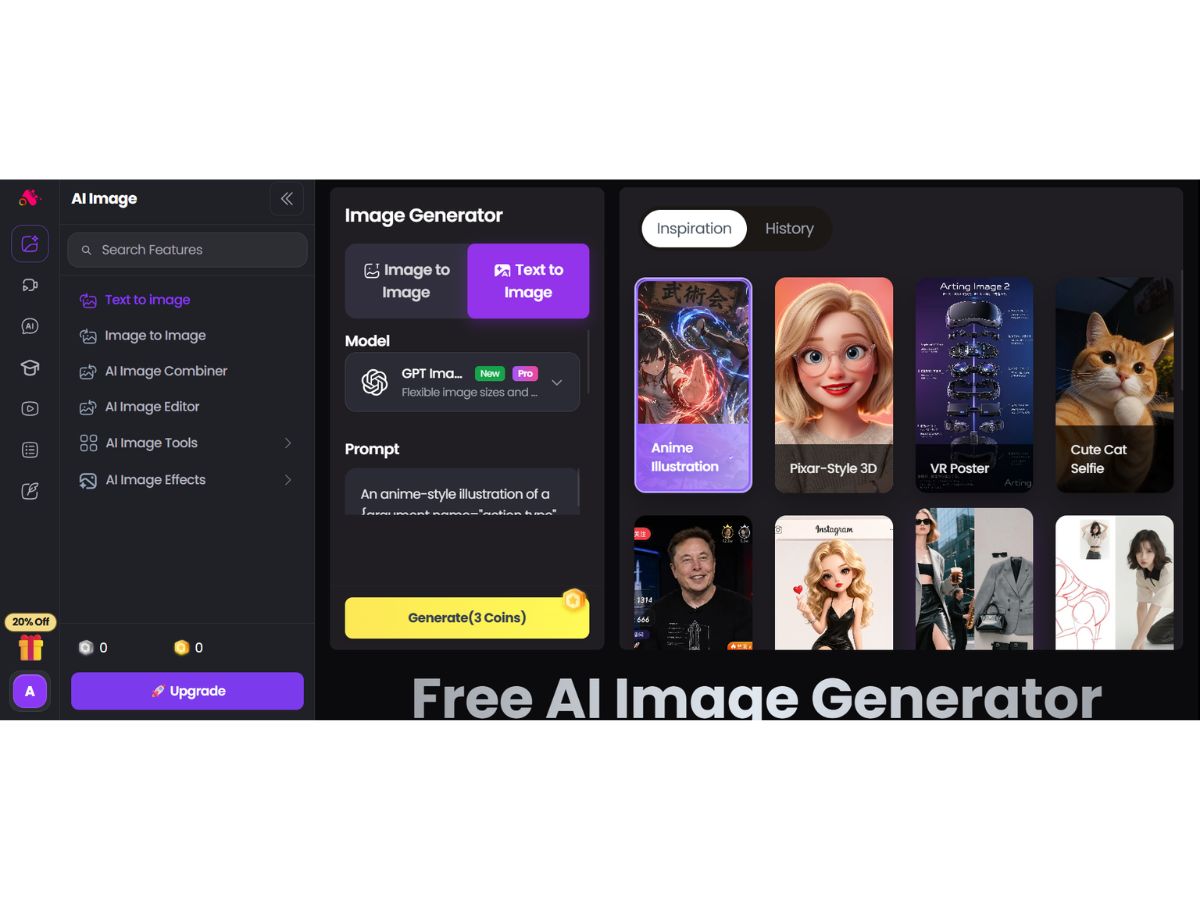
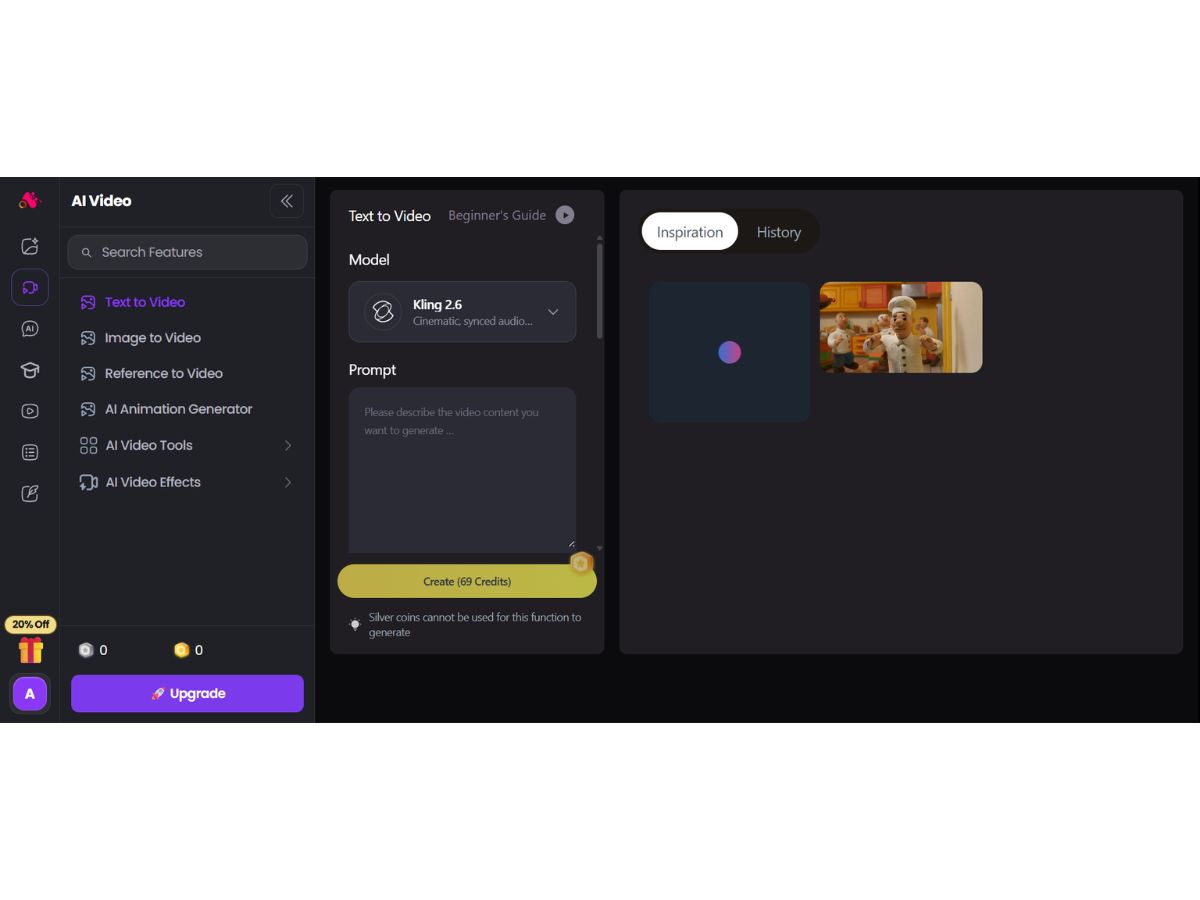
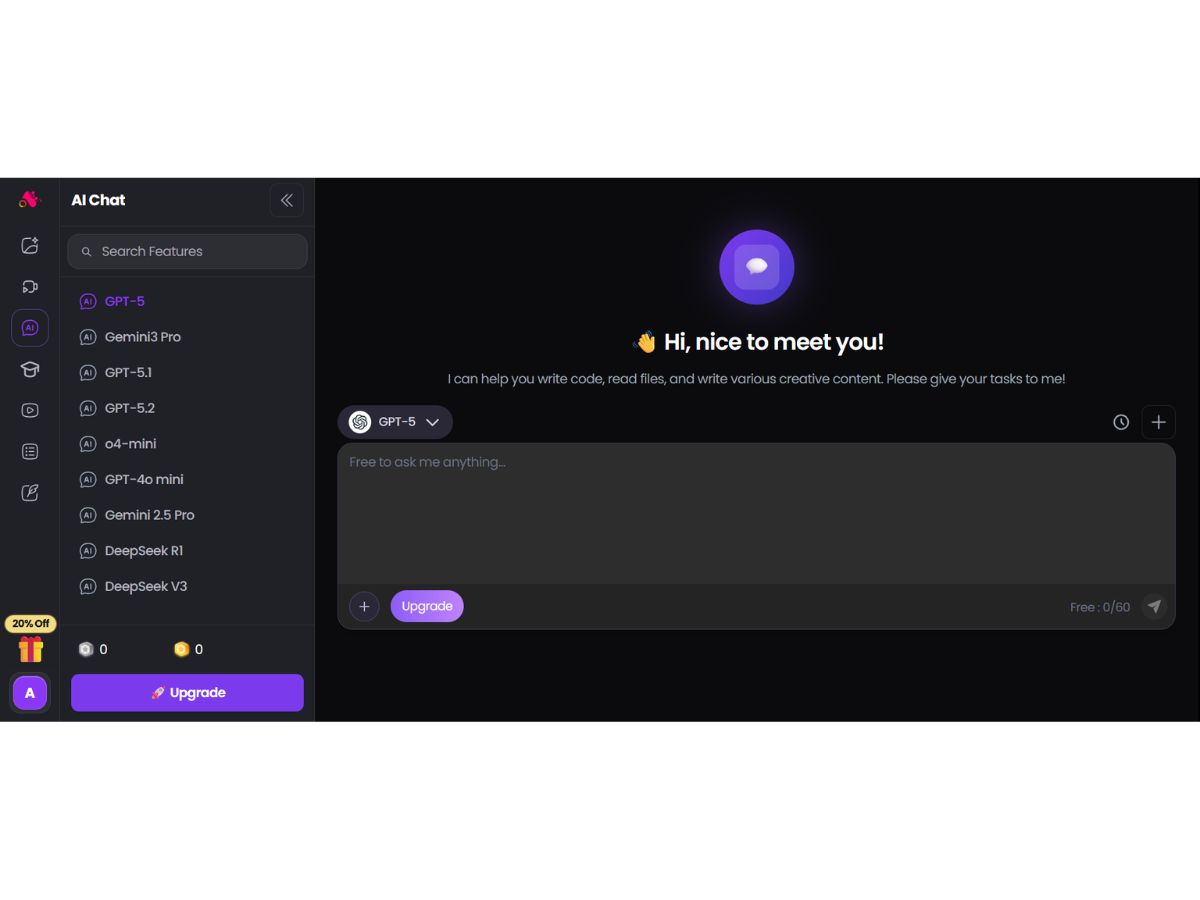
Image Generation and Processing
 Real-time Preview Provides real-time previews of the image as users adjust its parameters offering immediate feedback on the changes Text-to-Image Generation Converting the entered text into an image Image-to-Image Transformation Modifies the existing image to new style Real-Time Rendering Produces immediate results by creating the final image in real-time while the user modifies the prompt or settings High-Resolution Output Generates HD quality output Batch Generation Generates multiple images from a single prompt, ideal for exploring different variations Preset Styles Provides in-built styles and templates Drag and Drop Providing drag and drop functionality and an easy-to-use interface Multi-Layer Image Processing Builds pictures layer by layer adjusting various components to produce more precise and detailed images
 Editing and Customization Tools
Content Filters Users can add filters to photos, regulating content production, such as allowing or prohibiting NSFW content. 3D Effects Make 3D design images from simple text descriptions Style Transfer Applying artistic style of image to another Background Removal Smartly detects the image and removes the elements as per the users' choice AI Editor Use artificial intelligence to improve, fix, or create images Adjustable Parameters Controling the aspects like size, resl.,color scheme,etc Realistic Object Generation Creates realistic and coherent images Resolution Control Lets users choose the resolution at that they want created images to be Image Upscaling Enhances the image quality Object Removal Uses AI techniques to eliminate undesired things from photos, erasing all traces of the deleted objects Denoising Reducing noise from the image and thereby providing clarity Style Adaptation Allows users to create multiple alteration of an image and apply the visual style of one image onto another Layer Control Allows users to manipulate layers, background, objects, shadows, etc. Text Overlay Allows the user to add text over the generated images Image Tiling Allows the user to create seamless patterns and repeating patterns Image Weights Gives options for varying the proportion of text prompts to picture prompts Prompt Control and Enhancements
Prompt Sensitivity Adjust the accuracy of the generated image and ensures that it matches the input Prompt Flexibility Facilitates the users with ability to adjust and modify their text prompts and get desired results Prompt Editing Allows the user modify the entered prompt Prompt Enhancer Reads your prompt, analyzes it and then make changes in it automatically so that you get an upgraded image. Negative Prompt Feature using which user can enter those details that they want explicitly not included Real-Time Generation Generates images as users enters the prompts thereby reducing wait time Prompt Matrix Modifies settings to create multiple versions of a single prompt Seed Gives the user the ability to specify a seed number for consistent image generation Model and AI Capabilities
Multi-Model Support Gives users access to a variety of AI models so they may select the one that best suits their needs Fine Tuning The process of training a pre-trained model that fits the requirements of the user Model Merging Combines features from several AI models to produce image generating tools that are more effective and versatile Collaboration and Sharing
Image Sharing Easily share your artwork with other via links on social media Custom Templates Allows the user create and save new templates Prompt Libraries Provides users with a set of pre-written text suggestions Collaboration Tools Feature that allows multiple users to work in collaboration Branding and Commercial Use
Data Privacy Ensures user data and generated content are securely handled Commercial Rights Defines the legal usage of generated images allowing the user if they can use it for commercial purposes Brand Kit Enables users to brand created photos, guaranteeing uniformity across material Integration Supported
API Integration Provides the creator with an API of an image so that they can use it on other processes or apps Content Management Systems (CMS) Integration Allowing direct integration with CMS platforms allowing user to publish images on websites Design and Editing Software Integration Connectiing the design other editing tools for further image refinement Cloud Storage and Collaboration Tools Integration Allows users to save and share images directly onto the cloud storage E-Commerce Platforms Integration Provides the ability to generate product images directly for use on platforms 3D Modeling Software Integration Allow the user to create and modify 3D components inside the images using 3D applications Game Engines Integration Allows created pictures to be seamlessly integrated with gaming engines Video Editing Tools Integration Allows the user to connects with video editing software Animation Tools Integration Enables the mixing of AI-generated images with animation software NFT Marketplaces Supports direct export of AI-generated images as NFTs allowing users to mint and sell their creations on platforms Plugin & Extensions Extending functionality by adding add-ons and plugins | Brand Name | Arting AI |
| Information | Ariting AI is a leading company specializing in one-stop AI Creation solutions. |
| Founded Year | 2023 |
| Director/Founders | N/A |
| Company Size | 1-100 Employees |
 UAE
UAE India
India
 Write a Review
