
Description
Pricing
Features
Specification
Review
Compare
Alternatives

 View Gallery
Brand: Awesome Screenshot Inc

Get Free Expert Consultation
Let us know your business needs clearly

Verified & Trusted
Vendors

Safe & Secure
Payment

Personalized
Experts Support
$ 6.00 /Month
Features
 Screen Recording Screenshot Capture Scrolling Screenshot Screen Annotation Image Blur
 See all 
We make it happen! Get your hands on the best solution based on your needs.
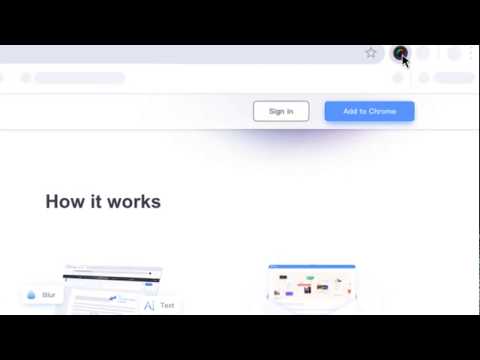

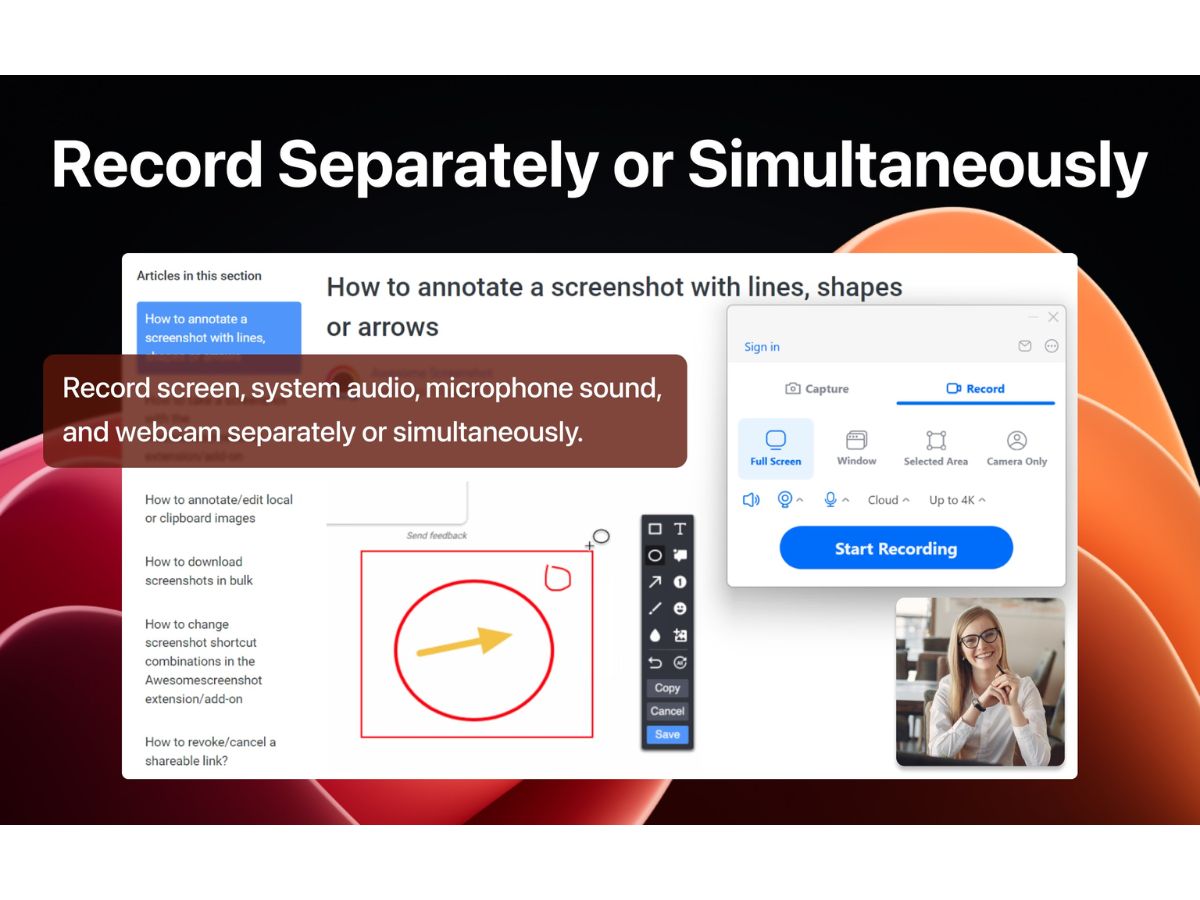
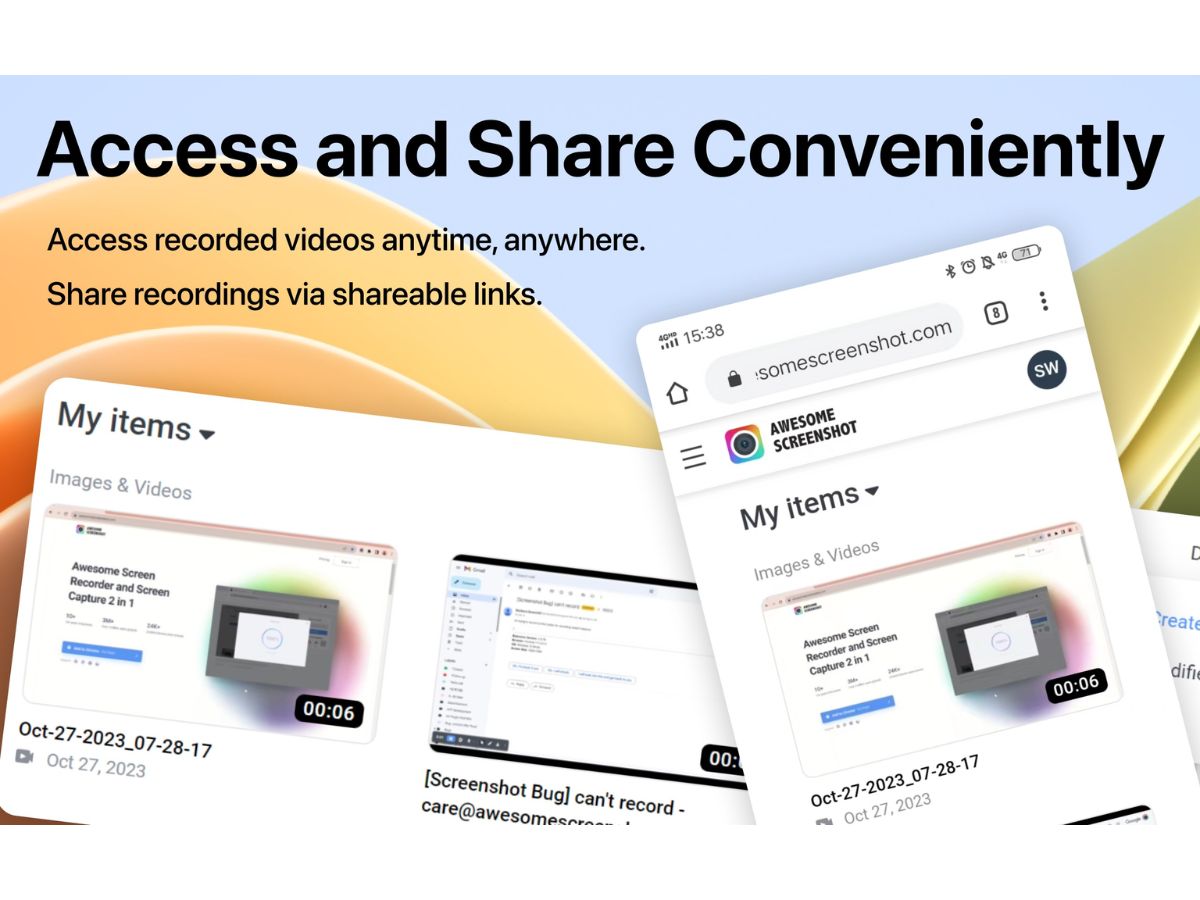
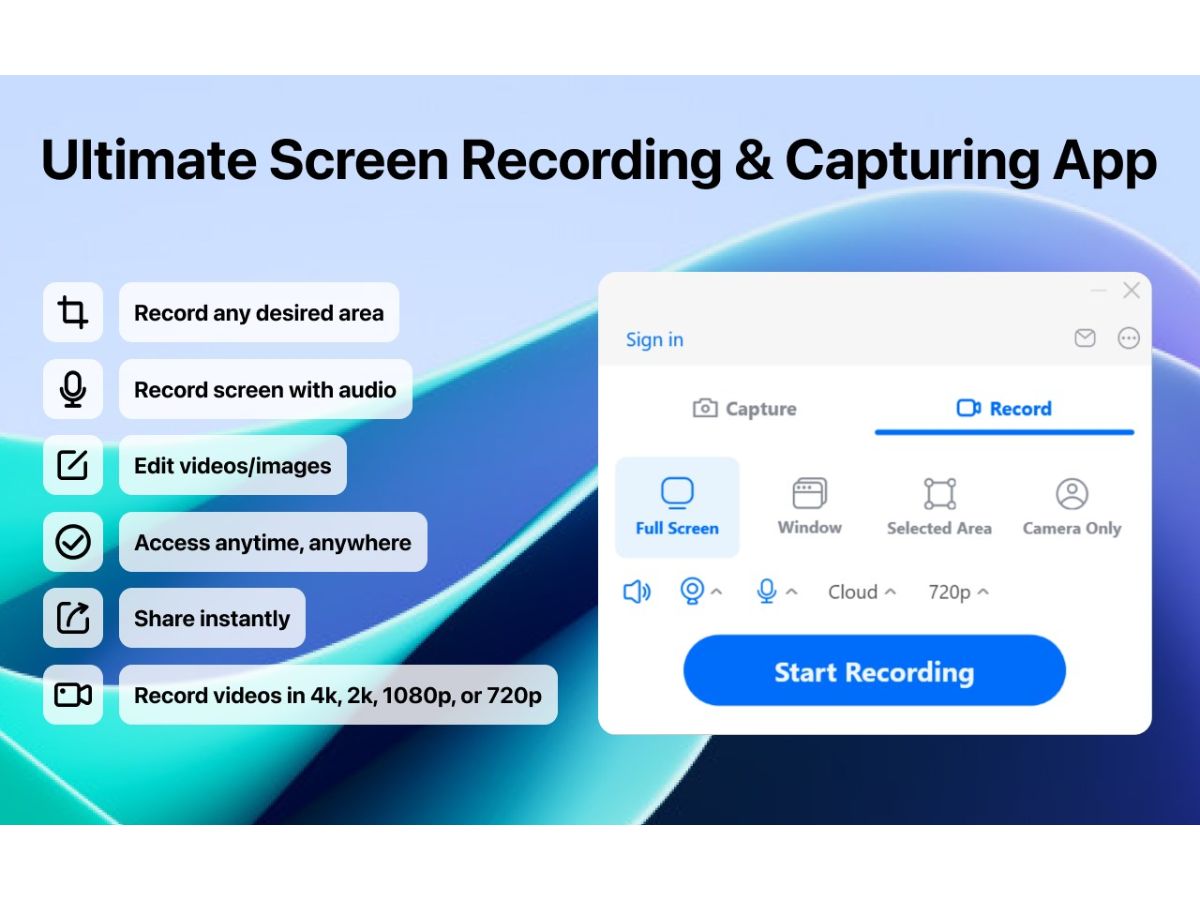
 Screen Recording Record your entire screen, browser tab, or selected window in high quality with optional audio and webcam support. Screenshot Capture Capture full-screen, scrolling, window, or custom-area screenshots with just a few clicks for quick sharing. Scrolling Screenshot Capture complete webpages or lengthy documents automatically without stitching multiple screenshots together. Screen Annotation Add arrows, text, shapes, highlights, and callouts to screenshots for clearer communication and feedback. Image Blur Blur sensitive information such as passwords, personal data, or confidential content before sharing screenshots. Video Annotation Highlight important screen activities using annotations to make recorded tutorials and demonstrations easier to follow. Webcam Recording Record your webcam alongside screen recordings to create engaging presentations, tutorials, and online lessons. Audio Recording Capture microphone and system audio during recordings for professional walkthroughs and training sessions. Cloud Storage Save screenshots and recordings securely in the cloud for easy access, organization, and sharing across devices. Instant Sharing Generate shareable links instantly to distribute screenshots and recordings with colleagues or external users. File Export Export screenshots and recordings in widely supported formats for presentations, documentation, or collaboration. Screen Capture Editing Edit captured screenshots by cropping, resizing, rotating, and enhancing images before saving or sharing them. Team Collaboration Share visual feedback with team members to simplify reviews, bug reporting, and collaborative discussions. Cross-Platform Support Access screen capture and recording capabilities across major browsers and desktop operating systems seamlessly. Integrations Connect with productivity platforms like Slack, Jira, Trello, Asana, GitHub, and Google Drive for streamlined workflows. Recording Management Organize, manage, and access previously captured screenshots and recordings from a centralized dashboard.
 UAE
UAE India
India
 Write a Review