
Description
Pricing
Features
Specification
Review
Compare
FAQs
Alternatives

 View Gallery
Brand: Instructure
A video platform for students and instructors to create, edit and manage educational audio & video files. ...Read more

Get Free Expert Consultation
Let us know your business needs clearly

Verified & Trusted
Vendors

Safe & Secure
Payment

Personalized
Experts Support
Price On Request
Features
 Interactive Video Learning Learner-Created Content Collaboration Video Uploads Screen Recording
 See all 
We make it happen! Get your hands on the best solution based on your needs.


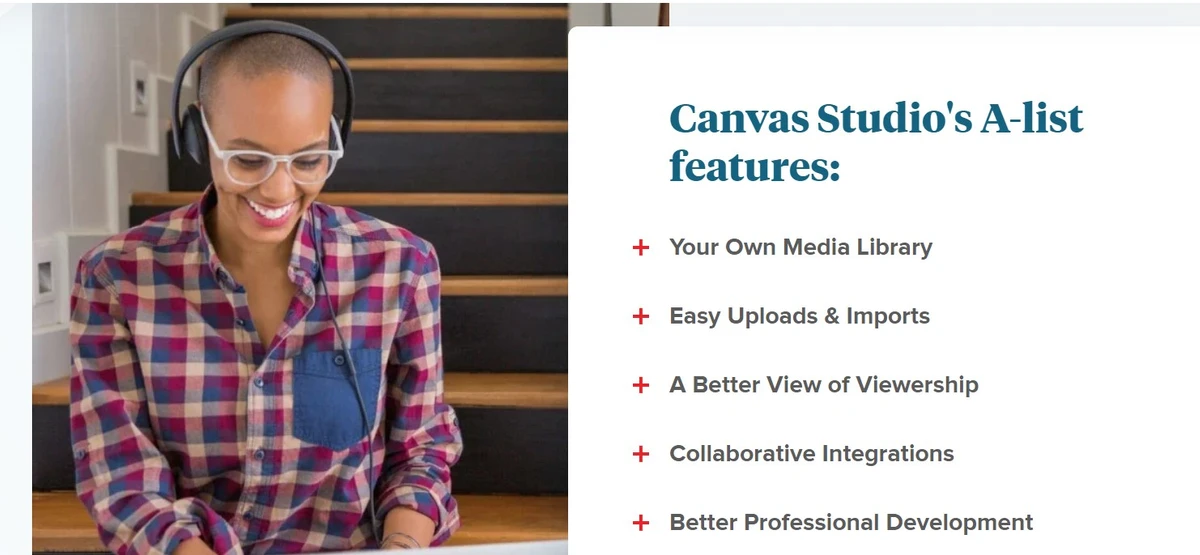
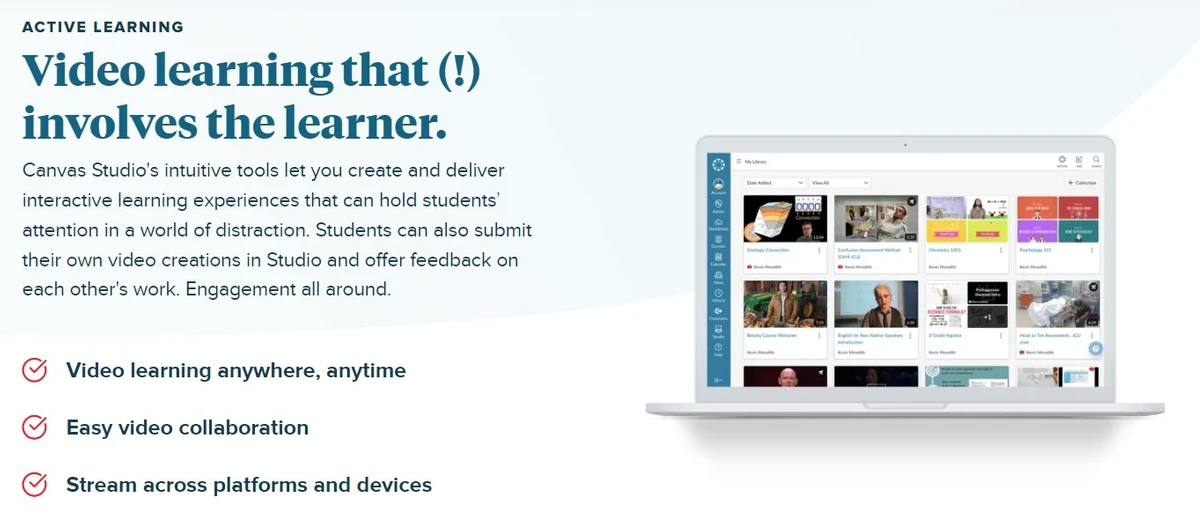
 Interactive Video Learning Turn passive video watching into active and engaging learning experiences within Canvas LMS. Learner-Created Content Let learners create videos for assignments, presentations, peer feedback and practice. Collaboration Enable students to discuss videos through threaded comments and provide peer feedback. Video Uploads Upload videos directly to courses or add content from supported external platforms. Screen Recording Record video and screen content directly in the browser using Studio Capture. Media Library Create, organize, host and share video content in a centralized media library. In-Video Discussions Add comments and discussions directly to specific points within videos. Auto-Captions Generate editable automatic captions to improve video accessibility. Caption File Management Upload, download and edit caption files while preserving captions during media changes. Multilingual Captions Edit captions in up to 19 languages to support diverse learners. Adaptive Streaming Adjust video delivery based on bandwidth so more learners can access content smoothly. Engagement Analytics Identify where viewers engage or stop watching to improve video content effectiveness. CSV Analytics Export Export viewer lists and related video insight data as CSV files for further analysis.
 | Brand Name | Instructure |
| Information | Instructure is a learning technology company and the creator of the Canvas learning management system for K-12 and higher education. |
| Founded Year | 2008 |
| Director/Founders | Brian Whitmer, Devlin Daley |
| Company Size | 501-1000 Employees |
| Other Products | Canvas LMS |

 UAE
UAE India
India
 Write a Review
