Description
Pricing
Features
Specification
Review
Compare
FAQs
Alternatives

 View Gallery
Brand: ClassLink
An identity access management software that lets students and teachers securely access multiple learning apps with a single login. ...Read more

Get Free Expert Consultation
Let us know your business needs clearly

Verified & Trusted
Vendors

Safe & Secure
Payment

Personalized
Experts Support
Price On Request
Features
 Single sign-on Identity & Access Management Automated User Provisioning Secure Login Options Multi-Factor Authentication (MFA)
 See all 
We make it happen! Get your hands on the best solution based on your needs.
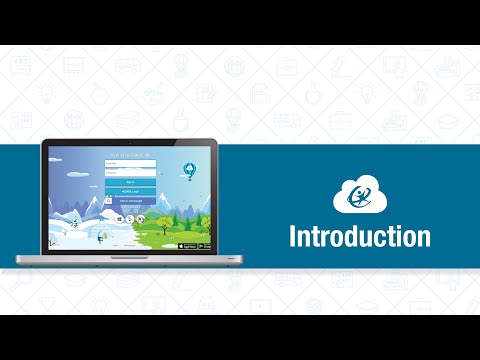

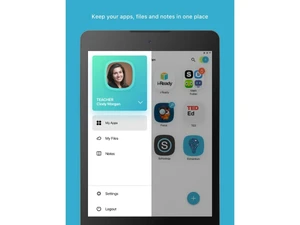
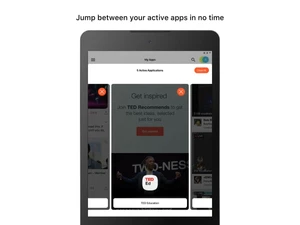
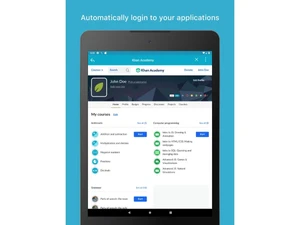
 Single sign-on Allows users to access multiple educational applications with one secure login, eliminating repeated passwords. Identity & Access Management Manages user identities, roles, and permissions across school systems with centralized control. Automated User Provisioning Automatically creates, updates, and removes user accounts based on enrollment or HR data. Secure Login Options Supports multiple login methods including passwords, QR codes, smart badges, and directory sync. Multi-Factor Authentication (MFA) Adds an extra verification layer to protect student and staff accounts from unauthorized access. Application Launch Portal Provides a personalized dashboard where users can launch all approved learning apps easily. Roster Synchronization Syncs class rosters and user groups across LMS and instructional tools automatically. Analytics & Reporting Tracks application usage and engagement to help administrators optimize digital learning tools. Role-Based Access Control (RBAC) Assigns app access and permissions based on user roles such as student, teacher, or administrator. Cloud Storage Enables access to Google Drive, OneDrive, and other cloud storage from a single interface. Active Directory Integration Integrates with Active Directory, Azure AD, and Google Workspace for seamless identity sync. Password Management Reduces password fatigue by minimizing credentials while maintaining secure access policies. Customizable Dashboard Allows schools to customize layouts, app icons, and branding for different user groups. Data Privacy & Compliance Designed to meet K–12 data privacy requirements including FERPA and student data protection laws. App Usage Monitoring Provides visibility into which applications are used most and least across the institution. Device & Network Access Support Enables secure access from school devices, personal devices, and remote networks. Disaster Recovery & Reliability Ensures high availability and continuity of access during outages or emergencies.
 | Brand Name | ClassLink |
| Information | ClassLink designs and develops application servers and solutions for K-12 school districts. |
| Founded Year | 1988 |
| Director/Founders | Berj Akian |
| Company Size | 1-100 Employees |

 UAE
UAE India
India