Description
Pricing
Features
Specification
Review
Compare
FAQs
Alternatives


 View Gallery
Brand: Live Church Solutions
A free church presentation software used to display song lyrics, Bible verses, and media during worship services. ...Read more

Get Free Expert Consultation
Let us know your business needs clearly

Verified & Trusted
Vendors

Safe & Secure
Payment

Personalized
Experts Support
FREE
Features
 Cross-Platform Support Live Editing Custom Slide Design Multiple Output Displays NDI Integration
 See all 
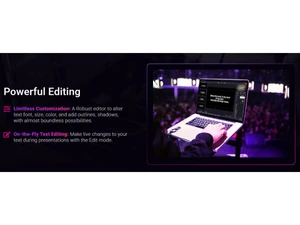
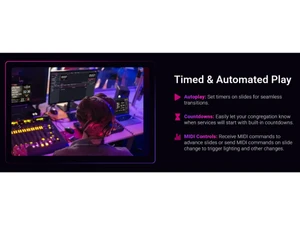

 Cross-Platform Support Run FreeShow on Windows, macOS, and Linux, ensuring flexible access across devices for any presentation environment. Live Editing Edit text, colors, and layouts during active presentations, enabling quick adjustments without stopping the display. Custom Slide Design Create slides with customizable fonts, shadows, outlines, and backgrounds for a polished and professional look. Multiple Output Displays Send different layouts to audience, stage, and livestream outputs simultaneously for tailored presentations. NDI Integration Stream presentation output over the network using NDI, making it easy to broadcast or connect to video systems. Remote Control Control slides from mobile devices, giving presenters and musicians easy access during services or rehearsals. Bible Integration Search and insert scripture passages directly into slides, formatted automatically for easy display. Template Library Use pre-designed templates or create custom layouts to maintain consistent styling across presentations. Import Compatibility Import presentations from ProPresenter, EasyWorship, OpenSong, PowerPoint, and other tools seamlessly. Export Options Export presentations to PDF, text, or full project files for sharing, archiving, or printing. Cloud Synchronization Sync presentations with Google Drive or local repositories to collaborate with team members anywhere. Multi-Language Support Use FreeShow in over 20 languages, making it accessible for global teams and diverse communities. Overlay Tools Add overlays such as announcements, messages, or live notes without interrupting the main presentation.
 UAE
UAE India
India