
Description
Pricing
Features
Specification
Review
Compare
FAQs
Alternatives


 View Gallery
Brand: Moxo
A business process management software that orchestrates client-facing workflows through branded portals and no-code automation. ...Read more

Get Free Expert Consultation
Let us know your business needs clearly

Verified & Trusted
Vendors

Safe & Secure
Payment

Personalized
Experts Support
Price On Request
Features
 Secure Messaging Channels Video Conferencing Document Management Electronic Signature Workflow Automation
 See all 
We make it happen! Get your hands on the best solution based on your needs.
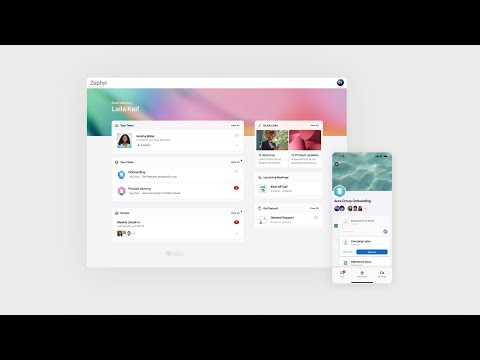

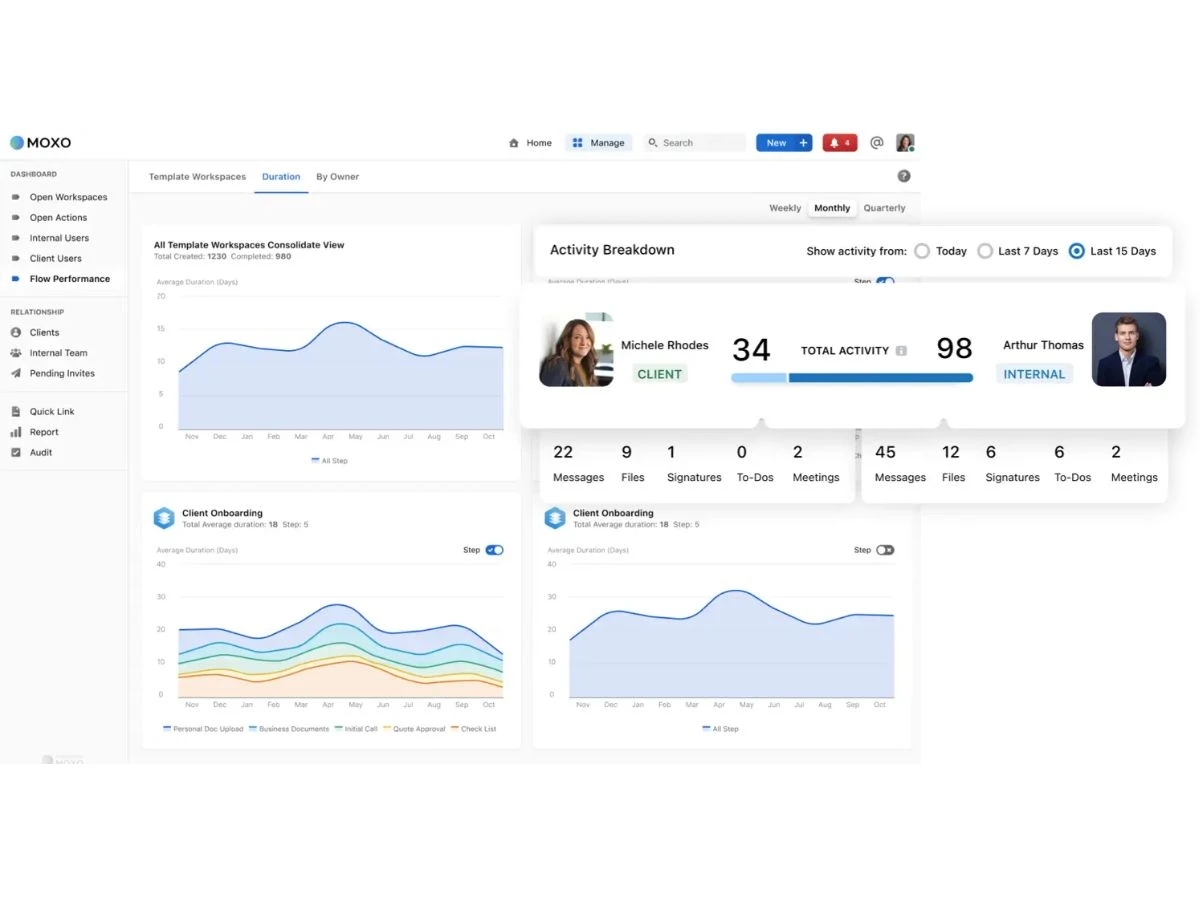
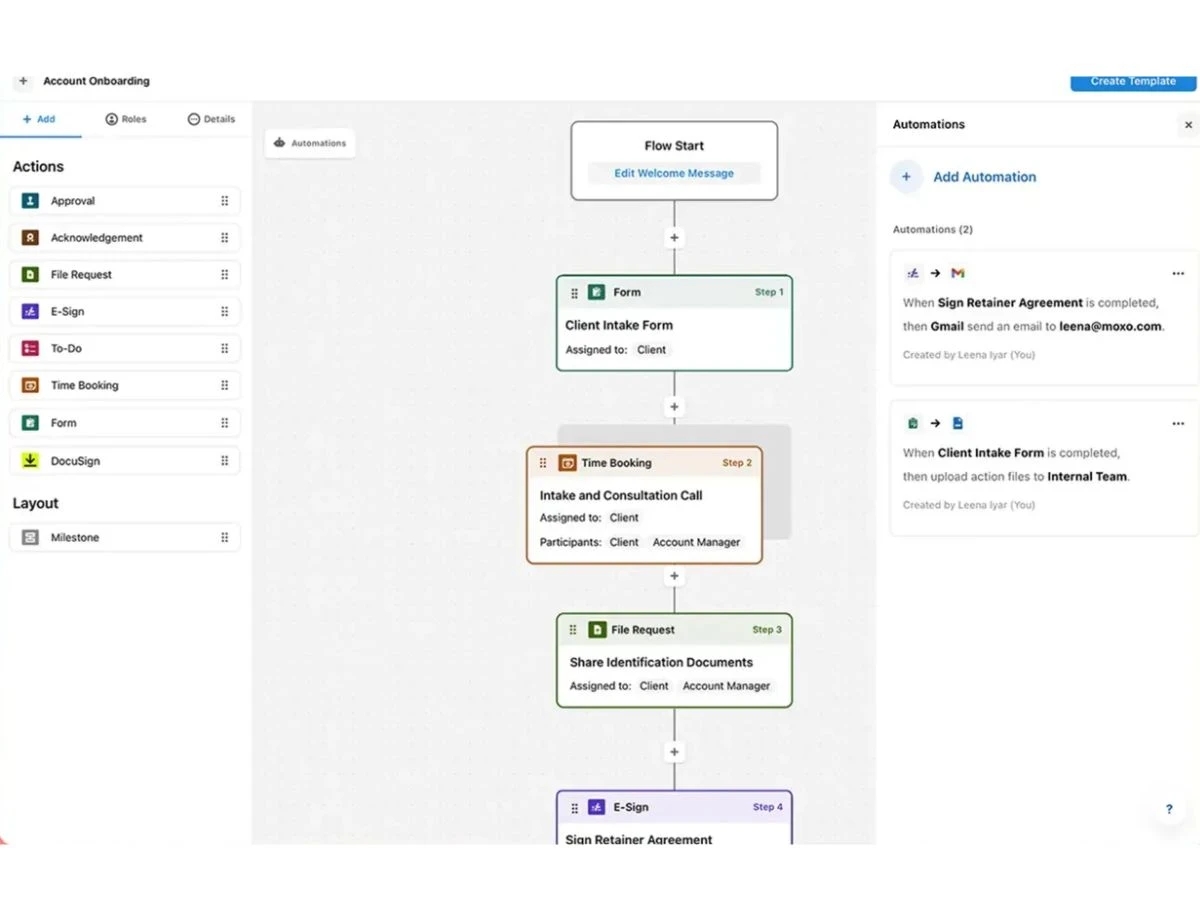
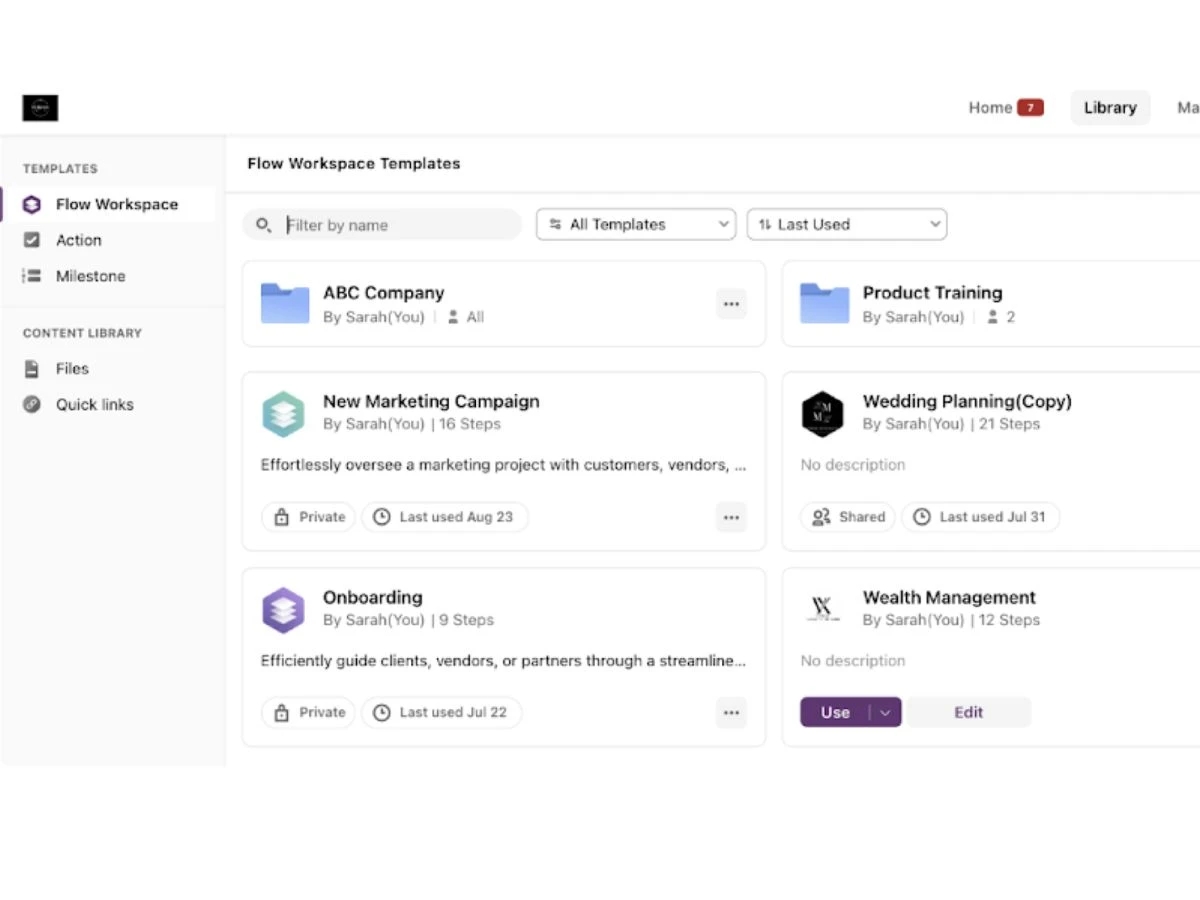
 Secure Messaging Channels Enables encrypted real-time messaging between stakeholders within workflow contexts, ensuring communication integrity and process Video Conferencing Provides built-in video meetings within workflows, enabling synchronous communication without external conferencing tools Document Management Supports secure document upload, sharing, annotation, and version control within workflows, ensuring accurate document handling. Electronic Signature Enables execution of legally binding electronic signatures within workflows, reducing manual document approval cycles Workflow Automation Automates multi-step workflows, including routing, approvals, escalations, and task assignments across stakeholders reliably. Client Portal Provides secure client-facing portals for task completion, document exchange, and workflow interaction across engagements Custom Form Builder Allows creation and deployment of digital forms for structured data collection within workflows and client interaction processes Template Management Supports creation and reuse of standardized workflow templates, ensuring consistent execution across business processes Role-Based Access Control (RBAC) Restricts access to workflows, data, and actions based on assigned roles, ensuring secure and controlled system operations Audit Trail Tracks and records all user actions, document interactions, and workflow events for compliance and operational accountability System Integration Framework Provides integration with enterprise systems such as CRM, ERP, and storage platforms for seamless operational data Workflow Orchestration Coordinates tasks, human actions, and system events across workflows, ensuring process execution and completion reliability Alerts & Notifications Delivers automated notifications, reminders, and escalation alerts to participants based on workflow triggers and status changes Progress Tracking Provides real-time tracking of workflow status, task completion, and participant actions through centralized dashboards Data Collection Enables structured submission of client data, documents, and approvals within workflows for standardized data handling processes. Embedded Workflow Execution Allows execution of workflows directly within external applications through embedded interfaces, improving user workflow
 | Brand Name | Moxo |
| Information | Moxo is the Human + AI process orchestration platform. |
| Founded Year | 2012 |
| Director/Founders | Stanley Huang, Subrah Iyar |
| Company Size | 101-500 Employees |

 UAE
UAE India
India

 Write a Review
