
Description
Pricing
Features
Specification
Review
Compare
Alternatives

 View Gallery
Brand: OpenBoard

Get Free Expert Consultation
Let us know your business needs clearly

Verified & Trusted
Vendors

Safe & Secure
Payment

Personalized
Experts Support
FREE
Features
 Interactive Whiteboard Real-Time Annotation Multi-Page Canvas Drawing Tools Handwriting Support
 See all 
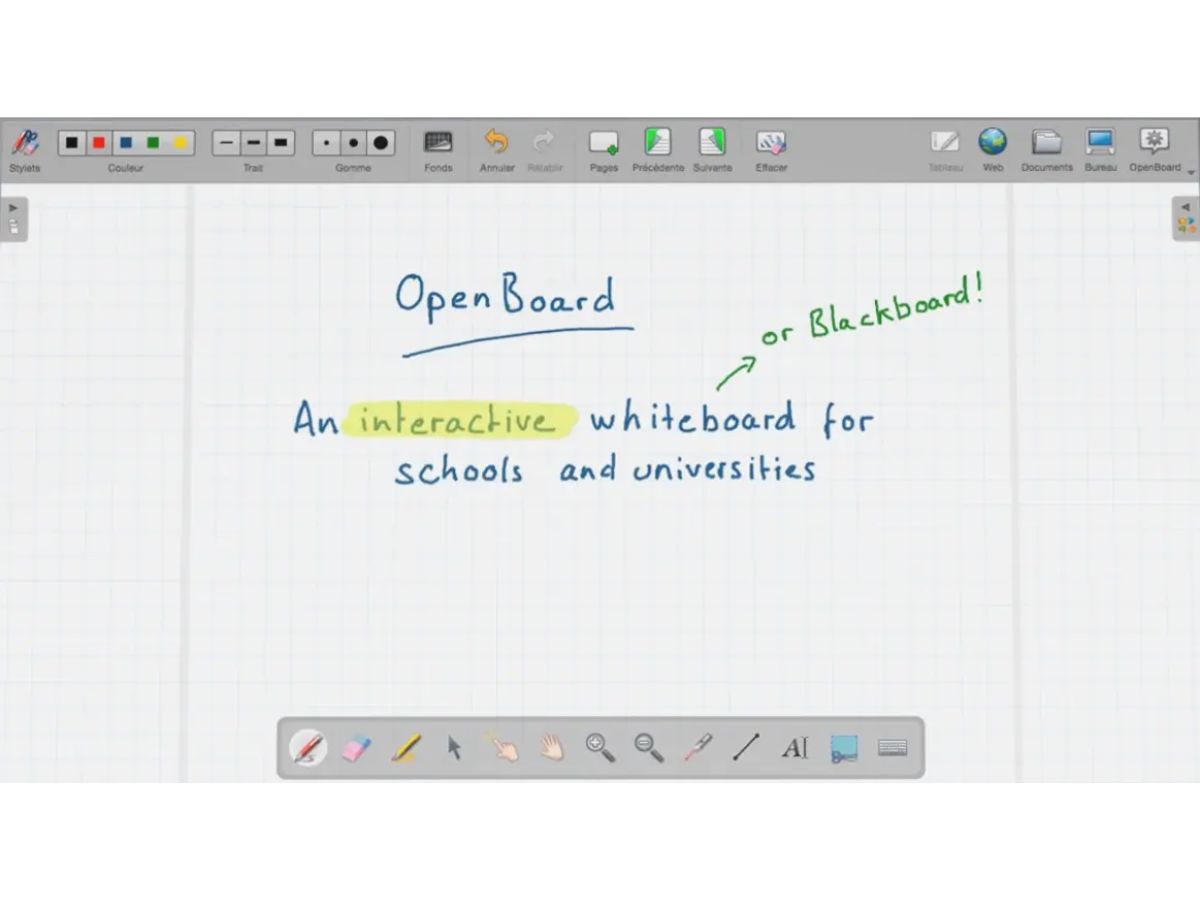
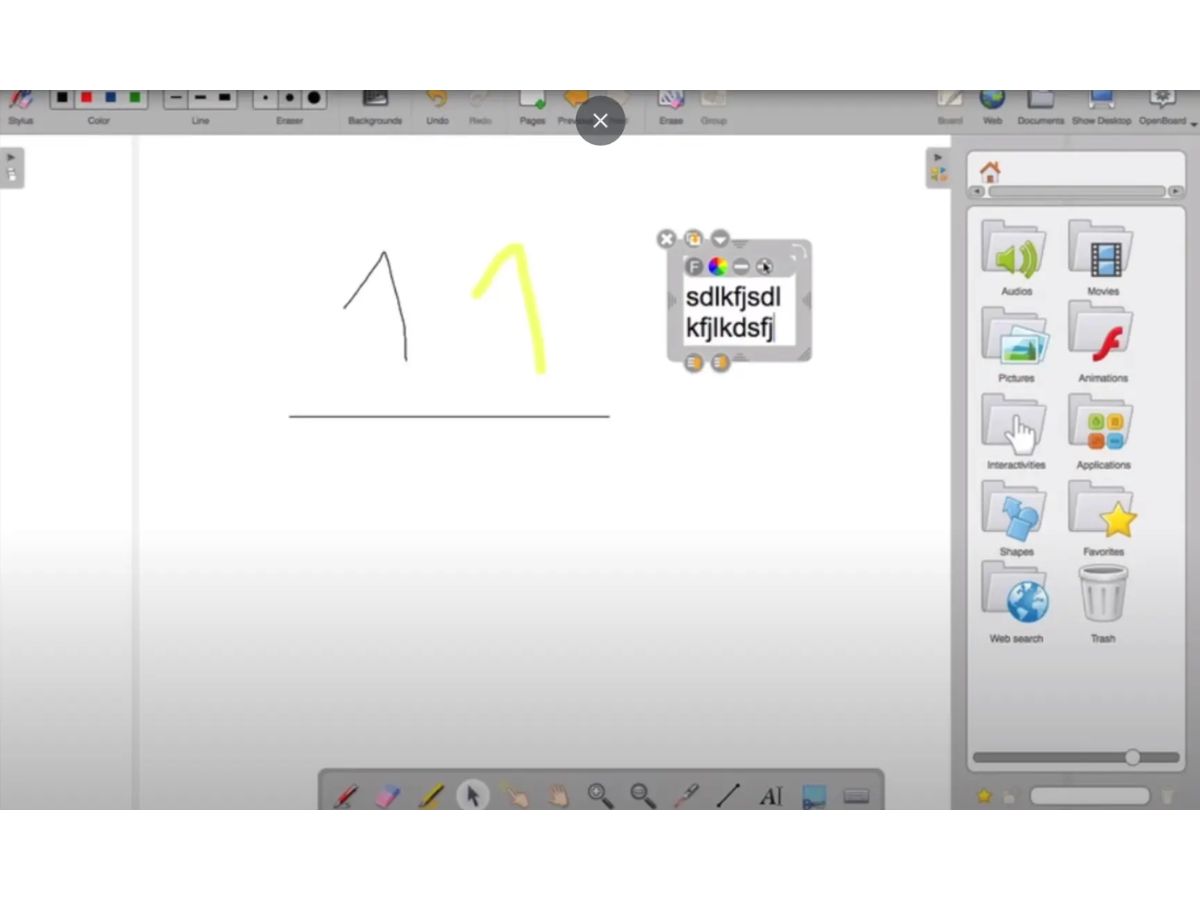
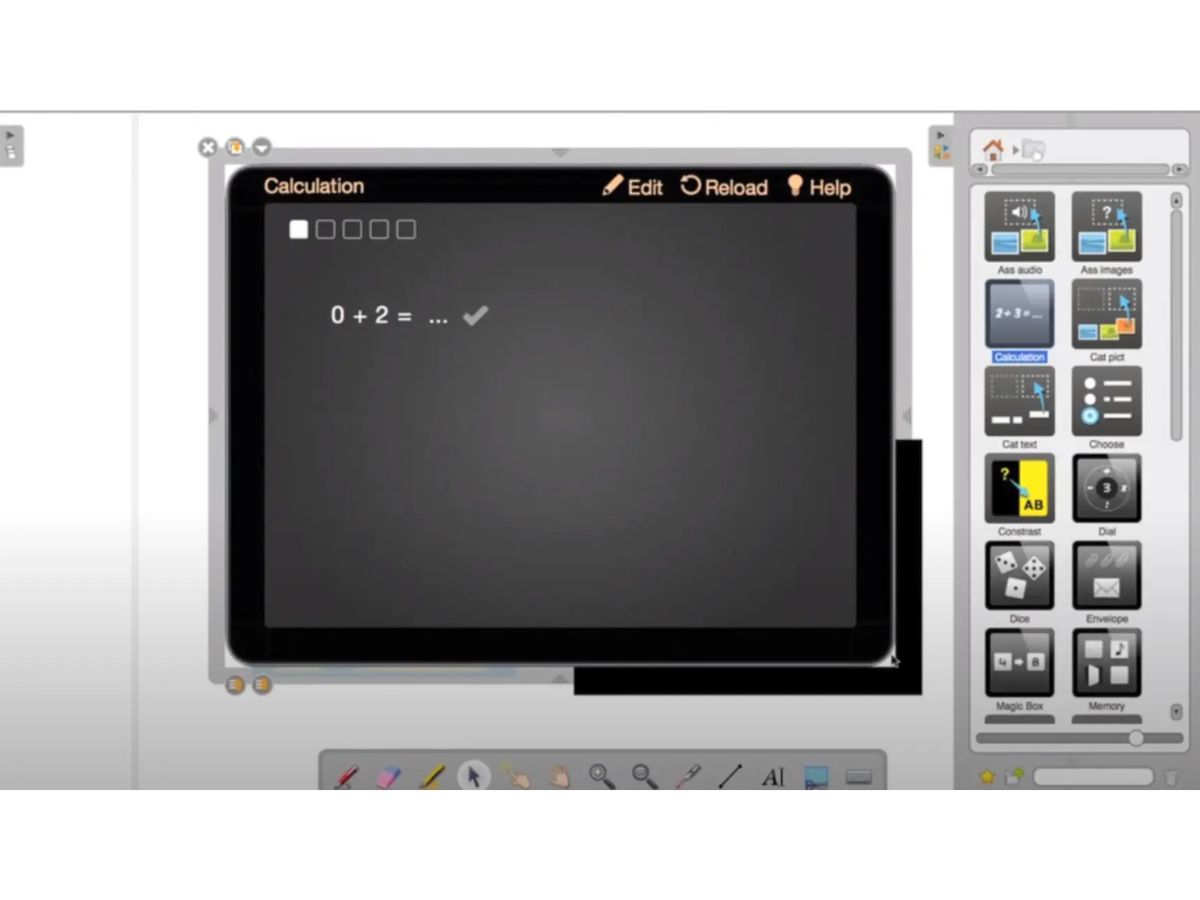
 Interactive Whiteboard Create interactive digital whiteboards with handwriting, drawing tools, and multimedia for engaging lessons and meetings. Real-Time Annotation Annotate PDFs, presentations, images, and desktop content in real time to improve explanations and collaboration. Multi-Page Canvas Organize lessons across multiple pages, allowing users to create structured content with seamless page navigation. Drawing Tools Use pens, highlighters, shapes, arrows, and freehand drawing tools to visually explain ideas with precision. Handwriting Support Write naturally using a stylus, touchscreen, graphics tablet, or mouse for a smooth digital writing experience. Text Editing Insert and format text with customizable fonts, colors, sizes, and alignment for clear educational content. Multimedia Support Add images, audio, videos, and documents to enrich presentations and create engaging interactive learning sessions. PDF Import & Annotation Import PDF documents and annotate them directly without modifying the original files for better classroom discussions. Screen Capture Capture selected screen areas instantly and insert them into the whiteboard for live demonstrations and explanations. Object Management Move, resize, rotate, duplicate, group, and lock objects for organized and flexible whiteboard content management. Resource Library Store and reuse images, documents, backgrounds, and teaching materials from a centralized resource library. Cross-Platform Compatibility Run seamlessly on Windows, macOS, and Linux while maintaining a consistent user experience across devices. Presentation Mode Deliver lessons in full-screen presentation mode with distraction-free controls for effective audience engagement. Undo & Redo Easily undo or redo drawing and editing actions, allowing users to correct mistakes without losing their work. Export & Sharing Export whiteboard sessions to PDF or image formats for easy sharing, printing, and future classroom reference.
  UAE
UAE India
India
 Write a Review
