Description
Pricing
Features
Specification
Review
Compare
FAQs
Alternatives


 View Gallery
Brand: Schedule360 Inc
An employee scheduling software that helps businesses easily plan staff shifts, manage availability, and reduce scheduling errors online. ...Read more

Get Free Expert Consultation
Let us know your business needs clearly

Verified & Trusted
Vendors

Safe & Secure
Payment

Personalized
Experts Support
Price On Request
Features
 Employee Scheduling Shift Management Self-Scheduling Shift Swapping Time-Off Management
 See all 
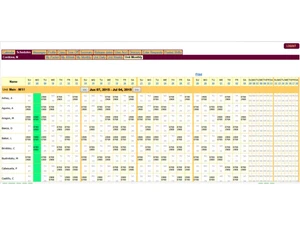
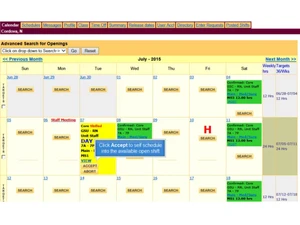
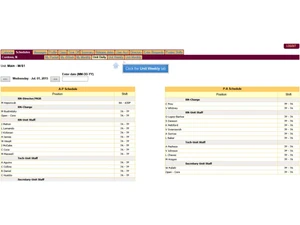
 Employee Scheduling Generates flexible, rule-based staff schedules to ensure optimal coverage across departments and shifts. Shift Management Allows managers to assign, adjust, and publish shifts quickly while maintaining compliance with staffing rules. Self-Scheduling Employees pick eligible shifts within predefined rules, improving autonomy and reducing manual scheduling effort. Shift Swapping Enables employees to request and exchange shifts with approval workflows that maintain staffing requirements. Time-Off Management Tracks PTO, vacation, and leave requests with automated approval routing to prevent understaffing conflicts. Availability Tracking Captures staff availability and work preferences to automatically match employees with appropriate shifts. Real-Time Notifications Sends instant alerts via SMS/email for open shifts, schedule updates, and urgent staffing needs. Overtime Management Monitors labor hours and flags overtime risks to help control costs and evenly distribute workloads. Workforce Analytics Provides dashboards and reports that visualize labor usage, shift trends, and scheduling performance. Compliance Management Automates adherence to labor laws, credentialing rules, and organizational scheduling policies. Role-Based Access Control (RBAC) Ensures different user types access only relevant features, enhancing security and workflow efficiency. Templates Offers reusable schedule templates for recurring patterns to streamline routine staffing cycles. Team Communication Provides built-in messaging and announcements to keep teams aligned on schedules and updates. Reporting & Export Tools Generates detailed reports on labor, attendance, and scheduling metrics with easy export options. Credential & Certification Tracking Tracks staff certifications to ensure only qualified personnel are assigned to specialized shifts.
 | Brand Name | Schedule360 Inc |
| Information | Schedule360 offers software solutions to optimize staffing and employee scheduling for organizations. |
| Founded Year | 2000 |
| Director/Founders | Tony Torti |
| Company Size | 1-100 Employees |

 UAE
UAE India
India