
Description
Pricing
Features
Specification
Review
Compare
FAQs
Alternatives


 View Gallery
Brand: Screen Studio
A Mac screen recording software that automatically adds smooth zooms and animations to create professional-looking videos with minimal editing. ...Read more

Get Free Expert Consultation
Let us know your business needs clearly

Verified & Trusted
Vendors

Safe & Secure
Payment

Personalized
Experts Support
$ 29.00 /Month
Features
 Auto Zoom & Cursor Focus Smooth Mouse Movement Audio Capture Custom Branding & Layouts High-Resolution Output
 See all 
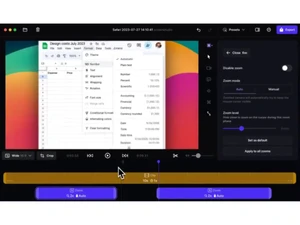
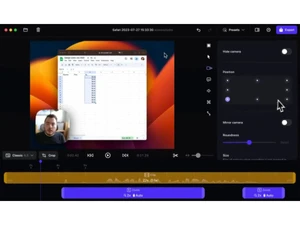
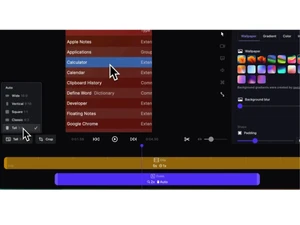
 Auto Zoom & Cursor Focus Automatically zooms in on actions and follows the cursor for polished, dynamic, and viewer-friendly recordings. Smooth Mouse Movement Smooths out jerky mouse paths and enhances focus transitions to make videos more professional and watchable. Audio Capture Records mic and system audio with volume leveling, background noise removal, and AI-generated transcripts/subtitles. Custom Branding & Layouts Lets you adjust background, padding, aspect ratio, shadows, and more for consistent visual branding in exports. High-Resolution Output Supports full HD and 4K resolution to deliver crisp, detailed output ideal for tutorials, demos, and promos. Multi-Device Recording Seamlessly records multiple displays or combines Mac and iOS recordings for complex demo workflows.
 | Brand Name | Screen Studio |
| Information | Create beautiful screen recordings in minutes. |
| Founded Year | 2022 |
| Director/Founders | Adam Pietrasiak |
| Company Size | 1-100 Employees |

 UAE
UAE India
India


