
Description
Pricing
Features
Specification
Review
Compare
FAQs
Alternatives


 View Gallery
Brand: TeddySoft
A screen recording software that lets users capture their screen, audio, and webcam, and instantly share recordings through a private cloud link. ...Read more

Get Free Expert Consultation
Let us know your business needs clearly

Verified & Trusted
Vendors

Safe & Secure
Payment

Personalized
Experts Support
$ 8.00
Features
 Screenshot Capture Annotations Instant Share Links Cloud Storage Content Library
 See all 
We make it happen! Get your hands on the best solution based on your needs.
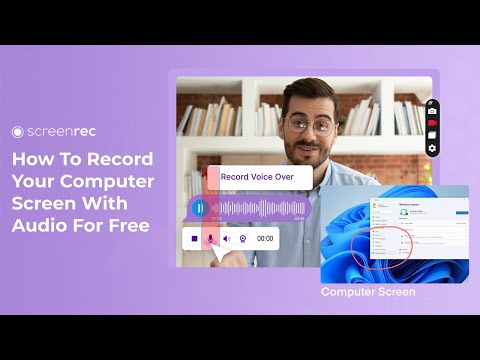

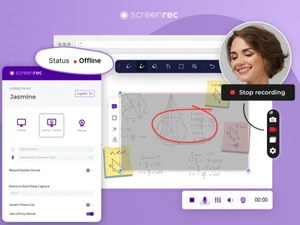
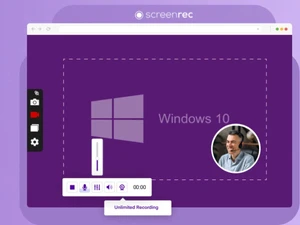
 Screenshot Capture Take instant screenshots of full screens or regions to quickly document issues or highlight information. Annotations Add arrows, text, highlights, and shapes to screenshots for clearer visual explanations and feedback. Instant Share Links Automatically generate secure shareable links after recording, removing the need for manual file uploads. Cloud Storage Store recordings securely in the cloud, enabling easy access, sharing, and file organization across devices. Content Library Manage recordings and screenshots in a centralized library with search and tagging capabilities. View Analytics Track video views and engagement metrics to understand if shared content has been opened or watched. Privacy Control Protect content using private links and access controls to ensure only intended viewers can see files. No Watermark Create professional recordings without branding or watermarks, suitable for business and client use. Unlimited Recording Time Record without strict time limits, allowing complete walkthroughs and detailed explanations. Cross-Platform Support Available on Windows, macOS, and Linux to ensure consistent experience across operating systems. Secure sharing Uses encrypted sharing mechanisms to keep recorded content safe during storage and transmission. Screen Recording Capture full screen or selected areas with smooth performance, ideal for demos, tutorials, and issue explanations. Audio Recording Record microphone and system audio simultaneously to clearly explain workflows, feedback, or troubleshooting steps. Webcam Capture Include webcam video alongside screen recordings to add a personal touch to tutorials and presentations.
 | Brand Name | TeddySoft |
| Information | ScreenRec is an online tool for communicating through video messages and screenshots. |
| Founded Year | 2018 |
| Director/Founders | Plovdiv, Plovdiv, Bulgaria |
| Company Size | 1-100 Employees |

 UAE
UAE India
India

 Write a Review
