
Description
Pricing
Features
Specification
Review
Compare
Alternatives


 View Gallery
Brand: Storyist Software

Get Free Expert Consultation
Let us know your business needs clearly

Verified & Trusted
Vendors

Safe & Secure
Payment

Personalized
Experts Support
$ 19.00 /Quantity
Features
 WYSIWYG Editor Templates Project Management Autocomplete Full Screen Mode
 See all 
We make it happen! Get your hands on the best solution based on your needs.

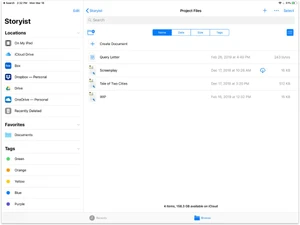
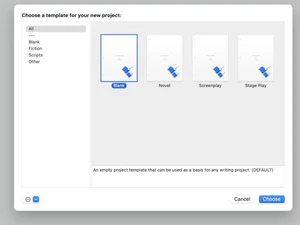
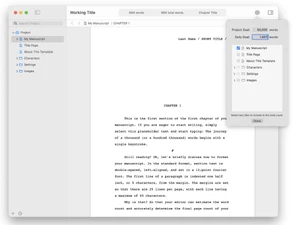
 WYSIWYG Editor Create and format your manuscript using a visual interface that displays the text exactly as it will appear when it is printed. Templates Utilize pre-defined layouts for novels and screenplays that adhere to industry standards for font, margins, and line spacing. Project Management Access all project-related documents, including drafts, research notes, and images, from a centralized sidebar navigation menu. Autocomplete Speed up script writing by using a predictive text engine that suggests scene locations and character names as you are typing. Full Screen Mode Enable a distraction-free writing environment that hides the user interface and covers the desktop to focus purely on content. Word Count Tracking Monitor your writing progress by setting daily or project-wide session goals and viewing live statistics in the info inspector. Revision History Track modifications over time using automated versioning that allows you to compare and restore previous states of the project. Print Management Generate professional documents with custom trim sizes, margins, and bleeds suitable for physical publishing and submission. Comment Section Insert localized notes and feedback directly into the text margin to track editorial changes without altering the main draft. Library Management Store and insert frequently used text clips or dialogue patterns using customizable keyboard triggers for faster composition. Cloud Synchronization Synchronize your project data across multiple devices using iCloud or Dropbox to ensure your work is always up to date mobile.
  UAE
UAE India
India

 Write a Review
