
Description
Pricing
Features
Specification
Review
Compare
Alternatives

 View Gallery
Brand: SuperDisplay

Get Free Expert Consultation
Let us know your business needs clearly

Verified & Trusted
Vendors

Safe & Secure
Payment

Personalized
Experts Support
Price On Request
Features
 Extended Desktop Mode Display Mirroring USB Connectivity Wireless Connectivity High Refresh Rate
 See all 
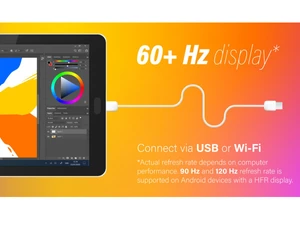
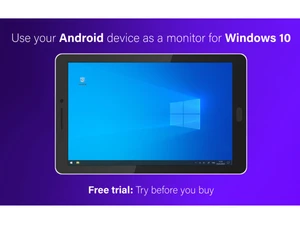
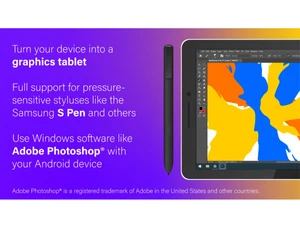
 Extended Desktop Mode Configures the Android device as an independent secondary monitor to increase the available digital workspace for Windows. Display Mirroring Replicates the primary monitor content onto the mobile device for remote viewing or collaborative screen sharing sessions. USB Connectivity Utilizes a wired tethered connection to establish a stable, high-bandwidth data link between the host PC and the client. Wireless Connectivity Supports Wi-Fi transmission protocols to enable untethered display extension over local area network infrastructures. High Refresh Rate Supports output speeds of up to 120Hz to ensure fluid motion and reduced visual flickering during high-speed operations. Low Latency Encoding Implements optimized video compression algorithms to minimize the delay between user input and the visual response. Windows Ink Integration Fully supports the native Windows pen and touch framework for seamless interaction with modern Microsoft Store applications. Virtual Monitor Driver Installs a software-based display adapter on Windows to facilitate screen detection without requiring physical hardware. Screen Scaling Control Allows the adjustment of resolution and DPI settings to optimize UI legibility across various mobile screen densities. Custom Touch Menu Offers an overlay interface on the client side for quick access to frequent system commands and application shortcuts. Canvas Zoom or Rotate Enables localized hardware-accelerated manipulation of the viewport to assist in detailed digital illustration tasks. Cross Device Licensing Links the application purchase to a Google Account, allowing deployment across multiple tablets and mobile phones. Hardware Acceleration Leverages the mobile device's GPU for video decoding to reduce CPU overhead and improve overall system efficiency.
 UAE
UAE India
India
 Write a Review