linkedin
Acuity Scheduling logo

Acuity Scheduling

Brand: Acuity Scheduling

  • 4.4

  • 5 Ratings

Acuity Scheduling is an appointment scheduling software that allows users to automate workflows, payments, and bookings.

See More

Have you used Acuity Scheduling before?

Share your insights for better experience

Add a Review
Starting Price
$20

View plans

100% Genuine
Products
Best Price
Guaranteed
Safe & Secure
Payment
  • Description

  • Pricing

  • Features

  • Specification

  • Review

  • Compare

  • Alternatives

  • FAQ

Starting at $20.00

Acuity Scheduling Software Overview

What is Acuity Scheduling?

Acuity Scheduling is a cloud-based appointment scheduling software solution designed to empower business owners to manage their appointments online efficiently. The platform allows users to automate appointment bookings by providing a real-time view of their available time slots. Its intelligent system automatically synchronizes calendars based on the user's time zones, ensuring accurate scheduling and eliminating the risk of scheduling conflicts.

The platform sends regular alerts and reminders to users to ensure they stay informed and organized regarding their appointment schedules. It includes customizable intake forms, embeddable calendars, third-party application calendar synchronization, and group scheduling capabilities for workshops or collaborative sessions. This versatility makes it suitable for a wide range of service-based businesses, including training and tutoring centers, coaching and consulting services, photography and video production companies, fitness studios, salons, and spas, as well as health and dental clinics.

Why Choose Acuity Scheduling?

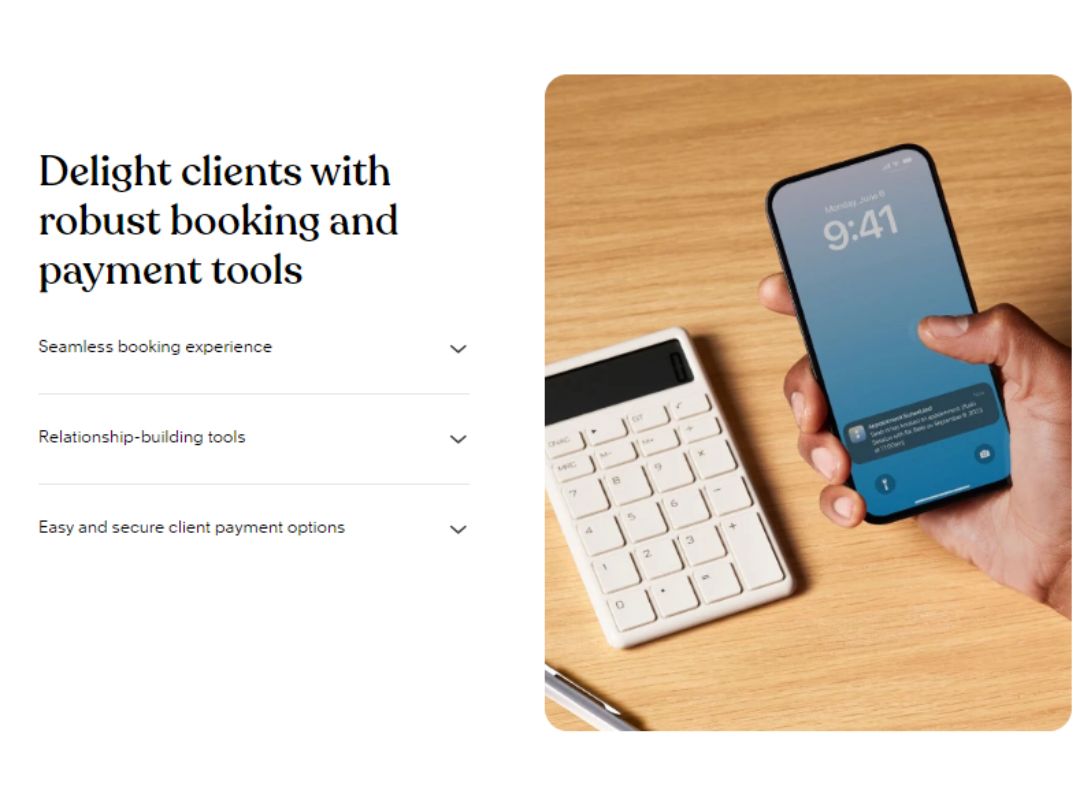
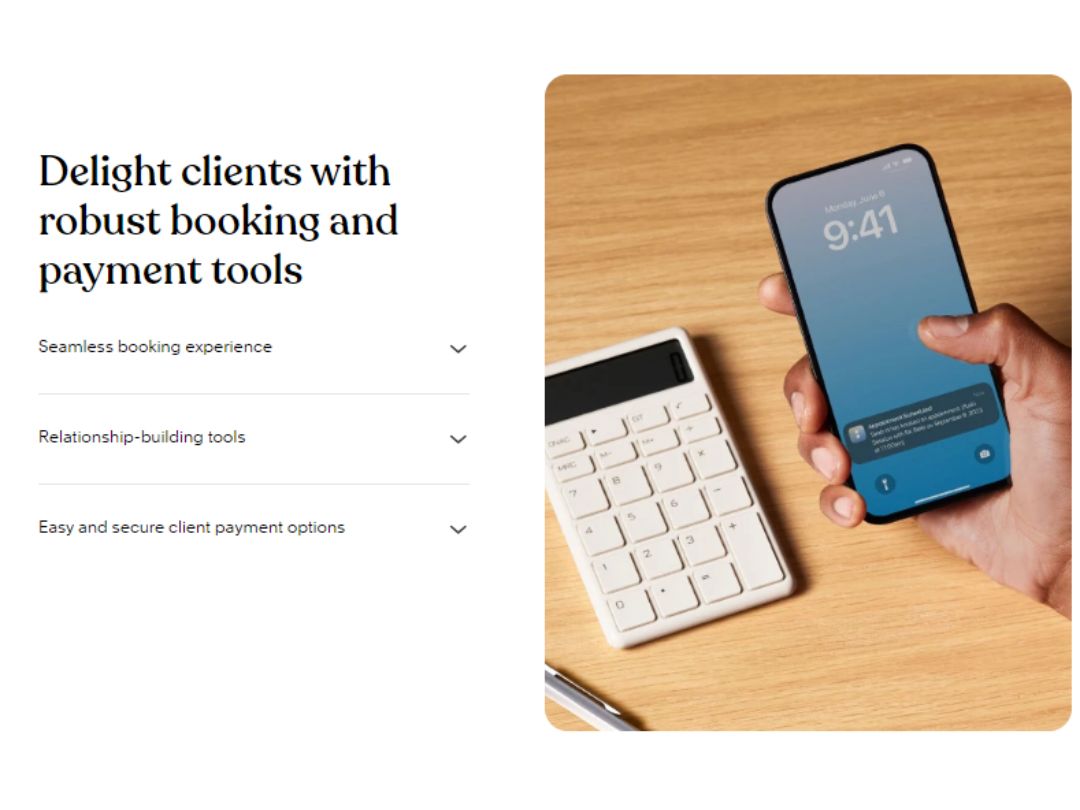
  • The appointment scheduling software allows clients to quickly schedule, cancel, or reschedule appointments, with automated reminders to keep them informed.
  • It allows you to establish clear expectations by prompting clients to accept cancellation policies and terms during the booking process.
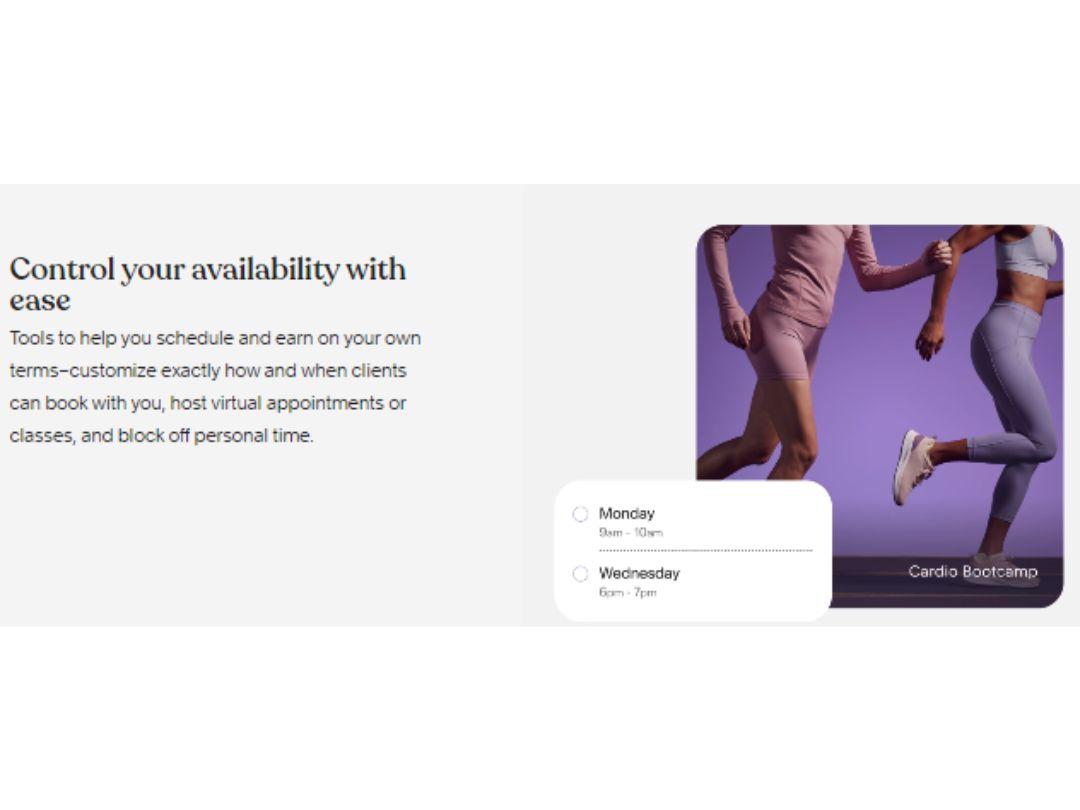
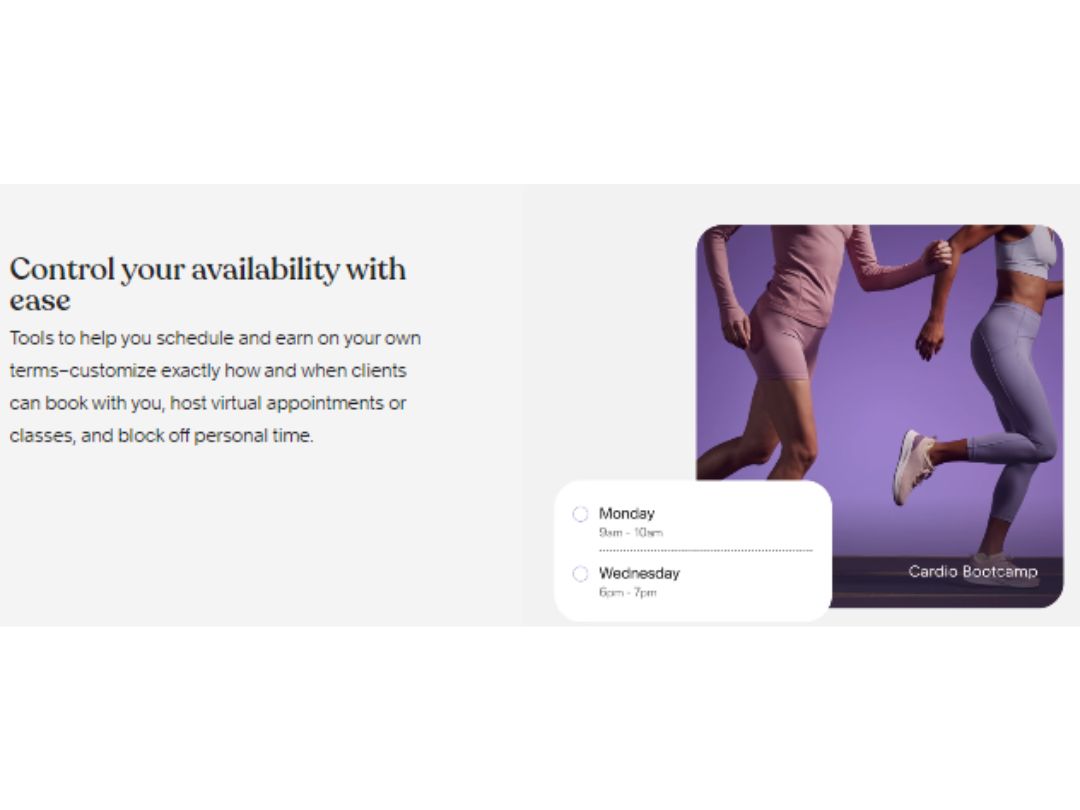
  • The software allows you to control your schedule by setting open hours, buffer times, and blackout dates for optimal workflow.
  • It allows you to streamline customer interactions with personalized intake forms and policies.
  • The online scheduling software empowers you to maintain organized client records by storing crucial information in client profiles.

Benefits of Acuity Scheduling

  • The appointment scheduling software allows you to simplify client access by sharing the booking page on your website or directly with clients.
  • It enables you to foster loyalty by offering incentives such as coupons, discounts, and subscription plans.
  • The platform allows you to implement no-show protection by securely storing client card information.
  • It enables you to customize payment options to include prepayment, tipping, and deposits.
  • The platform allows you to strengthen your online presence by integrating with Squarespace for a cohesive web experience.

Functionalities of Acuity Scheduling

  • The appointment scheduling software allows you to generate professional invoices and receipts for a streamlined financial process.
  • It allows you to manage appointments for multiple team members efficiently with individual calendars and access control.
  • You can optimize resource utilization by scheduling appointments for meeting rooms, equipment, or other shared resources.
  • The software allows you to facilitate long-term client engagement by offering packages of appointments or recurring memberships.
  • It enables you to drive bookings and attract new clients with built-in coupon and discount functionalities.

Pricing of Acuity Scheduling

Acuity Scheduling price starts at $20 at techjockey.

Acuity Scheduling price in UAE may vary based on factors like customization, additional features required, number of users, and the deployment type. Please request a call back for subscription-related details and to avail offers on premium packages.

Read more

Acuity Scheduling Pricing & Plans

Emerging
Starting at $20
    • Quantity

      Quantity
      Quantity

Key Features

  • Client self-scheduling

  • Offer unlimited services and appointments

  • Accept payments and deposits through Stripe, Squar

  • Confirmation, reminder, and follow-up emails

Growing
Starting at $34
    • Quantity

      Quantity
      Quantity

Key Features

  • Client self-scheduling

  • Offer unlimited services and appointments

  • Accept payments and deposits through Stripe, Squar

  • Confirmation, reminder, and follow-up emails

Powerhouse
Starting at $61
    • Quantity

      Quantity
      Quantity

Key Features

  • Client self-scheduling

  • Offer unlimited services and appointments

  • Accept payments and deposits through Stripe, Squar

  • Confirmation, reminder, and follow-up emails

Acuity Scheduling Features

  • icon_check Core Platform
    Provides the essential framework for managing appointments, clients, and scheduling services.
  • icon_check Customization
    Allows you to tailor the booking page, emails, and colors to match your brand and business style.
  • icon_check Self-Scheduling
    Enables clients to book appointments directly online, 24/7, without requiring manual intervention.
  • icon_check Reminder
    Automatically sends email or text reminders to clients to reduce no-shows and ensure timely attendance.
  • icon_check Automatic time Zone conversion for clients
    Displays appointment times accurately for clients based on their location.
  • icon_check HIPAA Compliance
    Meets the security and privacy standards of the Health Insurance Portability and Accountability Act.
  • icon_check Integration
    Seamlessly connects with various third-party tools like Google Calendar, QuickBooks, MailChimp, and Zoom.
  • icon_check Reporting
    Generates comprehensive reports on appointment data, revenue, client behavior, and staff performance.

Acuity Scheduling Specifications

Supported Platforms
Ubuntu Ubuntu Windows Windows MacOS MacOS Linux Linux
Devices
Desktop Desktop
Deployment
Cloud-Based Cloud-Based
Suitable For
All Industries
Business Specific
All Businesses
Business Size
Small Business Medium Business Enterprises
Customer Support
Email Communities
Language
English
Training Resources
Videos

Explore the Best Alternative Solutions Similar to Your Business Size and Needs

Acuity Scheduling Review

4.4

Out of 5

img

Overall Rating

Based on
5 Verified Ratings

Rating Breakdown

  • Features 4.6
  • Value for Money 4.4
  • Ease of Use 4.4
  • Customer Support 4.4

67% Recommend this Product

Add Review

Be the First to Review

This product has no reviews yet. Be the first to leave your feedback.

Add Review

Compare Acuity Scheduling With other Appointment Scheduling Software

Products
Ratings
Pricing
Device Supported
Deployment
Supported Platforms
  • img

    Acuity Scheduling

  • 4.4

  • $ 20.00 excl. GST

  • Desktop

    Mobile

  • Web based

    On Premises

  • Windows

    Mac OS

  • img

    TidyCal

  • 4.4

  • Price On Request

  • Desktop

    Mobile

  • Web based

    On Premises

  • Windows

    Mac OS

  • img

    Zoho Bookings

  • 4.2

  • Price On Request

  • Desktop

    Mobile

  • Web based

    On Premises

  • Windows

    Mac OS

  • img

    Calendly

  • 4.6

  • Price On Request

  • Desktop

    Mobile

  • Web based

    On Premises

  • Windows

    Mac OS

  • img

    Picktime

  • 4.4

  • Price On Request

  • Desktop

    Mobile

  • Web based

    On Premises

  • Windows

    Mac OS

  • img

    Setmore

  • 4.3

  • Price On Request

  • Desktop

    Mobile

  • Web based

    On Premises

  • Windows

    Mac OS

  • img

    Koalendar

  • 4.4

  • Price On Request

  • Desktop

    Mobile

  • Web based

    On Premises

  • Windows

    Mac OS

  • img

    Microsoft Bookings

  • 4.2

  • Price On Request

  • Desktop

    Mobile

  • Web based

    On Premises

  • Windows

    Mac OS

  • img

    Scheduler AI

  • 4.5

  • Price On Request

  • Desktop

    Mobile

  • Web based

    On Premises

  • Windows

    Mac OS

  • img

    Chili Piper

  • 4.7

  • Price On Request

  • Desktop

    Mobile

  • Web based

    On Premises

  • Windows

    Mac OS

  • img

    ClickBook

  • 4.8

  • Price On Request

  • Desktop

    Mobile

  • Web based

    On Premises

  • Windows

    Mac OS

(2) Product(s) selected

Acuity Scheduling Alternatives

See All Acuity Scheduling Alternatives

Starting Price:

$3.00 /Month

Starting Price:

$50.00 /User/Month
Starting Price:

$22.45 /Month

Starting Price:

$9.00 /Month

Starting Price:

$29.99 /Month

Starting Price:

$6.00 /Month

Starting Price:

$7.75 /Month

Starting Price:

$29.99 /Month

Which operating system does Acuity Scheduling support?

Acuity Scheduling is compatible with the Windows operating system.

Is there any Acuity Scheduling app?

Acuity Scheduling app is available for android and iOS app users.

What is the deployment type of Acuity Scheduling?

Acuity Scheduling supports web-based deployment.

How much does Acuity Scheduling cost?

Acuity Scheduling price starts at $20 at techjockey.com.

Who are the potential users of Acuity Scheduling?

Acuity Scheduling is a suitable tool for businesses seeking to automate client bookings, cancellations, rescheduling, reminders, follow-ups, and payments.

Is there any free trial or demo for Acuity Scheduling?

Acuity Scheduling free demo is unavailable at techjockey.com.

Is Acuity Scheduling free?

Acuity Scheduling offers a free trial. However, the premium plan with advanced features is available at techjockey.com with exciting deals.

How can you download Acuity Scheduling?

Acuity Scheduling installation is not required, as it is web-based/ cloud based. Just open the Setup Wizard to get started.

How does Acuity Scheduling work?

The cloud-based appointment scheduling software enables businesses to streamline their scheduling processes and offer a convenient booking experience for clients.

Terms and Condtions

close

Users with registered businesses can purchase goods from merchants on the platform to satisfy their business needs. Users are not permitted to utilize any products acquired through the platform for resale, advertising, business, or further distribution.

For each purchase made, users will receive a Tax Invoice (or 'GST invoice') that includes specific details such as:

  • the GSTIN of the user associated with their registered business, and

  • the specified Entity Name for their business.

It should be noted that not all products are eligible for GST Invoice. Only the products displayed by participating sellers with the 'GST-based Invoice Available' callout on the product description page would qualify.

Certain goods and services are not eligible to get a GST Invoice, including items with VAS, i.e., Value Added Services (e.g., Total Mobile Protection/Assured Buyback) and those involving an exchange offer at the time of purchase.

Users must ensure the accuracy of the GSTIN, and business entity name provided for the GST Invoice. Requests for corrections into GST Invoice would not be accommodated by Techjockey.com or any Seller, and any issues arising from user-provided information are the sole responsibility of users.

Techjockey.com is not liable for the GST Invoice or any associated input tax credit. To efficiently claim an input tax credit, users should select the registered place of business address as per the GST authority's data and follow the provisions of the GST Act and rules.

To claim an input tax credit, the delivery and billing addresses must match. Furthermore, input tax credits will not be granted if the delivery address and GSTIN on the invoice are from different states. In case of incorrect GST details provided during the order placement, the order will be canceled automatically.

20,000+ Software Listed 20,000+ Software Listed

Best Price Guaranteed Unbiased Comparison

Free Expert Consultation Read Authentic Reviews

2M+ Happy Customers 500,000+ Monthly Users