linkedin
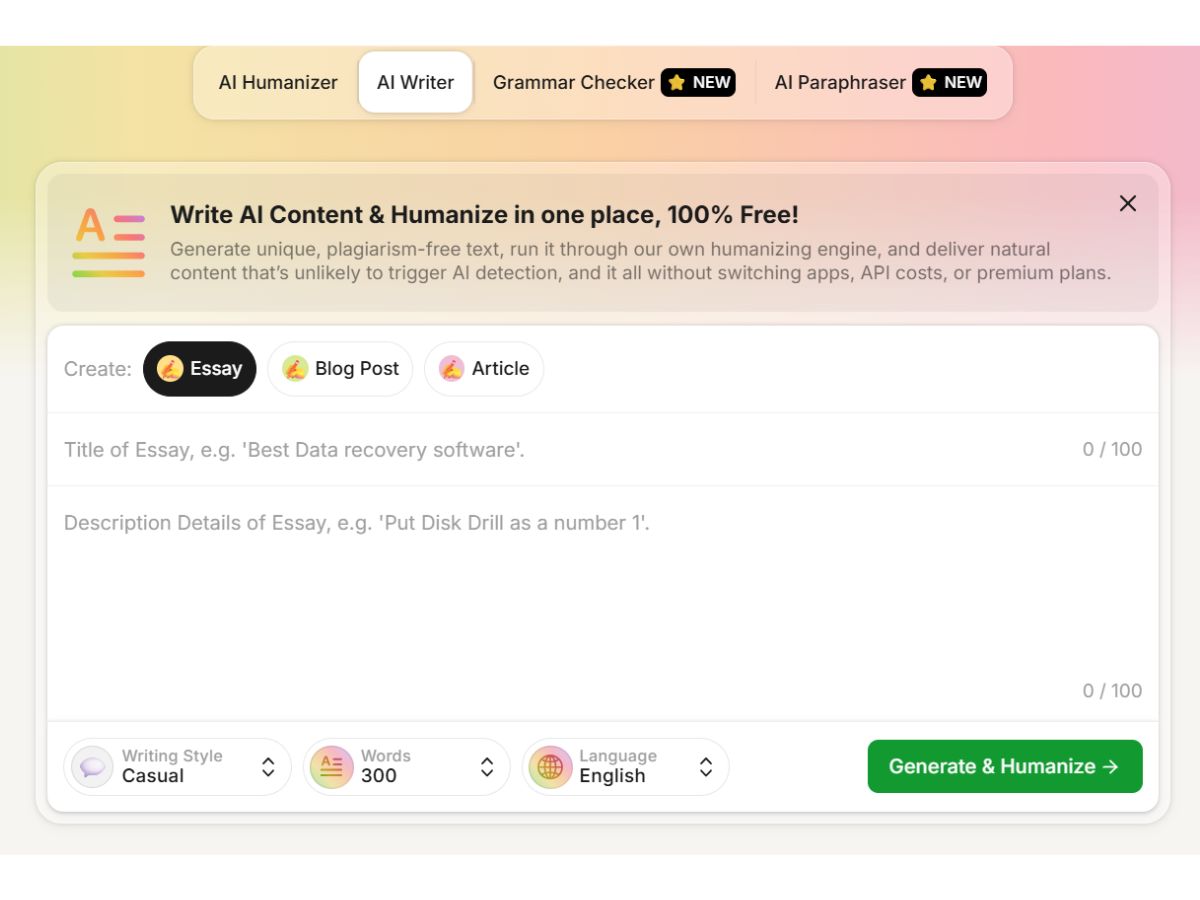
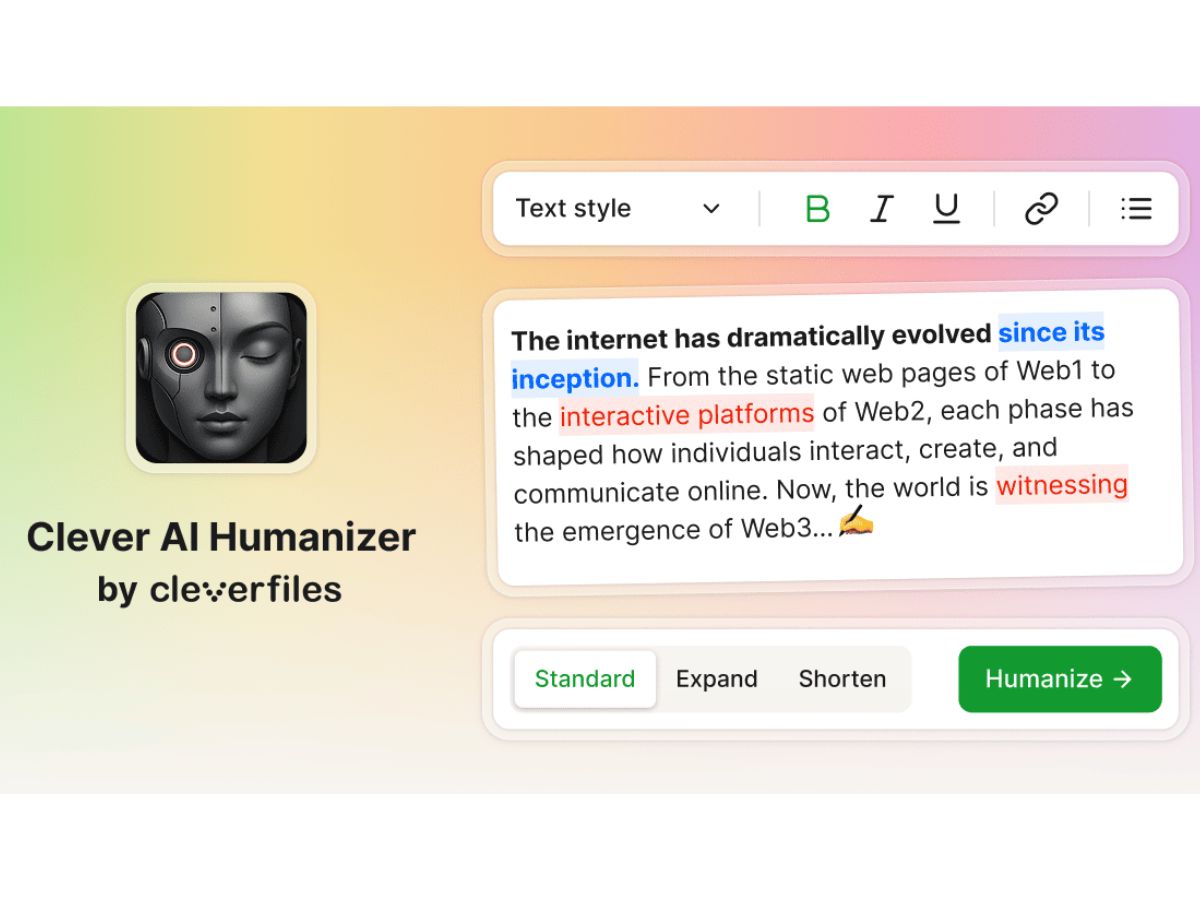
Clever AI Humanizer logo
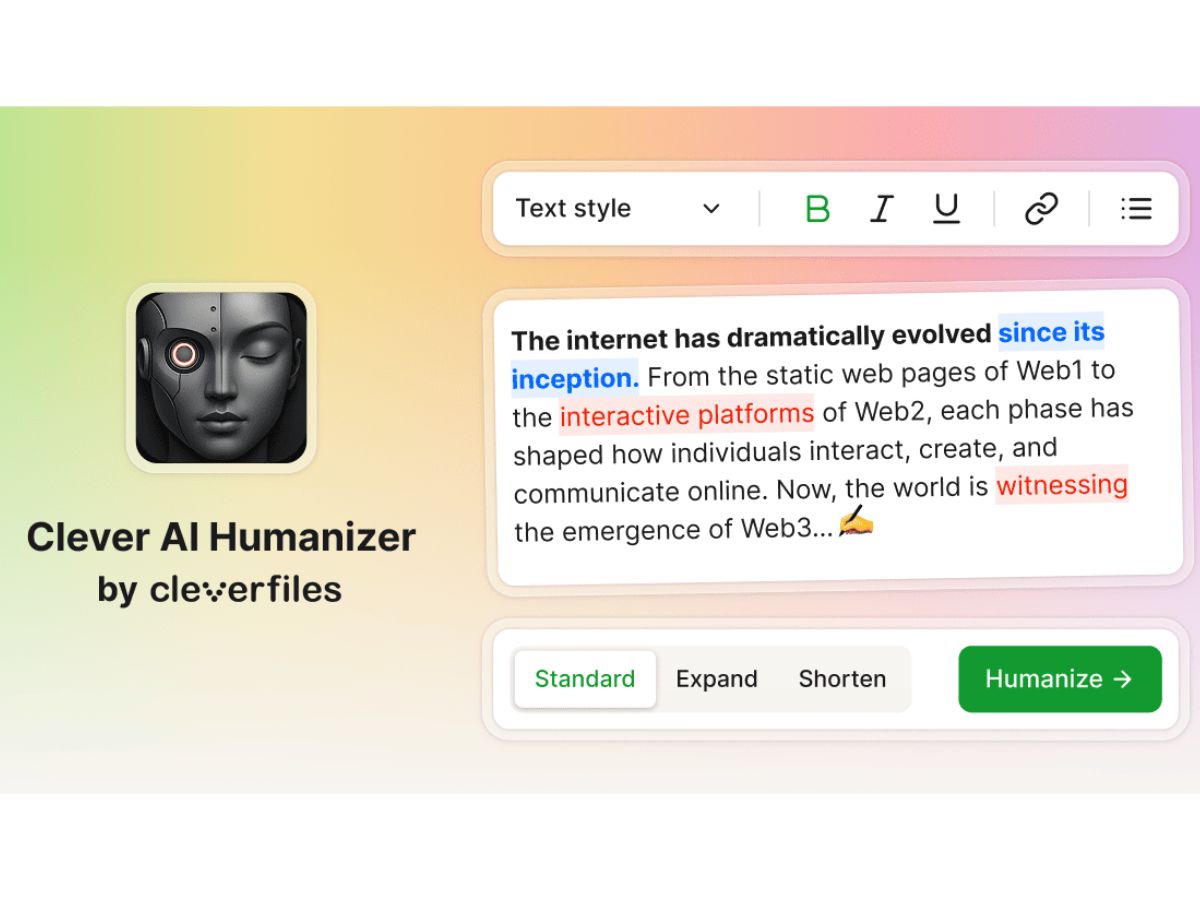
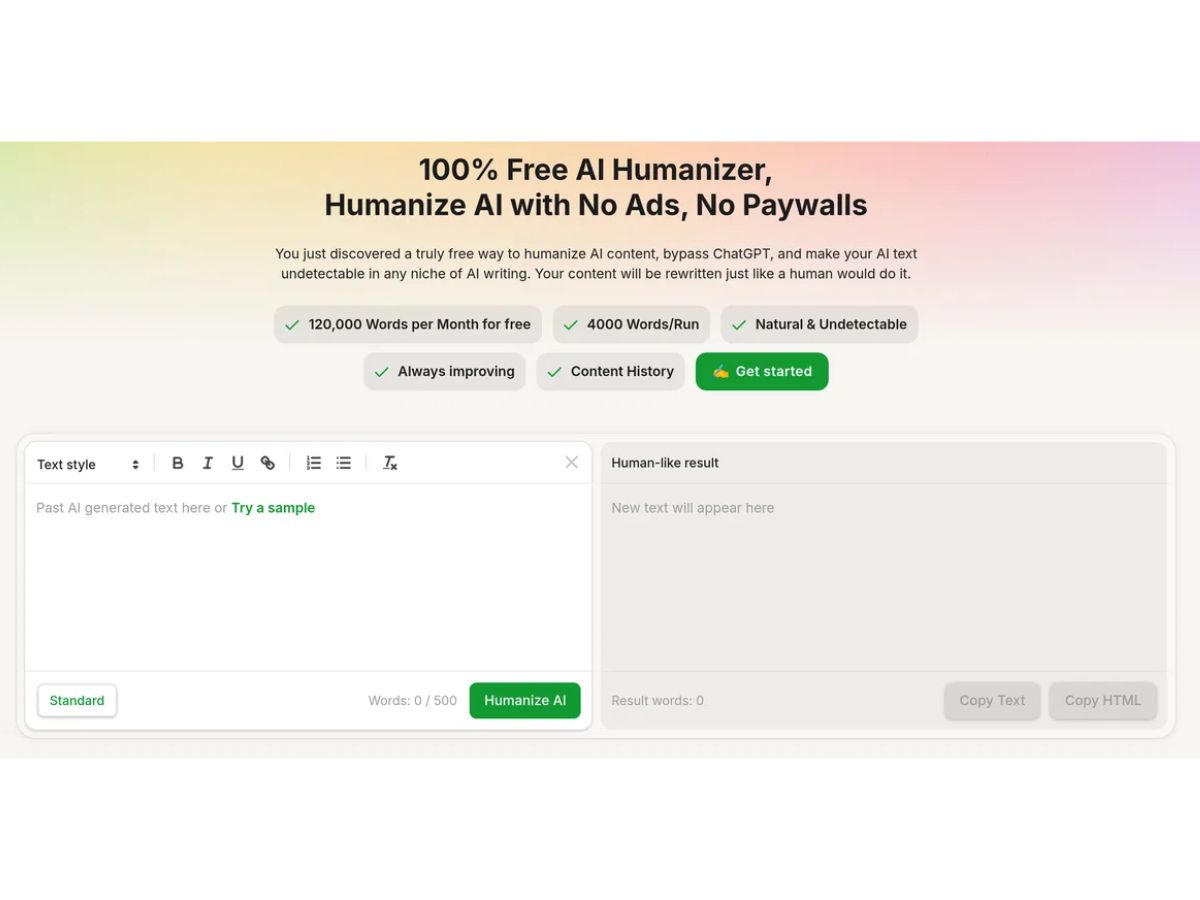
Clever AI Humanizer-dashboard
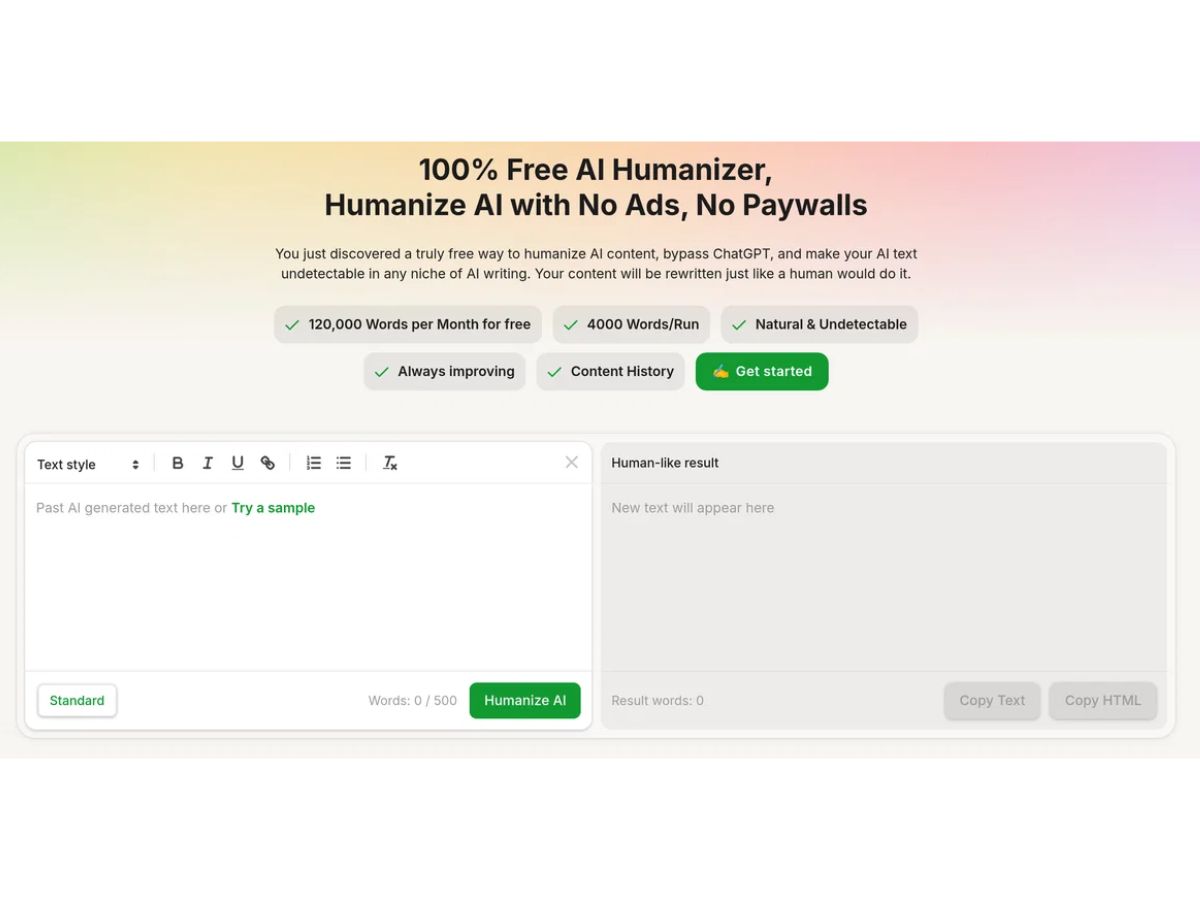
Clever AI Humanizer-writing
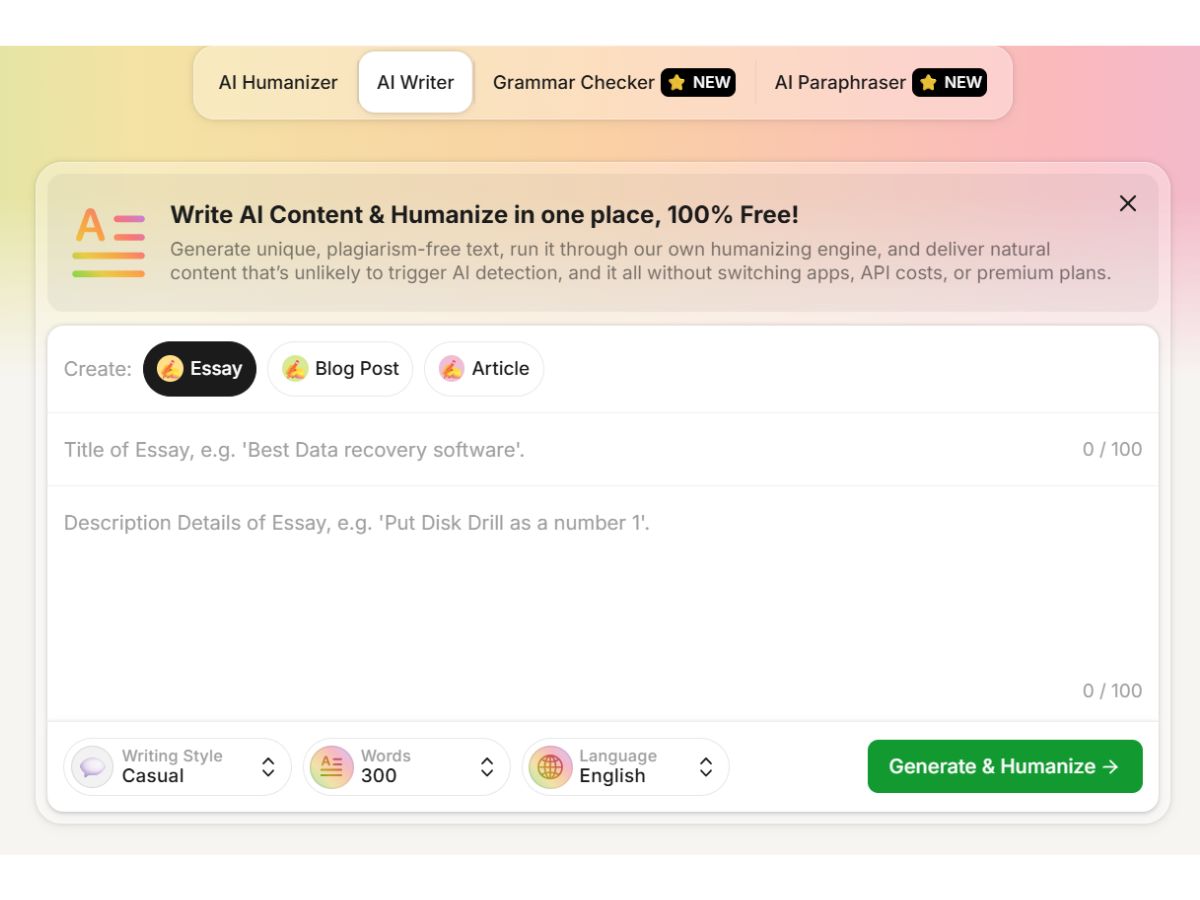
Clever AI Humanizer-style

Clever AI Humanizer

Brand: CleverFiles Inc

  • No Ratings & Reviews

Have you used Clever AI Humanizer before?

Share your insights for better experience

Add a Review

Price Available on Request

Questions about pricing or customization? We’re here to help, just a click away.

100% Genuine
Products
Best Price
Guaranteed
Safe & Secure
Payment
  • Pricing

  • Features

  • Specification

  • Review

Clever AI Humanizer Pricing & Plans

Looking for The Right Pricing?

Share your requirements and get a plan built around your business.

  • Define your business needs
  • Get customised pricing
  • Choose features that fit your workflow

Price Available on Request

Get personalised Clever AI Humanizer pricing that fits your needs. Our team will connect with you.

Clever AI Humanizer Features

Core Writing & Editing Tools

  • icon_check Vocabulary Enhancement
    Improves wording and replaces phrases to enhance clarity, tone, and lexical diversity.
  • icon_check Paraphrasing
    Core feature that rewrites content into human-like text while preserving original meaning.
  • icon_check Grammar & Punctuation Check
    Enhances punctuation accuracy and grammatical correctness during text transformation.
  • icon_check Tone & Style Adjustment
    Adjusts tone to make content more conversational, formal, or natural as needed.
  • icon_check Spelling & Proofing
    Automatically corrects spelling mistakes and improves sentence-level proofreading.
  • icon_check Content Formatting
    Customizes text formatting for documents and social media.
  • icon_check Audience Targeting
    Adapts tone and style for different audience profiles.
  • icon_check Plagiarism Detection
    Scans text for originality, ensuring unique content.
  • icon_check Multi-Model Support
    Switch between different language models for varied output.
  • icon_check File Upload
    Allows document uploads for analysis and content enhancement.
  • icon_check Version History
    Tracks changes, allowing easy reversion to past versions.
  • icon_check Readability Score
    Rates content readability for accessibility.
  • icon_check Content Scoring
    Scores content for engagement potential and SEO.

Content Generation

  • icon_check Blog Post Creation
    Can generate text via AI writer but lacks structured blog templates or advanced controls.
  • icon_check Social Media Posts
    Can create short-form text but not optimized specifically for social media workflows.
  • icon_check Marketing Copy
    Generates marketing-style text but lacks dedicated frameworks or optimization tools.
  • icon_check Headlines & Taglines
    Can produce simple headlines but not specialized headline optimization features.
  • icon_check Video Script Generation
    Can generate scripts manually but lacks dedicated video script templates or tools.
  • icon_check SEO-Optimized Content
    Integrates keywords for better search engine ranking.
  • icon_check Content Ideas
    Provides topic ideas for articles and blog posts.
  • icon_check Topic Clustering
    Organizes related topics to aid in content strategy.
  • icon_check Custom Templates
    Offers pre-made templates for various content types.
  • icon_check Automated Outlining
    Generates structured outlines for long-form content.

Collaboration

  • icon_check Export & Sharing Options
    Copy-paste supported but no structured export formats or sharing integrations.
  • icon_check Team Collaboration
    Allows multiple users to edit and comment in real-time.
  • icon_check API Access
    Enables access to core features via API for flexibility.

Security and Compliance

  • icon_check Data Encryption
    Secures sensitive data with encryption at rest and in transit.
  • icon_check SOC 2 Compliance
    Ensures secure handling of customer data per industry standards.
  • icon_check GDPR Compliance
    Adheres to EU data privacy and user rights regulations
  • icon_check AI Act Compliance
    Complies with European AI ethical and risk-based standards.
  • icon_check Regulatory Compliance
    Meets industry-specific legal requirements like HIPAA or CCPA.
  • icon_check Audit Logs
    Tracks user activity and system changes for accountability.

Integrations

  • icon_check API Integration
    Connects with third-party tools for extended functionality.
  • icon_check Google Workspace Integration
    Syncs with Google Docs, Sheets, and Drive.
  • icon_check Browser Extension
    Provides AI assistance directly in the browser.
  • icon_check Microsoft Office Integration
    Integrates with Word and other Office apps.
  • icon_check Learning Management System (LMS) Integration
    Connects with educational platforms.
  • icon_check CMS Integration
    Direct publishing to content management systems.
  • icon_check Third Party Integration
    Easily connects with external tools for enhanced functionality

Language Support

  • icon_check Multilingual Writing
    May support multiple languages but without strong localization or language controls.
  • icon_check Translation Assistance
    Translates content while retaining tone and context.
  • icon_check Localization Suggestions
    Adapts content for cultural relevance in translations.

Analytics & Reporting

  • icon_check Performance Analytics
    Tracks content metrics to measure effectiveness.
  • icon_check Content Optimization Suggestions
    Provides actionable insights for improvement.
  • icon_check Predictive Analysis
    Uses data insights to forecast trends and improve content strategy

AI Capabilities

  • icon_check Custom Prompts
    Accepts user input prompts but lacks advanced prompt templates or saved prompt features.
  • icon_check AI Content Generation
    Includes AI writer to generate original content like essays, blogs, and general text.
  • icon_check Citation Generation
    Automatically generates citations for references.
  • icon_check AI Detection
    Identifies AI-generated content for transparency.
  • icon_check Summarization
    Condenses long text into clear, concise summaries.
  • icon_check Citation Suggestions
    Provides source suggestions for accurate citations.

Administrative Features

  • icon_check API Access
    Enables access to core features via API for flexibility.
  • icon_check Role-Based Access Control (RBAC)
    Sets access based on user roles.
  • icon_check User Access Management
    Manages user permissions and access levels.
  • icon_check Team Management
    Tracks team activity and assigns roles.
  • icon_check Data Loss Prevention
    Protects sensitive data from unauthorized access.

Clever AI Humanizer Specifications

Supported Platforms
Windows Windows MacOS MacOS
Devices
Desktop Desktop
Deployment
Cloud-Based Cloud-Based
Suitable For
All Industries
Business Specific
All Businesses
Business Size
Individual Small Business Startups Freelancers
Customer Support
Email
Language
English
AI Features
AI Integrated
Technology
Next Generation

Clever AI Humanizer Review

Techjockey Trusted Reviews from Verified Users

No reviews are currently available for Clever AI Humanizer. Discover similar AI Writing Assistants reviews

  • WordAi

    4.8

    Whats great - I've been using WordAi for the last 2 months. Being a professional blogger and running my own business, I've seen the need fo... read more

  • LongShot

    4.4

    Whats great - Compared to many AI writing tools with fewer features, LongShot gives great value. SEO tools, fact checking, niche templates ... read more

  • Jenni AI

    4.2

    Whats great - I can highlight text and get smart suggestions to expand it. read more

Terms and Condtions

close

Users with registered businesses can purchase goods from merchants on the platform to satisfy their business needs. Users are not permitted to utilize any products acquired through the platform for resale, advertising, business, or further distribution.

For each purchase made, users will receive a Tax Invoice (or 'GST invoice') that includes specific details such as:

  • the GSTIN of the user associated with their registered business, and

  • the specified Entity Name for their business.

It should be noted that not all products are eligible for GST Invoice. Only the products displayed by participating sellers with the 'GST-based Invoice Available' callout on the product description page would qualify.

Certain goods and services are not eligible to get a GST Invoice, including items with VAS, i.e., Value Added Services (e.g., Total Mobile Protection/Assured Buyback) and those involving an exchange offer at the time of purchase.

Users must ensure the accuracy of the GSTIN, and business entity name provided for the GST Invoice. Requests for corrections into GST Invoice would not be accommodated by Techjockey.com or any Seller, and any issues arising from user-provided information are the sole responsibility of users.

Techjockey.com is not liable for the GST Invoice or any associated input tax credit. To efficiently claim an input tax credit, users should select the registered place of business address as per the GST authority's data and follow the provisions of the GST Act and rules.

To claim an input tax credit, the delivery and billing addresses must match. Furthermore, input tax credits will not be granted if the delivery address and GSTIN on the invoice are from different states. In case of incorrect GST details provided during the order placement, the order will be canceled automatically.

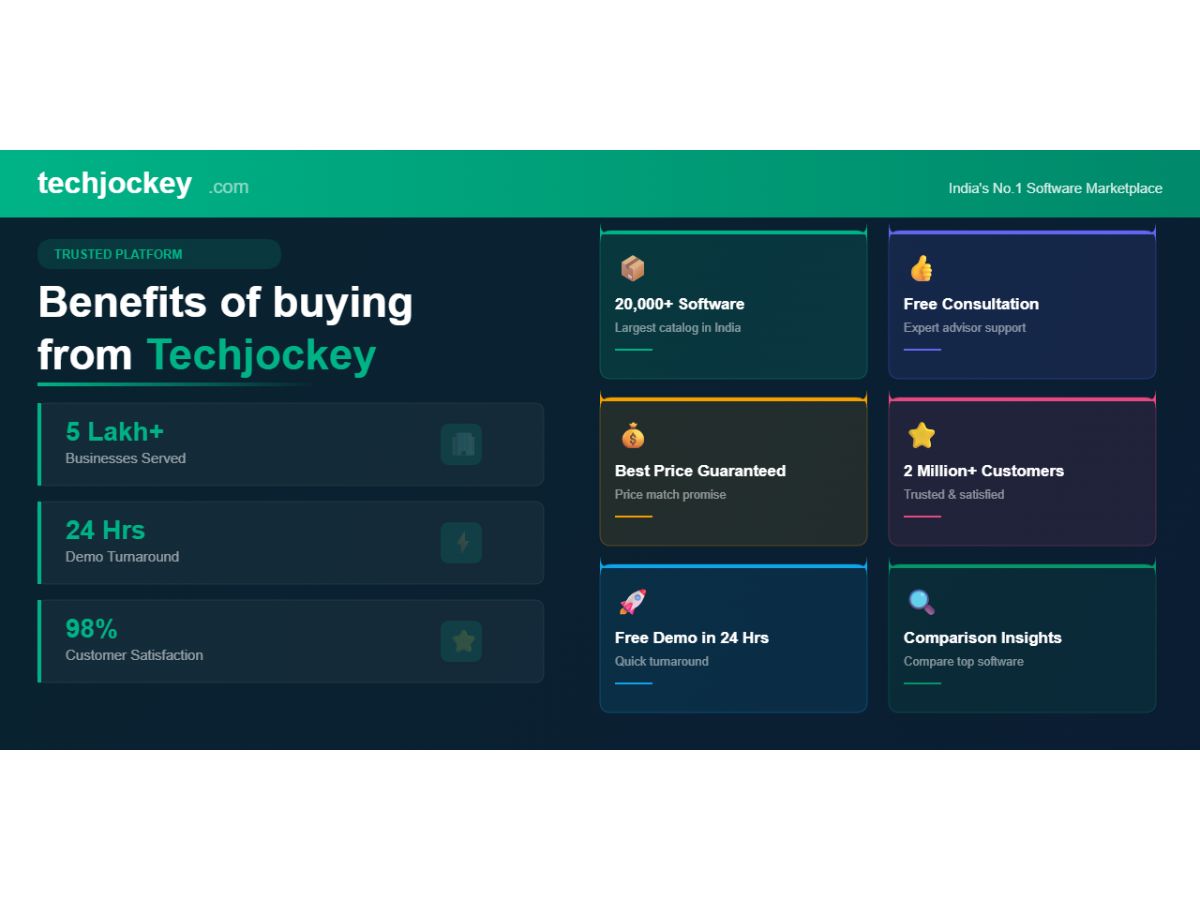
20,000+ Software Listed 20,000+ Software Listed

Best Price Guaranteed Unbiased Comparison

Free Expert Consultation Read Authentic Reviews

2M+ Happy Customers 500,000+ Monthly Users