
Description
Pricing
Features
Specification
Review
Compare
Alternatives

 View Gallery
Brand: Dragonframe

Get Free Expert Consultation
Let us know your business needs clearly

Verified & Trusted
Vendors

Safe & Secure
Payment

Personalized
Experts Support
$ 295.00 /License
Features
 Frame Capture Camera Control Onion Skinning Live View Preview Timeline Management
 See all 
We make it happen! Get your hands on the best solution based on your needs.
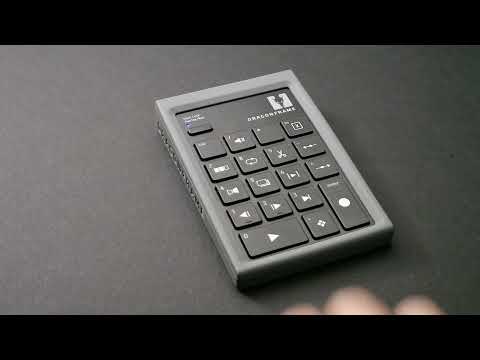

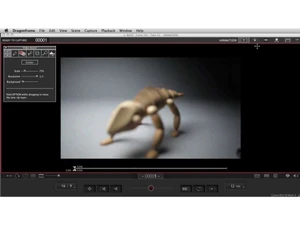
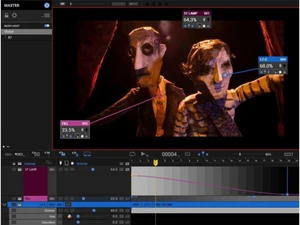
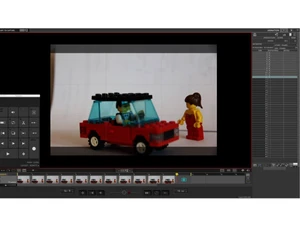

 Frame Capture Capture high-resolution frames directly from DSLR or mirrorless cameras with full manual control and precision. Camera Control Adjust ISO, shutter speed, aperture, and focus remotely within the software for consistent shot accuracy. Onion Skinning Overlay previous and next frames to visualize motion changes and ensure smooth animation transitions. Live View Preview View real-time camera feed with exposure, focus, and composition adjustments before capturing each frame. Timeline Management Organize, reorder, and edit captured frames in a visual timeline for efficient animation sequencing. Frame Editing Delete, duplicate, reshoot, or move frames easily without disrupting the animation workflow structure. Drawing Tools Use built-in drawing overlays to sketch guides, motion paths, and positioning references directly on frames. Audio Sync Import audio tracks and align animation frames precisely for lip-sync and dialogue-driven scenes. Lip Sync Tools Break down dialogue into phonemes and match mouth shapes frame-by-frame for realistic character animation. DMX Lighting Control Control lighting setups frame-by-frame using DMX systems to create dynamic lighting effects and consistency. Motion Control Integration Integrate with motion control rigs to automate camera movements and achieve complex cinematic shots. Export Options Export animations into industry-standard video formats for editing, sharing, or professional production use. File Management Automatically organize captured frames and projects into structured folders for easy access and backup. Color Correction Adjust color balance, contrast, and brightness directly within the software for consistent visual output.
 | Brand Name | Dragonframe |
| Information | Dragonframe is an e-commerce store that offers dragonframe software, Bluetooth, USB controller, lighting and motion control products. |
| Founded Year | 1993 |
| Director/Founders | Jamie Calir and Dyami Caliri |
| Company Size | 1-100 Employees |
 20,000+ Software Listed
 Unbiased Comparison
 Read Authentic Reviews
 500,000+ Monthly Users
 USA
USA India
India
 Write a Review
