linkedin
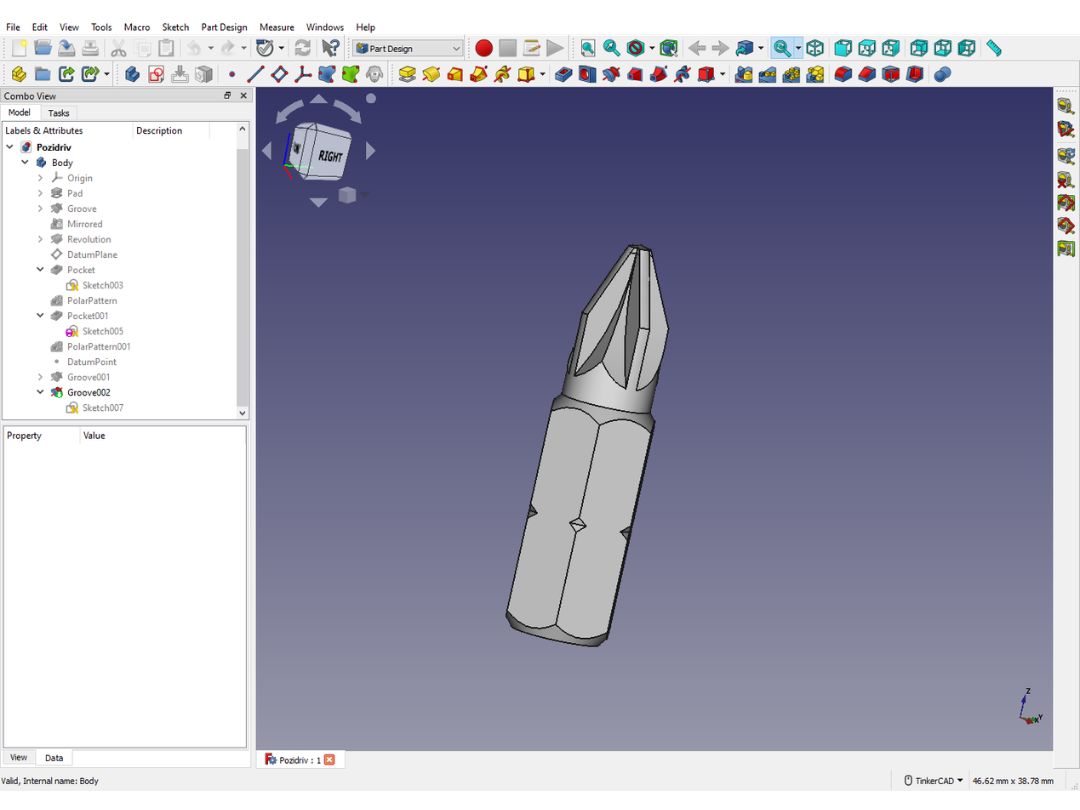
FreeCAD logo
play FreeCAD Basic Course Your start with FreeCAD

FreeCAD

Brand: FreeCAD

  • 3.9

  • 6 Ratings

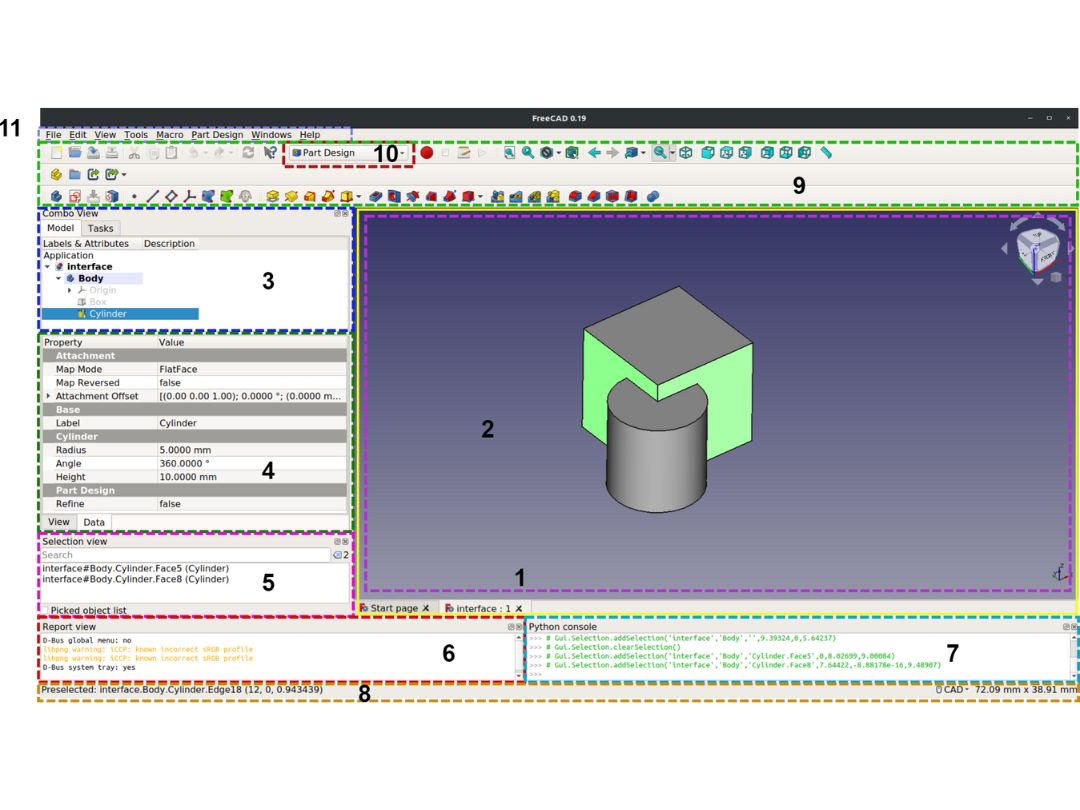
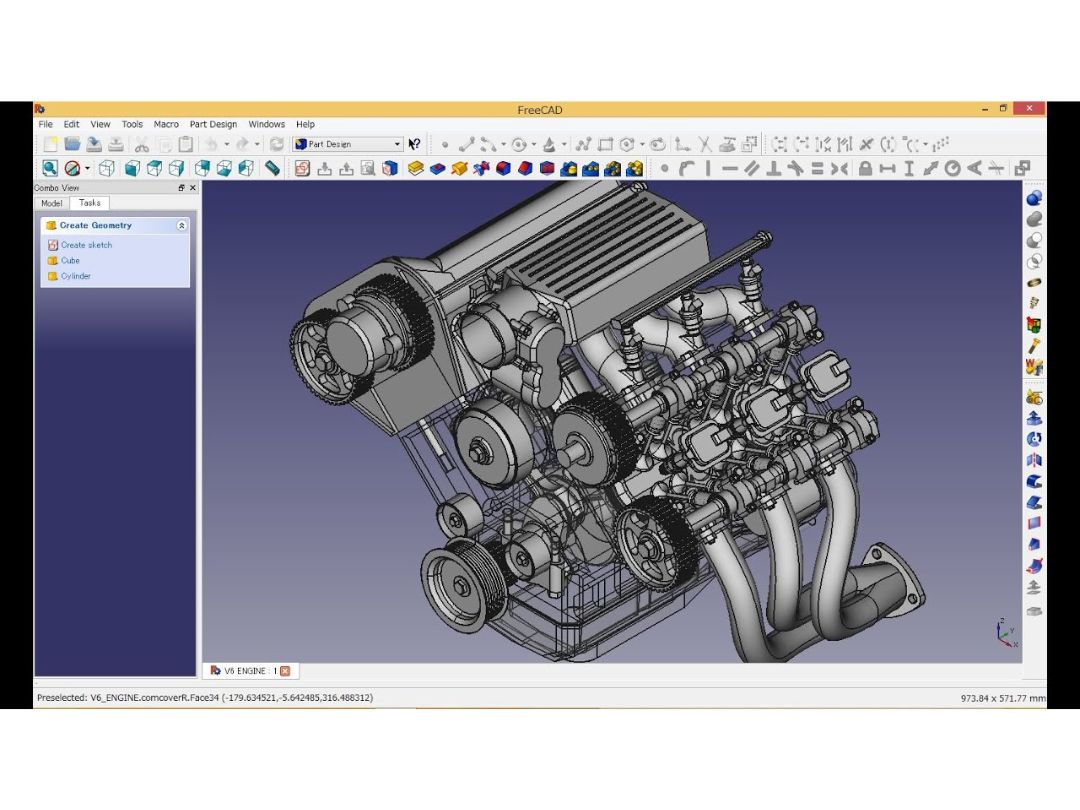
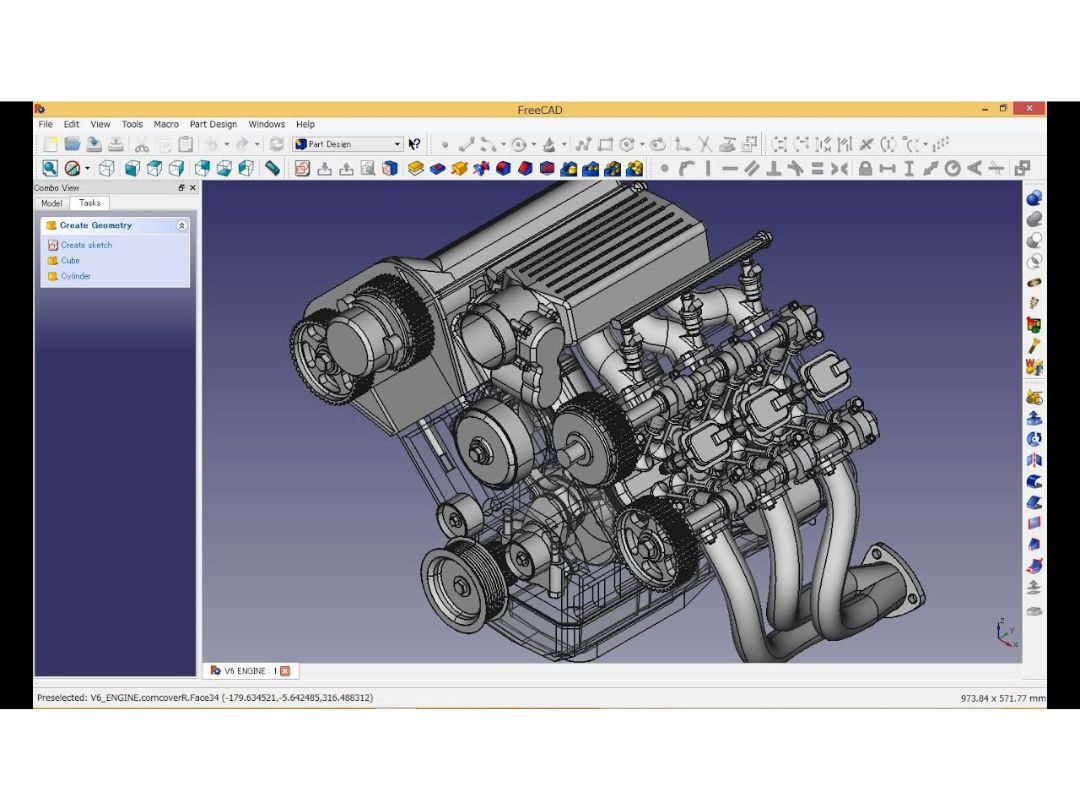
FreeCAD is an open-source parametric 3D CAD modeler used for creating detailed 3D models, particularly in mechanical engineering and product design. It offers a modular and customizable architecture for diverse applications.

See More

Have you used FreeCAD before?

Share your insights for better experience

Add a Review

Free Forever

Get started immediately at no cost. Upgrade anytime if your business demand more.

100% Genuine
Products
Best Price
Guaranteed
Safe & Secure
Payment
  • Description

  • Pricing

  • Features

  • Specification

  • Review

  • Compare

  • Alternatives

  • FAQ

FreeCAD Software Overview

What is FreeCAD?

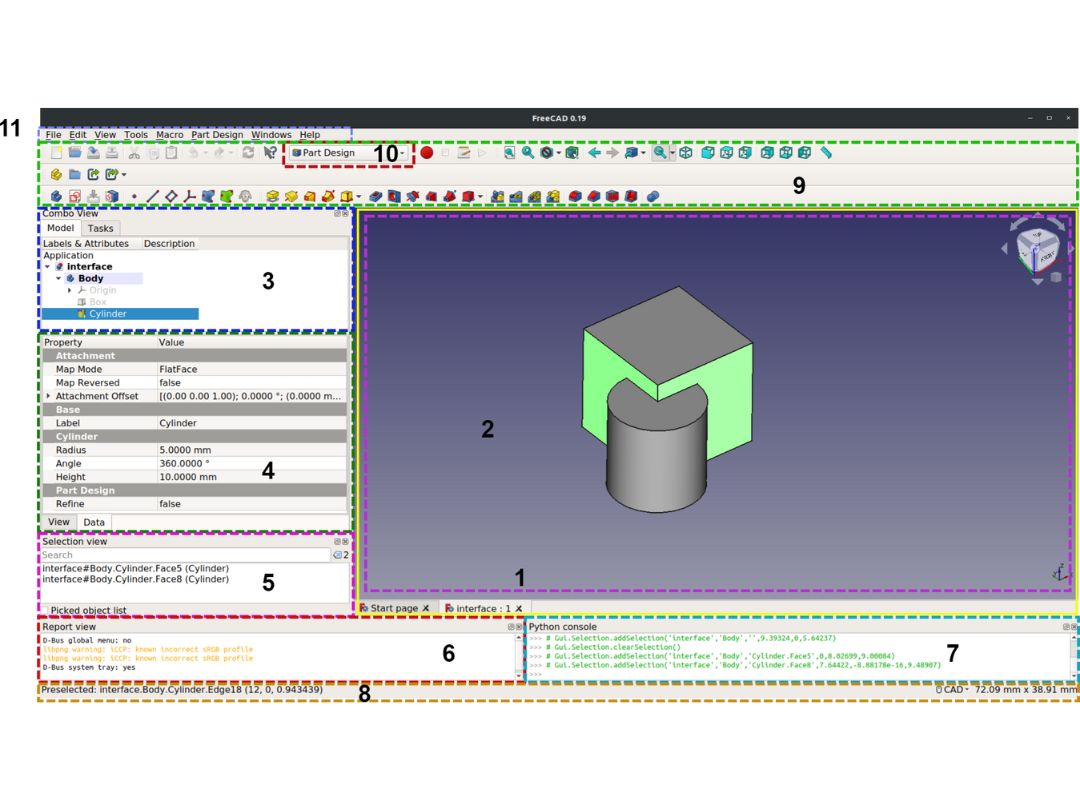
FreeCAD is an open-source parametric 3D CAD modeler designed for creating detailed 3D models. It offers a modular and extensible architecture, allowing users to customize and enhance its functionality. Particularly favored in mechanical engineering, product design, and architecture, FreeCAD supports parametric modeling and constraint-based design.

Its versatility lies in its ability to adapt to various applications, providing tools for sketching, part design, assembly, and more. As open-source CAD software, FreeCAD is freely available, making it accessible to a broad user base. It facilitates collaborative and interdisciplinary work by enabling users to create, modify, and share detailed 3D models across different industries.

Why Choose FreeCAD Software?

  • Open-Source and Free: Freely accessible open-source software, advantageous for budget-conscious users.
  • Parametric Modeling: Supports easy modification and updating of designs through parametric modeling.
  • Modular and Extensible: Modular architecture allows users to add functionality, enhancing adaptability.
  • Versatility: Favored in mechanical engineering, product design, and architecture for its diverse toolset.
  • Community Support: Active community offers support, tutorials, and resources for users of all levels.
  • Cross-Platform Compatibility: Compatible with Windows, macOS, and Linux, ensuring flexibility in usage.
  • Collaboration: Facilitates collaborative work by enabling the creation, modification, and sharing of 3D models across disciplines.

Functionalities of FreeCAD Software

  • Parametric Modeling: Allows users to create parametric models, enabling easy modification by establishing relationships between elements.
  • Part Design: Provides tools for detailed part design, essential in mechanical engineering and product design.
  • Assembly Design: Supports assembly design, allowing users to combine multiple parts into complex structures.
  • Sketching: Offers sketching tools for creating 2D profiles that can be extruded into 3D shapes.
  • Drafting: Facilitates the creation of 2D drawings with drafting tools for documentation and detailing.
  • Architectural Design: Useful for architectural projects with features for designing buildings and structures.
  • Robot Simulation: Includes tools for simulating the movement and behavior of robotic systems.
  • Mesh Design: Supports mesh modeling for working with complex geometries and surfaces.
  • Rendering and Visualization: Provides rendering and visualization tools for creating realistic representations of designs.
  • Animation: Allows users to create animations to visualize the movement and operation of designed components.
  • OpenSCAD Integration: Integrates with OpenSCAD, enabling a combination of parametric and script-based modeling approaches.
  • Scripting and Macros: Supports Python scripting and the creation of macros to automate repetitive tasks.

Benefits of FreeCAD Software

  • Educational Resource: Provides an excellent educational resource for learning CAD and 3D modeling without financial barriers.
  • Innovation and Customization: Encourages innovation and customization with an open-source approach, allowing users to tailor the software to specific needs.
  • Cross-Platform Compatibility: Offers flexibility with compatibility across multiple operating systems (Windows, macOS, Linux), accommodating diverse user preferences.
  • Interdisciplinary Collaboration: Facilitates collaboration across disciplines as users can create, modify, and share 3D models seamlessly.
  • Learning and Skill Development: Fosters skill development and learning in 3D modeling, providing a platform for users to enhance their proficiency.
  • No Subscription Costs: Eliminates subscription costs, providing a cost-effective solution for individuals and organizations seeking CAD software.
  • Incremental Updates: Benefits from incremental updates and contributions from the community, ensuring ongoing improvement and feature enhancements.
  • Integration with CAM Software: Integrates with Computer-Aided Manufacturing (CAM) software, facilitating the transition from design to manufacturing processes.

Pricing of FreeCAD

FreeCAD is available for free at Techjockey UAE.

The pricing model is based on different parameters, including extra features, deployment type, and the total number of users. For further queries related to the product, you can contact our product team and learn more about the pricing and offers.

Read more

FreeCAD Pricing & Plans

This Product is Available Free Forever.

Start instantly with no fees, no subscriptions, and no commitments.

  • Full access to basic version available
  • No credit card or sign-up required

Free Forever Plan

Get started immediately at no cost. Upgrade anytime if your business demand more.

Free Forever

FreeCAD Features

  • icon_check Made to build for the real world
    Designed for creating real-world models, applicable across various practical industries.
  • icon_check Powerful solid-based geometry kernel
    Utilizes a robust solid-based geometry kernel for creating accurate and intricate 3D models.
  • icon_check Parametric environment
    Offers a parametric environment, allowing users to establish relationships for flexible design modifications.
  • icon_check Python everywhere
    Supports Python scripting throughout, enhancing customization and automation for users.
  • icon_check File formats frenzy
    Compatible with various file formats, promoting interoperability and collaboration with other design tools.
  • icon_check Parametric constraints-based 2D sketcher
    Features a parametric constraints-based 2D sketcher for creating detailed and adjustable 2D sketches.
  • icon_check Multi-specialty ecosystem
    Provides a diverse ecosystem catering to different design needs across industries.
FreeCAD Demo Video play icon

Get FreeCAD Demo

Watch the demo video to explore key features, real workflows, and how the software fits your business needs.

Understand
Key Features
Personal
Demo Insights
Interactive
Demo Support

FreeCAD Specifications

Supported Platforms
Windows Windows MacOS MacOS Linux Linux
Devices
Desktop Desktop
Deployment
Perpetual Perpetual
Suitable For
All Industries
Business Specific
All Businesses
Business Size
Small Business Startups Medium Business Enterprises
Customer Support
Email
Language
English
Training Resources
Documentation Videos

Explore the Best Alternative Solutions Similar to Your Business Size and Needs

FreeCAD Review

3.9

Out of 5

img

Overall Rating

Based on
6 Verified Ratings

Rating Breakdown

  • Features 4
  • Value for Money 3.9
  • Ease of Use 3.9
  • Customer Support 3.9

91% Recommend this Product

Add Review

Techjockey Trusted Reviews from Verified Users

No reviews are currently available for FreeCAD. Discover similar 3D Design Software reviews

  • KeenTools Face Builder

    3.4

    Whats great - i don't think so there is any pros in this and also the price is high. read more
  • Autodesk 3DS Max

    4.3

    Whats great - Received my order very quickly. The product worked initially, I then had some issues, but Techjockey were very quick with the... read more
  • Autodesk Maya

    4.8

    Whats great - Autodesk Maya is the best tool to convert your ideas into reality. You have a lot of possibilies with this software. If you w... read more
Compare FreeCAD With other 3D Design Software

Products
Ratings
Pricing
Device Supported
Deployment
Supported Platforms
  • img

    FreeCAD

  • 3.9

  • FREE

  • Desktop

    Mobile

  • Web based

    On Premises

  • Windows

    Mac OS

  • img

    Pacdora

  • 4.2

  • Price On Request

  • Desktop

    Mobile

  • Web based

    On Premises

  • Windows

    Mac OS

  • img

    Marmoset Toolbag

  • Price On Request

  • Desktop

    Mobile

  • Web based

    On Premises

  • Windows

    Mac OS

  • img

    Bambu Studio

  • 4.3

  • Price On Request

  • Desktop

    Mobile

  • Web based

    On Premises

  • Windows

    Mac OS

  • img

    Spline

  • 4.1

  • Price On Request

  • Desktop

    Mobile

  • Web based

    On Premises

  • Windows

    Mac OS

  • img

    MeshLab

  • 4.2

  • Price On Request

  • Desktop

    Mobile

  • Web based

    On Premises

  • Windows

    Mac OS

  • img

    Clara io

  • Price On Request

  • Desktop

    Mobile

  • Web based

    On Premises

  • Windows

    Mac OS

  • img

    Coohom

  • 4.4

  • Price On Request

  • Desktop

    Mobile

  • Web based

    On Premises

  • Windows

    Mac OS

  • img

    Twinmotion

  • Price On Request

  • Desktop

    Mobile

  • Web based

    On Premises

  • Windows

    Mac OS

  • img

    Kaedim

  • 4.6

  • Price On Request

  • Desktop

    Mobile

  • Web based

    On Premises

  • Windows

    Mac OS

(2) Product(s) selected

FreeCAD Alternatives

See All FreeCAD Alternatives

Starting Price:

$18.00 /Month

Available

Price on Request

Starting Price:

$10.00 /Month

Available

Price on Request

Available

Price on Request

Available

Price on Request

Starting Price:

$109.00 /Month

Which operating system does FreeCAD Software Support?

FreeCAD Software is compatible with Windows, Linux and MacOS.

Is there any FreeCAD Software App?

FreeCAD Software app is not available for Android and iOS app users.

What is the deployment type of FreeCAD Software?

FreeCAD Software supports web-based deployment.

How much does FreeCAD Software Cost?

FreeCAD is available for free at Techjockey UAE.

Who are the potential users of FreeCAD Software?

FreeCAD Software is typically used in media house for creating detailed 3D models, particularly in mechanical engineering and product design.

Is there any free trial or demo for FreeCAD Software?

Yes, FreeCAD Software free demo is available at Techjockey UAE.

Is FreeCAD Software Free?

FreeCAD Software does not offer a free trial. However, the premium plan with advanced features is available at Techjockey UAE with exciting deals.

How can you download FreeCAD Software?

FreeCAD Software installation is not required, as it is web-based. Just open the Setup Wizard to get started.

How does FreeCAD Software Work?

FreeCAD works by providing a platform for users to create 3D models through a parametric approach, allowing easy modification. It utilizes solid-based geometry, supports Python scripting, and is compatible with various file formats, facilitating real-world applications across diverse industries.

Terms and Condtions

close

Users with registered businesses can purchase goods from merchants on the platform to satisfy their business needs. Users are not permitted to utilize any products acquired through the platform for resale, advertising, business, or further distribution.

For each purchase made, users will receive a Tax Invoice (or 'GST invoice') that includes specific details such as:

  • the GSTIN of the user associated with their registered business, and

  • the specified Entity Name for their business.

It should be noted that not all products are eligible for GST Invoice. Only the products displayed by participating sellers with the 'GST-based Invoice Available' callout on the product description page would qualify.

Certain goods and services are not eligible to get a GST Invoice, including items with VAS, i.e., Value Added Services (e.g., Total Mobile Protection/Assured Buyback) and those involving an exchange offer at the time of purchase.

Users must ensure the accuracy of the GSTIN, and business entity name provided for the GST Invoice. Requests for corrections into GST Invoice would not be accommodated by Techjockey.com or any Seller, and any issues arising from user-provided information are the sole responsibility of users.

Techjockey.com is not liable for the GST Invoice or any associated input tax credit. To efficiently claim an input tax credit, users should select the registered place of business address as per the GST authority's data and follow the provisions of the GST Act and rules.

To claim an input tax credit, the delivery and billing addresses must match. Furthermore, input tax credits will not be granted if the delivery address and GSTIN on the invoice are from different states. In case of incorrect GST details provided during the order placement, the order will be canceled automatically.

20,000+ Software Listed 20,000+ Software Listed

Best Price Guaranteed Unbiased Comparison

Free Expert Consultation Read Authentic Reviews

2M+ Happy Customers 500,000+ Monthly Users