linkedin
background
Photopea logo

Photopea

Brand: Photopea

4.4

10 Ratings & 10 Reviews

Have Questions?

Photopea is a free online photo editor that offers a wide range of features for editing and manipulating images. It is a powerful tool that is suitable for both beginners and experienced users....Read more

img

Get Free Expert Consultation

Let us know your business needs clearly

Advice

Verified & Trusted
Vendors

Payment

Safe & Secure
Payment

Guaranteed

Personalized
Experts Support

Price On Request

Features

  • check_icon Photo Editing
  • check_icon Graphic Design
  • check_icon Templates
  • check_icon Dashboard
  • check_icon Vector Graphics
  • See all img

Photopea Software Pricing, Features & Reviews

What is Photopea?

Photopea is a cloud-based photo editor that allows you to edit images online without having to download any software. It is designed to be user-friendly and easy to learn, even for beginners. Photopea is suitable for a wide range of users, from casual users who want to make simple edits to professional photographers who need a powerful tool for advanced editing.

Unlike traditional photo editors, Photopea operates entirely online, freeing up valuable storage space on your device. Photopea's user interface is meticulously designed to be intuitive and easy to navigate. Even beginners can quickly grasp the functionality and start editing photos effortlessly.

Why Choose Photopea Photo Editing Software?

  • Beginner-Friendly Interface: Photopea features an intuitive and easy-to-navigate interface, making it accessible to users of all skill levels.
  • No Prior Experience Required: Whether you're a complete novice or have some photo editing experience, Photopea's user-friendly design ensures a smooth learning curve.
  • Free to Use: Unleash your creativity without financial constraints. Photopea is completely free to use, empowering you to edit and enhance your photos without any upfront costs.
  • No Downloads or Installations: Say goodbye to lengthy downloads and complex installations. Photopea is a cloud-based software, allowing you to access it from any device with an internet connection
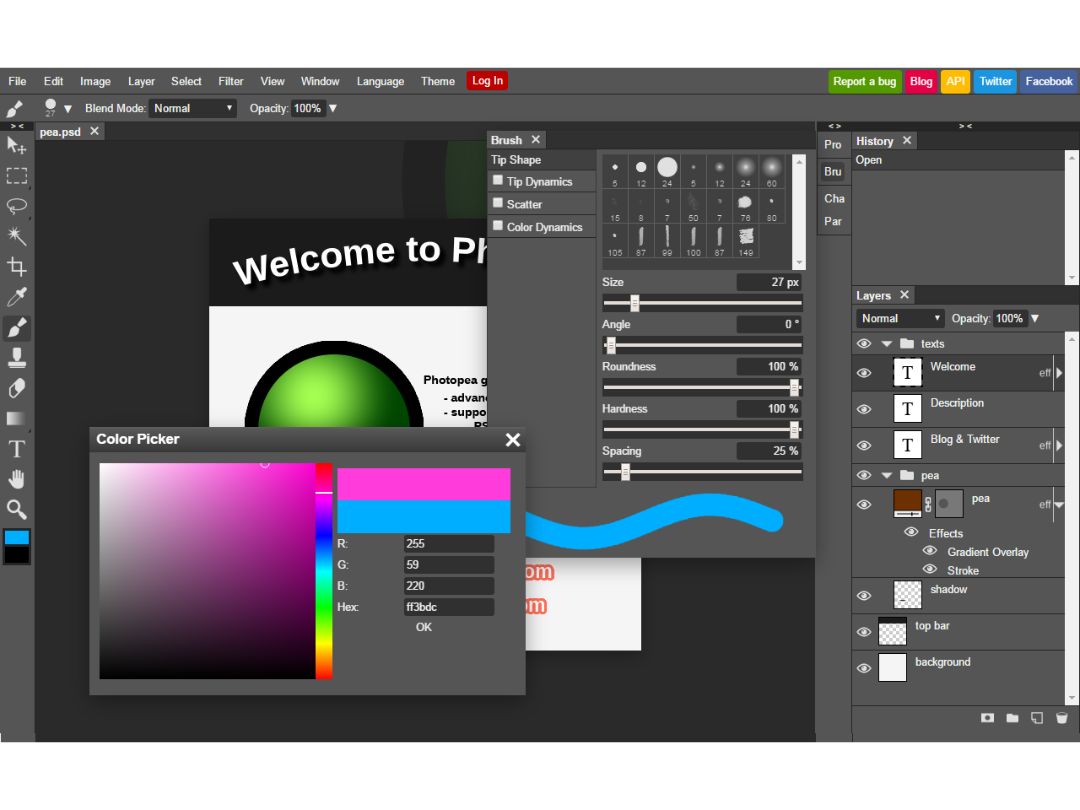
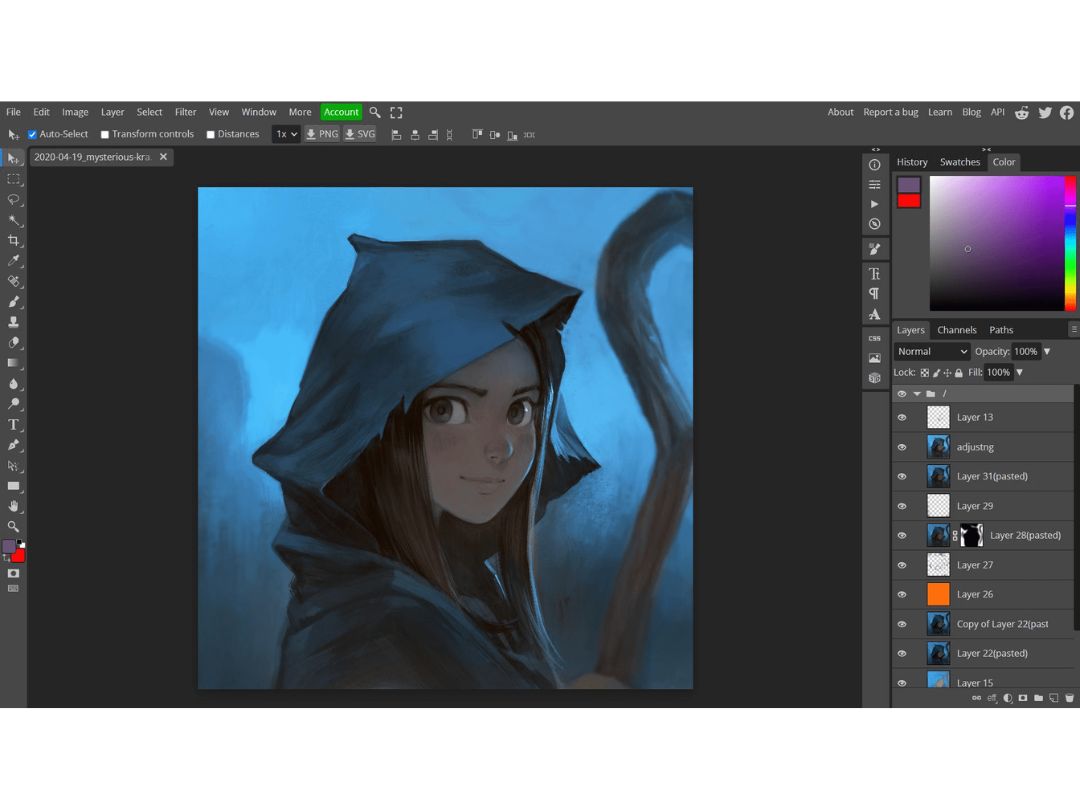
  • Comprehensive Toolset: Photopea boasts a vast array of features, encompassing basic editing tools, advanced filters, and support for layers and masks.
  • Professional-Grade Capabilities: Despite being a free software, Photopea provides professional-grade capabilities that rival paid photo editing programs.
  • Cloud-Based Access: Photopea's cloud-based nature grants you the freedom to access and edit your photos from any device with an internet connection.
  • Seamless Device Synchronisation: Your work seamlessly syncs across all your devices, ensuring continuity and ease of access to your projects.

Benefits of Photopea

  • Design Flexibility: Unleash your creativity with Photopea's comprehensive suite of design tools. Create stunning graphics, eye-catching social media content, and professional-looking print materials.
  • Learning and Development: Photopea provides a platform for learning and experimentation. Engage in tutorials, explore different editing techniques, and enhance your photo editing skills.
  • Time-Saving Tools: Photopea's intuitive interface and automation features streamline your editing workflow, saving you valuable time.
  • Cost-Effective Solution: Eliminate the need for expensive software subscriptions and licensing fees. Photopea empowers you to edit and enhance your photos without breaking the bank.

Pricing Of Photopea Photo Editing Software

Photopea is free to use and is available at techjockey.com. The pricing model is based on different parameters, including the amount of bandwidth you need, the number of servers you need, and the features you need. For further queries related to the product, you can contact our product team and learn more about the pricing and offers.

Photopea Pricing & Plans

Photopea price is available on request

Looking for pricing details, customization requirements or have other queries? We are just a click away.

Photopea Features

  • icon_check Photo Editing Enhance your photos with precision editing and artistic filters.
  • icon_check Graphic Design Design stunning graphics that captivate your audience.
  • icon_check Templates Jumpstart your projects with our library of pre-made templates.
  • icon_check Dashboard Manage your projects effectively with our intuitive dashboard.
  • icon_check Vector Graphics Leverage scalable vector graphics for versatile designs.
  • icon_check Background Remover Effortlessly remove backgrounds from images with advanced tools.
  • icon_check Animation Create dynamic animations with our user-friendly tools.
  • icon_check AI Image Editing Modify selected image areas using text descriptions to replace or generate new visual content.
  • icon_check Color Correction Adjust exposure, contrast, brightness, saturation, color balance, highlights, shadows, and other image properties.
  • icon_check Photo Retouching Correct imperfections using healing, cloning, patching, blur, sharpen, and other professional retouching tools.
  • icon_check Filters & Effects Apply blur, sharpen, distortion, artistic effects, Liquify, Puppet Warp, and other image filters.
  • icon_check Batch Processing Automate repetitive editing tasks across multiple files using actions, scripts, and other supported automation features.
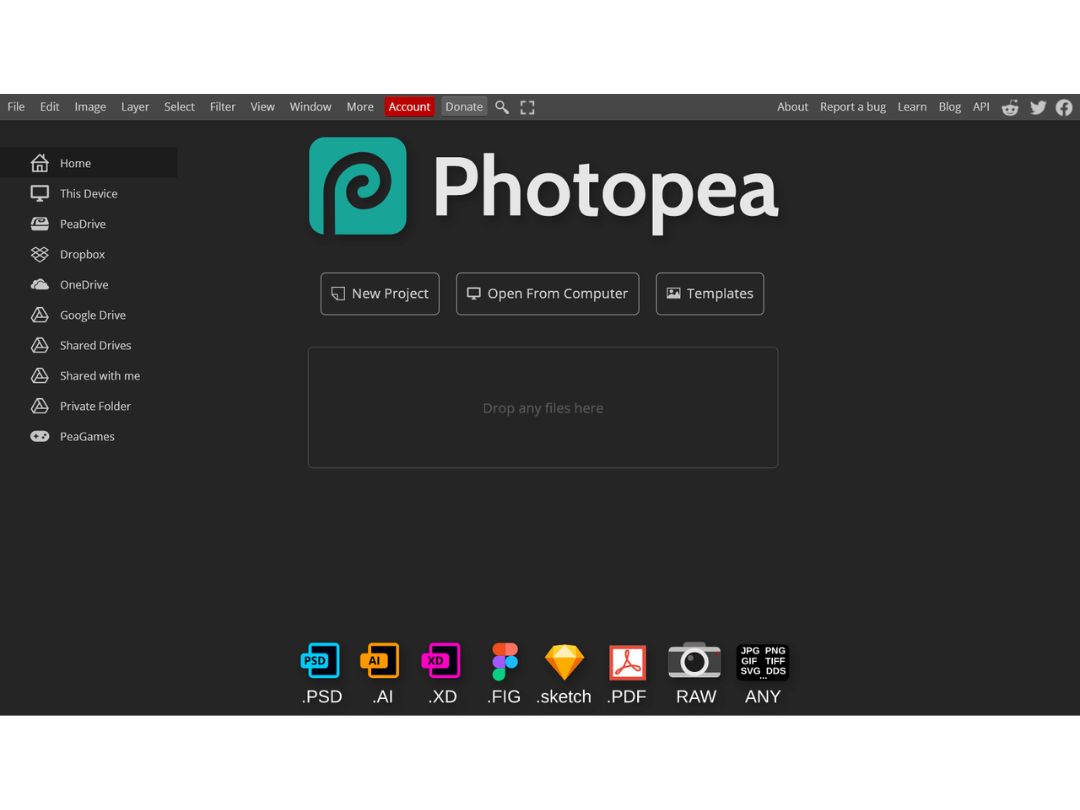
  • icon_check Multi File Format Support Open and edit PSD, AI, PDF, SVG, PNG, JPG, WEBP, GIF, TIFF, RAW, and many other graphic formats.
  • icon_check Photo Resizing Resize images and adjust dimensions or resolution for web, social media, print, and other digital applications.

Photopea Specifications

  • Supported Platforms :
  • Device:
  • Deployment :
  • Suitable For :
  • Business Specific:
  • Business Size:
  • Customer Support:
  • Integration:
  • Training:
  • Language:
  • Ubuntu Windows MacOS Linux
  • Desktop
  • Web-Based
  • All Industries
  • All Businesses
  • Small Business, Startups, Medium Business, Enterprises
  • Email, Communities
  • API Integration
  • Videos
  • English

Photopea Reviews

91%

Have recommended this product

Overall Score

4.4/5
Based on 10 Reviews

Review this product

Your valuable feedback helps others like you make a better decision.

VM

Vaishmavi mavar

Verified reviewer:linkedin_verify

Human Resources, Legal Services

2-100 Employees

Software user since: < 6 months

Reviewed on: Mar 18, 2025

4.3/5

“Best Free Tool for Designers on a Budget”

If you’re a designer on a budget, Photopea is the best free option out there. It’s powerful and works like Photoshop. Some tools aren’t as refined, but for a free tool, I can’t complain!

Pros :

Cons :

Switched from : CorelDRAW

Reason to switch : CorelDRAW was too expensive

Features

4.5/5

Value for Money

5/5

Customer Support

4/5

Ease of Use

4/5

Likely to Recommend

9/10
HK

Hemant kumar

Verified reviewer:linkedin_verify

Administrator, SAAS

101-500 Employees

Software user since: < 6 months

Reviewed on: Mar 10, 2025

4.8/5

“Good for Light Editing but Not for Heavy Work”

I use Photopea for small edits like cropping and resizing images. It works great, but when I tried editing a large PSD file, it lagged a lot.

Pros :

Cons :

Switched from : Adobe Photoshop

Reason to switch : I needed something free for small tasks.

Features

4.5/5

Value for Money

5/5

Customer Support

5/5

Ease of Use

5/5

Likely to Recommend

9/10
DP

Durga Prasad

Verified reviewer:linkedin_verify

IT Manager, IT

2-100 Employees

Software user since: < 6 months

Reviewed on: Mar 2, 2025

4.2/5

“Great for Social Media Graphics”

I use Photopea to make social media graphics, and it works great! It has layers, text tools, and everything I need. It doesn’t have as many filters as Photoshop, but that’s okay.

Pros :

Cons :

Switched from : Canva

Reason to switch : Canva didn’t have enough design flexibility.

Features

4.5/5

Value for Money

4/5

Customer Support

3.5/5

Ease of Use

5/5

Likely to Recommend

9/10

Photopea FAQ

A Photopea offers a free version with all features but includes ads. The premium version starts at $5 per month and removes ads, provides more cloud storage, and adds AI credits. FOr further queries relating to pricing you can contact techjockey.com.
A Photopea is a web-based platform that can be accessed through mobile browsers on smartphones and tablets. There is no dedicated mobile app.
A Photopea is generally considered safe. It's web-based, so no downloads are required. Your work is processed in your browser, enhancing privacy and security.
A While not as full-featured, Photopea offers many similar tools to Photoshop and can handle PSD files. It's a powerful alternative for basic to intermediate editing tasks.
A Photopea is suitable for both beginners and professionals looking for a powerful photo and graphics editor. It's popular among students, teachers, and individuals who can't afford expensive software. Some professionals also use it secretly for work tasks.
A Photopea is an advanced online image editor that supports PSD, XCF, Sketch, and other file formats. It offers tools for photo editing, applying effects, adding text, cropping, resizing, and more - all within a web browser. The interface is similar to Adobe Photoshop.
A As a web-based platform, Photopea works on Windows, Mac, Linux, Chrome OS and other major operating systems through web browsers. It can be used on desktops, laptops, Chromebooks, tablets and phones.
A Photopea is primarily an online tool, but you can use it offline if you load the website before going offline. Some features may be limited without an internet connection.

20,000+ Software Listed 20,000+ Software Listed

Best Price Guaranteed Unbiased Comparison

Free Expert Consultation Read Authentic Reviews

2M+ Happy Customers 500,000+ Monthly Users