linkedin
Raycast logo
play You Had No Idea Raycast Could Do This
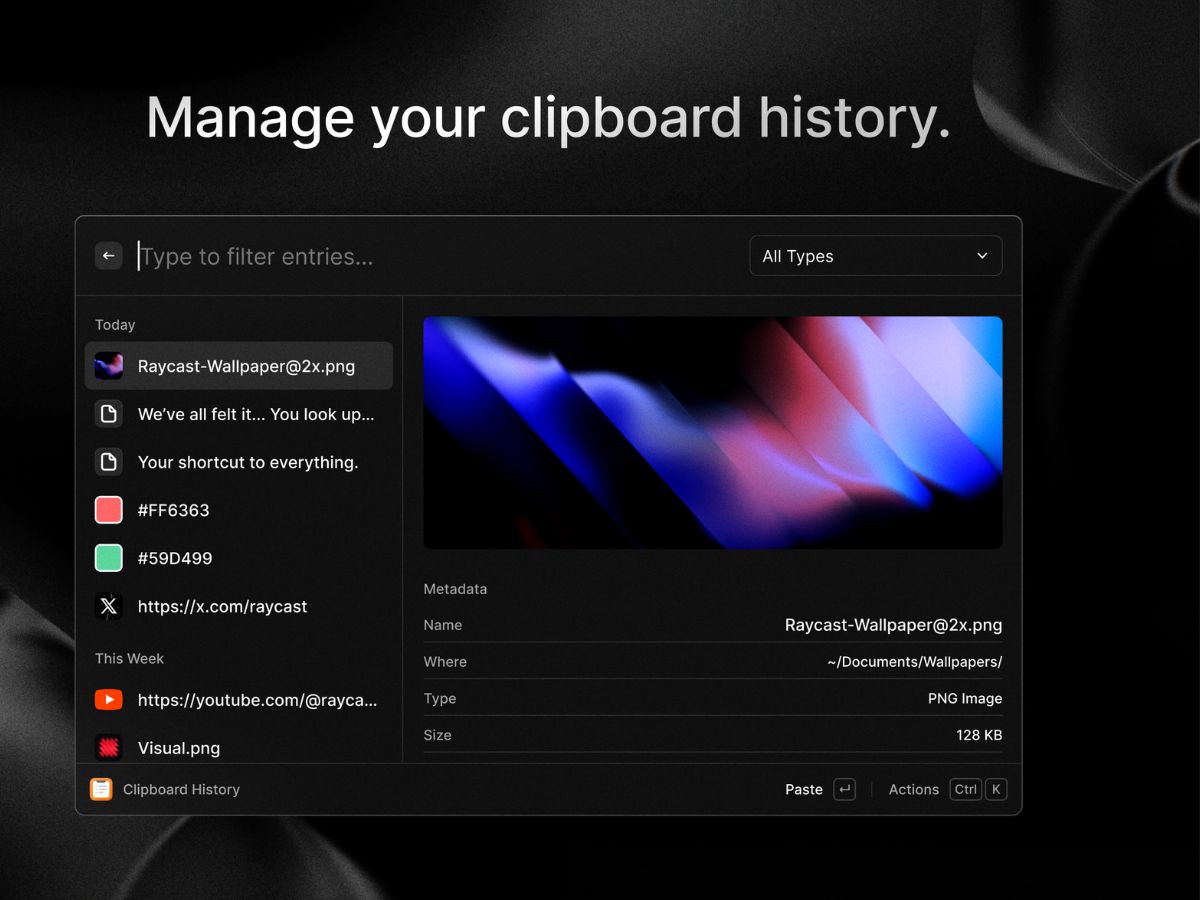
raycast-history
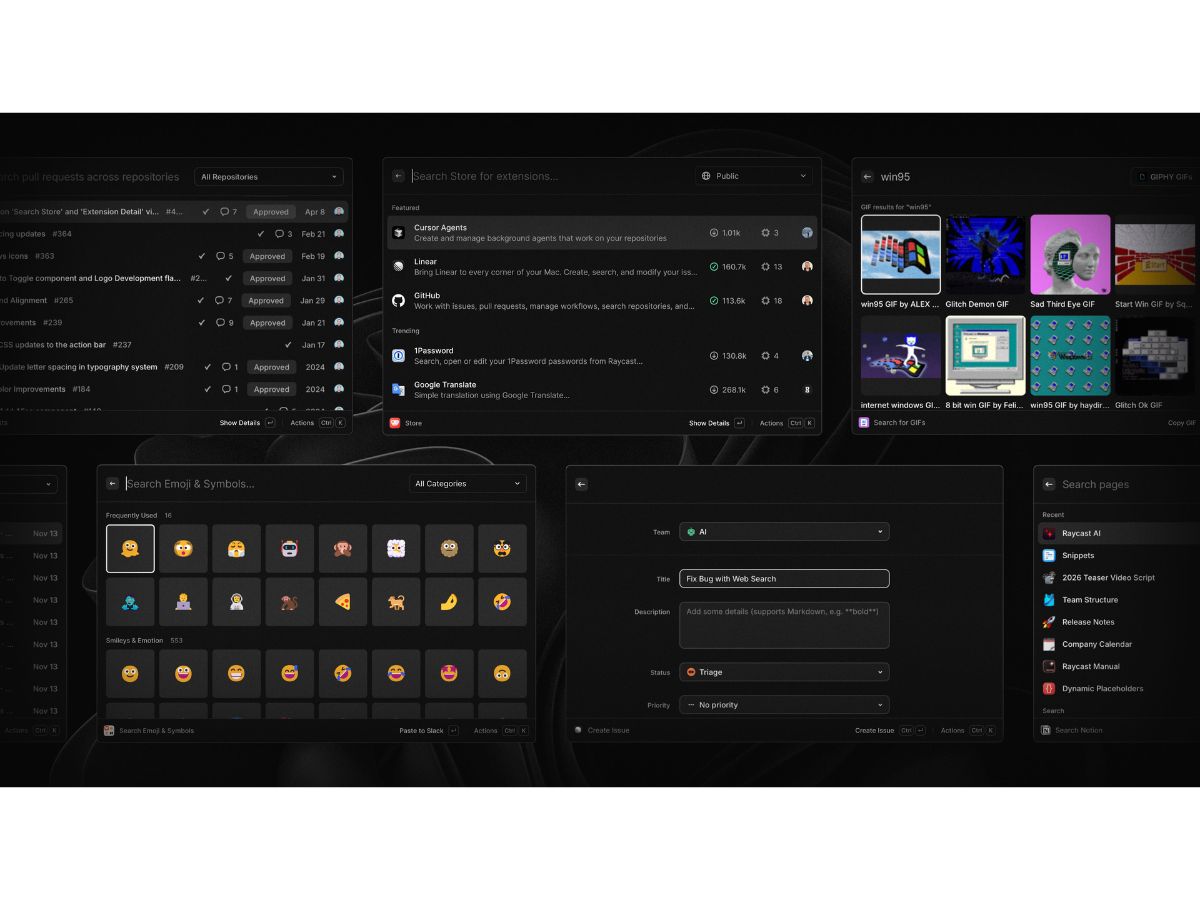
raycast-interface

Raycast

Brand: Raycast Technologies

  • 4.1

  • 3 Ratings

Have you used Raycast before?

Share your insights for better experience

Add a Review
Starting Price
$10

View plans

100% Genuine
Products
Best Price
Guaranteed
Safe & Secure
Payment
  • Pricing

  • Features

  • Specification

  • Review

Starting at $10.00

Raycast Pricing & Plans

Raycast Pro
Starting at $10
    • Licenses

      Licenses
      Licenses
    • Monthly

      Monthly
      Monthly

Key Features

  • Raycast AI

  • Cloud Sync

  • Translator

  • Unlimited Raycast Notes

  • Unlimited Clipboard History

  • Custom Window Management

  • Custom Themes

Pro + Advanced AI
Starting at $20
    • Licenses

      Licenses
      Licenses
    • Monthly

      Monthly
      Monthly

Key Features

  • Everything in Pro

  • Advanced AI Models

Teams Pro
Starting at $15
    • Users

      Users
      Users
    • Monthly

      Monthly
      Monthly

Key Features

  • AI and everything in Pro for your whole team

Teams + Advanced AI
Starting at $25
    • Users

      Users
      Users
    • Monthly

      Monthly
      Monthly

Key Features

  • Everything in Pro for your whole team

Raycast Features

  • icon_check Clipboard History
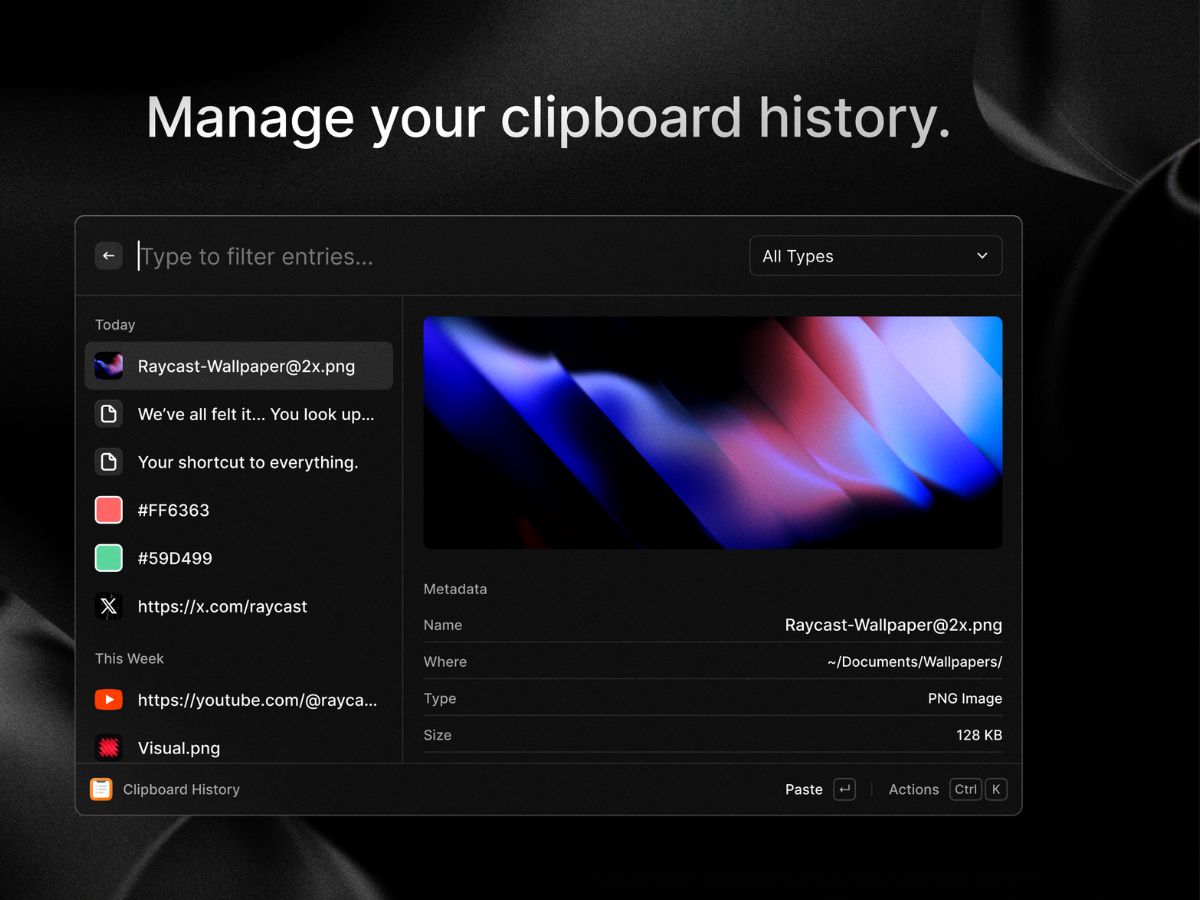
    Stores recently copied text, images, and links locally, allowing users to search and repaste previous content instantly.
  • icon_check Snippet Expansion
    Replaces user-defined text triggers with longer templates, supporting dynamic placeholders like dates and cursor positions.
  • icon_check Window Management
    Resizes and snaps application windows to specific screen sectors using keyboard commands instead of manual dragging.
  • icon_check Extension Store
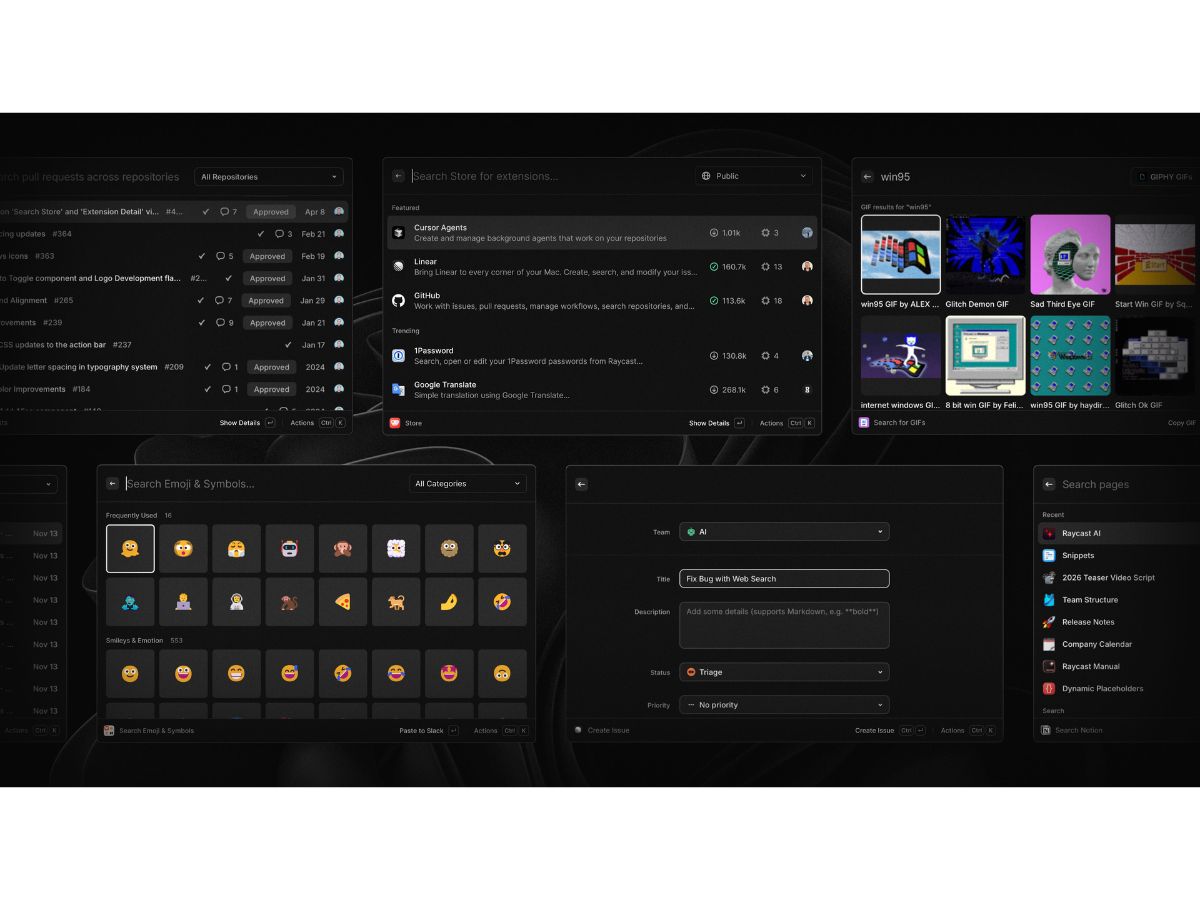
    Provides a directory of community-built plugins to control third-party services like GitHub, Slack, and Spotify.
  • icon_check File Search
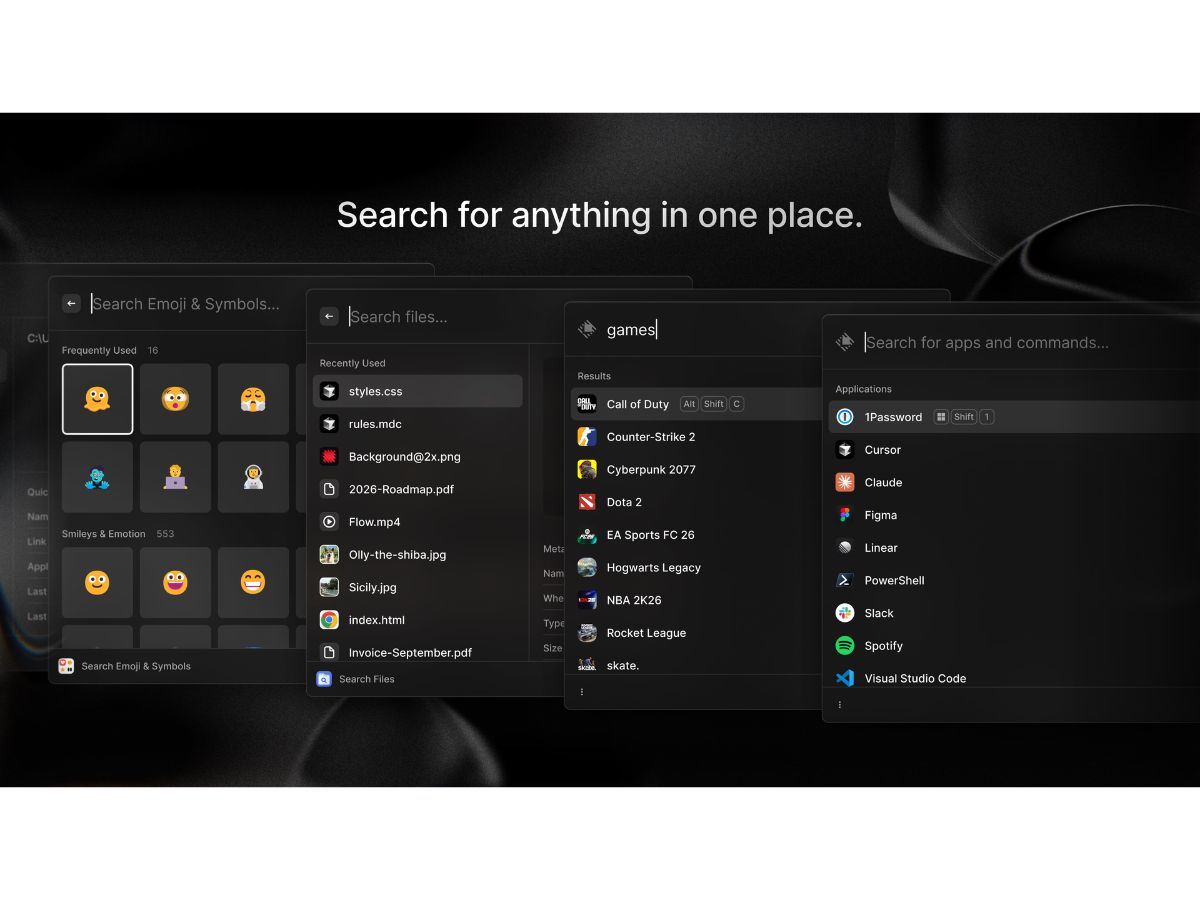
    Locates documents and folders across the local disk using metadata, allowing for immediate opening or file actions.
  • icon_check Calendar Agenda
    Displays upcoming meetings and events from synced accounts with options to join video calls with one keystroke.
  • icon_check Currency Convertor
    Provides real-time exchange rates for global currencies, calculating totals instantly within the primary interface.
  • icon_check Process Monitor
    Lists active system processes and allows users to terminate unresponsive applications without opening Activity Monitor.
  • icon_check Cloud Synchronization
    Synchronizes settings, snippets, and extension configurations across multiple devices using an encrypted cloud backup.
  • icon_check Root Search
    Indexes installed applications for rapid launching, prioritizing frequently used tools based on user behavior.
  • icon_check Team Shared Links
    Enables organizations to share a common library of quicklinks and snippets among all members of a specific team.
Raycast Demo Video play icon

Get Raycast Demo

Watch the demo video to explore key features, real workflows, and how the software fits your business needs.

Understand
Key Features
Personal
Demo Insights
Interactive
Demo Support

Raycast Specifications

Supported Platforms
Windows Windows iOS iOS MacOS MacOS
Devices
Desktop Desktop Mobile Mobile iPad iPad
Deployment
Perpetual Perpetual
Suitable For
All Industries
Business Specific
All Businesses
Business Size
Individual Small Business Startups Medium Business Freelancers
Customer Support
Email Communities
Language
English
Training Resources
Videos
AI Features
AI Integrated

Raycast Review

4.1

Out of 5

img

Overall Rating

Based on
3 Verified Ratings

Rating Breakdown

  • Features 4
  • Value for Money 4.5
  • Ease of Use 4.5
  • Customer Support 3.8

80% Recommend this Product

Add Review

Be the First to Review

This product has no reviews yet. Be the first to leave your feedback.

Add Review

Terms and Condtions

close

Users with registered businesses can purchase goods from merchants on the platform to satisfy their business needs. Users are not permitted to utilize any products acquired through the platform for resale, advertising, business, or further distribution.

For each purchase made, users will receive a Tax Invoice (or 'GST invoice') that includes specific details such as:

  • the GSTIN of the user associated with their registered business, and

  • the specified Entity Name for their business.

It should be noted that not all products are eligible for GST Invoice. Only the products displayed by participating sellers with the 'GST-based Invoice Available' callout on the product description page would qualify.

Certain goods and services are not eligible to get a GST Invoice, including items with VAS, i.e., Value Added Services (e.g., Total Mobile Protection/Assured Buyback) and those involving an exchange offer at the time of purchase.

Users must ensure the accuracy of the GSTIN, and business entity name provided for the GST Invoice. Requests for corrections into GST Invoice would not be accommodated by Techjockey.com or any Seller, and any issues arising from user-provided information are the sole responsibility of users.

Techjockey.com is not liable for the GST Invoice or any associated input tax credit. To efficiently claim an input tax credit, users should select the registered place of business address as per the GST authority's data and follow the provisions of the GST Act and rules.

To claim an input tax credit, the delivery and billing addresses must match. Furthermore, input tax credits will not be granted if the delivery address and GSTIN on the invoice are from different states. In case of incorrect GST details provided during the order placement, the order will be canceled automatically.

21,000+ Software Listed 21,000+ Software Listed

Best Price Guaranteed Unbiased Comparison

Free Expert Consultation Read Authentic Reviews

5M+ Happy Customers 500,000+ Monthly Users