 USA
 India



Apple Notes
Whats great - The best part is that it is free to use. One of the best apps that Apple has put out there. read more


Brand: Saner AI
Have you used Saner AI before?
Share your insights for better experience
Brand: Saner AI
Founded Year: 2024
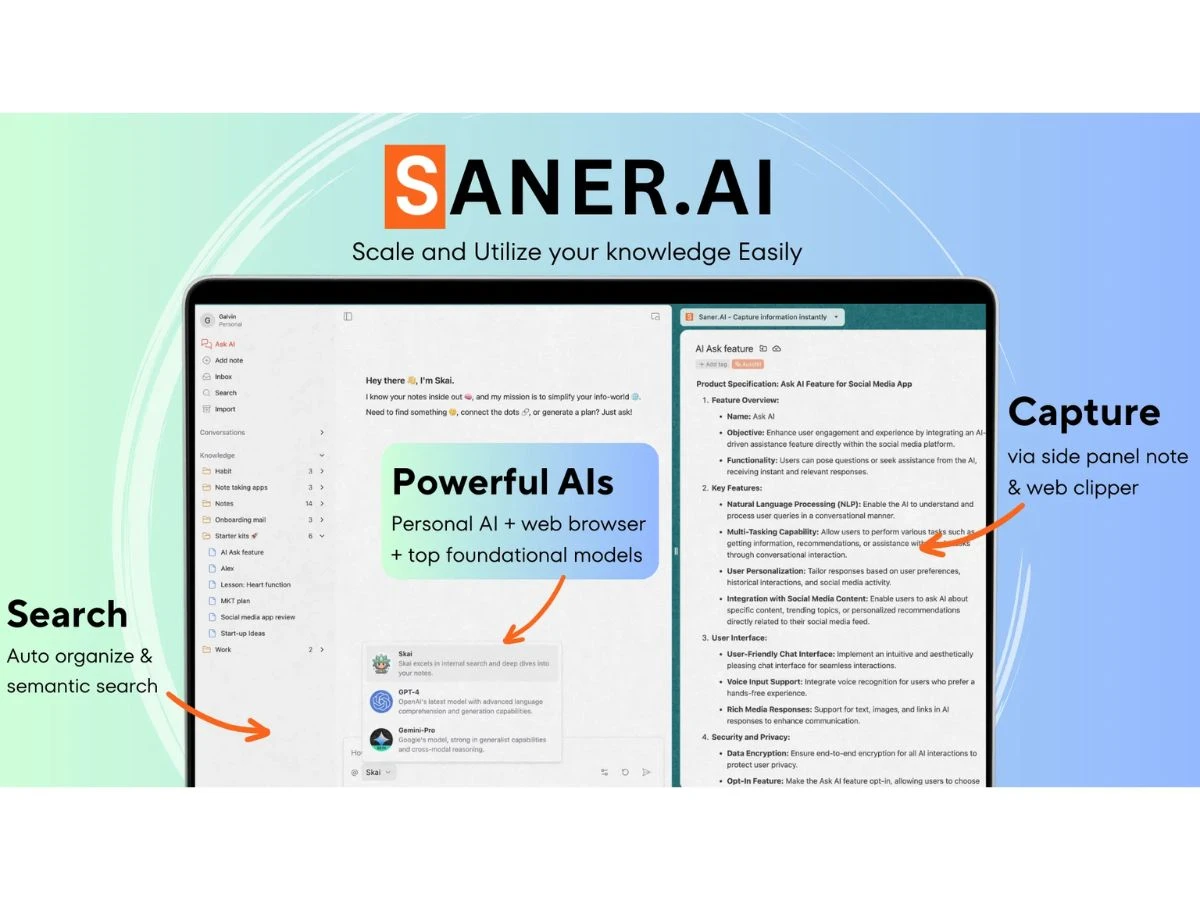
AI Knowledge Base, AI SaaS, AI, SaaS, Productivity App, AI Note Taking App, AI Personal Assistant, AI PKMS.
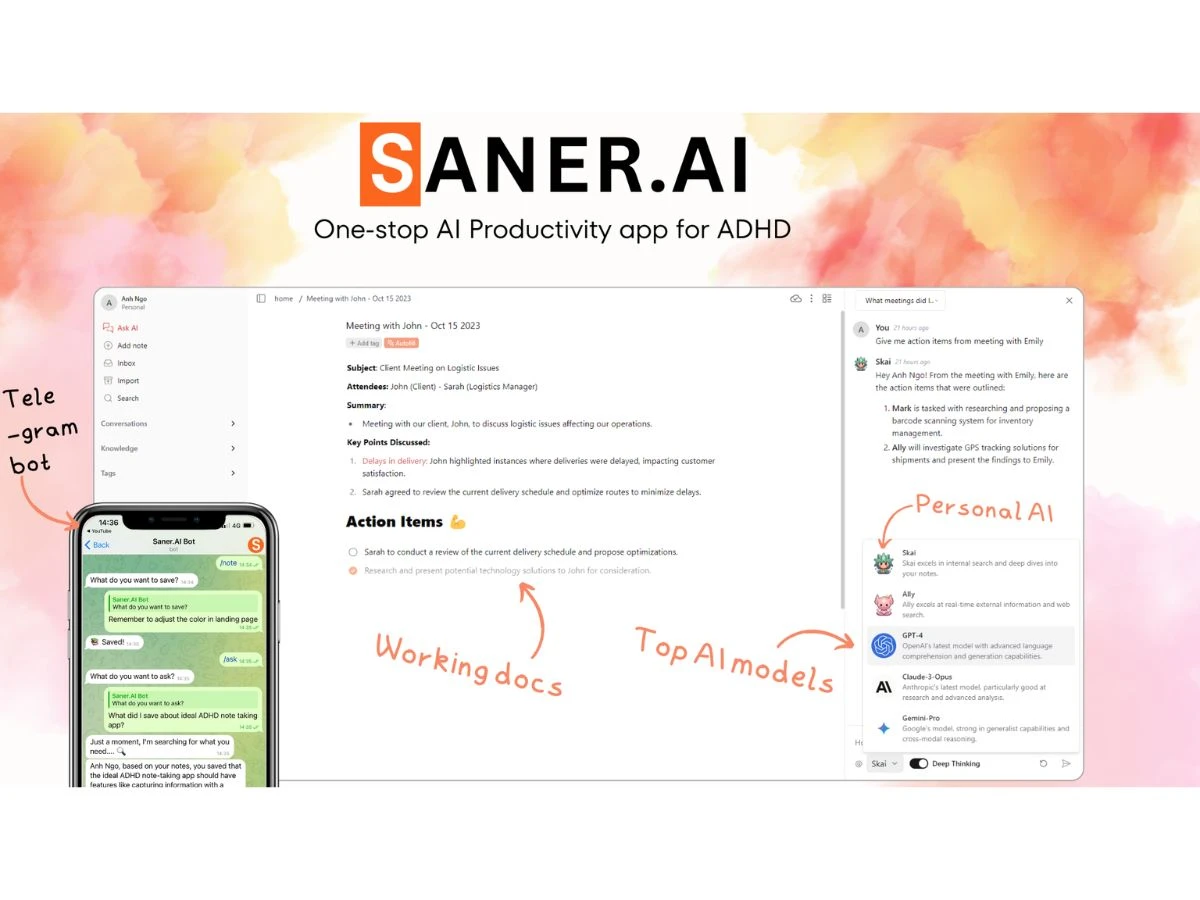
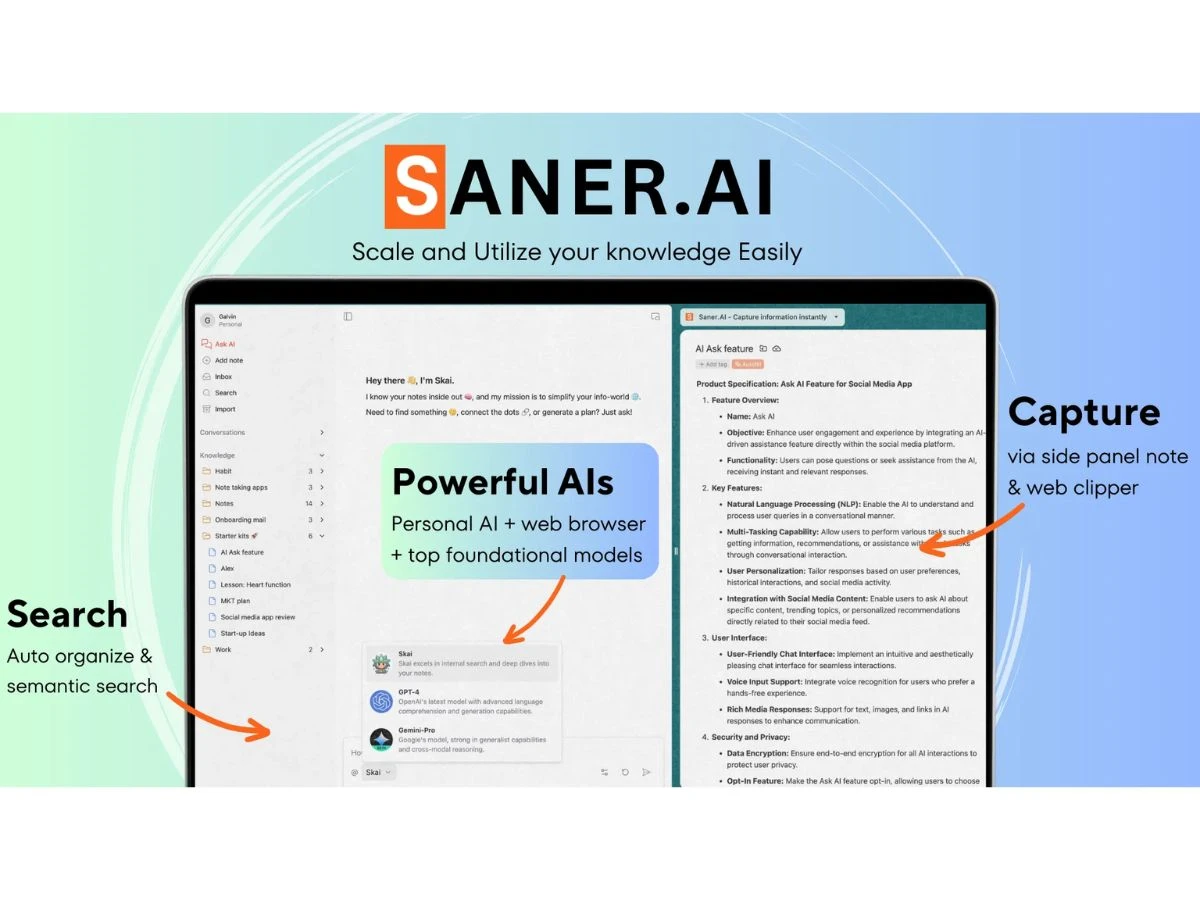
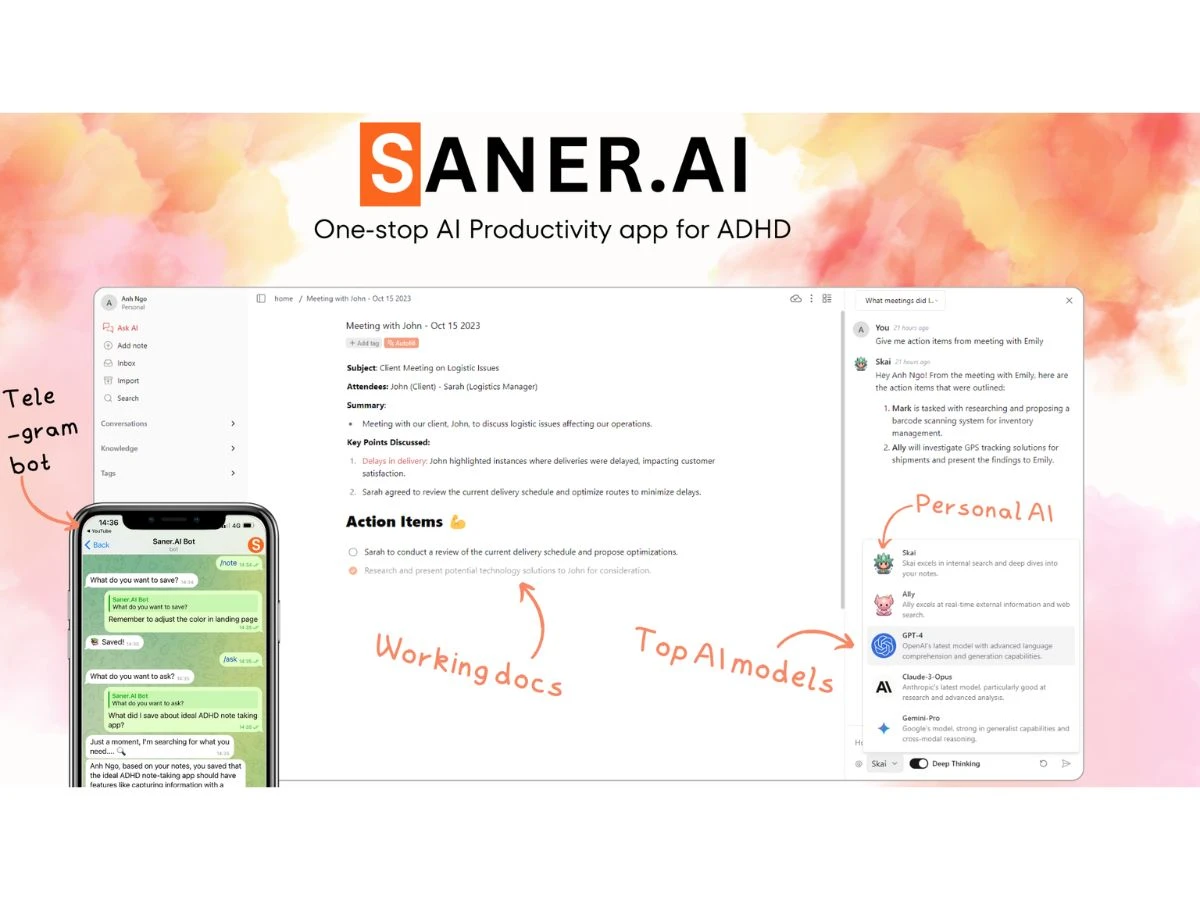
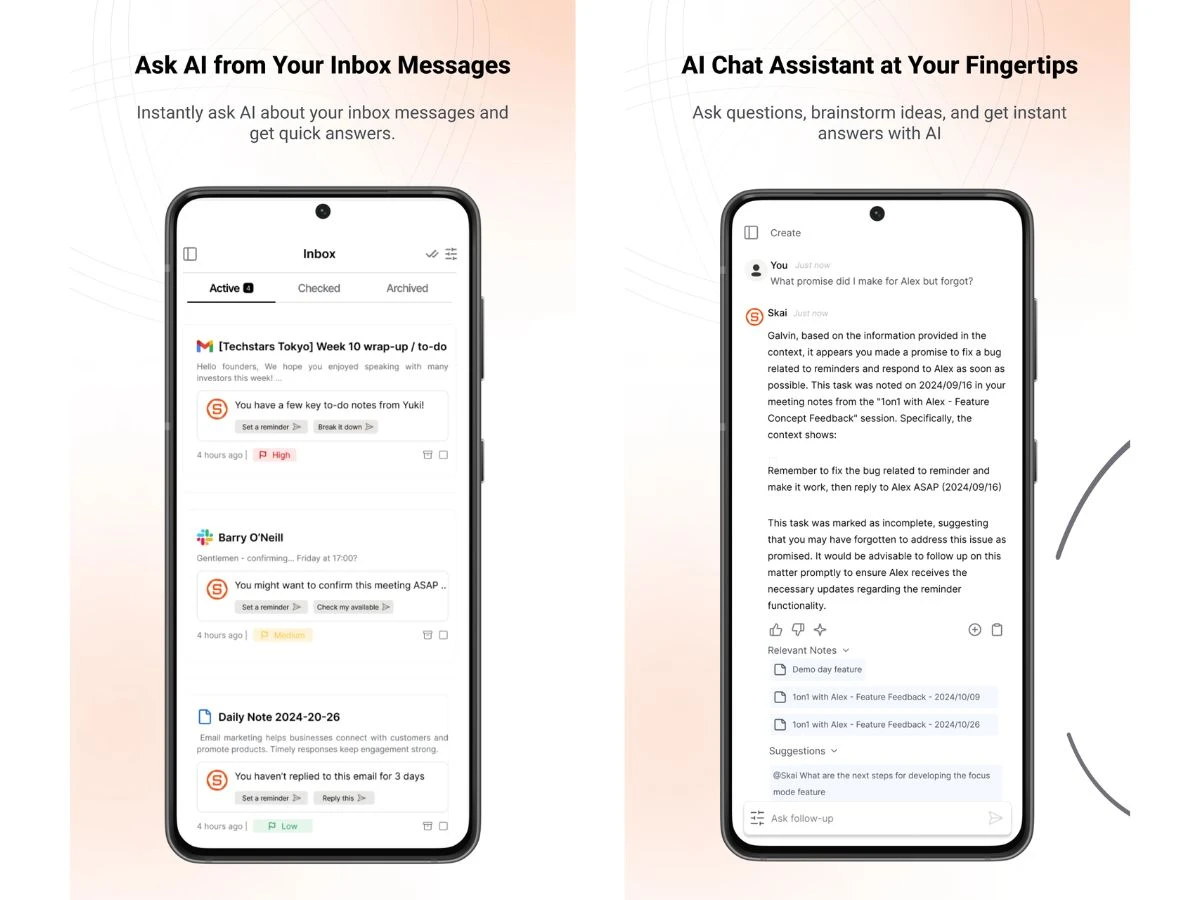
 AI-Powered Knowledge Management Natural Language Search Automatic Tagging Unified Workspace Contextual Linking Voice-to-Text Capture Cross-Platform Synchronization AI Summarization Smart Notifications Integrations Personal AI Assistant (Skai) Privacy and Data Security Customizable Workflows


Watch the demo video to explore key features, real workflows, and how the software fits your business needs.
 Windows
 MacOS
 Linux
 Desktop
 Cloud-Based
4.2
Out of 5

Overall Rating
Based on
4 Verified Ratings
Rating Breakdown
80% Recommend this Product
Add ReviewTechjockey Trusted Reviews from Verified Users
No reviews are currently available for Saner AI. Discover similar Note Taking Software reviews
Apple Notes
Whats great - The best part is that it is free to use. One of the best apps that Apple has put out there. read more
Microsoft OneNote
Whats great - I like how it offers cross-device synchronization. My notes can effortlessly sync across my laptop, phone, and tablet. read more
Amplenote
Whats great - The open API is great for developers. It gave me the freedom to integrate Roam with other tools. read more
Terms and Condtions

Users with registered businesses can purchase goods from merchants on the platform to satisfy their business needs. Users are not permitted to utilize any products acquired through the platform for resale, advertising, business, or further distribution.
For each purchase made, users will receive a Tax Invoice (or 'GST invoice') that includes specific details such as:
the GSTIN of the user associated with their registered business, and
the specified Entity Name for their business.
It should be noted that not all products are eligible for GST Invoice. Only the products displayed by participating sellers with the 'GST-based Invoice Available' callout on the product description page would qualify.
Certain goods and services are not eligible to get a GST Invoice, including items with VAS, i.e., Value Added Services (e.g., Total Mobile Protection/Assured Buyback) and those involving an exchange offer at the time of purchase.
Users must ensure the accuracy of the GSTIN, and business entity name provided for the GST Invoice. Requests for corrections into GST Invoice would not be accommodated by Techjockey.com or any Seller, and any issues arising from user-provided information are the sole responsibility of users.
Techjockey.com is not liable for the GST Invoice or any associated input tax credit. To efficiently claim an input tax credit, users should select the registered place of business address as per the GST authority's data and follow the provisions of the GST Act and rules.
To claim an input tax credit, the delivery and billing addresses must match. Furthermore, input tax credits will not be granted if the delivery address and GSTIN on the invoice are from different states. In case of incorrect GST details provided during the order placement, the order will be canceled automatically.
 21,000+ Software Listed
 Unbiased Comparison
 Read Authentic Reviews
 500,000+ Monthly Users