linkedin
Smartlook logo
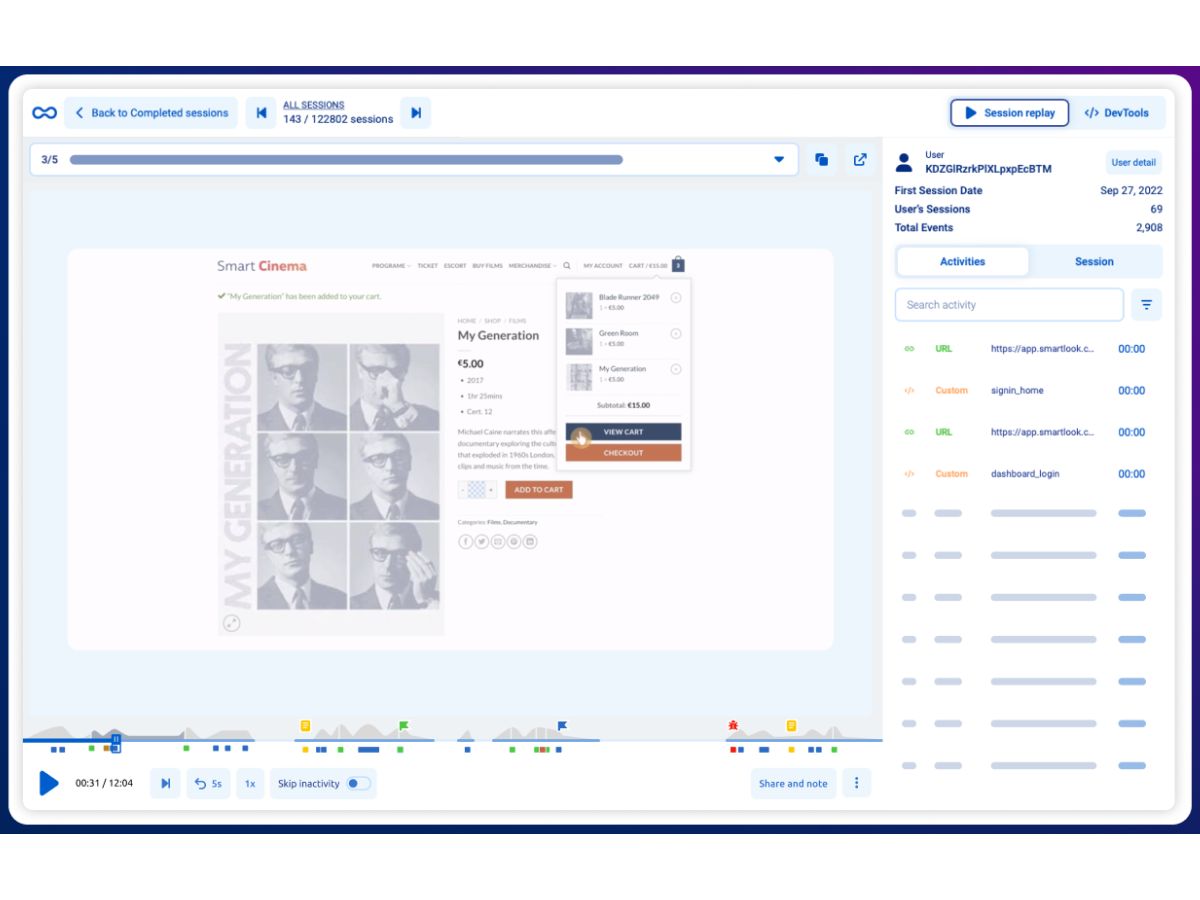
play Smartlook: Analyze user behavior in ways never possible before
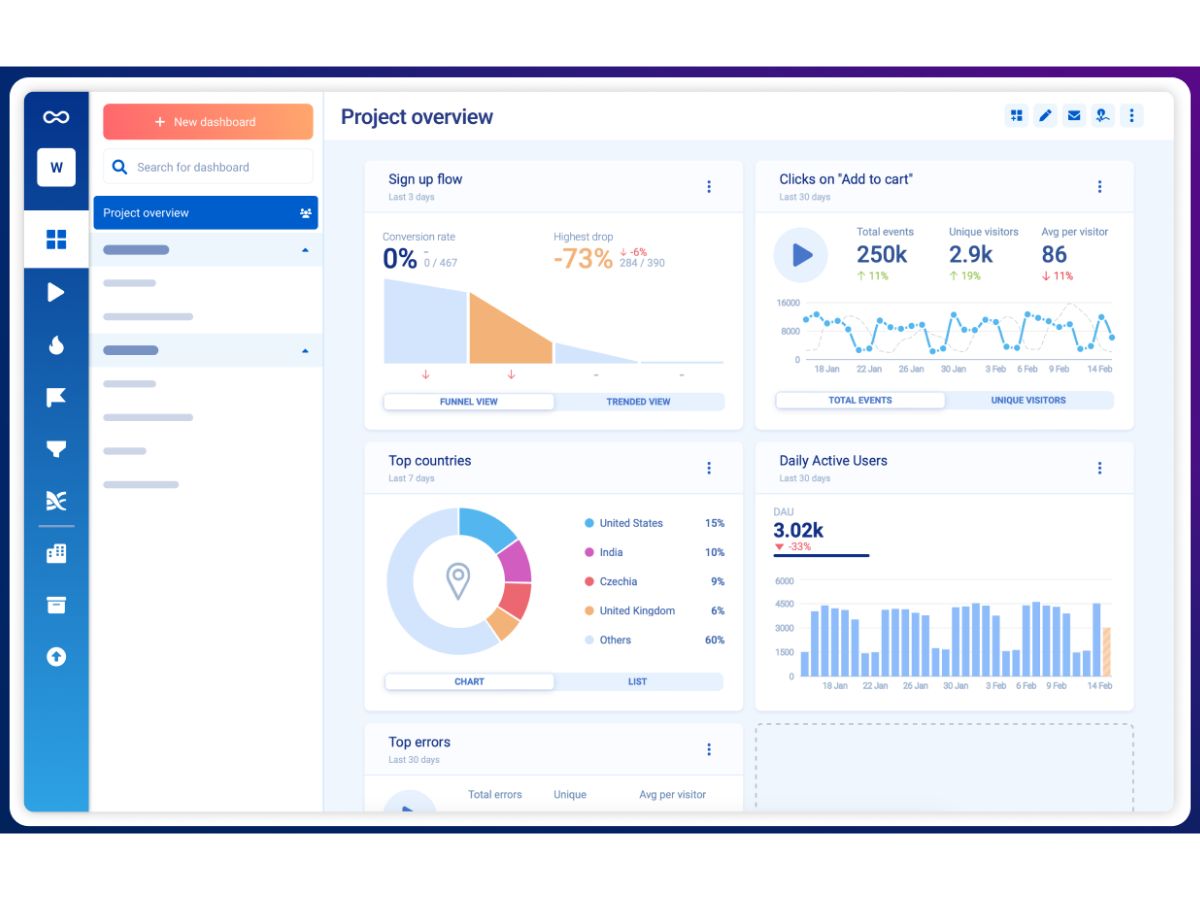
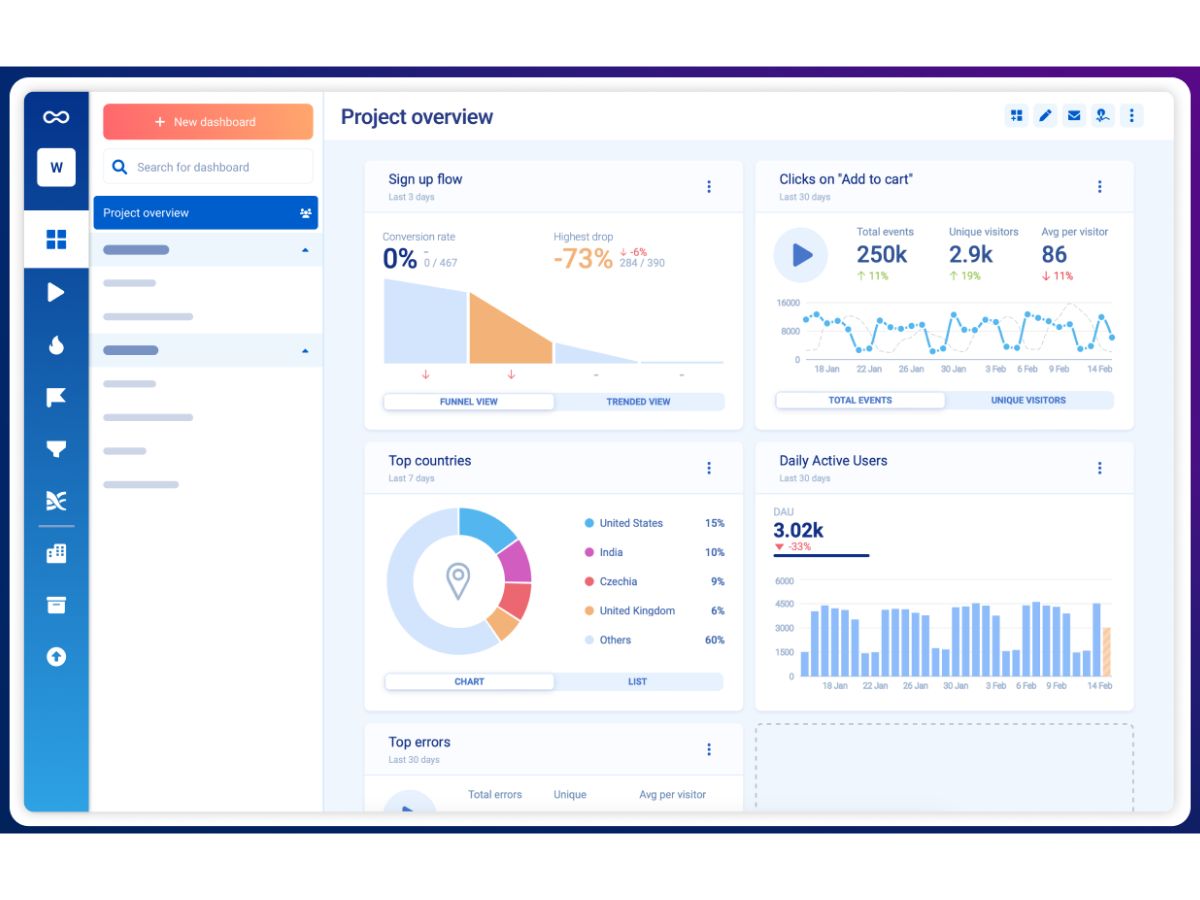
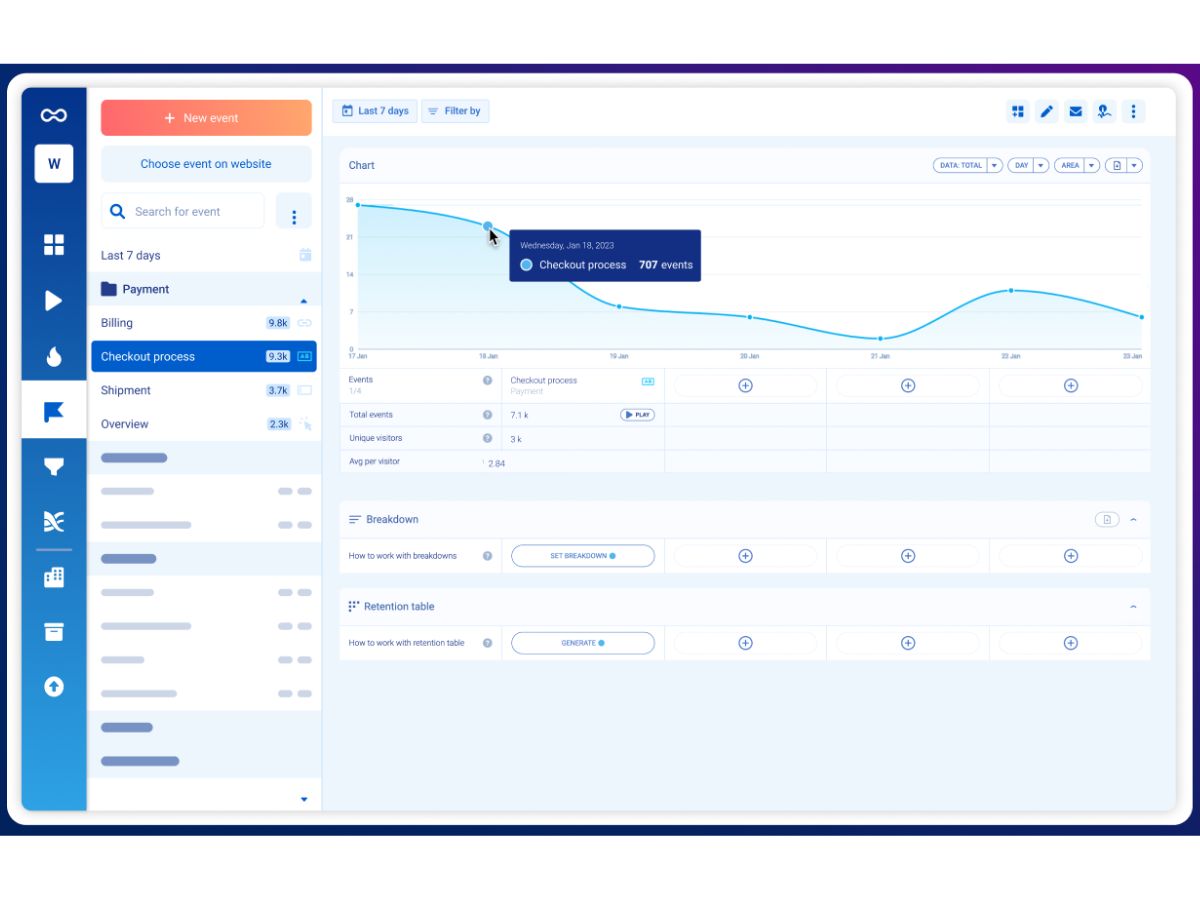
Smartlook-dashboard
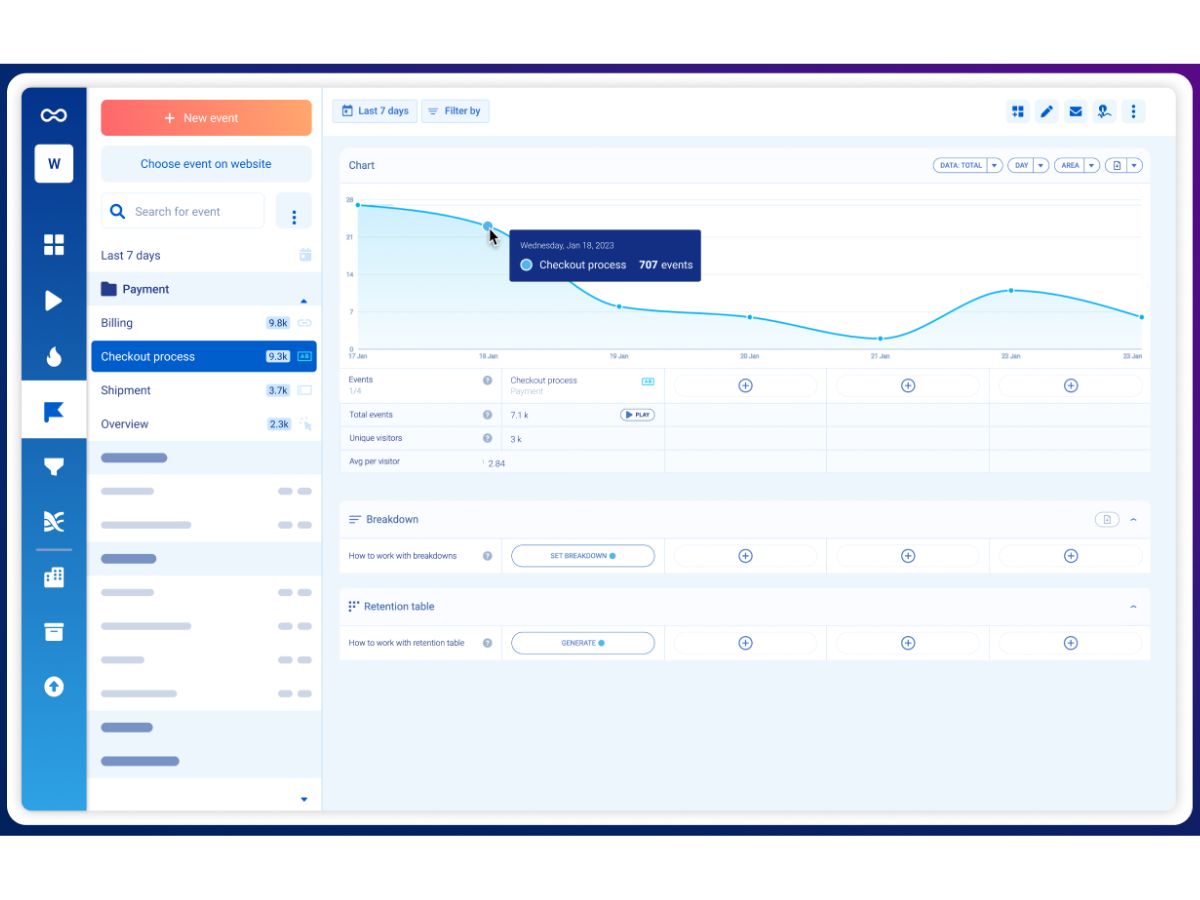
Smartlook-event analytics

Smartlook

Brand: Cisco Systems

  • No Ratings & Reviews

Have you used Smartlook before?

Share your insights for better experience

Add a Review
Starting Price
$65

View plans

100% Genuine
Products
Best Price
Guaranteed
Safe & Secure
Payment
  • Description

  • Pricing

  • Features

  • Specification

  • Review

  • Compare

  • Alternatives

Starting at $64.90

Smartlook Software Overview

Cisco Systems Company Details

Founded Year:  1984

Cisco develops, manufactures, and sells networking hardware, telecommunications equipment, and other technology services and products.

Director/Founders Leonard Bosack, Sandy Lerner
Company Size 1000+ Employees

Smartlook Pricing & Plans

Pro
Key Features
  • From 5,000 monthly sessions
  • More advanced product analytics capabilities
  • Daily anomaly reporting
  • Exports to CSV
  • All premium integrations
  • DevTools and product analytics add-ons
Starting at $64.9
    • Licenses

      Licenses
      Licenses
    • Monthly

      Monthly
      Monthly

Key Features

  • From 5,000 monthly sessions

  • More advanced product analytics capabilities

  • Daily anomaly reporting

  • Exports to CSV

  • All premium integrations

  • DevTools and product analytics add-ons

Smartlook Features

  • icon_check Session Recording
    Records real user sessions to replay clicks, scrolls, and interactions for deep behavioral analysis.
  • icon_check Heatmaps
    Visualizes click, scroll, and movement patterns to identify popular areas and ignored sections.
  • icon_check Event Tracking
    Tracks custom user actions like button clicks, form submissions, and feature usage events.
  • icon_check Conversion Funnels
    Analyzes step-by-step user journeys to detect drop-offs and optimize conversion paths.
  • icon_check User Behavior Analytics
    Combines qualitative session replays with quantitative data to understand user intent clearly.
  • icon_check Reporting
    Links app crashes with session recordings to help teams identify and fix issues faster.
  • icon_check Automatic Detection
    Automatically detects common UI interactions without manual event setup or coding effort.
  • icon_check Advanced Filters
    Filters sessions by device, location, behavior, events, or traffic source for targeted insights.
  • icon_check User Segmentation
    Groups users based on behavior, attributes, or actions for deeper analysis and personalization.
  • icon_check Privacy Control
    Masks sensitive data and supports GDPR compliance with secure data handling options.
  • icon_check Custom Dashboards
    Builds visual dashboards to monitor KPIs, trends, and behavioral metrics in one place.
  • icon_check Integrations
    Connects with tools like Google Analytics, Mixpanel, Slack, and Jira for unified workflows.
  • icon_check Conversion Analytics
    Measures how users interact with key elements influencing sign-ups, purchases, or retention.
  • icon_check Cross-Platform Tracking
    Provides unified insights across web and mobile platforms for consistent user experience analysis.
Smartlook Demo Video play icon

Get Smartlook Demo

Watch the demo video to explore key features, real workflows, and how the software fits your business needs.

Understand
Key Features
Personal
Demo Insights
Interactive
Demo Support

Smartlook Specifications

Supported Platforms
Windows Windows MacOS MacOS Linux Linux
Devices
Desktop Desktop
Deployment
Cloud-Based Cloud-Based
Suitable For
All Industries
Business Specific
All Businesses
Business Size
Small Business Startups Medium Business Enterprises
Customer Support
Email Communities
Language
English
Training Resources
Videos

Explore the Best Alternative Solutions Similar to Your Business Size and Needs

Smartlook Review

Be the First to Review

This product has no reviews yet. Be the first to leave your feedback.

Add Review
Compare Smartlook With other Product Analytics Software

Products
Ratings
Pricing
Device Supported
Deployment
Supported Platforms
  • img

    Smartlook

  • $ 64.90 excl. GST

  • Desktop

    Mobile

  • Web based

    On Premises

  • Windows

    Mac OS

  • img

    UXCam

  • Price On Request

  • Desktop

    Mobile

  • Web based

    On Premises

  • Windows

    Mac OS

  • img

    Statsig

  • 4.5

  • Price On Request

  • Desktop

    Mobile

  • Web based

    On Premises

  • Windows

    Mac OS

  • img

    LogRocket

  • 4.5

  • Price On Request

  • Desktop

    Mobile

  • Web based

    On Premises

  • Windows

    Mac OS

  • img

    NetSpring

  • 4.5

  • Price On Request

  • Desktop

    Mobile

  • Web based

    On Premises

  • Windows

    Mac OS

  • img

    SessionStack

  • 4.5

  • Price On Request

  • Desktop

    Mobile

  • Web based

    On Premises

  • Windows

    Mac OS

  • img

    Countly

  • 4.5

  • Price On Request

  • Desktop

    Mobile

  • Web based

    On Premises

  • Windows

    Mac OS

  • img

    June Analytics

  • 4.5

  • Price On Request

  • Desktop

    Mobile

  • Web based

    On Premises

  • Windows

    Mac OS

  • img

    Mitzu

  • 4.4

  • Price On Request

  • Desktop

    Mobile

  • Web based

    On Premises

  • Windows

    Mac OS

  • img

    Stormly

  • 4.4

  • Price On Request

  • Desktop

    Mobile

  • Web based

    On Premises

  • Windows

    Mac OS

  • img

    Quantum Metric

  • Price On Request

  • Desktop

    Mobile

  • Web based

    On Premises

  • Windows

    Mac OS

(0) Product(s) selected

Smartlook Alternatives

See All Smartlook Alternatives

Available

Price on Request

Starting Price:

$2,500.00

Available

Price on Request

Terms and Condtions

close

Users with registered businesses can purchase goods from merchants on the platform to satisfy their business needs. Users are not permitted to utilize any products acquired through the platform for resale, advertising, business, or further distribution.

For each purchase made, users will receive a Tax Invoice (or 'GST invoice') that includes specific details such as:

  • the GSTIN of the user associated with their registered business, and

  • the specified Entity Name for their business.

It should be noted that not all products are eligible for GST Invoice. Only the products displayed by participating sellers with the 'GST-based Invoice Available' callout on the product description page would qualify.

Certain goods and services are not eligible to get a GST Invoice, including items with VAS, i.e., Value Added Services (e.g., Total Mobile Protection/Assured Buyback) and those involving an exchange offer at the time of purchase.

Users must ensure the accuracy of the GSTIN, and business entity name provided for the GST Invoice. Requests for corrections into GST Invoice would not be accommodated by Techjockey.com or any Seller, and any issues arising from user-provided information are the sole responsibility of users.

Techjockey.com is not liable for the GST Invoice or any associated input tax credit. To efficiently claim an input tax credit, users should select the registered place of business address as per the GST authority's data and follow the provisions of the GST Act and rules.

To claim an input tax credit, the delivery and billing addresses must match. Furthermore, input tax credits will not be granted if the delivery address and GSTIN on the invoice are from different states. In case of incorrect GST details provided during the order placement, the order will be canceled automatically.

21,000+ Software Listed 21,000+ Software Listed

Best Price Guaranteed Unbiased Comparison

Free Expert Consultation Read Authentic Reviews

5M+ Happy Customers 500,000+ Monthly Users